Saltar al contenido principal

Creality Sonic Pad Remote Access

· 13 min de lectura

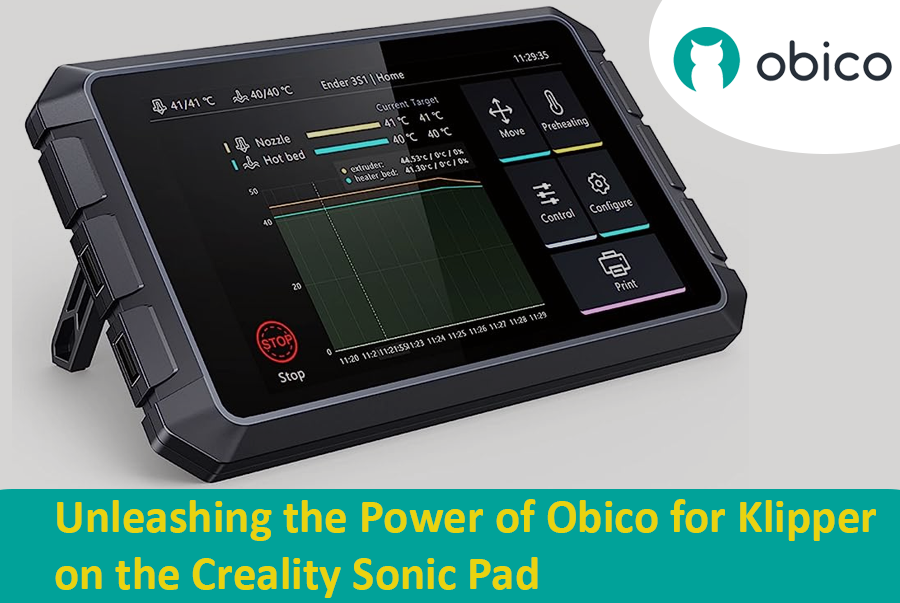
Creality Sonic Pad Meets Obico - Klipper Remote Access and AI Failure Detection

The Creality Sonic Pad and Obico converge to create a dynamic duo in the realm of 3D printing, each bringing unique capabilities to the table. While the Sonic Pad is recognized for its streamlined and user-friendly interface, it has been noted for having certain limitations, particularly in the realm of remote management features. On the other hand, Obico emerges as a pioneering technology, notably recognized for its AI-driven capabilities in 3D printing management, offering users the ability to remotely operate and monitor their 3D printing tasks. The intersection of these two technologies could potentially unlock new possibilities, combining the user-friendly interface of Sonic Pad with the advanced remote management and monitoring capabilities of Obico.

The Significance of Remote Management in 3D Printing

Remote management in 3D printing is pivotal in enhancing the user experience and optimizing the printing process. It allows users to monitor, control, and adjust their 3D printing tasks from anywhere, providing flexibility and ensuring that the printing process is not hindered by physical presence requirements. This is particularly crucial in managing long printing tasks, where continuous monitoring can be labor-intensive. Remote management also enables users to promptly address any issues or failures during the printing process, thereby reducing the risk of material wastage and ensuring the efficient utilization of resources. Furthermore, it opens the door to managing multiple 3D printing tasks across various locations, paving the way for scalability and mass production in 3D printing ventures.

Ender 3 Slicer: Cómo elegir el mejor software de corte

· 16 min de lectura

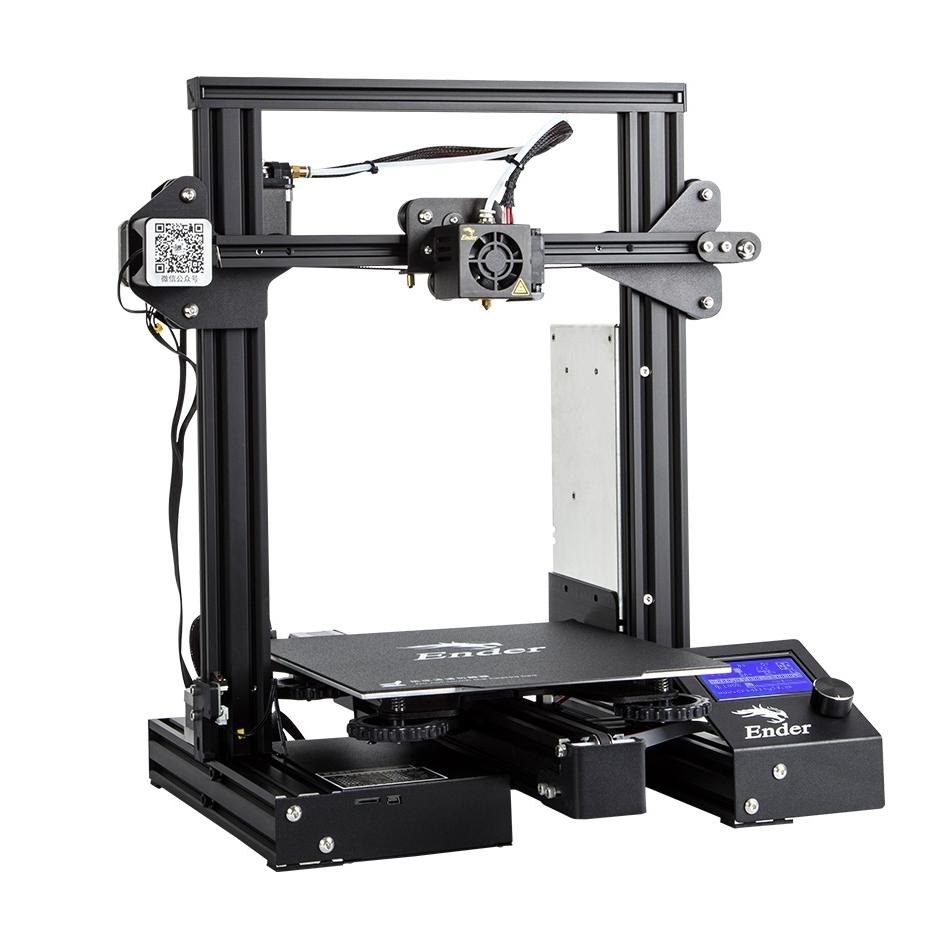
Creality Ender 3/Cortesía: Creality

tip

Try JusPrin, the first GenAI 3D printing tool built on OrcaSlicer.

La Creality Ender 3, conocida por su asequibilidad, personalización y calidad de impresión, se ha convertido en un icono en el mundo de la impresión 3D. Por ello, ha ganado un gran número de seguidores entre aficionados, creadores y profesionales. Ha creado una familia de sucesoras, que incluye la Ender 3 Pro, la Ender 3 V2 con numerosas funciones, la versátil Ender 3 S1 con sus versiones Pro y Plus, y los últimos modelos Neo. Si bien poseer una de las mejores impresoras 3D es una ventaja significativa, es solo el principio. Para aprovechar al máximo el potencial de la Ender 3, es fundamental elegir la mejor cortadora 3D para Ender 3 que combine a la perfección capacidad y facilidad de uso.

Sin embargo, un aspecto clave para lograr impresiones 3D excepcionales con la Ender 3 es la elección del software de corte. Un cortador 3D actúa como un vínculo vital entre el modelo 3D digital y la impresión física, traduciendo las ideas creativas a código G, lo que proporciona un control meticuloso sobre los parámetros de impresión, desde la altura de la capa hasta la densidad del relleno.

En esta amplia gama de opciones, elegir un cortador para tu Ender 3 es una decisión personal. Entonces, te preguntarás qué caracteriza la experiencia ideal de corte con esta impresora 3D. Cada cortador influye de forma única en tu proceso creativo. El punto de partida es contar con un perfil de impresora dedicado y, posteriormente, la libertad de controlar una gran cantidad de parámetros críticos, lo que permitirá a cualquier tipo de usuario mejorar la calidad y el éxito de la impresión. Estos son algunos de los factores cruciales para elegir el cortador ideal.

15 Best Thingiverse Alternatives for Free 3D Models [2026]

· 17 min de lectura

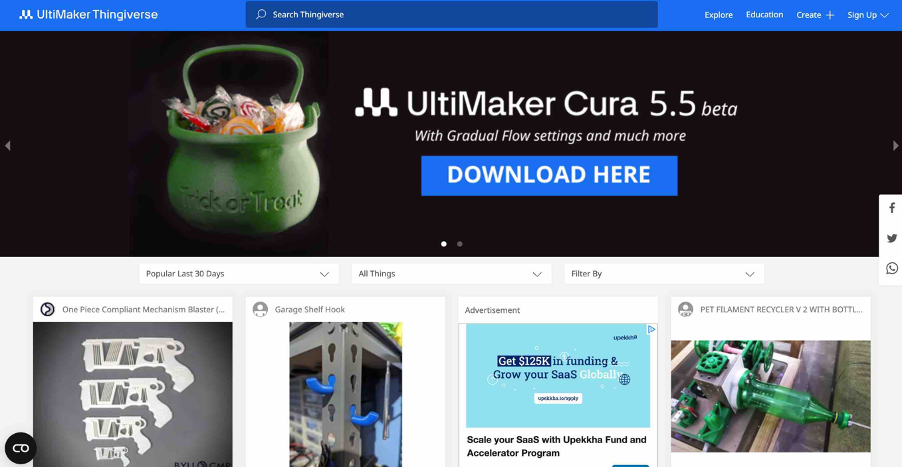
Thingiverse homepage/Courtesy: Thingiverse

It is unlikely that you have not heard of Thingiverse if you have spent any time in the 3D printing community. Thingiverse has long been a reliable source for free STL files. It's 'the' place to go for printable models. However, because the world of 3D printing is vast, we have compiled a list of the best Thingiverse alternatives worth investigating. If you want to dive deeper on any of these 3D model repositories, check out our article on the best 3D model repositories.

About Thingiverse

Before we get started on the long list, let's first know about Thingiverse. Thingiverse has been a staple of the 3D printing community since its inception in 2008. It's more than just a repository; it's a meeting place for artists from all over the world. Thingiverse has fostered a collaborative environment where people come together to share, explore, and create with an extensive library of user-generated content.

This platform is beloved for its friendly community, plethora of designs, and simple interface. It's a place where beginners and experts can come together to share ideas and designs in an open-source environment. Now, let's look at other galaxies in the 3D printing universe.

Despite the fact that many new repositories have emerged, they are all judged and compared with Thingiverse, and we will do the same. Examining the best Thingiverse alternatives available.

3D Printing Software for Designing, Slicing, Printing, and Monitoring

· 24 min de lectura

1. 3D Printer Software

3D printing, a marvel of modern technology, has transformed the way objects are created, from intricate models to usable everyday items. While the hardware plays a pivotal role in bringing creations to life, 3D printer software is the unsung hero, seamlessly bridging the gap between digital designs and physical manifestations. This section delves into the integral role of software in 3D printing and underscores the importance of selecting the right tools to ensure optimal outcomes.

1.1 Understanding the Role of Software in 3D Printing

The software used in 3D printing serves as the linchpin that connects imaginative designs with tangible reality. It is the medium through which digital models are translated into physical objects, guiding the printer to accurately replicate the digital model layer by layer. The software is responsible for interpreting 3D models, converting them into a language that the printer can comprehend, and subsequently instructing the printer on how to construct the object in a precise and coordinated manner.

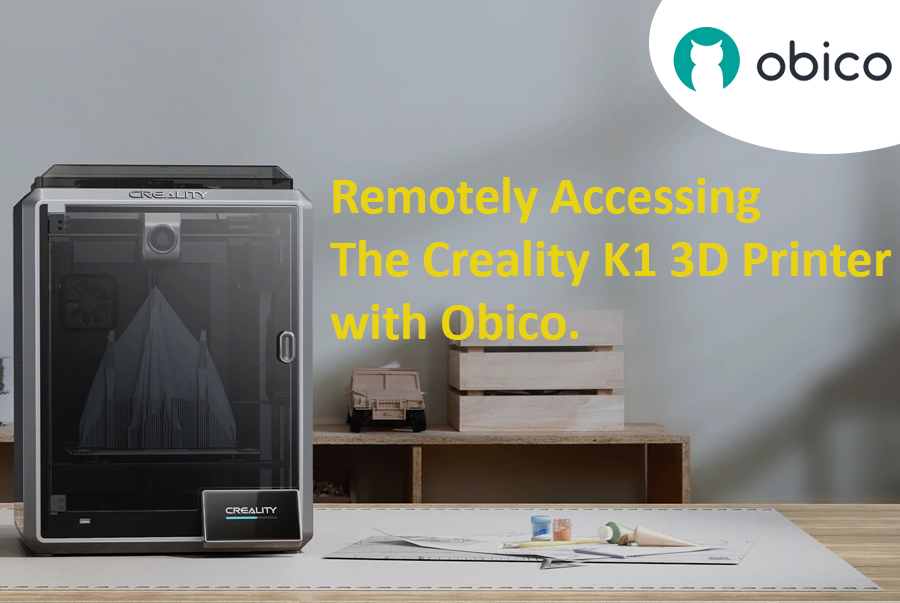
Remotely Accessing the Creality K1 and K1 MAX 3D Printer - A Comprehensive Guide

· 15 min de lectura

Introduction

In the evolving world of 3D printing, the ability to remotely monitor and manage printers has become an indispensable feature for enthusiasts and professionals alike. As we delve into this guide, our primary intention is to empower users of the Creality K1 3D printer with the capability to access their devices remotely. Beyond mere convenience, this remote access can also harness the power of AI to detect potential print failures, ensuring smoother and more successful print jobs.

Central to our exploration is a tool named Obico. But what exactly is Obico?

Obico is an advanced software platform designed specifically to enhance the 3D printing experience. It's not just about remote access, though that's a significant feature. Obico integrates artificial intelligence mechanisms to monitor ongoing print jobs, detecting anomalies that could result in print failures. By notifying users of such potential disruptions in real-time, it drastically reduces wasted materials and time. Obico also has a fully featured mobile app available for both iOS and Android. Both the web app and mobile app also give you full remote access to the full Mainsail or Fluidd interface from anywhere through Obico’s tunneling feature. This blend of remote access and AI-driven insights underlines Obico's relevance and growing importance in the 3D printing community.

As we proceed through this guide, we will start with the initial steps of setting up Obico on the Creality K1, and then we will walk through some of the nuances of optimizing its features, ensuring you harness the full power of Obico.

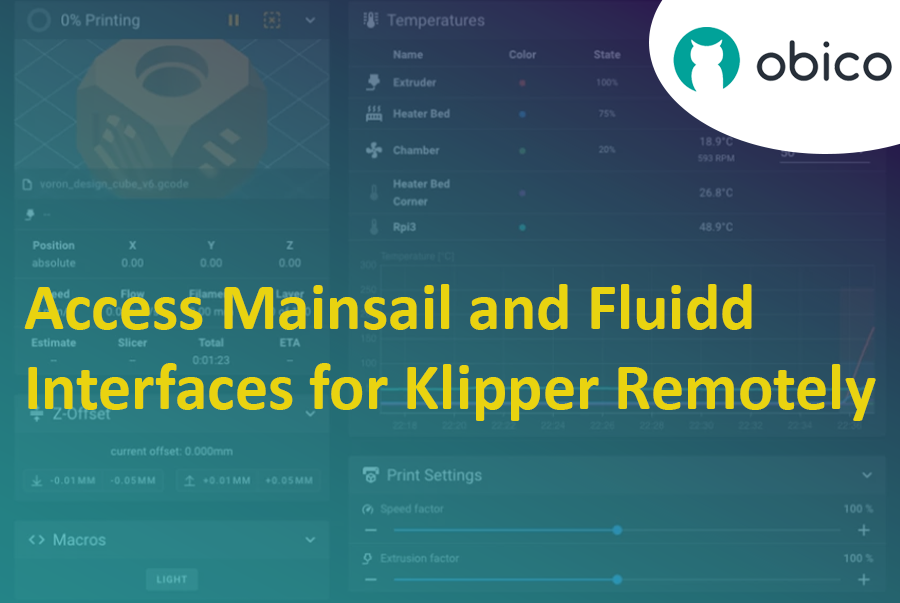
Mainsail and Fluidd Interface Remote Access for Klipper

· 18 min de lectura

Mainsail and Fluidd Remote Access for Klipper

Introduction

In the dynamic realm of 3D printing, Klipper stands out as a next-generation firmware that is rapidly gaining traction among enthusiasts and professionals alike. Rooted in its promise to provide faster, precise, and high-quality printing, Klipper cleverly sidesteps traditional firmware limitations by offloading the intricate calculations from microcontrollers to more powerful systems, such as a Raspberry Pi. This unique approach ensures enhanced print speeds without compromising on accuracy, a feature that has catapulted it to the forefront of 3D printing innovations.

As with any cutting-edge technology, the user interface becomes the bridge between intricate machinery and user efficiency. Enter Mainsail and Fluidd—two of the most prominent interfaces tailored for Klipper. Mainsail prides itself on its lightweight design, offering a sleek, web-based interface optimized for performance and ease of use. Fluidd, on the other hand, emphasizes a responsive design, complete with customizable dashboards and an array of features to provide a comprehensive control hub for all your 3D printing needs. Together, these interfaces underscore the versatility and adaptability of Klipper, catering to both beginners and seasoned experts in the field.

Ender 3 V2: Todo lo que necesitas saber

· 22 min de lectura

Introducción

En el cambiante panorama de la impresión 3D, ciertos modelos destacan y marcan la diferencia en la industria. Uno de ellos es la Ender 3 V2. Sucesora de la popularísima Ender 3, esta versión actualizada promete funciones mejoradas y una mejor experiencia de usuario, convirtiéndola en una de las opciones predilectas tanto para principiantes como para entusiastas experimentados de la impresión 3D. A medida que la impresión 3D se generaliza, es fundamental comprender qué distingue a la Ender 3 V2 de la competencia. Este artículo profundiza en el mundo de la Ender 3 V2, comparándola con otras impresoras 3D similares y explicando por qué ha alcanzado tanta popularidad. Manténgase al tanto mientras desglosamos las especificaciones técnicas, las ventajas y las posibles desventajas de la Ender 3 V2, ofreciéndole una visión general completa que le ayudará a tomar decisiones sobre impresión 3D.

10 Must-Have Upgrades for the Creality Ender 3 S1 3D Printer

· 10 min de lectura

Ender 3 S1 3D Printer/Source: Creality

tip

Looking for another 3D printer? Check out our guide on the best upgrades for 3D printers, our guide on the best Ender 5 upgrades, or our Ender 3 3D printer comparison guide.

Creality 3D printers are well-known for their low cost and reliability. If you own an Ender 3 S1 3D Printer, you're already on your way to producing stunning prints. But instead of limiting yourself to the default features of the printer, why not upgrade it to deliver even better performance? And so we've compiled a list of the top ten must-have upgrades for your Ender 3 S1 3D printer.

These upgrades will propel your 3D printing to new heights. We have everything you need, from precision-enhancing accessories to creative additions that push the limits of what your 3D printer can do. Whether you're an experienced maker or a beginner, these enhancements will improve your experience and open up new possibilities.

Obico First Layer AI (codename: Celestrius) Alpha Deep Dive

· 6 min de lectura

Obico First Layer AI (codename: Celestrius) has rolled out to hundreds of alpha testers so far. Now let's hear what the alpha testers have to say:

"Celestrius AI can see tiny defects that I would totally miss myself. I feel like I can rest assured that my first layer is solid if the report card comes from Celestrius says it's an A."
"I'm so glad that I'm in the alpha program. My trident started to form a blob around the nozzle and Celestrius alerted me about it!"
"Without Obico's First Layer AI, I probably wouldn't have realized that I have been under-extruding the whole time. 🙃"

What is Deep Learning?

· 10 min de lectura
Author's bio: I am a Mechatronics and Control Engineer and a part-time hobbyist, who believes that only research & technology can make this world a better place.

The Obico team was the first to offer AI for 3D printing failure detection back as early as 2019. Since then, our AI has watched over 80 million hours of 3D printing and caught almost one million 3D printing fialures. Over the years, we have continued to improve our initial webcam based failure detection product and worked on a variety of new projects like our recent first-layer AI inspection that is currently in alpha testing.

This article is the first in a series on AI. In this series, we will discuss some of the basics in AI and how it can be applied to 3D printing.

Today, we will talk about the introduction and workings of deep learning. It is the era of technology, we see better interaction with machines every day. These machines are now capable of providing many services that were once totally expected from human beings. Almost all of these tasks are directly or indirectly connected with the advancement of deep learning.

Deep learning is the branch of machine learning that is capable of learning complex patterns of data presented in the form of networks. Nowadays, Deep learning is one of the most demanding fields because of the rapid growth in research and experiments on it. People are now more aware of deep learning and the reason is, deep learning is not only limited to higher-level technology, but the common devices also have their applications in it. This article is based on an introduction, basic information, and workings of deep learning, along with its applications. So we will start with the introduction.