OctoEverywhere and Obico are two of the most popular Octoprint plug-ins developed to let you access your 3D printer virtually anywhere in the world. Both these plug-ins have great functionality and features that enhance the overall experience of using your 3D printer remotely.
In this article, we'll take a detailed look at these plug-ins and understand them inside-out. Towards the end, you'll have a complete understanding of Obico and OctoEverywhere, and will be able to choose the best plug-in that matches your remote 3D printing necessities.
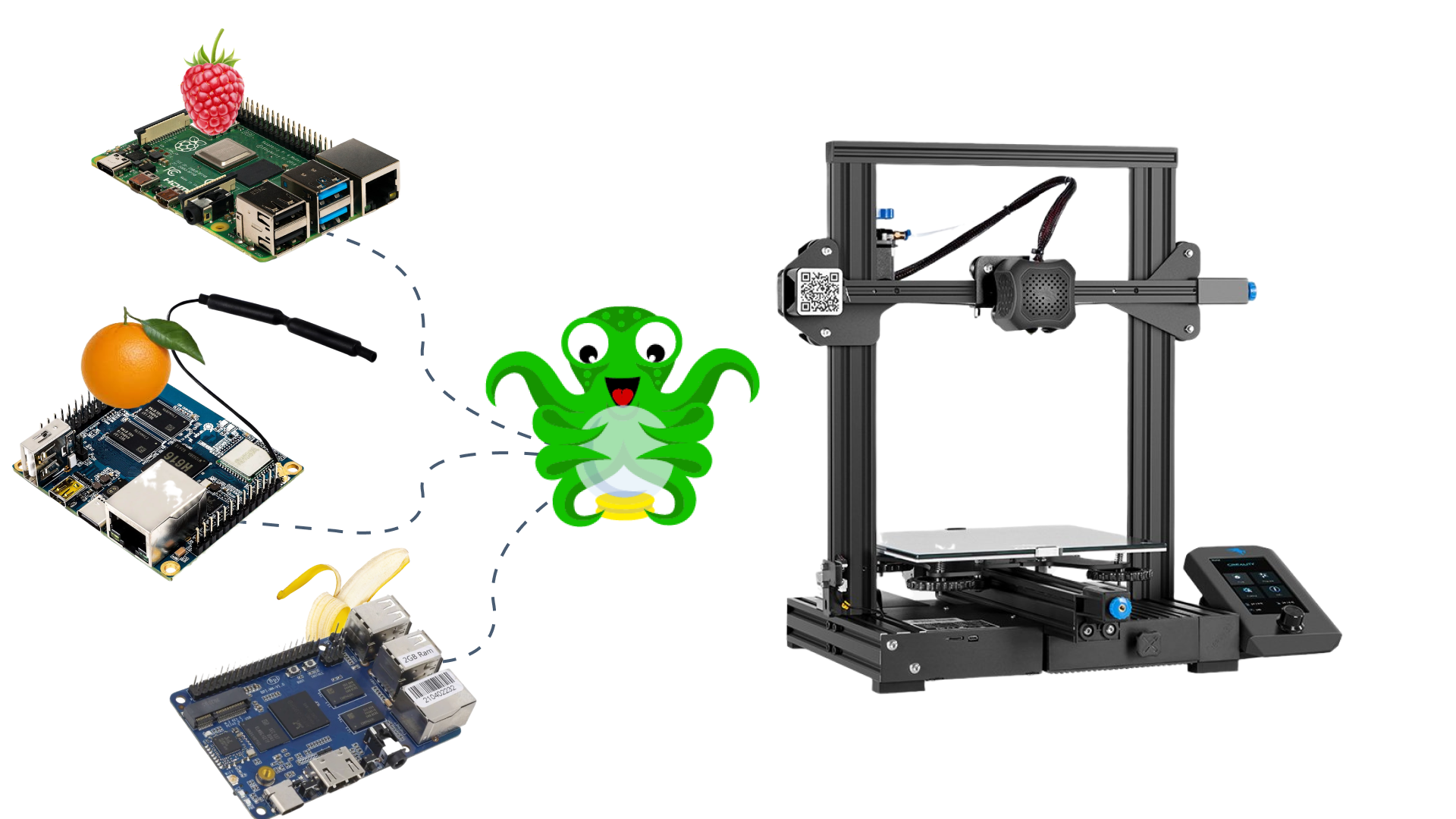
Octoprint by itself is a fantastic 3D printer host software that lets you remotely access your 3D printers. You can monitor and control your printer from your desktop without having to be near the printer. But, this remote functionality is limited solely to your local network.
It denotes that your Octoprint 3D printer and the device should be connected to the same wireless network for you to access your 3D printer. This limitation prevents you from accessing your 3D printer on a mobile network or when you're far away from your printing area.
Moreover, Octoprint's User Interface is not optimized for use on smartphones and small tablets. And while using Octoprint on the phone is technically possible through a browser, it will result in a poor user experience. This restriction also means that you're limited to accessing Octoprint via a laptop or desktop.
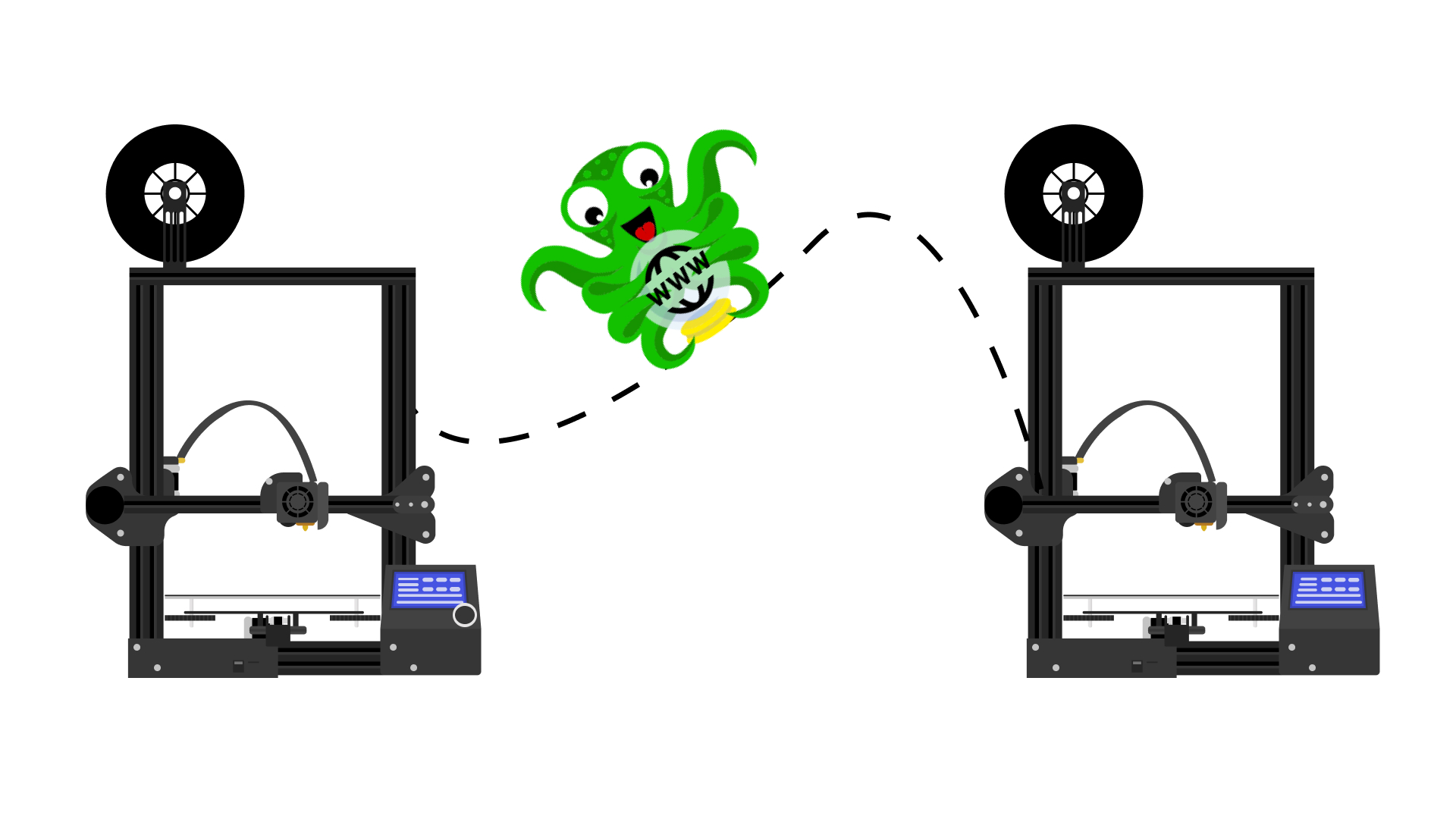
Obico and OctoEverywhere plug-ins help you to overcome these limitations by letting you access your 3D printers from anywhere and on any device. They're easy to set up, have a user-friendly interface, and feature various functions mainly designed for remote 3D printing.
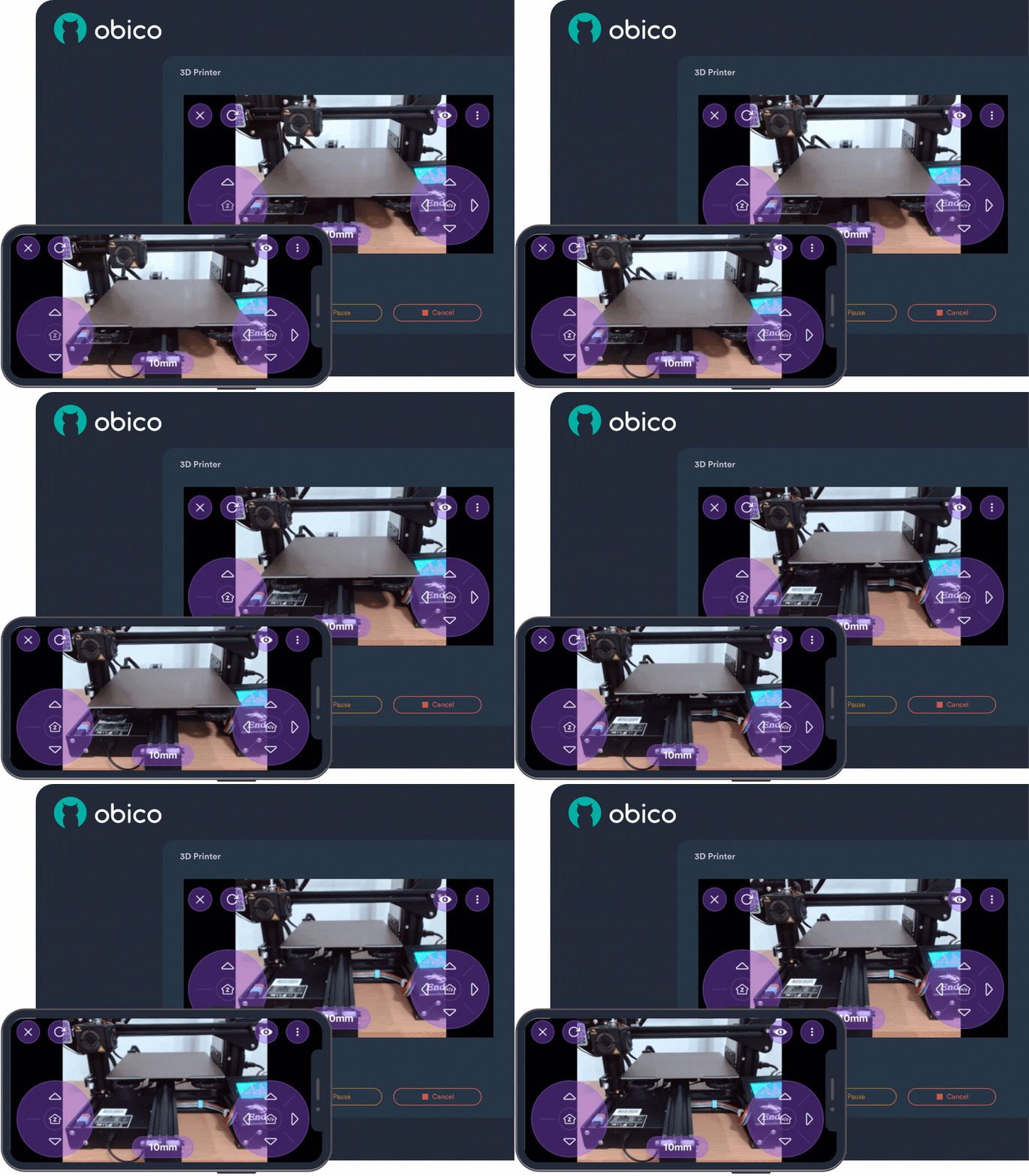
Obico is the successor to the popular The Spaghetti Detective (TSD) plug-in for Octoprint. It improves vastly over TSD while retaining the core AI detection functionality. It is entirely open-source and designed to integrate seamlessly with Octoprint.
Obico for Octoprint gives you complete and secure remote access to your 3D printer, and you can use it to monitor, control and record time-lapse videos of your printing process. In addition to these basic functionalities, Obico comes with AI detection technology for recognizing and stopping failed prints.
Obico's designed for multiple platforms comes with a free mobile application letting you access your 3D printer on Android and iOS devices. It's easy to install for Octoprint, and you can refer to this detailed guide to configure your Octoprint 3D printer with Obico.
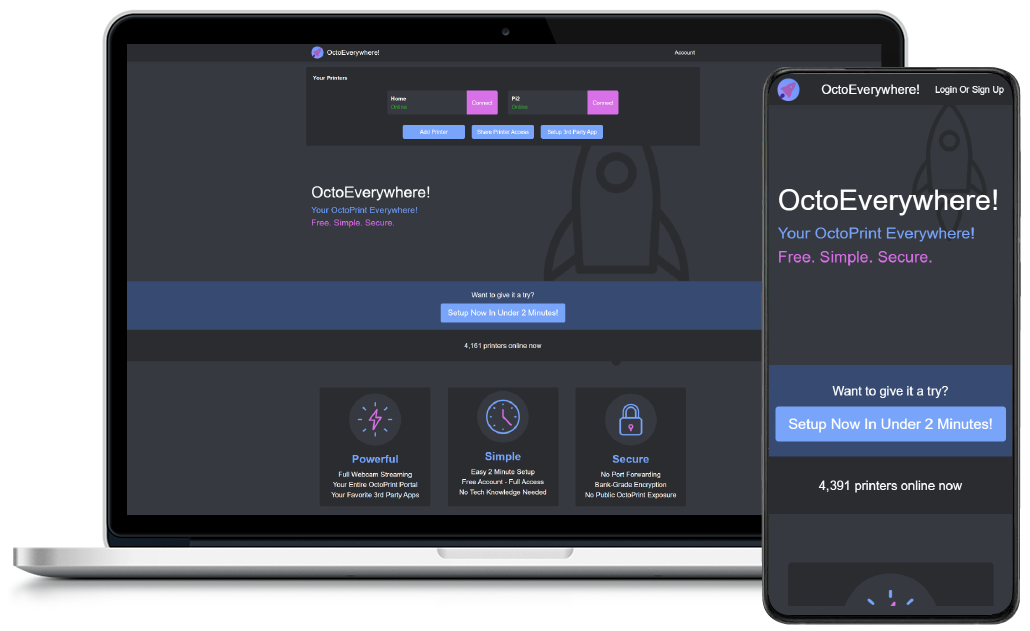
OctoEverywhere is similar to Obico in several aspects and gives you all the essential features for remote monitoring of your 3D printer. It lets you access your Octoprint instance on a browser interface and is tightly integrated with other Octoprint applications (OctoApp, Printoid, Polymer, Octopod), which you can use on your mobile phones.
It's designed for ease of use, and the user interface is highly intuitive to access all of its features. You can use OctoEverywhere to control the printer, send Gcode files, and receive notifications about your printer's status. Quinn Damerell - the developer behind OctoEverywhere, has recently introduced an AI failure detection feature for the plug-in. However, it's still in the Beta stage and might take a while before a full-proof release.
Like Obico, OctoEverywhere for Octoprint is quick to set up, and you can connect your printer with the plug-in in under 10 minutes. You can refer to this guide to configure the OctoEverywhere plug-in for your 3D printer. We'll compare all of the features in detail below.