Pular para o conteúdo principal

Obico’s Online Slicer for 3D Printing: A Comprehensive Guide

· Leitura de 19 minutos

When you first get into 3D printing, the process of turning a digital model into a physical object can be both exhilarating and overwhelming. Every project starts with an idea, which is then turned into a digital 3D model that needs to go through the process of "slicing." Slicing is a crucial part of 3D printing, as it breaks down a 3D model into layers and converts them into instructions that a 3D printer can follow. But for this to be as smooth as possible, you need a good slicing tool, and that’s where Obico online slicer comes in.
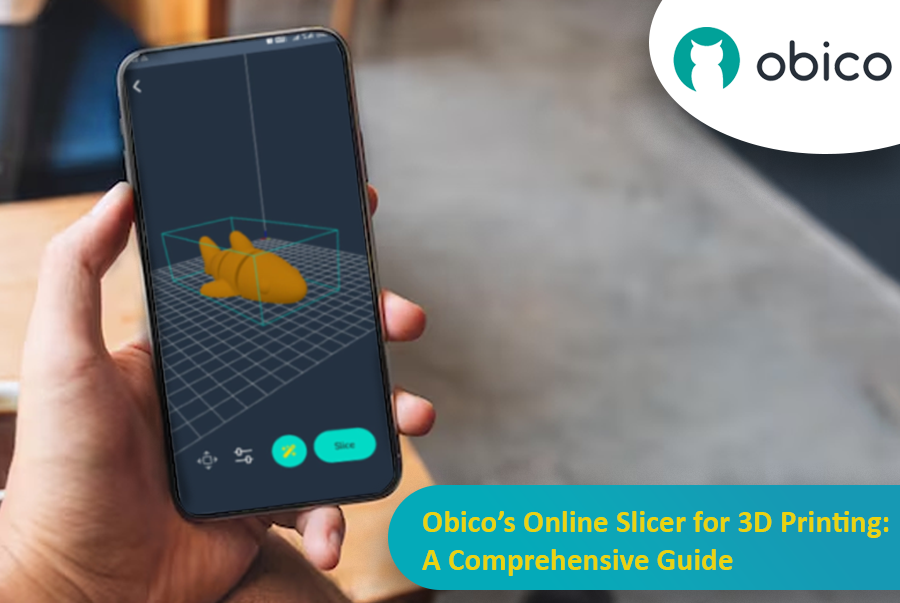
Obico Online Slicer for 3D Printing

Obico offers an online slicing solution that’s easy, powerful and accessible from anywhere. This makes it perfect for both beginners and advanced users who want flexibility, control, and ease of use.

In this article, we’ll go into detail about Obico’s online slicer, from its features to a step-by-step guide on how to use it. Whether you want to print functional objects or creative sculptures, we’ll take you through the entire slicing process with Obico so you can get from model to print in no time.
Start G-Code in Orca Slicer: Start Your Print the Right Way

· Leitura de 18 minutos

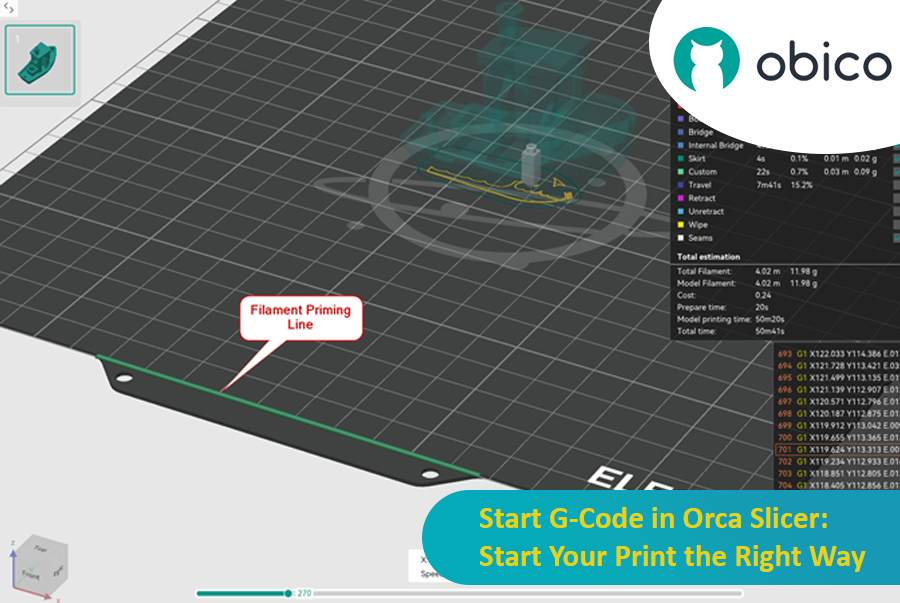
In the 3D printing world, the initial setup of your print is just as important as the model you’re trying to bring to life. One of the most critical and often overlooked components of this setup is the Start G-code, a set of instructions that prepares your 3D printer for the actual print. Whether you use Orca Slicer, a feature-rich slicing software that is based on Bambu Studio and PrusaSlicer, or another slicer, understanding and customizing the Start G-code can be the key to better prints and a smoother workflow.

Start G-Code in Orca Slicer: Start Your Print the Right Way

In this article, we will go deep into what is Start G-code, why it’s important for perfect prints, how to edit it in Orca Slicer, and how to customize it for any 3D printer. We will also explain the Start G-code in the well-known Elegoo Neptune 4 Pro in Orca Slicer as an example for better understanding.

By the end of this article, you will know how Start G-code works, how to tweak it for best results, and how to use advanced techniques like Klipper macros to make your G-code simpler more readable and easier to update.

Orca Slicer: Altura de Camada Adaptativa e Variável: Um Guia para Impressões 3D Mais Suaves

· Leitura de 13 minutos

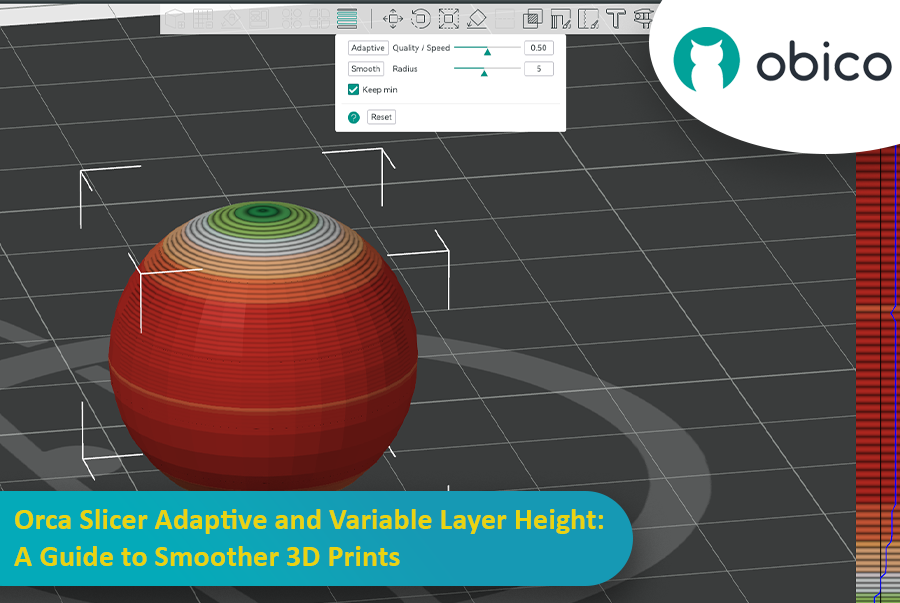
Como entusiasta da impressão 3D, você provavelmente já se deparou com o dilema qualidade versus velocidade. Todos nós já passamos por isso: você imprime um modelo lindo, com curvas e inclinações, mas, ao terminar, a superfície fica cheia daquelas camadas "escalonadas" características.

Orca Slicer: Altura de Camada Adaptativa e Variável: Um Guia para Impressões 3D Mais Suaves

É aí que a altura de camada adaptativa entra em ação como um super-herói, salvando o dia ao equilibrar velocidade e precisão. O Fatiador de Orca possui uma ferramenta incrível para ajustar com precisão a altura das camadas e obter impressões mais suaves em menos tempo.

Este guia abordará tudo o que você precisa saber para dominar a altura de camada adaptativa e obter impressões 3D melhores.

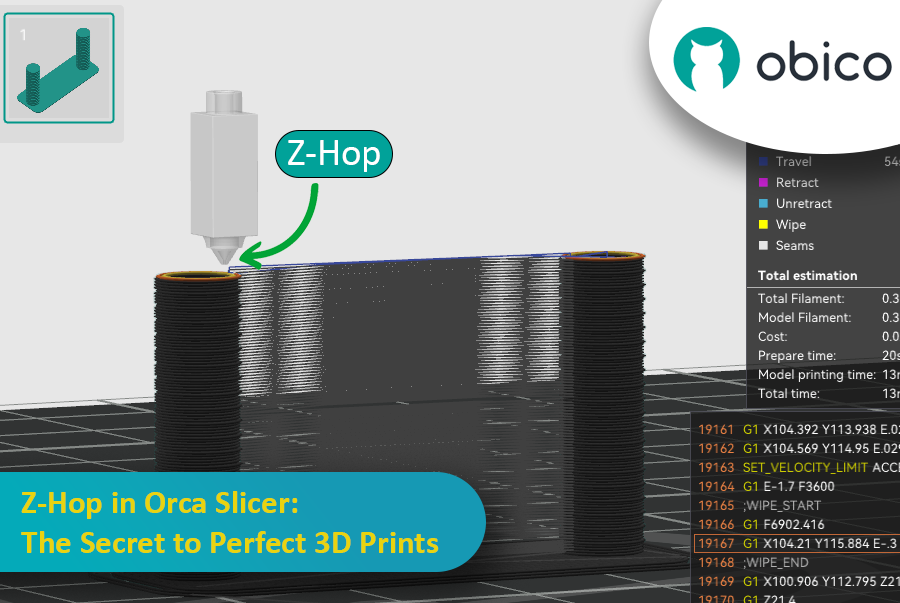
Z-Hop in Orca Slicer: The Secret to Perfect 3D Prints

· Leitura de 17 minutos

Ever seen those little strings hanging off your 3D print like tiny spider webs? Or the nozzle scratching over a beautiful layer? If you’ve experienced these issues, you’re not alone—and there’s a fix. Enter Z-Hop, a feature in Orca Slicer that will take your 3D prints from good to great.

Z-Hop in Orca Slicer: The Secret to Perfect 3D Prints

Whether you’re new to 3D printing or a hobbyist, getting the settings right makes a huge difference. In this guide, we’ll be exploring Z-Hop—what it is, how to use it, and why it’s a game changer.

Let’s get started!

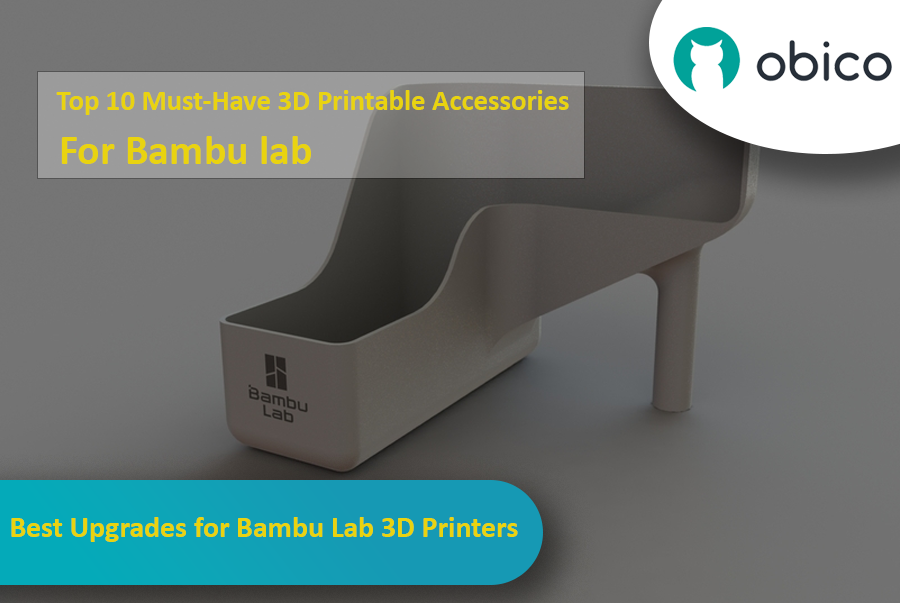
Best Upgrades for Bambu Lab 3D Printers

· Leitura de 16 minutos

Introduction

If you have a Bambu Lab 3D printer, you’ve already opened the door to a world of creativity, precision, and innovation. Bambu Lab printers are known for being reliable and high quality, so they’re a favorite among users all around the world.

But even great printers can be made better with a bit of customization. With the right printable accessories, you can make your Bambu Lab printer even more efficient, more versatile, and more fun to use. In this guide, we’ll take a look at some of the best 3D printable accessories to get the most out of your Bambu Lab 3D printer.

Best Upgrades for Bambu Lab 3D Printers

Whether you want to reduce vibrations, manage your filament better, or tweak your AMS system, these upgrades offer practical and easy-to-print solutions that you can print directly with your Bambu Lab printer.

Let’s get started and see how these upgrades can improve your 3D printing experience.

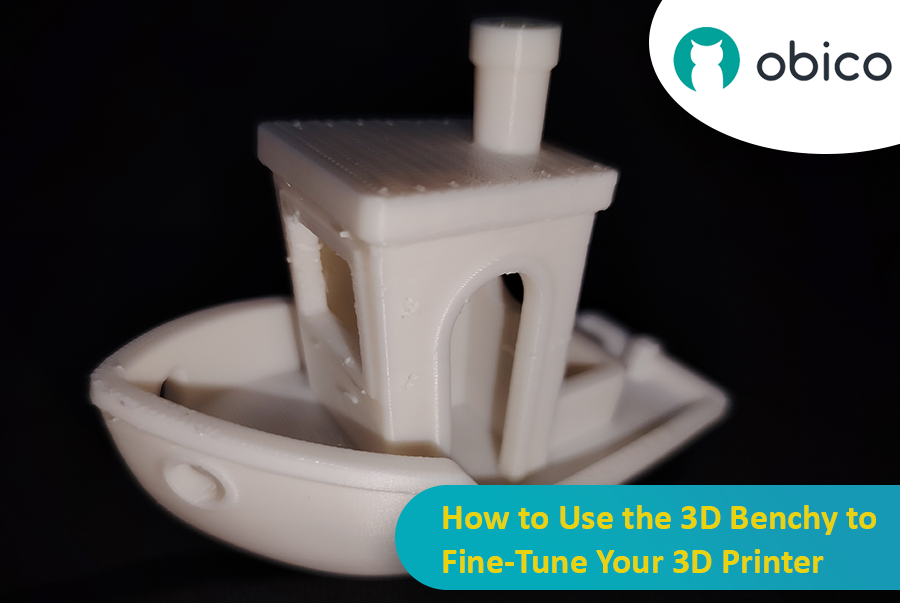
How to Use the 3D Benchy to Fine-Tune Your 3D Printer

· Leitura de 15 minutos

Let’s talk about the 3D Benchy, the little boat that has taken the 3D printing world by storm. At first glance, you may think that it’s a fun toy, but this little tugboat is actually one of the most powerful tools for testing and fine-tuning your 3D printer. Whether you’re new to 3D printing or an experienced user, the 3D Benchy can greatly help you with troubleshooting your 3D printer.

How to Use the 3D Benchy to Fine-Tune Your 3D Printer

Let’s dive deeper and understand how this model can improve your printer performance.

Baixar Orca Slicer

· Leitura de 17 minutos
dica

Try JusPrin, the first GenAI 3D printing tool built on OrcaSlicer.

Se você trabalha com impressão 3D, provavelmente já usou o Cura ou o PrusaSlicer para fatiar seus modelos. Essas ferramentas são necessárias para converter qualquer modelo 3D em código G, que contém instruções que sua máquina pode executar para imprimir o modelo. No entanto, sempre há espaço para novos softwares que ofereçam recursos e opções diferentes.

Fatiador de Orcas

O Orca Slicer é o que você precisa. É gratuito e desenvolvido em Estúdio Bambu. Ele oferece mais maneiras de personalizar, controlar e obter resultados precisos para suas impressões. Seja você um iniciante em busca de perfis prontos ou um usuário experiente em busca de configurações avançadas, o Orca Slicer tem tudo o que você precisa.

O Orca Slicer começou como um fork do Estúdio Bambu, que por sua vez é baseado no PrusaSlicer, um dos softwares de fatiamento de código aberto mais utilizados. Foi desenvolvido pelo Febre suave. Ganhou força rapidamente devido ao aumento do número de perfis de impressora e às opções de calibração de impressão mais avançadas. É particularmente útil se você deseja mais controle e detalhes sobre o resultado dos seus modelos 3D.

Top Multi-Color 3D Printing Options

· Leitura de 24 minutos

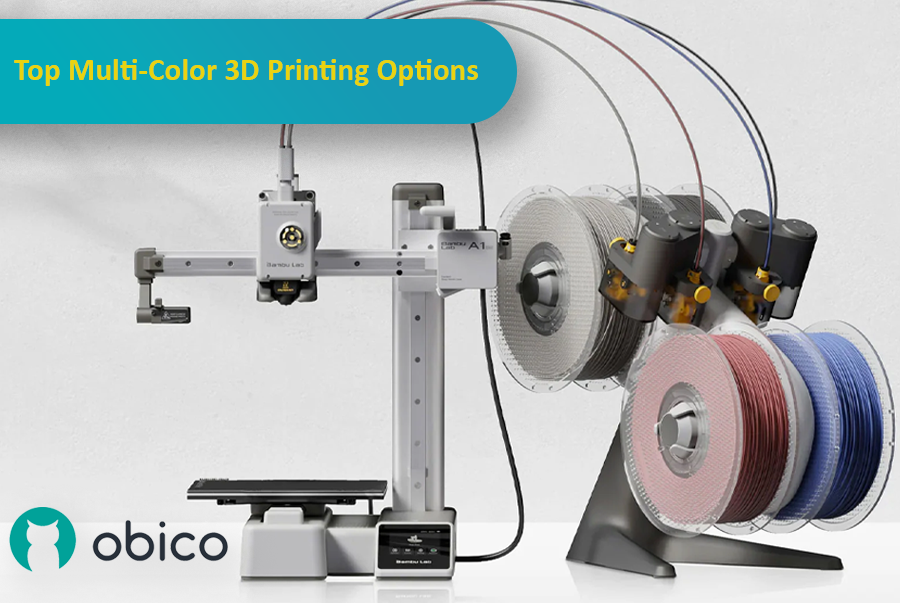
3D printing has come a long way, and one of the most exciting advancements is the ability to print with multiple colors or materials in a single go. This makes it possible to create detailed, colorful, and functional models without having to manually paint or assemble them afterward. Whether you're making parts that need different materials or designing colorful, intricate models, multi-material 3D printing can really take your projects to the next level.

Multi-color 3D printing options

As the technology has improved, more options have become available, each with its own benefits for different users and experience levels. In this article, we'll look at some of the top multi-color 3D printing systems, including the Bambu Lab AMS, Prusa MMU, Enraged Rabbit Carrot Feeder (ERCF), and new systems like the Tradrack and 8-Track. We'll break down how each system works, their pros and cons, and which users they’re best suited for.

Orca Slicer vs. Bambu Studio: Análise detalhada e recursos

· Leitura de 47 minutos

Introdução

No mundo da impressão 3D, o software de fatiamento que você escolher pode impactar significativamente a qualidade, a velocidade e a eficiência das suas impressões. Dois fatiadores populares que estão fazendo sucesso na comunidade são o Orca Slicer e o Bambu Studio. Ambos oferecem um conjunto robusto de recursos adaptados a diferentes usuários, mas qual é o ideal para você?

Orca Slicer vs. Bambu Studio: Análise detalhada e recursos

Neste guia, compararemos os dois segmentadores, abordando instalação, interface do usuário, recursos de destaque, suporte da comunidade e muito mais.

Não importa se você é iniciante ou experiente em impressão 3D, isso ajudará você a escolher o fatiador certo para suas necessidades.

Sovol SV08 Remote Access and AI With Obico

· Leitura de 23 minutos

Introduction

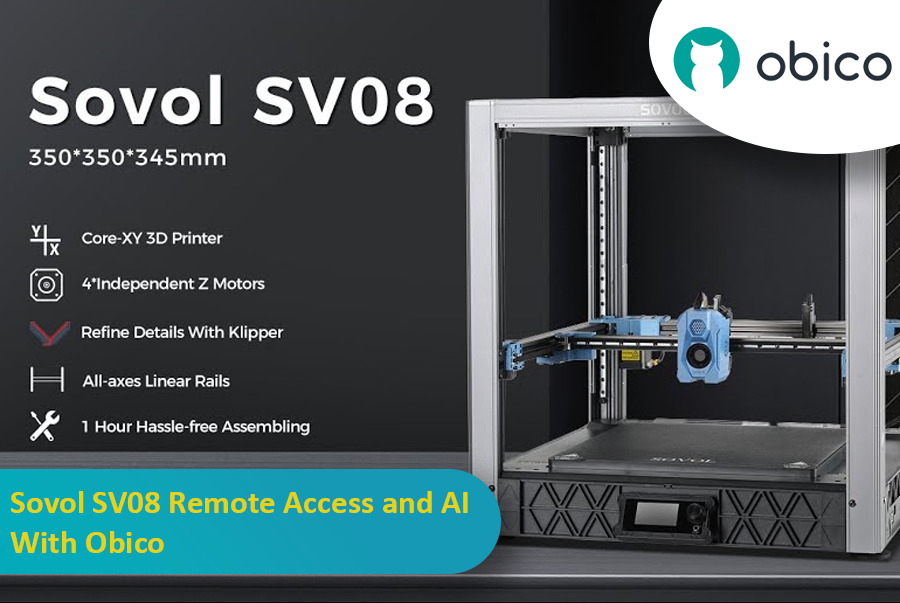
The Sovol SV08 is a standout 3D printer in the current market, offering a mix of advanced features, precision, and versatility that caters to both beginners and experienced makers. By integrating it with the Obico platform, an AI-powered, open-source system, users can significantly enhance their 3D printing experience through remote monitoring, control, and AI failure detection.

Sovol SV08 Remote Access and AI With Obico

This guide will take you through setting up your Sovol SV08 with Obico, including firmware updates, WiFi connections, and integrating the Obico system. We will also look at some advanced features provided by Obico, like Nozzle Ninja AI, which takes first-layer monitoring to another level, as well as the new built-in online slicer.