Przejdź do głównej zawartości

OrcaSlicer vs PrusaSlicer vs Cura - Comparing the Most Popular Slicers
· 17 min aby przeczytać

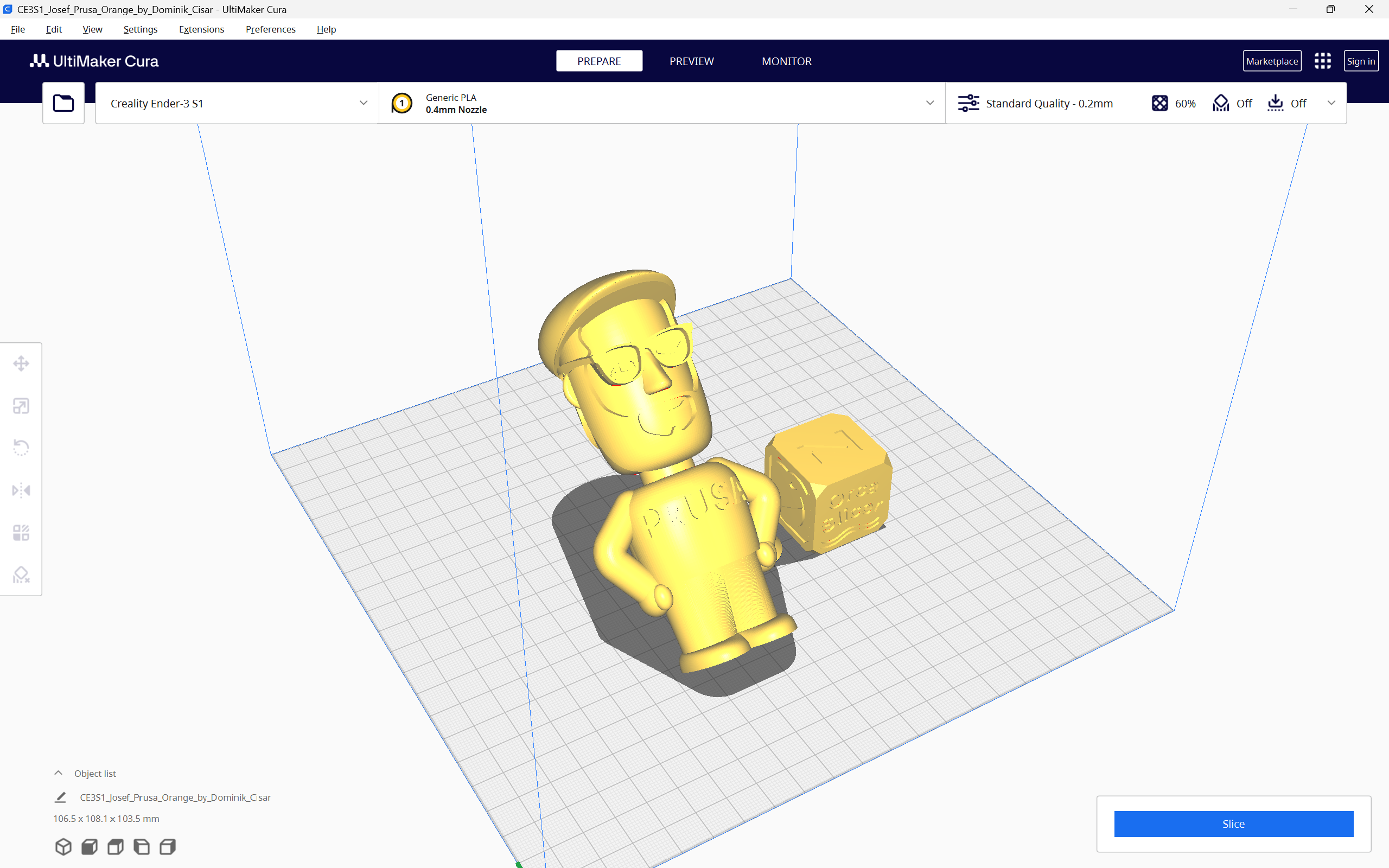
OrcaSlicer, PrusaSlicer and the Cura slicer, are three of the prominent 3D printing slicers you can use today. They are all free to use, open-source, and equipped with exceptional features that enhance your 3D printing experience.

With all these similarities and options, it can get challenging to choose the slicer that fits your needs perfectly. Maybe OrcaSlicer has the features you like, but PrusaSlicer’s supports work better. Or Cura has better 3D printer selection for you.

In this piece, we will answer these questions and more. We will compare OrcaSlicer, PrusaSlicer, and Cura based on their features, slicer settings, printer compatibility, and other parameters to determine which slicer comes out on top. This should help you make an informed decision and choose the slicer that best fits into your 3D printing workflow.

Let’s slice right into it.

How to fix "Buster-backports Release no longer has a Release file" Error

· 3 min aby przeczytać

While installing Obico on your Makerbase 3D printer following our guides, you may come across the error below during installation by running the command ./install.sh. This error indicates that there is no release file in "Buster-backports Release", hence making it impossible to update securely.

![How to fix "Buster-backports Release no longer has a Release file" Error](/img/blogs/buster-backports-release-no-longer-has-a-release-file-main.png "How to fix \\"Buster-backports Release no longer has a Release file\\" Error")

###### Installing required system packages... You may be prompted to enter password.

[sudo] password for mks:
Hit:1 http://security.debian.org buster/updates InRelease
Hit:2 http://deb.debian.org/debian buster InRelease
Hit:3 http://deb.debian.org/debian buster-updates InRelease
Ign:4 http://deb.debian.org/debian buster-backports InRelease
Err:5 http://deb.debian.org/debian buster-backports Release
404 Not Found [IP: 199.232.82.132 80]
Reading package lists... Done
E: The repository 'http://deb.debian.org/debian buster-backports Release' does not have a Release file.
N: Updating from such a repository can't be done securely, and is therefore disabled by default.
N: See apt-secure(8) manpage for repository creation and user configuration details.

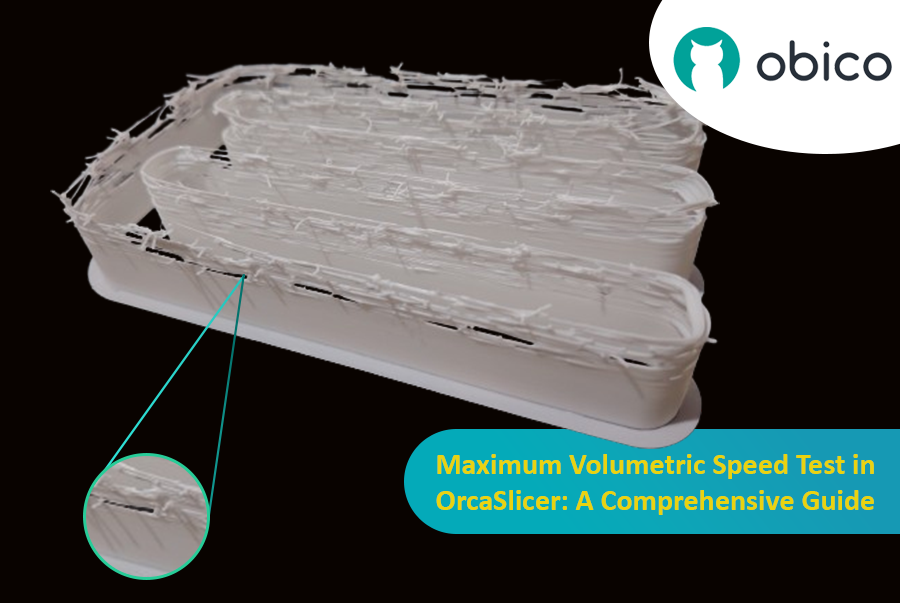
Maximum Volumetric Speed Test in OrcaSlicer: A Comprehensive Guide

· 20 min aby przeczytać

Hello there! Welcome to our easy-to-understand guide on how to control the OrcaSlicer maximum volumetric speed test for 3D printing enthusiasts. If you’re looking forward to enhancing print quality and efficiency, then this is the best place for you. This tutorial will help you optimize your printer’s volumetric speed that determines at what speed you can print without compromising on quality.

Maximum Volumetric Speed Test in OrcaSlicer: A Comprehensive Guide

Volumetric speed knowledge is crucial in 3D printing because it enables one understand how fast a printer can produce objects with accuracy. If this speed is tested and adjusted, under extrusion among other common problems while printing can be avoided thus ensuring that all your prints are good-looking even at higher speeds.

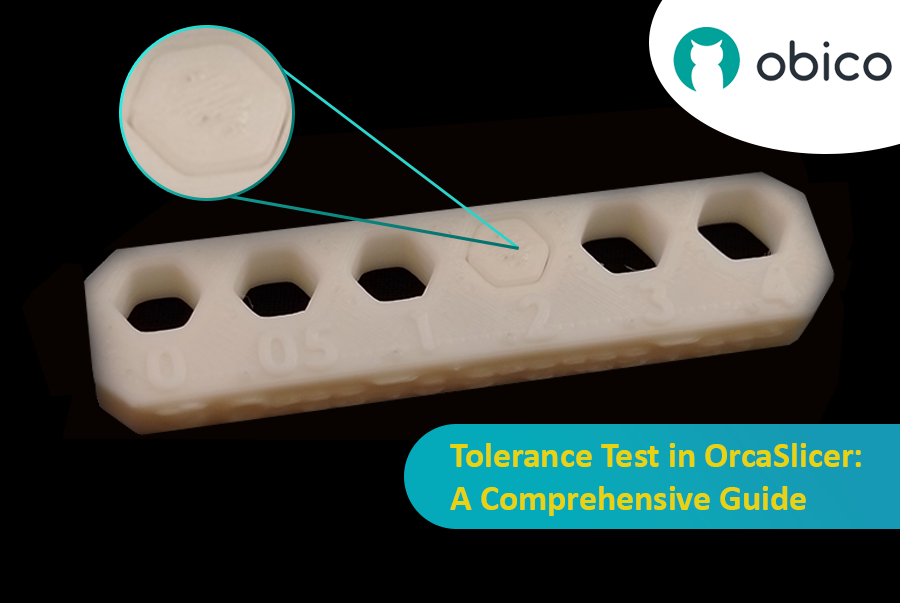
Tolerance Test in OrcaSlicer: A Comprehensive Guide

· 9 min aby przeczytać

Introduction

3D printing has revolutionized the way creators, engineers, and hobbyists bring their ideas to life. However, the transition from a digital model to a tangible object isn’t always straightforward. One key challenge is ensuring parts fit together seamlessly. In this comprehensive guide, we’ll delve into the world of tolerance testing using OrcaSlicer, a valuable tool for 3D printing. We will understand together how to know the right tolerances value to design successful prints which fit together well.

Tolerance Test in OrcaSlicer: A Comprehensive Guide

But before we get started testing our 3D printer, let’s understand some important related topics.

The Importance of Tolerance in 3D Printing

In the world of 3D printing, tolerance is all about precision. It's the measure of how accurately a 3D printer can replicate the dimensions specified in your digital design. Imagine you're creating a puzzle; if the pieces are too big or too small, they won't fit together. Similarly, for 3D printed parts to function and fit together as intended, the printer must be able to accurately produce parts within very tight dimensional limits. Good tolerance affects everything from how smoothly moving parts interact to the overall look and strength of the finished product.

But why do you need to make the tolerance test?

Well, in 3D printing things do not always go right. Every filament type has its own shrinkage coefficient and this affects how your print turns out. Different printers, with their unique mechanics and settings, can also produce varied results. That's why testing for tolerance is crucial - it helps you understand how your specific printer and chosen filament behave together, allowing you to adjust the tolerances in your design for the perfect print.

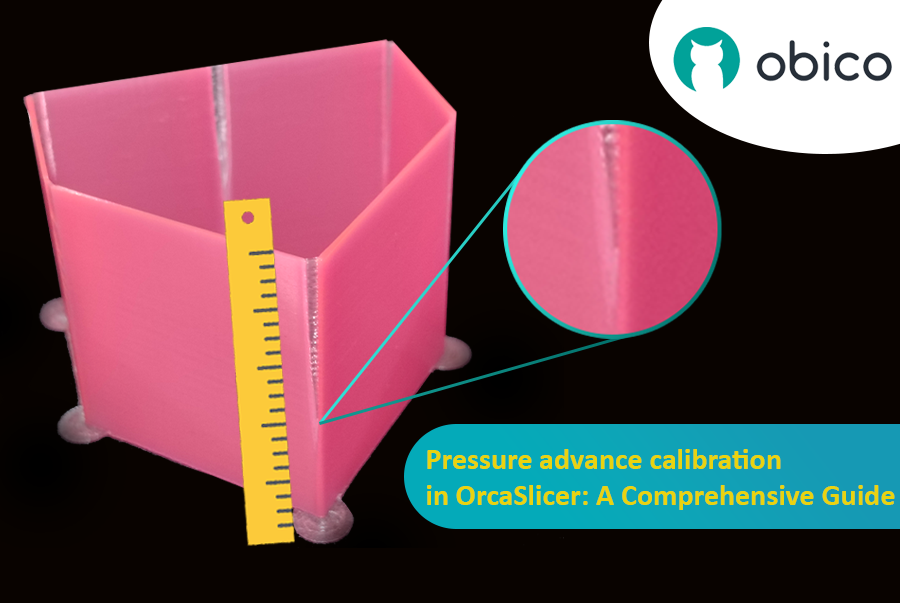
Kalibracja wyprzedzenia ciśnienia w OrcaSlicer: kompleksowy przewodnik

· 18 min aby przeczytać
wskazówka

Try JusPrin, the first GenAI 3D printing tool built on OrcaSlicer.

Przegląd ciśnienia Advance

Wyobraź sobie, że rysujesz długopisem, który czasami rozlewa zbyt dużo tuszu, a czasami prawie wcale. W druku 3D coś podobnego może się zdarzyć, gdy drukarka porusza się szybko i zmienia swoją prędkość – może to zepsuć ilość wylewanego plastiku.

Kalibracja wyprzedzenia ciśnienia w OrcaSlicer: kompleksowy przewodnik

Ale dlaczego Twoja drukarka czasami psuje ilość plastiku, którą wypuszcza?

W drukarce 3D filament wychodzi w zależności od tego, jakie ciśnienie panuje w dyszy. To jak wąż ogrodowy; potrzebujesz odpowiedniego ciśnienia wody, zanim woda wytryśnie. Kiedy drukarka przyspiesza lub zwalnia, np. podczas pokonywania zakrętów, potrzeba trochę czasu, aby ciśnienie dyszy nadrobiło zaległości. Jeśli drukarka porusza się zbyt szybko, zbyt wcześnie, nie wychodzi wystarczająco dużo filamentu. A jeśli zwalnia zbyt szybko, wychodzi za dużo filamentu. Może to sprawić, że rogi wydruku będą wyglądać trochę niechlujnie, ponieważ drukarka nie dostosowała przepływu filamentu dokładnie do zmian prędkości.

I tutaj wkracza Pressure Advance. To inteligentna funkcja, która kompensuje te zmiany, zapewniając, że odpowiednia ilość filamentu jest wytłaczana, gdy drukarka przyspiesza lub zwalnia. Dzięki Pressure Advance drukarka lepiej radzi sobie ze zmianami prędkości, co prowadzi do gładszych, ostrzejszych wydruków, szczególnie w trudnych narożnikach.

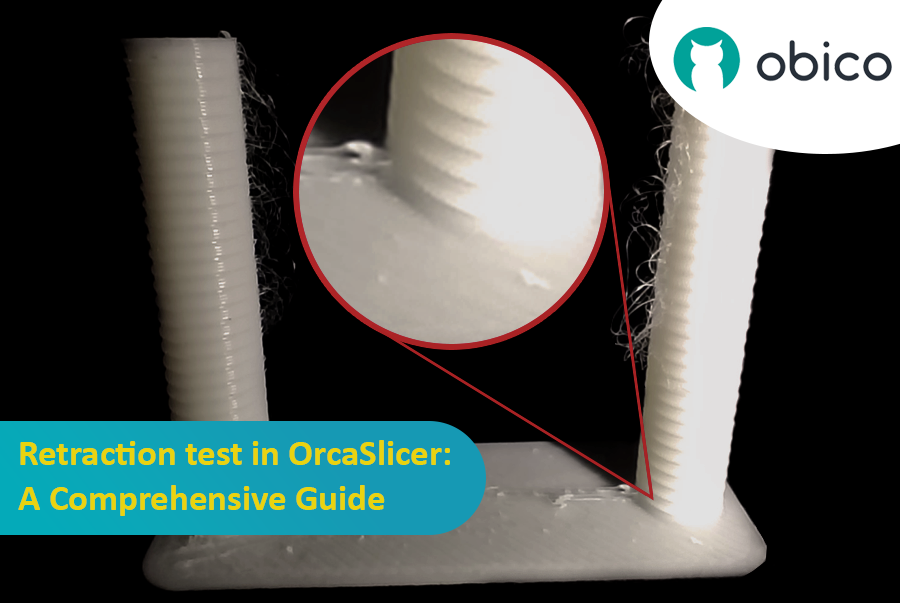
Test cofania w OrcaSlicer: kompleksowy przewodnik

· 15 min aby przeczytać

Wstęp

Druk 3D to fascynująca technologia, która pozwala stworzyć niemal wszystko, co sobie wyobrazisz. Wiąże się ona jednak z pewnymi wyzwaniami i ograniczeniami, takimi jak jakość drukowanych elementów. Jednym z najczęstszych problemów wpływających na wygląd i funkcjonalność wydruków 3D jest obecność niepożądanych pozostałości materiału, takich jak nitki, plamy i pryszcze.

Test cofania w OrcaSlicer: kompleksowy przewodnik

Na szczęście istnieje sposób na zmniejszenie lub wyeliminowanie tych artefaktów za pomocą funkcji o nazwie wycofywanie. Ale co to znaczy?

Omówmy to szczegółowo:

Czym jest cofanie i test cofania?

Test cofania to procedura kalibracji, której celem jest ograniczenie lub wyeliminowanie problemów z nicieniem i wyciekaniem, które mogą wystąpić podczas drukowania 3D. Nicienie i wyciekanie są spowodowane nadmiarem materiału, który wycieka z dyszy, gdy głowica drukująca przesuwa się z jednej części modelu do drugiej bez wytłaczania. Powoduje to powstawanie niepożądanych pasm lub grudek filamentu na powierzchni lub między częściami modelu, co wpływa na jakość i wygląd wydruku.

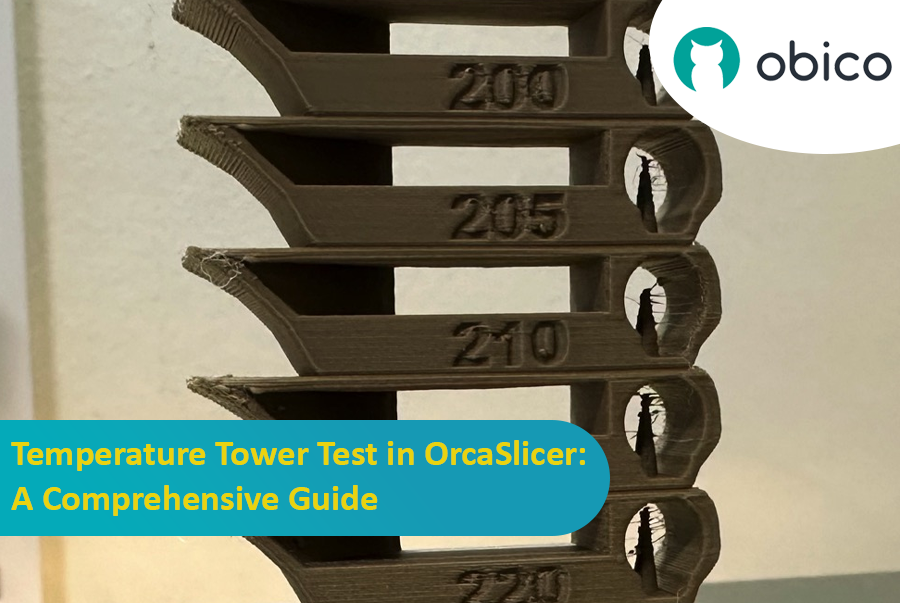
Test wieży temperaturowej w OrcaSlicer: kompleksowy przewodnik

· 10 min aby przeczytać
wskazówka

Try JusPrin, the first GenAI 3D printing tool built on OrcaSlicer.

Wprowadzenie do testu wieży temperaturowej z OrcaSlicer

Drukowanie 3D to fascynująca technologia, która pozwala tworzyć fizyczne obiekty z modeli cyfrowych. Jednak aby osiągnąć najlepsze rezultaty, należy dostroić ustawienia drukarki i zoptymalizować parametry filamentu. Jednym z najważniejszych czynników wpływających na jakość wydruków jest temperatura.

Temperatura wpływa na to, jak dobrze filament topi się, płynie i łączy z poprzednimi warstwami. Jeśli temperatura jest zbyt niska, filament może nie wytłaczać się prawidłowo, co skutkuje niedostatecznym wytłaczaniem, słabą przyczepnością i słabymi częściami. Jeśli temperatura jest zbyt wysoka, filament może wyciekać, nitkować lub wypaczać się, co skutkuje nadmiernym wytłaczaniem, plamami i deformacjami.

Test wieży temperaturowej w OrcaSlicer: kompleksowy przewodnik

Aby znaleźć optymalną temperaturę dla danego filamentu, należy wykonać test w wieży temperaturowej.

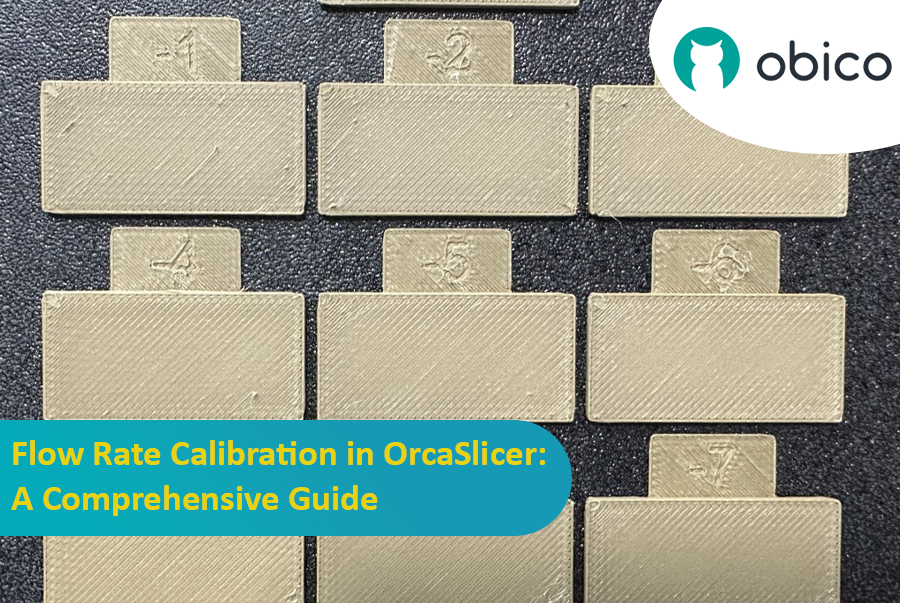
Kalibracja natężenia przepływu w OrcaSlicer: kompleksowy przewodnik

· 9 min aby przeczytać
wskazówka

Try JusPrin, the first GenAI 3D printing tool built on OrcaSlicer.

Wstęp

Kalibracja natężenia przepływu jest kluczowym krokiem w uzyskiwaniu wysokiej jakości wydruków 3D. Prawidłowe natężenie przepływu zapewnia spójne osadzanie warstw, gładsze powierzchnie i lepsze szczegóły. W tym artykule, który jest jednym z serii artykułów o kalibracji OrcaSlicer, zbadamy proces kalibracji natężenia przepływu przy użyciu OrcaSlicer, oprogramowania typu slicer o otwartym kodzie źródłowym przeznaczonego do drukarek 3D Fused Deposition Modeling (FDM).

Kalibracja natężenia przepływu w OrcaSlicer: kompleksowy przewodnik

Zanim zagłębimy się w proces kalibracji natężenia przepływu w OrcaSlicer, zatrzymajmy się na chwilę, aby zrozumieć, na czym on polega i jakie są jego główne cechy.

OrcaSlicer: Potężna i elastyczna opcja do cięcia wydruków 3D

OrcaSlicer to open-source oprogramowanie do cięcia druku 3D dla drukarek FDM. Jest przeznaczone głównie dla drukarek zgodnych z oprogramowaniem układowym Marlin, Klipper i Bambu Lab. Obsługuje różne popularne modele marek takich jak Creality, Prusa, Elegoo, a nawet open-source Voron.

Drzewo genealogiczne OrcaSlicer:

OrcaSlicer bazuje na Bambu Studio, które samo pochodzi od PrusaSlicer. PrusaSlicer z kolei bazuje na rozwiązaniu open-source Slic3r.

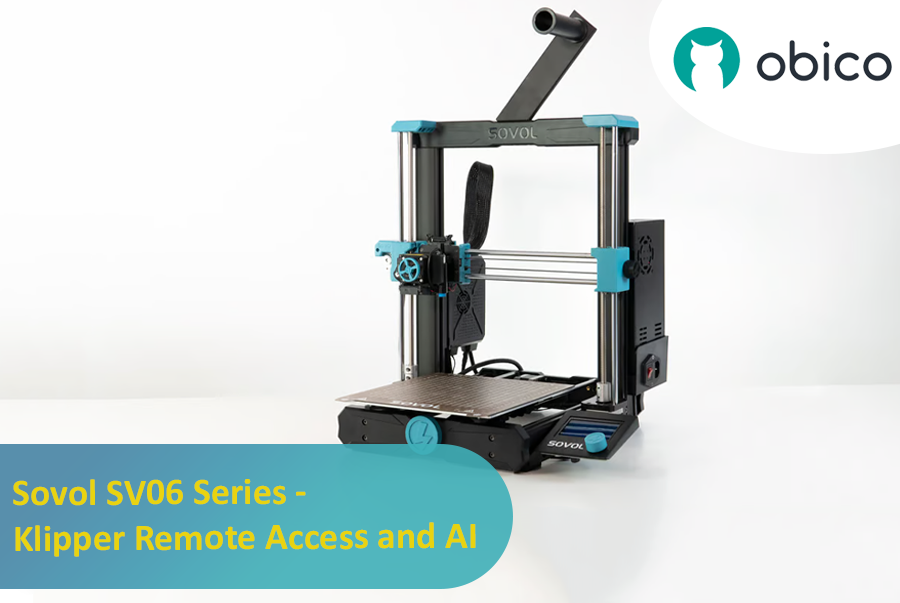
Sovol SV06 Series - Klipper Remote Access and AI

· 12 min aby przeczytać

Introduction: Welcoming You to the Sovol SV06 Series

Hey there! Let's jump into the world of the Sovol SV06. This printer is getting a lot of buzz for being budget-friendly while still offering some pretty cool features. If you're thinking about getting into 3D printing without spending a ton, the Sovol SV06 is a solid choice. It gives you a lot for its price, similar to more expensive printers like the Prusa MK3S+, but at a fraction of the cost. With neat features like dual Z-axis motors, automatic bed leveling, and the ability to reach up to 300 °C, it really stands out in the budget printer crowd.

Introduction: Welcoming You to the Sovol SV06 Series