Ga naar hoofdinhoud

OrcaSlicer vs PrusaSlicer vs Cura - Comparing the Most Popular Slicers
· 17 minuten leestijd

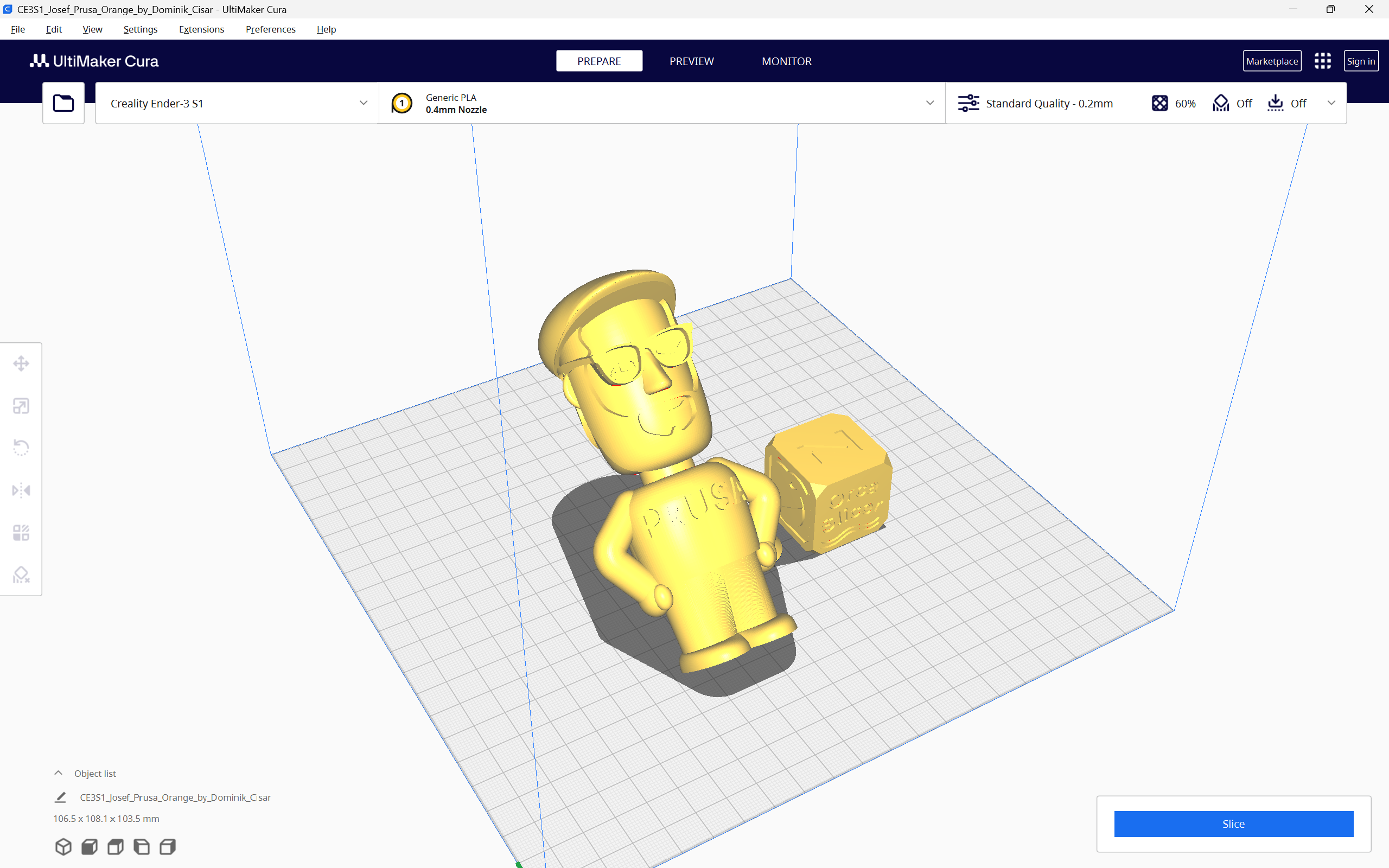
OrcaSlicer, PrusaSlicer and the Cura slicer, are three of the prominent 3D printing slicers you can use today. They are all free to use, open-source, and equipped with exceptional features that enhance your 3D printing experience.

With all these similarities and options, it can get challenging to choose the slicer that fits your needs perfectly. Maybe OrcaSlicer has the features you like, but PrusaSlicer’s supports work better. Or Cura has better 3D printer selection for you.

In this piece, we will answer these questions and more. We will compare OrcaSlicer, PrusaSlicer, and Cura based on their features, slicer settings, printer compatibility, and other parameters to determine which slicer comes out on top. This should help you make an informed decision and choose the slicer that best fits into your 3D printing workflow.

Let’s slice right into it.

How to fix "Buster-backports Release no longer has a Release file" Error

· 3 minuten leestijd

While installing Obico on your Makerbase 3D printer following our guides, you may come across the error below during installation by running the command ./install.sh. This error indicates that there is no release file in "Buster-backports Release", hence making it impossible to update securely.

![How to fix "Buster-backports Release no longer has a Release file" Error](/img/blogs/buster-backports-release-no-longer-has-a-release-file-main.png "How to fix \\"Buster-backports Release no longer has a Release file\\" Error")

###### Installing required system packages... You may be prompted to enter password.

[sudo] password for mks:
Hit:1 http://security.debian.org buster/updates InRelease
Hit:2 http://deb.debian.org/debian buster InRelease
Hit:3 http://deb.debian.org/debian buster-updates InRelease
Ign:4 http://deb.debian.org/debian buster-backports InRelease
Err:5 http://deb.debian.org/debian buster-backports Release
404 Not Found [IP: 199.232.82.132 80]
Reading package lists... Done
E: The repository 'http://deb.debian.org/debian buster-backports Release' does not have a Release file.
N: Updating from such a repository can't be done securely, and is therefore disabled by default.
N: See apt-secure(8) manpage for repository creation and user configuration details.

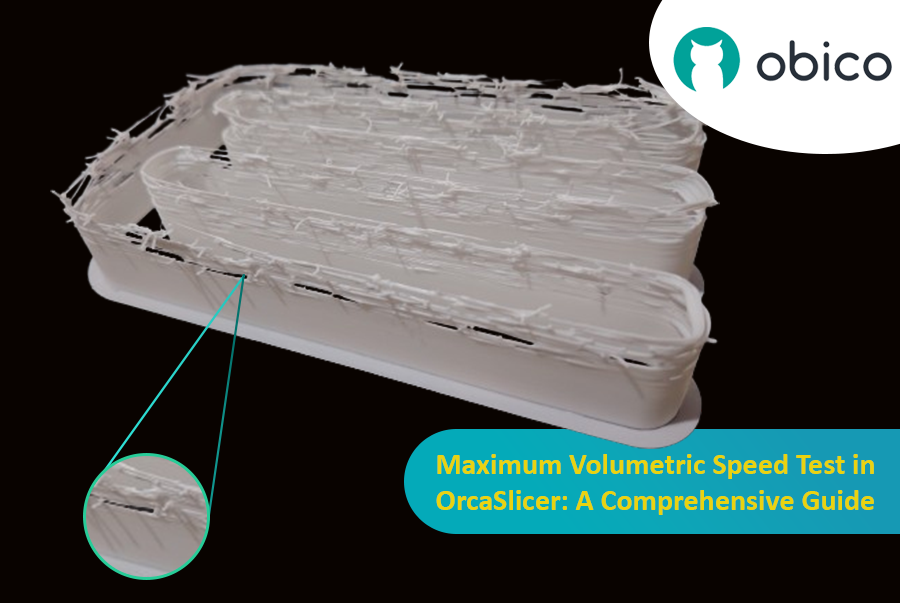
Maximum Volumetric Speed Test in OrcaSlicer: A Comprehensive Guide

· 20 minuten leestijd

Hello there! Welcome to our easy-to-understand guide on how to control the OrcaSlicer maximum volumetric speed test for 3D printing enthusiasts. If you’re looking forward to enhancing print quality and efficiency, then this is the best place for you. This tutorial will help you optimize your printer’s volumetric speed that determines at what speed you can print without compromising on quality.

Maximum Volumetric Speed Test in OrcaSlicer: A Comprehensive Guide

Volumetric speed knowledge is crucial in 3D printing because it enables one understand how fast a printer can produce objects with accuracy. If this speed is tested and adjusted, under extrusion among other common problems while printing can be avoided thus ensuring that all your prints are good-looking even at higher speeds.

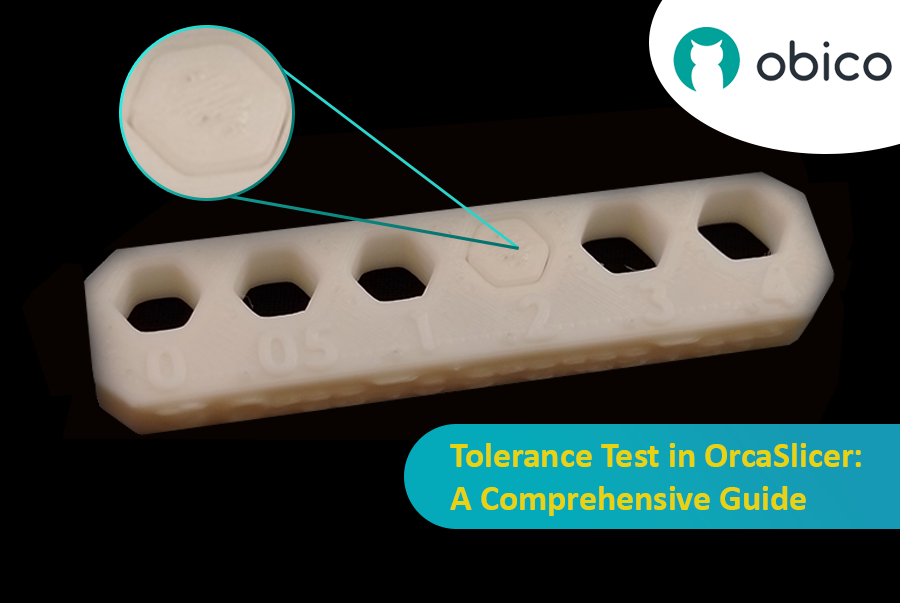
Tolerance Test in OrcaSlicer: A Comprehensive Guide

· 9 minuten leestijd

Introduction

3D printing has revolutionized the way creators, engineers, and hobbyists bring their ideas to life. However, the transition from a digital model to a tangible object isn’t always straightforward. One key challenge is ensuring parts fit together seamlessly. In this comprehensive guide, we’ll delve into the world of tolerance testing using OrcaSlicer, a valuable tool for 3D printing. We will understand together how to know the right tolerances value to design successful prints which fit together well.

Tolerance Test in OrcaSlicer: A Comprehensive Guide

But before we get started testing our 3D printer, let’s understand some important related topics.

The Importance of Tolerance in 3D Printing

In the world of 3D printing, tolerance is all about precision. It's the measure of how accurately a 3D printer can replicate the dimensions specified in your digital design. Imagine you're creating a puzzle; if the pieces are too big or too small, they won't fit together. Similarly, for 3D printed parts to function and fit together as intended, the printer must be able to accurately produce parts within very tight dimensional limits. Good tolerance affects everything from how smoothly moving parts interact to the overall look and strength of the finished product.

But why do you need to make the tolerance test?

Well, in 3D printing things do not always go right. Every filament type has its own shrinkage coefficient and this affects how your print turns out. Different printers, with their unique mechanics and settings, can also produce varied results. That's why testing for tolerance is crucial - it helps you understand how your specific printer and chosen filament behave together, allowing you to adjust the tolerances in your design for the perfect print.

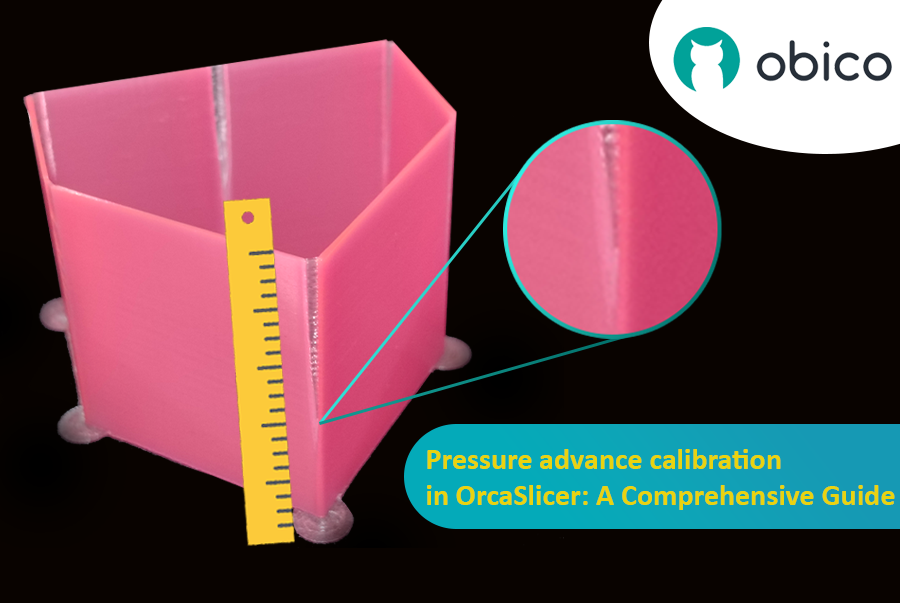
Kalibratie van de drukvoorloop in OrcaSlicer: een uitgebreide handleiding

· 21 minuten leestijd
tip

Try JusPrin, the first GenAI 3D printing tool built on OrcaSlicer.

Overzicht van drukvooruitgang

Stel je voor dat je tekent met een pen die soms te veel inkt morst en soms nauwelijks. Bij 3D-printen kan iets soortgelijks gebeuren wanneer je printer snel beweegt en de snelheid verandert – dat kan de hoeveelheid plastic die eruit komt beïnvloeden.

Kalibratie van de drukvoorloop in OrcaSlicer: een uitgebreide handleiding

Maar waarom maakt je printer soms zoveel plastic kapot?

In een 3D-printer komt het filament eruit op basis van de druk in de nozzle. Het is net als een tuinslang; je hebt voldoende waterdruk nodig voordat het water eruit spuit. Wanneer de printer versnelt of vertraagt, bijvoorbeeld bij het nemen van bochten, duurt het even voordat de nozzledruk is aangepast. Als de printer te snel beweegt, komt er te weinig filament uit. En als hij te snel vertraagt, komt er te veel filament uit. Dit kan ervoor zorgen dat de hoeken van je print er wat rommelig uitzien, omdat de printer de filamentstroom niet precies goed heeft afgesteld op de snelheidsveranderingen.

En hier komt Pressure Advance in beeld. Deze slimme functie compenseert deze veranderingen en zorgt ervoor dat de juiste hoeveelheid filament wordt geëxtrudeerd, ongeacht de snelheid van de printer. Met Pressure Advance kan uw printer snelheidsovergangen beter verwerken, wat resulteert in vloeiendere en scherpere afdrukken, vooral in lastige hoeken.

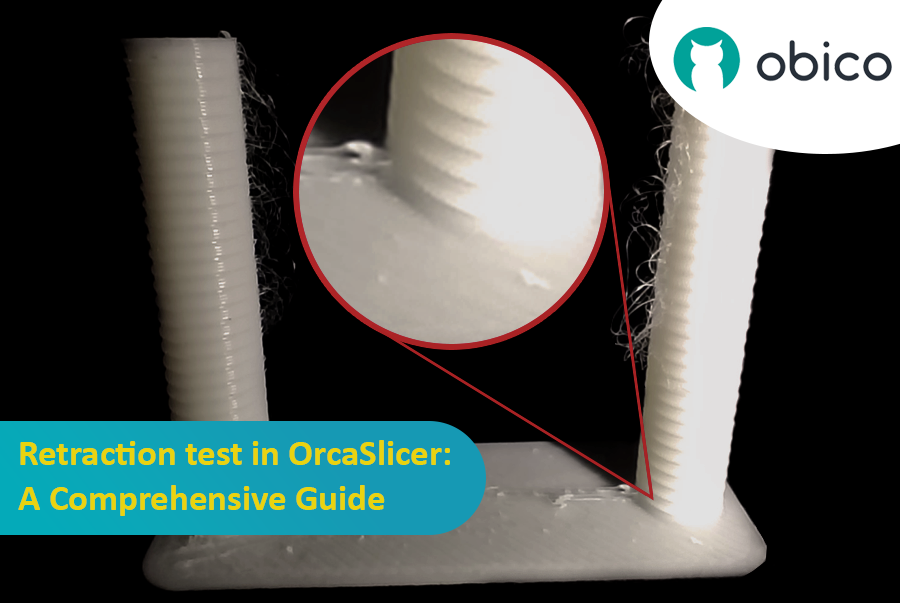
Terugtrekkingstest in OrcaSlicer: een uitgebreide handleiding

· 17 minuten leestijd

Inleiding

3D-printen is een fascinerende technologie waarmee je bijna alles kunt maken wat je maar kunt bedenken. Het brengt echter ook enkele uitdagingen en beperkingen met zich mee, zoals de kwaliteit van de geprinte onderdelen. Een van de meest voorkomende problemen die het uiterlijk en de functionaliteit van 3D-prints beïnvloeden, is de aanwezigheid van ongewenste materiaalresten, zoals draden, klodders en oneffenheden.

Terugtrekkingstest in OrcaSlicer: een uitgebreide handleiding

Gelukkig is er een manier om deze artefacten te verminderen of te elimineren met behulp van een functie genaamd retractie. Maar wat houdt retractie precies in?

Laten we het eens nader bekijken:

Wat is een intrekking en wat is een intrekkingstest?

De retractietest is een kalibratieprocedure die tot doel heeft de problemen met draadjesvorming en uitlopen tijdens 3D-printen te verminderen of te elimineren. Draadjesvorming en uitlopen worden veroorzaakt door overtollig materiaal dat uit de nozzle lekt wanneer de hotend van het ene naar het andere deel van het model beweegt zonder te extruderen. Dit resulteert in ongewenste draadjes of klodders filament op het oppervlak of tussen de onderdelen van het model, wat de kwaliteit en het uiterlijk van de print beïnvloedt.

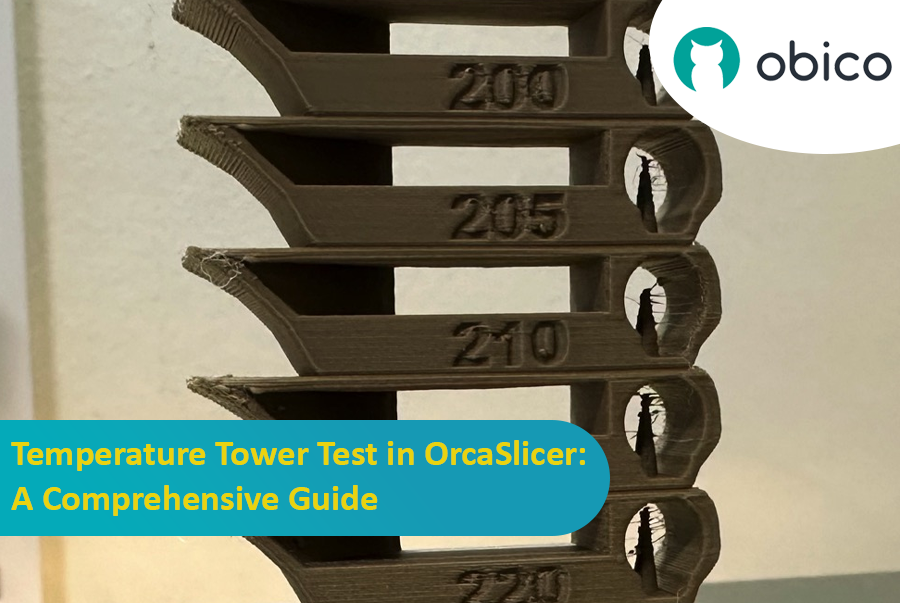
Temperatuurtorentest in OrcaSlicer: een uitgebreide gids

· 11 minuten leestijd
tip

Try JusPrin, the first GenAI 3D printing tool built on OrcaSlicer.

Introductie tot temperatuurtorentest met OrcaSlicer

3D-printen is een fascinerende technologie waarmee je fysieke objecten kunt creëren op basis van digitale modellen. Om de beste resultaten te behalen, moet je echter je printerinstellingen nauwkeurig afstemmen en je filamentparameters optimaliseren. Een van de belangrijkste factoren die de kwaliteit van je prints beïnvloedt, is de temperatuur.

De temperatuur beïnvloedt hoe goed het filament smelt, vloeit en hecht aan de vorige lagen. Als de temperatuur te laag is, kan het filament mogelijk niet goed extruderen, wat resulteert in onderextrusie, slechte hechting en zwakke onderdelen. Bij een te hoge temperatuur kan het filament lekken, slierten of kromtrekken, wat resulteert in overextrusie, klonters en vervormingen.

Temperatuurtorentest in OrcaSlicer: een uitgebreide gids

Om de optimale temperatuur voor uw filament te vinden, moet u een temperatuurtorentest uitvoeren.

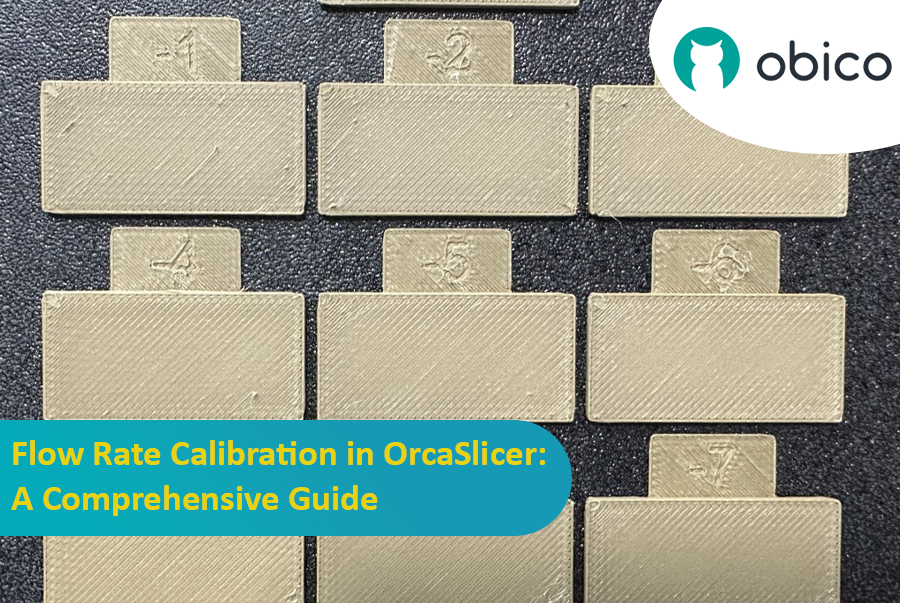
Stroomsnelheidskalibratie in OrcaSlicer: een uitgebreide handleiding

· 9 minuten leestijd
tip

Try JusPrin, the first GenAI 3D printing tool built on OrcaSlicer.

Inleiding

Kalibratie van de stroomsnelheid is een cruciale stap in het bereiken van hoogwaardige 3D-prints. Een juiste stroomsnelheid zorgt voor een consistente laagafzetting, gladdere oppervlakken en betere details. In dit artikel, dat deel uitmaakt van een reeks artikelen over OrcaSlicer-kalibratie, onderzoeken we het proces van stroomsnelheidskalibratie met OrcaSlicer, een open-source slicersoftware die is ontworpen voor Fused Deposition Modeling (FDM) 3D-printers.

Stroomsnelheidskalibratie in OrcaSlicer: een uitgebreide handleiding

Voordat we dieper ingaan op het proces van de stroomsnelheidskalibratie in OrcaSlicer, staan we eerst even stil bij wat het is en wat de belangrijkste kenmerken ervan zijn.

OrcaSlicer: een krachtige en flexibele optie voor 3D-printen en snijden

OrcaSlicer is een open-source 3D-printslicersoftware voor FDM-printers. Het is primair ontworpen voor printers die compatibel zijn met Marlin-, Klipper- en Bambu Lab-firmware. Het ondersteunt diverse populaire modellen van merken zoals Creality, Prusa, Elegoo en zelfs de open-source Voron.

OrcaSlicer Stamboom:

OrcaSlicer is gebaseerd op Bambu Studio, dat zelf is afgeleid van PrusaSlicer. PrusaSlicer is op zijn beurt gebaseerd op de open-sourceoplossing Slic3r.

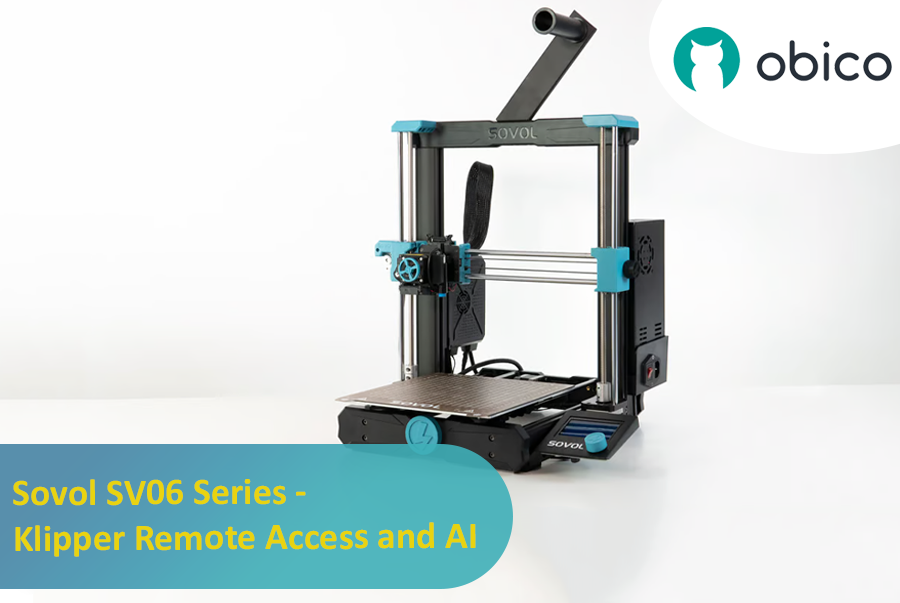
Sovol SV06 Series - Klipper Remote Access and AI

· 12 minuten leestijd

Introduction: Welcoming You to the Sovol SV06 Series

Hey there! Let's jump into the world of the Sovol SV06. This printer is getting a lot of buzz for being budget-friendly while still offering some pretty cool features. If you're thinking about getting into 3D printing without spending a ton, the Sovol SV06 is a solid choice. It gives you a lot for its price, similar to more expensive printers like the Prusa MK3S+, but at a fraction of the cost. With neat features like dual Z-axis motors, automatic bed leveling, and the ability to reach up to 300 °C, it really stands out in the budget printer crowd.

Introduction: Welcoming You to the Sovol SV06 Series

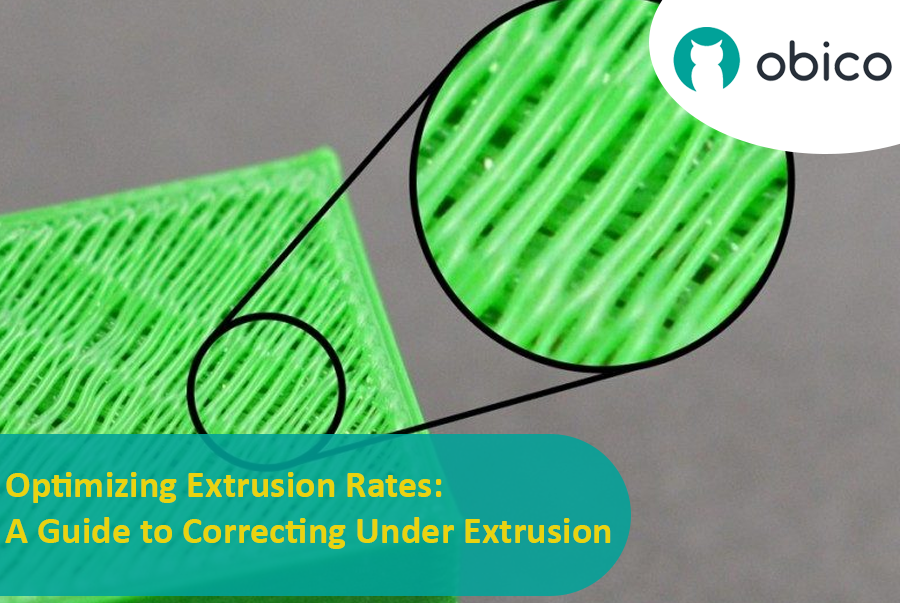
Optimizing Extrusion Rates: A Guide to Correcting Under Extrusion

· 14 minuten leestijd

Introduction

Tackling the Challenge of Under Extrusion in 3D Printing

Welcome to the world of 3D printing! In this amazing realm where we bring ideas to life layer by layer, there’s a common hiccup known as under extrusion that can sometimes throw a wrench in our creative works. But worry not! Understanding and fixing this issue is easier than you might think.

Optimizing Extrusion Rates: A Guide to Correcting Under Extrusion