Saltar al contenido principal

OrcaSlicer vs PrusaSlicer vs Cura - Comparing the Most Popular Slicers
· 17 min de lectura

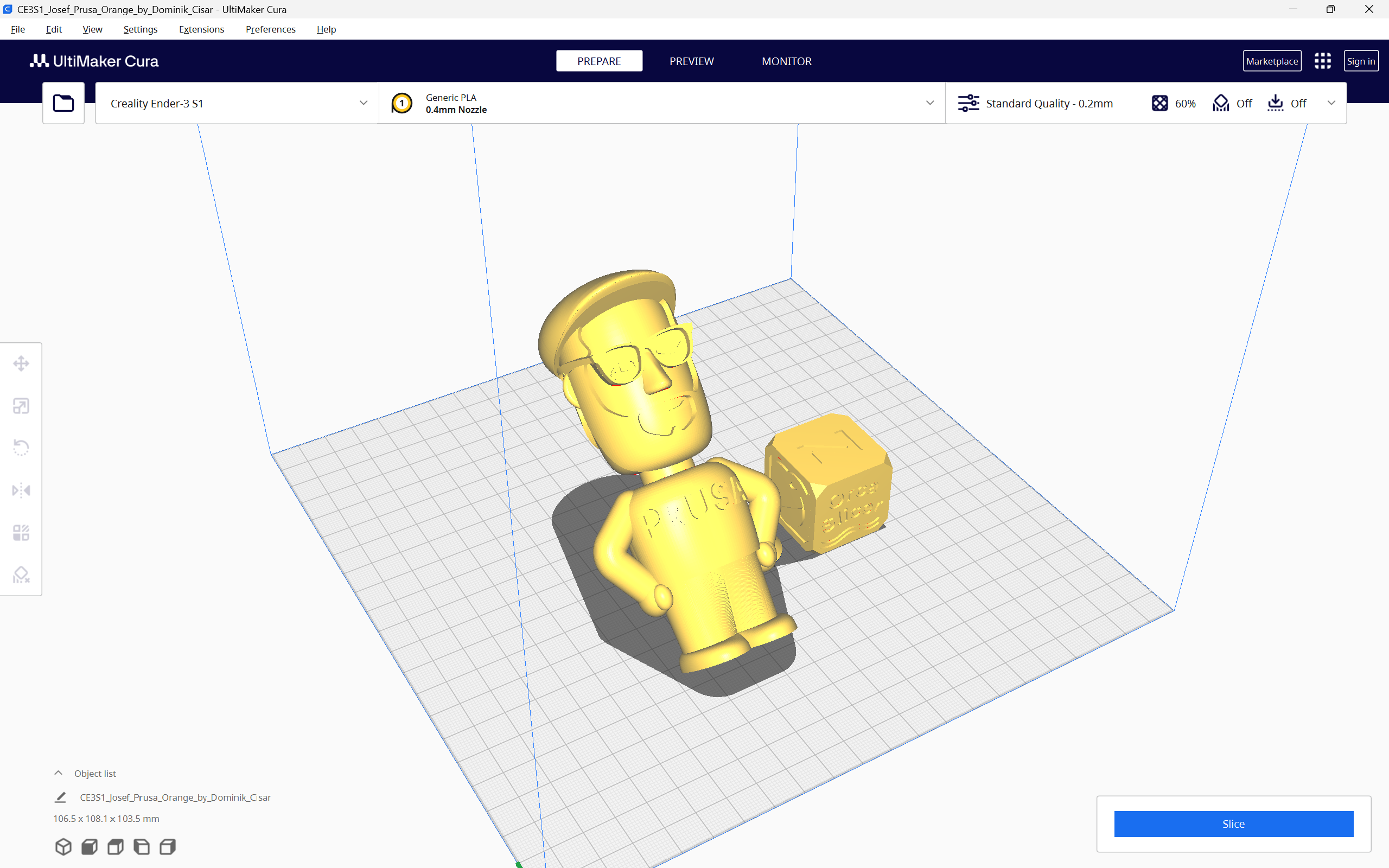
OrcaSlicer, PrusaSlicer and the Cura slicer, are three of the prominent 3D printing slicers you can use today. They are all free to use, open-source, and equipped with exceptional features that enhance your 3D printing experience.

With all these similarities and options, it can get challenging to choose the slicer that fits your needs perfectly. Maybe OrcaSlicer has the features you like, but PrusaSlicer’s supports work better. Or Cura has better 3D printer selection for you.

In this piece, we will answer these questions and more. We will compare OrcaSlicer, PrusaSlicer, and Cura based on their features, slicer settings, printer compatibility, and other parameters to determine which slicer comes out on top. This should help you make an informed decision and choose the slicer that best fits into your 3D printing workflow.

Let’s slice right into it.

How to fix "Buster-backports Release no longer has a Release file" Error

· 3 min de lectura

While installing Obico on your Makerbase 3D printer following our guides, you may come across the error below during installation by running the command ./install.sh. This error indicates that there is no release file in "Buster-backports Release", hence making it impossible to update securely.

![How to fix "Buster-backports Release no longer has a Release file" Error](/img/blogs/buster-backports-release-no-longer-has-a-release-file-main.png "How to fix \\"Buster-backports Release no longer has a Release file\\" Error")

###### Installing required system packages... You may be prompted to enter password.

[sudo] password for mks:
Hit:1 http://security.debian.org buster/updates InRelease
Hit:2 http://deb.debian.org/debian buster InRelease
Hit:3 http://deb.debian.org/debian buster-updates InRelease
Ign:4 http://deb.debian.org/debian buster-backports InRelease
Err:5 http://deb.debian.org/debian buster-backports Release
404 Not Found [IP: 199.232.82.132 80]
Reading package lists... Done
E: The repository 'http://deb.debian.org/debian buster-backports Release' does not have a Release file.
N: Updating from such a repository can't be done securely, and is therefore disabled by default.
N: See apt-secure(8) manpage for repository creation and user configuration details.

Maximum Volumetric Speed Test in OrcaSlicer: A Comprehensive Guide

· 20 min de lectura

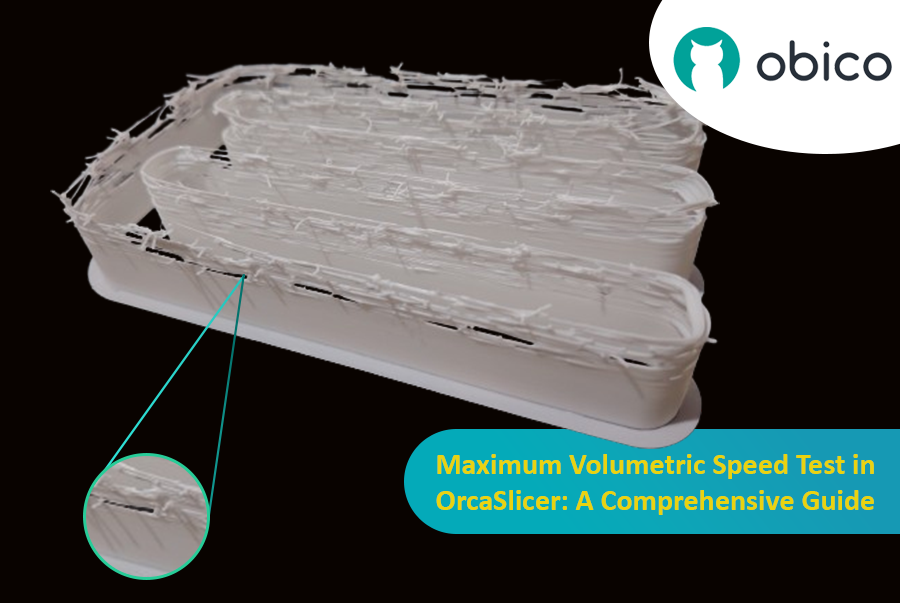
Hello there! Welcome to our easy-to-understand guide on how to control the OrcaSlicer maximum volumetric speed test for 3D printing enthusiasts. If you’re looking forward to enhancing print quality and efficiency, then this is the best place for you. This tutorial will help you optimize your printer’s volumetric speed that determines at what speed you can print without compromising on quality.

Maximum Volumetric Speed Test in OrcaSlicer: A Comprehensive Guide

Volumetric speed knowledge is crucial in 3D printing because it enables one understand how fast a printer can produce objects with accuracy. If this speed is tested and adjusted, under extrusion among other common problems while printing can be avoided thus ensuring that all your prints are good-looking even at higher speeds.

Tolerance Test in OrcaSlicer: A Comprehensive Guide

· 9 min de lectura

Introduction

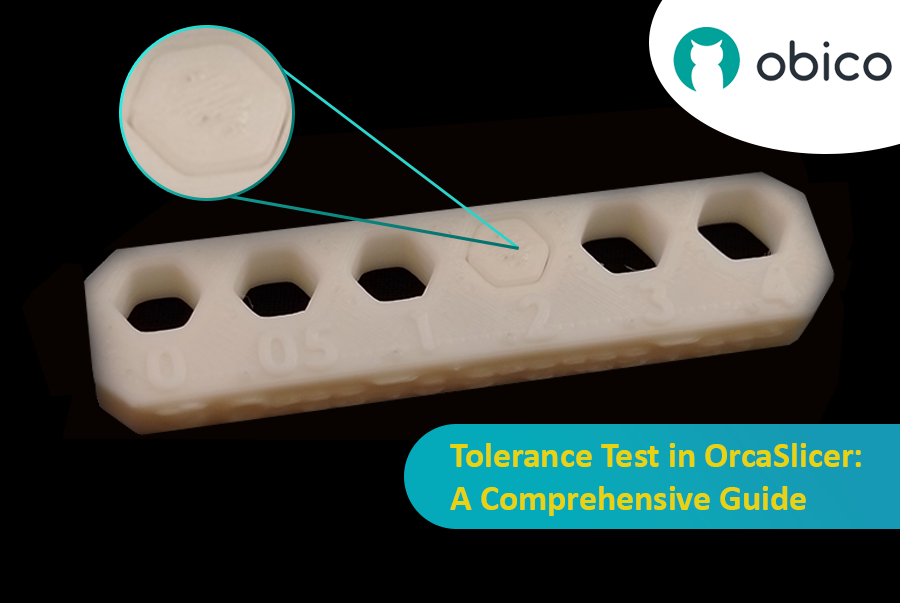
3D printing has revolutionized the way creators, engineers, and hobbyists bring their ideas to life. However, the transition from a digital model to a tangible object isn’t always straightforward. One key challenge is ensuring parts fit together seamlessly. In this comprehensive guide, we’ll delve into the world of tolerance testing using OrcaSlicer, a valuable tool for 3D printing. We will understand together how to know the right tolerances value to design successful prints which fit together well.

Tolerance Test in OrcaSlicer: A Comprehensive Guide

But before we get started testing our 3D printer, let’s understand some important related topics.

The Importance of Tolerance in 3D Printing

In the world of 3D printing, tolerance is all about precision. It's the measure of how accurately a 3D printer can replicate the dimensions specified in your digital design. Imagine you're creating a puzzle; if the pieces are too big or too small, they won't fit together. Similarly, for 3D printed parts to function and fit together as intended, the printer must be able to accurately produce parts within very tight dimensional limits. Good tolerance affects everything from how smoothly moving parts interact to the overall look and strength of the finished product.

But why do you need to make the tolerance test?

Well, in 3D printing things do not always go right. Every filament type has its own shrinkage coefficient and this affects how your print turns out. Different printers, with their unique mechanics and settings, can also produce varied results. That's why testing for tolerance is crucial - it helps you understand how your specific printer and chosen filament behave together, allowing you to adjust the tolerances in your design for the perfect print.

Calibración del avance de presión en OrcaSlicer: una guía completa

· 23 min de lectura
tip

Try JusPrin, the first GenAI 3D printing tool built on OrcaSlicer.

Descripción general del avance de presión

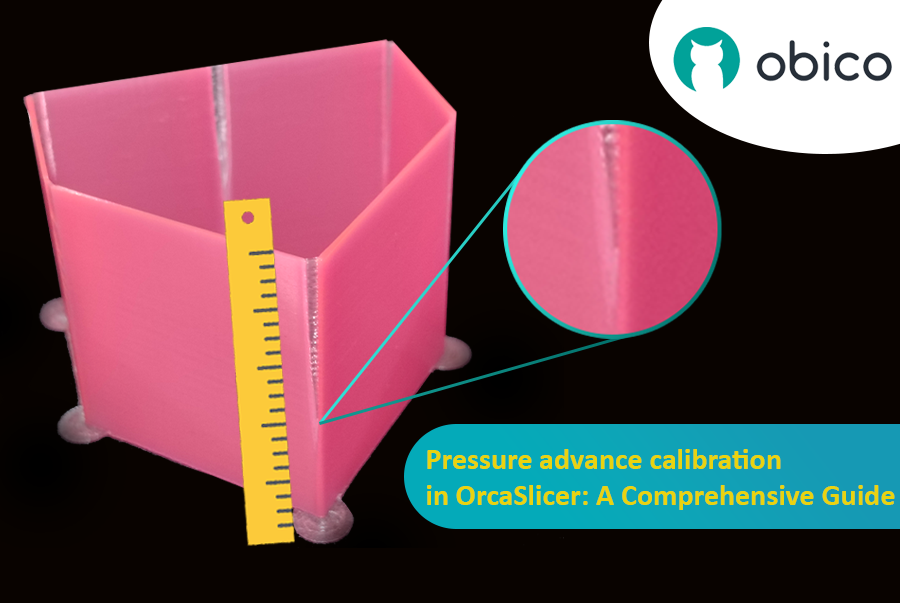
Imagina que dibujas con un bolígrafo que a veces derrama demasiada tinta y otras casi nada. En la impresión 3D, algo similar podría ocurrir cuando la impresora se mueve rápidamente y cambia de velocidad: puede afectar la cantidad de plástico que sale.

Calibración del avance de presión en OrcaSlicer: una guía completa

Pero, ¿por qué a veces tu impresora se equivoca con la cantidad de plástico que sale?

En una impresora 3D, el filamento sale según la presión dentro de la boquilla. Es como una manguera de jardín: se necesita suficiente presión de agua para que salga. Cuando la impresora acelera o desacelera, como al tomar una curva, la presión de la boquilla tarda un poco en compensarse. Si la impresora se mueve demasiado rápido y demasiado pronto, no sale suficiente filamento. Y si desacelera demasiado rápido, sale demasiado. Esto puede hacer que las esquinas de la impresión se vean un poco desordenadas porque la impresora no ajustó el flujo de filamento correctamente a los cambios de velocidad.

Y aquí es donde interviene el Avance de Presión. Es una función inteligente que compensa estos cambios, garantizando la extrusión de la cantidad correcta de filamento al aumentar o disminuir la velocidad de la impresora. Con el Avance de Presión, la impresora gestiona mejor las transiciones de velocidad, lo que resulta en impresiones más suaves y nítidas, especialmente en las esquinas más difíciles.

Prueba de retracción en OrcaSlicer: una guía completa

· 19 min de lectura

Introducción

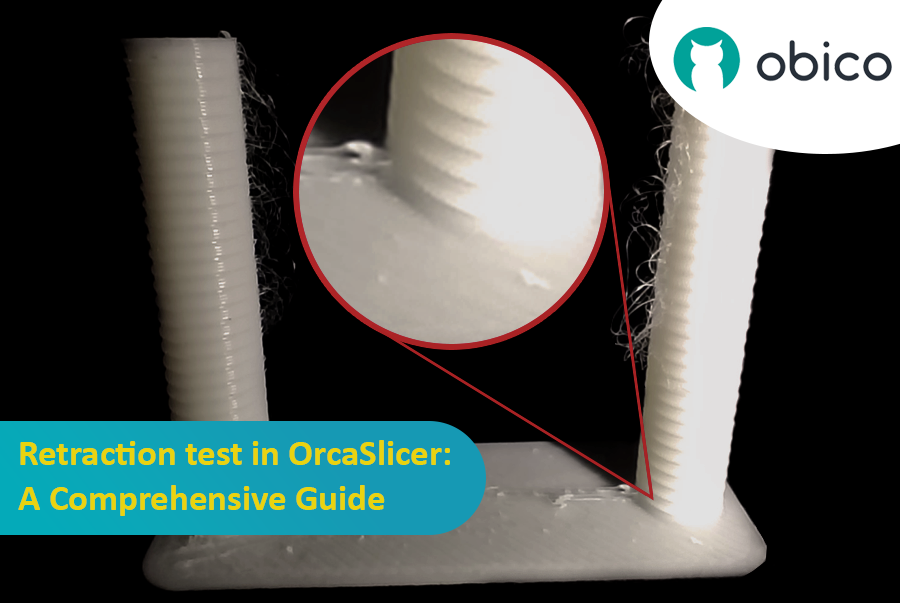
La impresión 3D es una tecnología fascinante que permite crear casi cualquier cosa imaginable. Sin embargo, también presenta algunos desafíos y limitaciones, como la calidad de las piezas impresas. Uno de los problemas más comunes que afectan la apariencia y la funcionalidad de las impresiones 3D es la presencia de residuos de material no deseados, como hilos, manchas y granos.

Prueba de retracción en OrcaSlicer: una guía completa

Afortunadamente, existe una manera de reducir o eliminar estos artefactos mediante una función llamada retracción. Pero ¿qué significa retracción?

Vamos a desglosarlo:

¿Qué es la retracción y la prueba de retracción?

La prueba de retracción es un procedimiento de calibración que busca reducir o eliminar los problemas de hiladura y exudación que pueden ocurrir durante la impresión 3D. La hiladura y la exudación se deben al exceso de material que se filtra por la boquilla cuando el hotend se mueve de una parte del modelo a otra sin extruir. Esto produce hebras o grumos de filamento no deseados en la superficie o entre las partes del modelo, lo que afecta la calidad y el aspecto de la impresión.

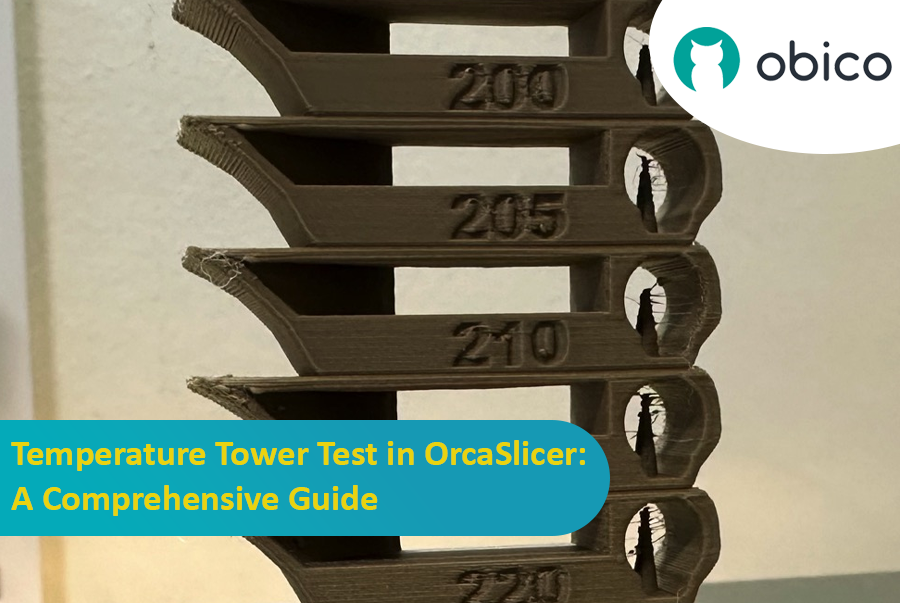
Prueba de la torre de temperatura en OrcaSlicer: una guía completa

· 12 min de lectura
tip

Try JusPrin, the first GenAI 3D printing tool built on OrcaSlicer.

Introducción a la prueba de torre de temperatura con OrcaSlicer

La impresión 3D es una tecnología fascinante que permite crear objetos físicos a partir de modelos digitales. Sin embargo, para obtener los mejores resultados, es necesario ajustar la configuración de la impresora y optimizar los parámetros del filamento. Uno de los factores más importantes que afecta la calidad de las impresiones es la temperatura.

La temperatura afecta la fluidez, la fusión y la adhesión del filamento a las capas anteriores. Si la temperatura es demasiado baja, el filamento podría no extruirse correctamente, lo que resultaría en una extrusión insuficiente, mala adhesión y piezas débiles. Si la temperatura es demasiado alta, el filamento podría rezumar, formar hilos o deformarse, lo que provocaría una extrusión excesiva, manchas y deformaciones.

Prueba de la torre de temperatura en OrcaSlicer: una guía completa

Para encontrar la temperatura óptima para su filamento, debe realizar una prueba de torre de temperatura.

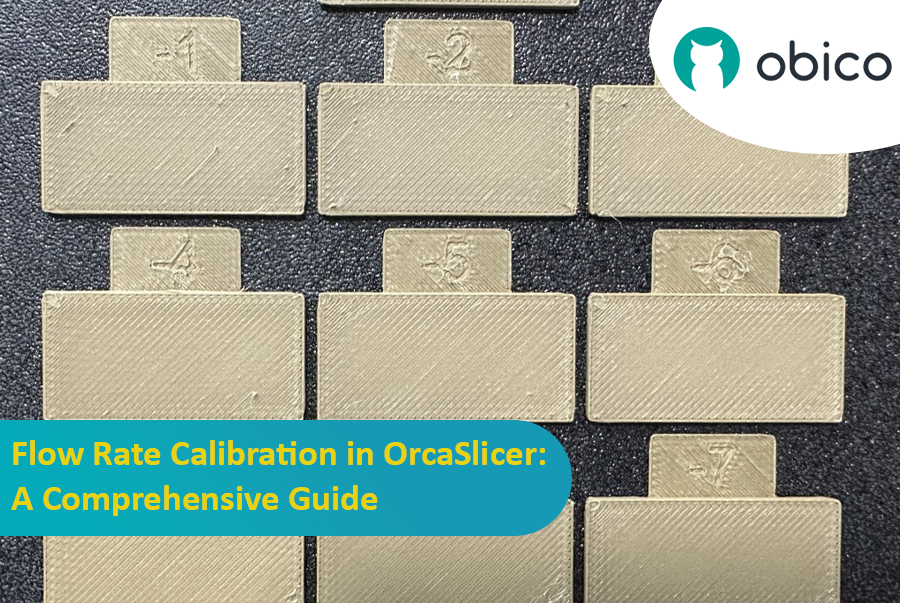
Calibración del caudal en OrcaSlicer: una guía completa

· 10 min de lectura
tip

Try JusPrin, the first GenAI 3D printing tool built on OrcaSlicer.

Introducción

La calibración del caudal es crucial para lograr impresiones 3D de alta calidad. Un caudal adecuado garantiza una deposición de capas uniforme, superficies más lisas y mejores detalles. En este artículo, que forma parte de una serie sobre la calibración de OrcaSlicer, exploraremos el proceso de calibración del caudal utilizando OrcaSlicer, un software de corte de código abierto diseñado para impresoras 3D de modelado por deposición fundida (FDM).

Calibración del caudal en OrcaSlicer: una guía completa

Antes de profundizar en el proceso de calibración del caudal en OrcaSlicer, hagamos una breve pausa para comprender qué es y sus características clave.

OrcaSlicer: una opción potente y flexible para el corte de impresión 3D

OrcaSlicer es un software de corte de impresión 3D de código abierto para impresoras FDM. Está diseñado principalmente para impresoras compatibles con el firmware Marlin, Klipper y Bambu Lab. Es compatible con varios modelos populares de marcas como Creality, Prusa, Elegoo e incluso la Voron de código abierto.

Árbol genealógico de OrcaSlicer:

OrcaSlicer se basa en Bambu Studio, que a su vez deriva de PrusaSlicer. PrusaSlicer, a su vez, se basa en la solución de código abierto Slic3r.

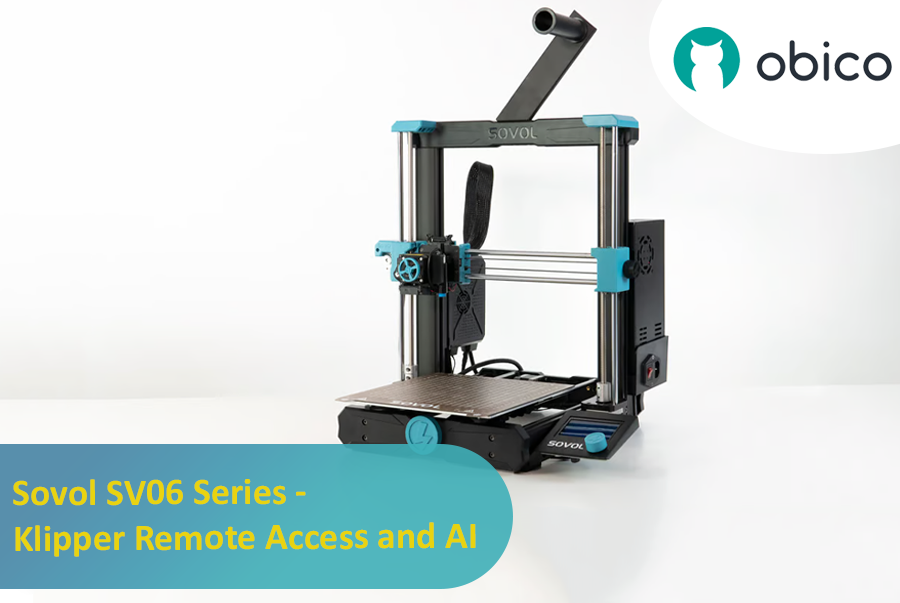
Sovol SV06 Series - Klipper Remote Access and AI

· 12 min de lectura

Introduction: Welcoming You to the Sovol SV06 Series

Hey there! Let's jump into the world of the Sovol SV06. This printer is getting a lot of buzz for being budget-friendly while still offering some pretty cool features. If you're thinking about getting into 3D printing without spending a ton, the Sovol SV06 is a solid choice. It gives you a lot for its price, similar to more expensive printers like the Prusa MK3S+, but at a fraction of the cost. With neat features like dual Z-axis motors, automatic bed leveling, and the ability to reach up to 300 °C, it really stands out in the budget printer crowd.

Introduction: Welcoming You to the Sovol SV06 Series

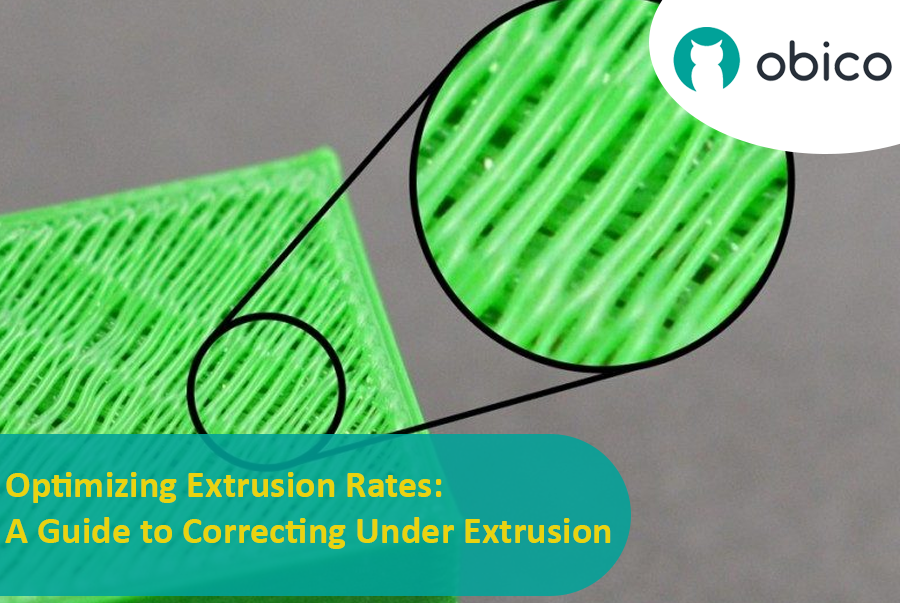
Optimizing Extrusion Rates: A Guide to Correcting Under Extrusion

· 14 min de lectura

Introduction

Tackling the Challenge of Under Extrusion in 3D Printing

Welcome to the world of 3D printing! In this amazing realm where we bring ideas to life layer by layer, there’s a common hiccup known as under extrusion that can sometimes throw a wrench in our creative works. But worry not! Understanding and fixing this issue is easier than you might think.

Optimizing Extrusion Rates: A Guide to Correcting Under Extrusion