Passa al contenuto principale

Klipper Timelapse con Fluidd o Mainsail: tutto quello che devi sapere

· 9 minuti di lettura

Introduzione

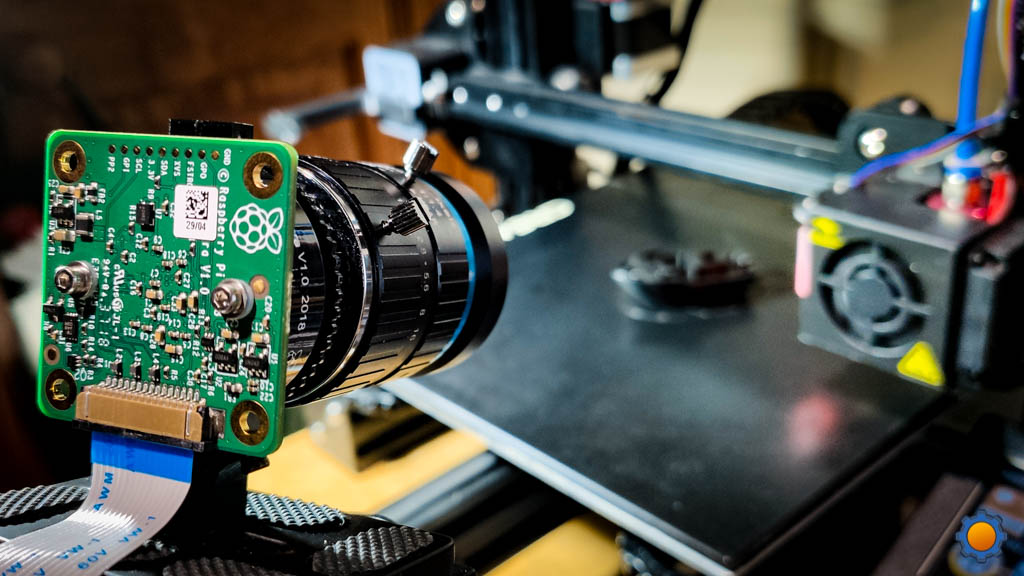
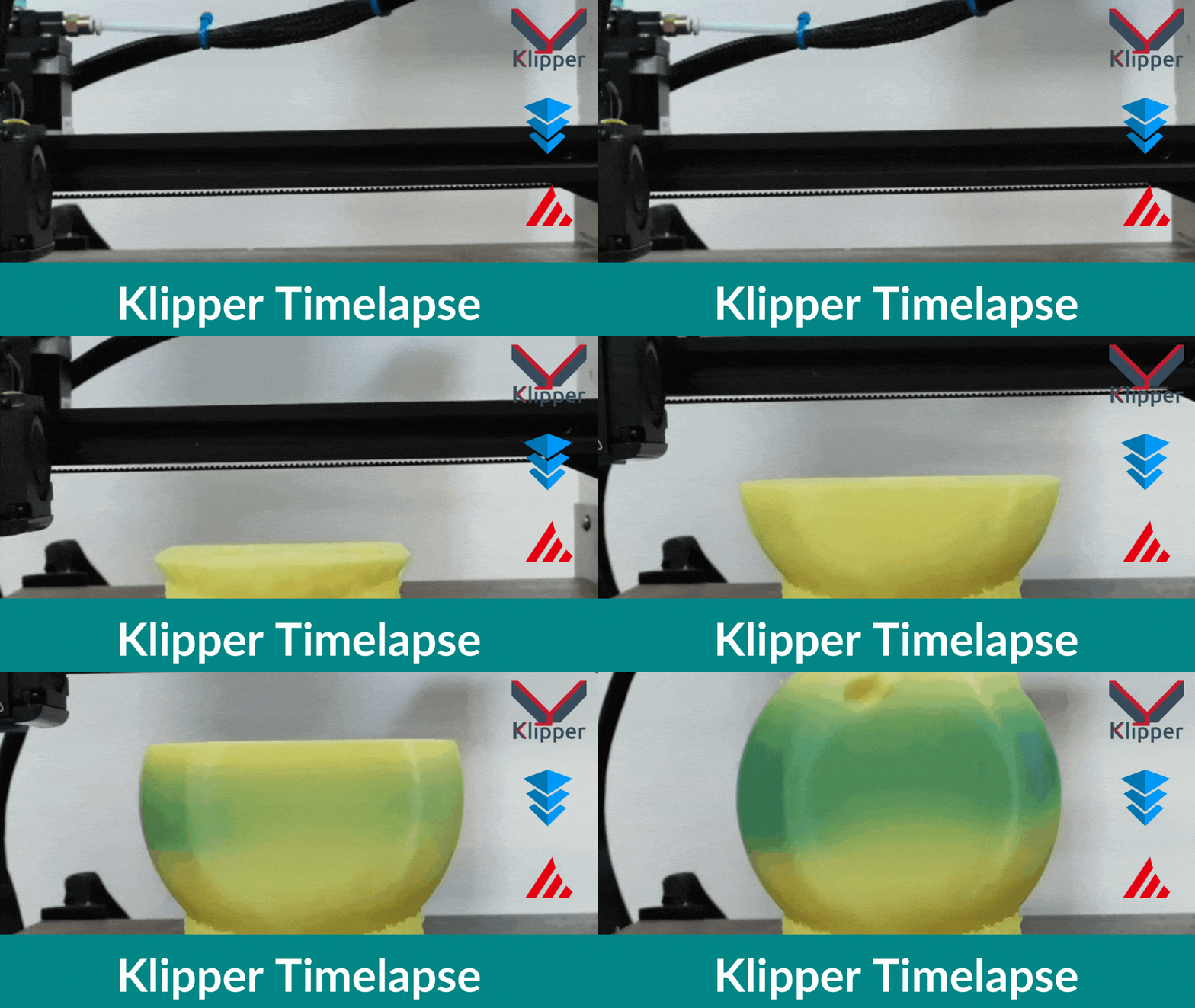
Utilizzando la funzione timelapse di Klipper, puoi registrare l'intero processo di stampa 3D e condividerne parti sui tuoi social media. Questi video sono anche un ottimo strumento per analizzare gli errori di stampa e individuarne le cause.

Tuttavia, nonostante la loro utilità, impostare video time-lapse in Klipper può risultare complicato per molti utenti. E sebbene sia un'impostazione relativamente semplice, la configurazione iniziale può facilmente confondere gli utenti alle prime armi con Klipper.

In questo articolo, semplificheremo questo processo. Esamineremo l'intera procedura passo dopo passo e configureremo la funzionalità timelapse per la tua istanza di Klipper. Al termine di questa guida, sarai in grado di registrare video timelapse perfetti delle tue stampe 3D e condividerli sui tuoi social network.

Cominciamo a sparare.

Nozzle Scraping Bed Surface

· 4 minuti di lettura

Nozzle Scraping Bed Surface

What Is It?

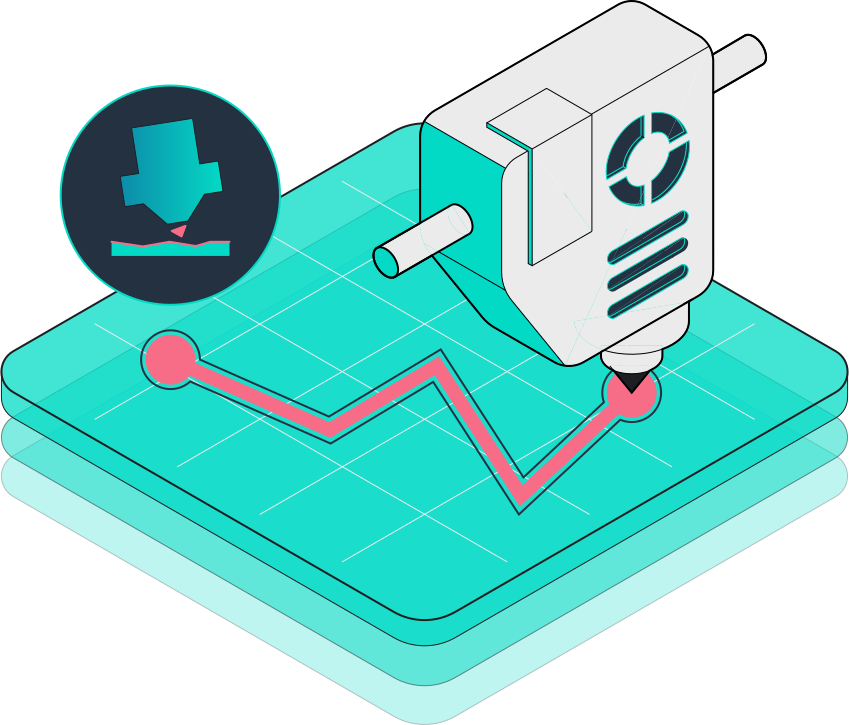
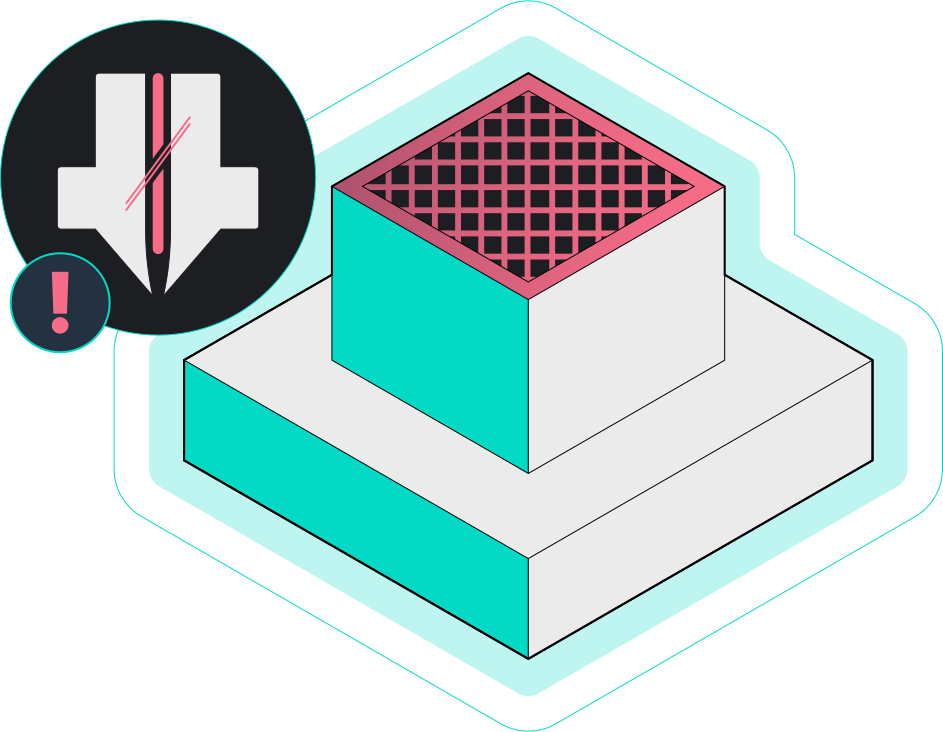
Inaccurate bed leveling, low initial layer height, or incorrect Z-offset settings can cause your printer's nozzle to scrape against the printing bed. It might damage the nozzle and the print bed and restrict the filament from flowing out of the nozzle.

If left unchecked for a while, it can build up pressure in the hot end and cause the extruder motor to skip steps. Nozzle scraping is relatively minor but one of the most common issues faced by beginners and new 3D printer users.

Blobs and Zits

· 3 minuti di lettura

Blobs or Zits

What Is It?

Blobs or Zits are the tiny dots on your print's surface and directly affect its overall quality and appearance. These are often the result of incorrect retraction settings or high printing temperature and negatively affect the surface finish of your 3D printed part.

Sometimes, you can easily remove them with sanding, but big blobs can be challenging to remove and may leave an impression on your parts. For this reason, it's best to tune your printer to not create them in the first place rather than try to remove them through post-processing.

Broken Filament

· 4 minuti di lettura

Broken Filament

What Is It?

The filament is a relatively fine plastic thread, which can break easily under certain conditions. If your filament breaks mid-way during a print, it will cause a print failure leading to a loss of print time and effort.

Filament usually breaks due to poor quality control, high humidity, or extreme tension in the filament path. These conditions are essential to consider if you're planning to print large-sized objects or want to use your printer for batch 3D printing.

Filament Stops Extruding Mid-Print

· 4 minuti di lettura

Filament Stops Extruding Mid-Print

What Is It?

Your 3D printer can stop extruding filament mid-way during printing, leading to a failed print and losing printing time. The most likely and apparent reason might be your printer running out of filament material.

But, in some cases, nozzle clogs and defective extruders too can be a potential issue.

First Layer Issues

· 5 minuti di lettura

First Layer Issues

What Is It?

First layer issues reduce the chances of a successful print and are often the cause behind several failed 3D prints. Some of the significant and most common first layer problems are - prints not sticking to the bed surface, the first layer too rough, the nozzle not extruding filament or holes and lines in the bottom of your prints.

These problems can either affect the quality of your prints or cause them to fail, leading to loss of filament and printing times. Therefore, it's crucial to eliminate these issues and ensure a smooth and even initial layer.

Gaps in Print Surfaces

· 4 minuti di lettura

Gaps in Print surfaces

What Is It?

Often 3D prints can have small visible gaps on their top surfaces, outer walls, and between the infill structure and the inner walls. These cavities ruin the appearance of your 3D-printed model and might also affect its structural integrity. Often, the cause behind gaps in your 3D prints is related to slicer settings, and you can quickly resolve these gaps by fine-tuning specific settings.

Inferior Surface Quality Above Supports

· 3 minuti di lettura

Inferior Surface Quality above Supports

What Is It?

Supports are essential to provide a base for the overhangs in your 3D prints. But incorrect support settings can affect your print's quality and appearance. If the top of your support is too close to the print's surface, it might leave marks and blobs. Whereas, if there's too much gap between the support and the print, you will encounter filament drooling and poor overhangs.

In an ideal scenario, the support should easily detach from the print's surface without leaving any marks. Moreover, the supported area of the print shouldn't indicate any filament drooling or signs of a support structure underneath it.

Inferior Surface Quality Underneath Supports

· 3 minuti di lettura

Inferior Surface Quality underneath Supports

What Is It?

With extreme overhangs, you need to use support structures that use the print's surface as their base. In such cases, the support pillars can adhere firmly to your print, affecting your part's surface quality. Less distance between the support base and the print can make removing the supports a challenge.

Popular slicers such as Cura and PrusaSlicer circumvent this issue using Tree Supportstructures. Tree supports have minimal contact with your 3D prints and help you achieve better-looking parts even with large overhangs.

Innacurate Dimensions

· 2 minuti di lettura

Inaccurate Dimensions

What Is It?

Incorrect printer calibration can lead to dimensional inaccuracies in your final 3D printed parts. An inaccurate part will not fit well with other elements and lead to issues during the final assembly of your printed design. It's not an issue with 3D-printed showpieces or aesthetic parts but will cause significant problems with complex assemblies or functional designs.

For simplicity, we'll broadly classify these inaccuracies as positive and negative dimensional errors. If your print has a positive error, it indicates the observed measurement is more than the designed value. If your print's observed measurement is less than the design value, it indicates a negative print error.