What Went Wrong (Debugging Failed Multicolor Prints, Part 1)

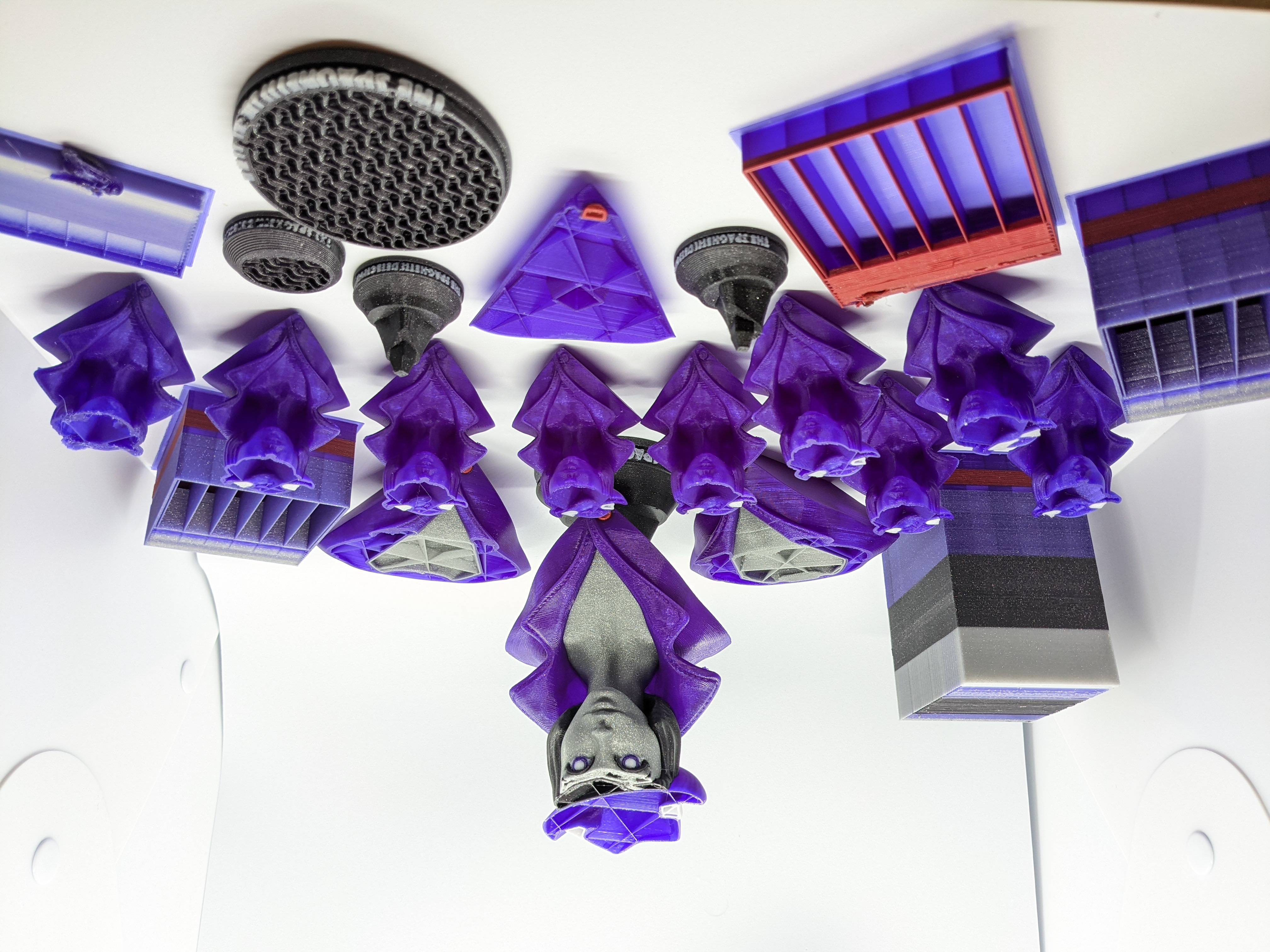
There's a game I like called Dark Souls, made by From Software. It's an action RPG known for its difficulty, and it has spawned its own subgenre of games, though most imitators miss the most important part about Dark Souls: Everything that goes wrong, even if it's not your fault, went wrong for a reason you can learn from and avoid the next time. Every failure gets you better at the game. 3D printing is like that. As you see above, in the prints since my successful first print, I've had a lot of print failures. Let's go into why they failed, how I know how they failed, and how I fixed them.
To provide some context,
My print setup
I use a Prusa i3 MK3S+ MMU2S. I've owned the printer for almost exactly two years now, and I bought the MMU about one year ago, one year into owning it. It's outfitted with a 0.4mm Tungsten Carbide nozzle. TC has very similar thermal properties to brass but is significantly harder and is able to stand up to abrasive filament. Since I was planning to print with blue Glow in the Dark filament, and glow-in-the-dark filaments get their glow from a very abrasive metal additive called strontium aluminate, i needed a nozzle that would be up to the task.
My nozzle kept clogging
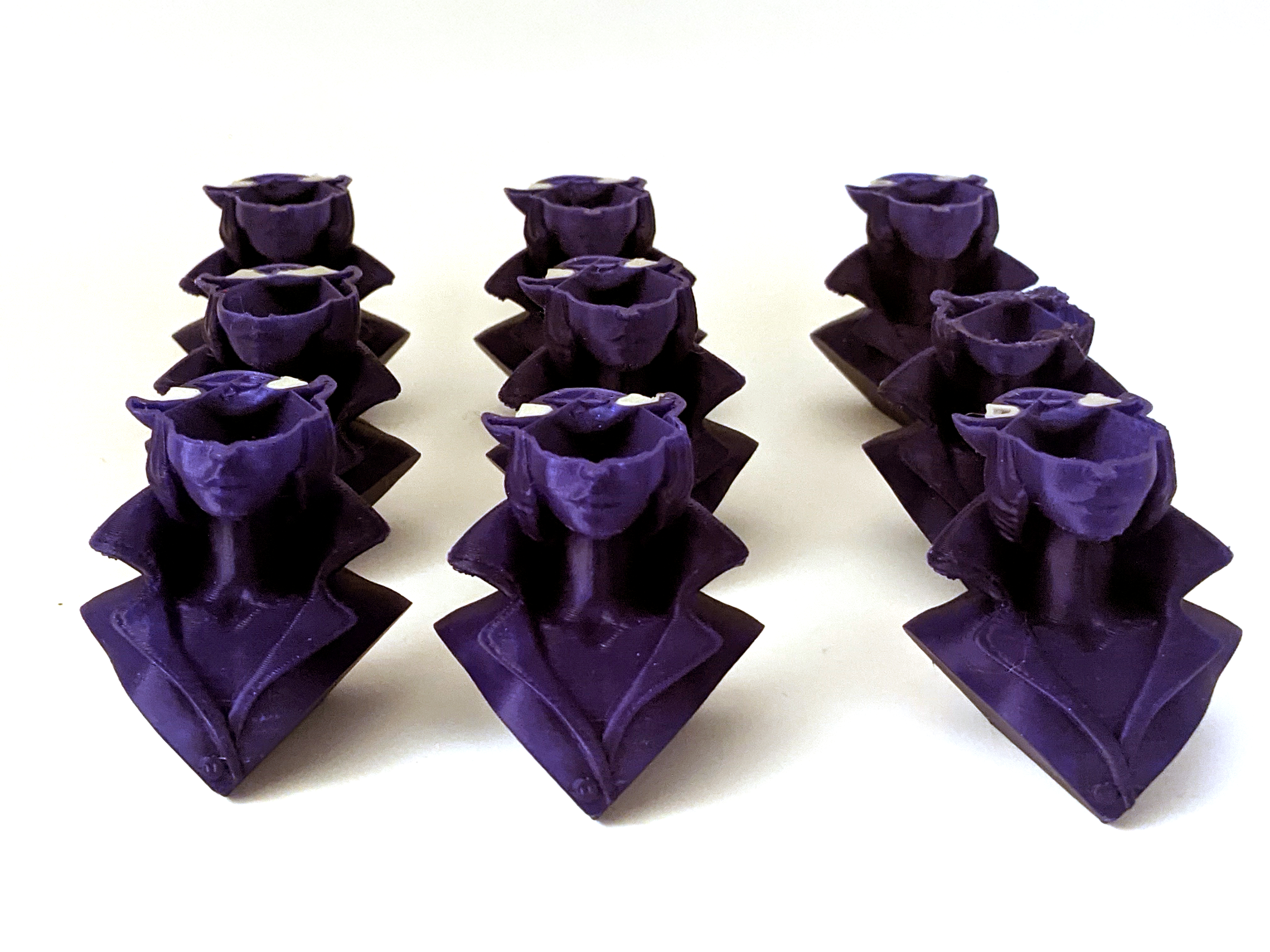
How I knew it had clogged
I could tell it was clogging because the extruder started clicking whenever it tried to push filament through, and no filament was coming out the other end, meaning that there was a blockage somewhere between the gears in the extruder that push the filament and the nozzle.
My attempt at recovery
The first time this happened, on a print of a bunch of 50% scale two-color busts, I tried to do my usual recovery after a hotend clog, which is a cold pull. The general idea of a cold pull is that you heat the nozzle up to around 285°C (hot enough to melt any clog), push through a filament whose color contrasts whatever filament you were most recently using, and then set the nozzle to cool down while continuously pushing the filament through. When the nozzle's too cold for filament to go any further, you let it cool the rest of the way to room temperature, then heat the nozzle up to 85° C and pull the filament up out of the extruder. Any of the old filament that was stuck in the nozzle should be pulled up with the new filament you've pushed through by hand.
It didn't work
I couldn't push filament through, no matter how hot the nozzle was or how hard I tried. I thought I'd need a hotend needle to clear the clog, but I didn't have any of those handy.
What did work?
It turns out that, if you don't have a hotend needle, the B and high E strings from a guitar will work in a pinch. I preheated my nozzle and snipped a bit off some spare guitar strings I had (I'll change my Squier's strings eventually, I swear!). Using needlenose pliers to hold the improvised high-E-string needle, I poked the tip into the nozzle, being careful to keep it straight. When it went through the nozzle without resistance but met resistance higher up, I removed my printer's extruder idler door and carefully unscrewed the nozzle, then used the thicker B string needle to poke up at whatever above the nozzle was causing the clog. I eventually dislodged a piece of the glow filament and pushed it back up through the hotend PTFE tube and out the open idler door.
What I learned
The main thing I learned from all this is that filaments with additives, and especially glow-in-the-dark filaments, are extremely brittle. During a filament retraction, a bit of the filament must have snapped off in the cold-end and gotten lodged, preventing any filament from being pushed further through.
How to prevent this
Since then, when working with the glow filament, I've loosened the tension on the idler screw to slightly less than normal, hoping to prevent shearing on the glow filament. It's still very brittle but hasn't broken since. And if it does, now I've got an actual set of hotend needles and an idea of the first thing to check for.
Stay tuned for more posts on what went wrong and what you can learn from my failures, and remember that there are still five days left to print and share our bust for 200 free detective hours and your chance at a whole year of free unlimited TSD Pro service.