Passa al contenuto principale

OrcaSlicer: approfondimento sulle funzionalità di calibrazione della stampante 3D

· 15 minuti di lettura

suggerimento

Prova JusPrin, il primo strumento di stampa 3D GenAI costruito su OrcaSlicer.

Guida aggiornata disponibile

📢 Abbiamo pubblicato una guida di calibrazione completa e passo dopo passo!

Questo articolo fornisce una buona panoramica delle funzionalità di calibrazione di OrcaSlicer, ma per le istruzioni di calibrazione più dettagliate e aggiornate, consulta la nostra Mastering Your Prints: The Comprehensive OrcaSlicer Calibration Guide che include procedure dettagliate, suggerimenti per la risoluzione dei problemi e migliori pratiche per tutti i test di calibrazione.

Se stampi in 3D da un po' di tempo, probabilmente hai sentito parlare dell'importanza di calibrare la tua stampante. La calibrazione di stampa migliora la qualità di stampa, garantisce risultati costanti e aumenta anche la produttività complessiva.

Su internet troverete diverse risorse che vi aiuteranno a calibrare le vostre stampe 3D. Michael di Teaching Tech ha un'intera libreria di strumenti per perfezionare le vostre stampe 3D. Anche Thingiverse e Printables offrono una vasta gamma di stampe di calibrazione.

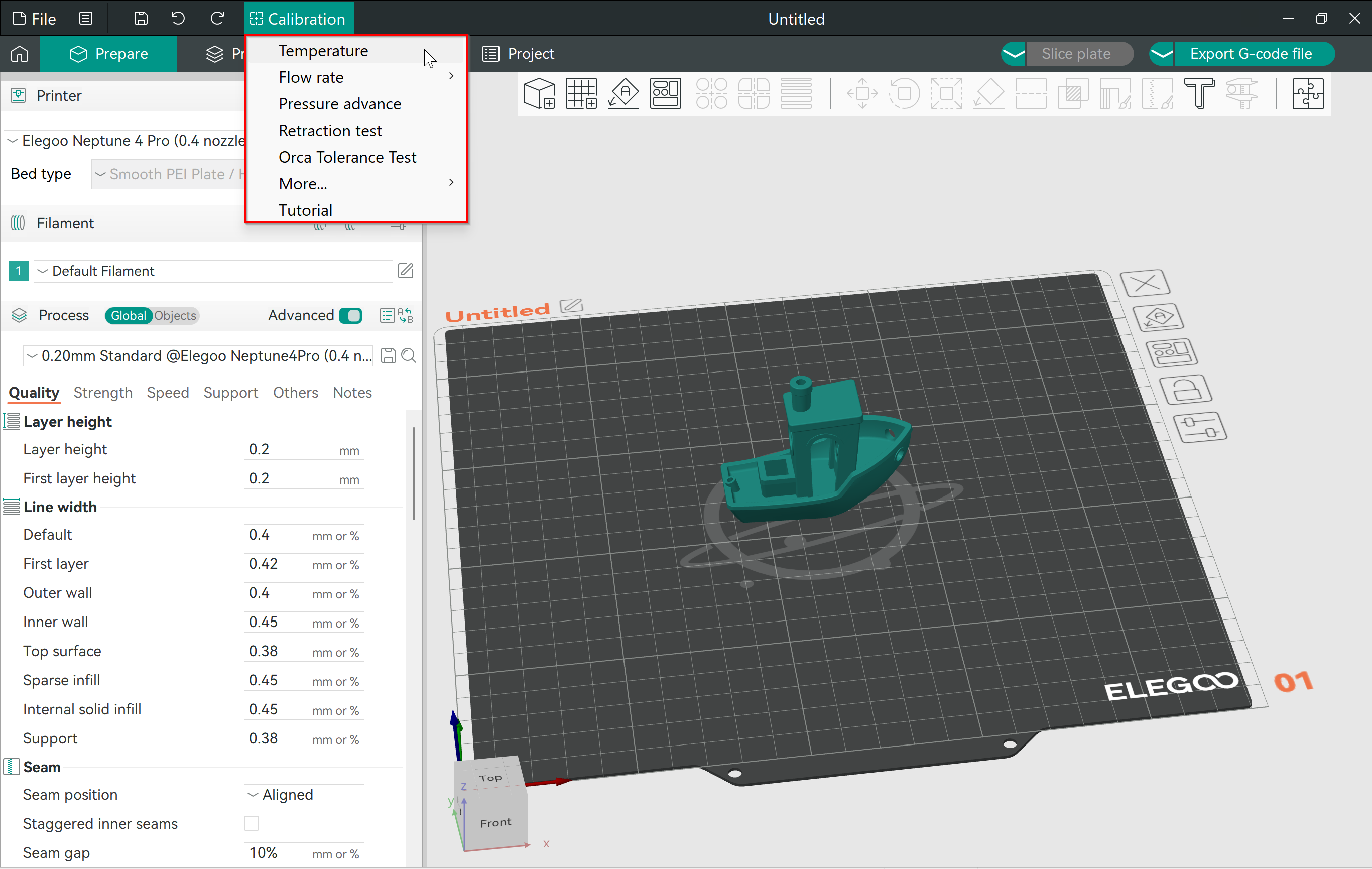
Tuttavia, OrcaSlicer riunisce tutti questi strumenti in un unico posto. Offre un modo semplice per accedere e utilizzare le stampe di calibrazione senza doverle scaricare o altro. Le impostazioni dello slicer sono già impostate e tutto ciò che devi fare è premere Stampa!

In questo articolo, approfondiremo il menu di calibrazione di OrcaSlicer. Esamineremo le varie opzioni disponibili e come utilizzare le stampe di calibrazione per ottimizzare i risultati di stampa 3D.

Calibriamo e creiamo!

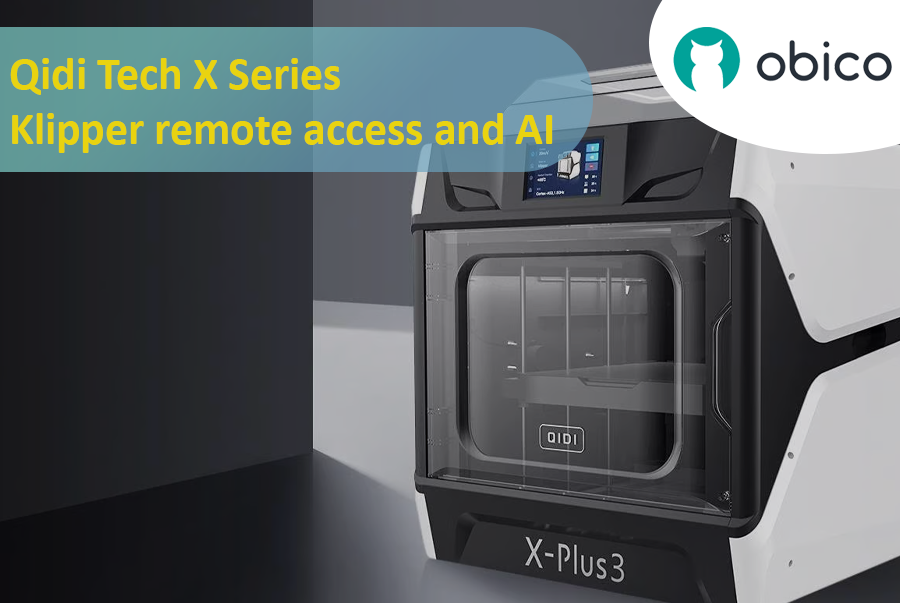
Qidi Tech X Series - Klipper remote access and AI

· 15 minuti di lettura

Introduction

Qidi Tech X Series - Klipper remote access and AI

A Deep Dive into Qidi Tech X Series

The 3D printing world has seen a surge in innovative technologies, giving users more control, flexibility, and efficiency than ever before. A significant breakthrough in this domain is the Qidi Tech X Series. Renowned for their cutting-edge features, these 3D printers are optimized for both beginners and seasoned enthusiasts. As users continually seek ways to enhance their printing experiences, integrating remote access and AI functionalities has become increasingly crucial.

All models in the Qidi Tech X Series come integrated with the Klipper firmware. This means that users can now unlock a plethora of remote access and AI functionalities using Obico. By linking your 3D printer with Obico, you can monitor your prints in real-time from any location and leverage AI-driven insights to optimize your print quality. The upcoming sections in this article will provide a detailed, step-by-step guide to achieve this seamless integration.

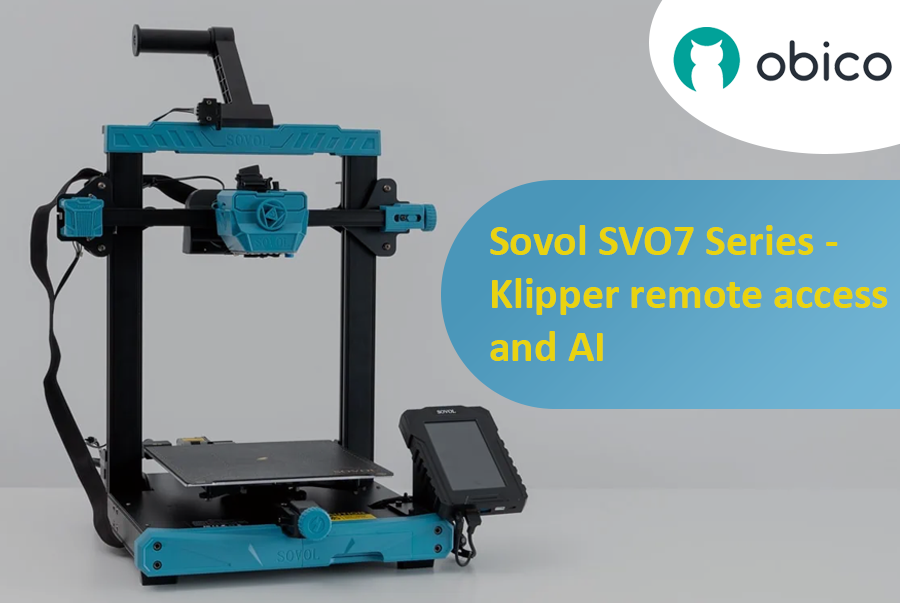
Sovol SV07 Series - Klipper Remote Access and AI

· 12 minuti di lettura

Introduction

Welcome to the world of Sovol 3D printing and the exciting Sovol SV07 Series. In this comprehensive guide, we will introduce you to the Sovol SV07 Series, take you on a journey to meet the Sovol SV07, and explore the remarkable Sovol SV07 Plus. But that's not all; we'll also delve into the incredible power of remote access and AI monitoring features using Obico and how to link your printer with it.

Sovol SV07 Series - Klipper remote access and AI

Introducing the Sovol SV07 Series

The Sovol SV07 Series represents the pinnacle of 3D printing technology. These printers are designed to cater to the needs of both beginners and experts in the world of 3D printing. With their advanced features and innovative capabilities, Sovol SV07 Series printers offer an exceptional 3D printing experience.

Elegoo Neptune 4 Series - Klipper Remote Access

· 16 minuti di lettura

Elegoo Neptune 4 Series

The Rise of Elegoo in the FDM World

Elegoo, a name previously synonymous with high-quality resin printers, has embarked on a new journey in the realm of FDM printing with its Neptune 4 series. The world of Fused Deposition Modeling (FDM) printing has been evolving rapidly, and it’s not just the technology giants who are leading this transformation. Niche manufacturers like Elegoo have stepped into the arena, bringing innovative solutions and captivating designs. With the Neptune 4 series, Elegoo has successfully established a foothold, striking a balance between cost-efficiency, performance, and user-friendliness. It's no wonder that enthusiasts and professionals alike are keeping a close eye on Elegoo's latest offerings.

Overview of Klipper's Integration with 3D Printers

Klipper, an open-source firmware solution, has revolutionized the way 3D printers operate. Rather than relying solely on the limited computational power of a printer's onboard microcontroller, Klipper collaborates with more powerful devices like Raspberry Pi to manage printer operations. The result? Enhanced performance, speed, and precision. The union of Klipper with Elegoo's Neptune 4 series is a testament to the future of 3D printing, offering users an enhanced printing experience. By leveraging the prowess of Klipper, users can enjoy faster print speeds without compromising on accuracy. Moreover, with the advent of remote access solutions like Obico, the possibilities of what one can achieve with Klipper and the Neptune 4 series are truly boundless. Stay tuned as we delve deeper into the intricacies of remote access and explore the full potential of the Elegoo Neptune 4 series powered by Klipper and Obico.

Cool things to 3D Print in 2024

· 10 minuti di lettura

If you're here, you're likely to own a 3D printer or at least have one at your disposal and you're on the hunt for the coolest things to 3D print in 2024. Well, you've come to the right place!

Just a disclaimer that ‘cool’ is a very subjective term and while there can be many things that can be cool, we have created a list of gadgets and everyday tools that can simplify your life, to machines that inspire you and props that you would like to show off to your friends. We have listed a collection of a varied array of things to 3D print.

Whether you're a seasoned 3D printing pro or just starting out, prepare to be inspired by the fantastic projects and ideas that await you.

Creality Sonic Pad Remote Access

· 13 minuti di lettura

Creality Sonic Pad Meets Obico - Klipper Remote Access and AI Failure Detection

The Creality Sonic Pad and Obico converge to create a dynamic duo in the realm of 3D printing, each bringing unique capabilities to the table. While the Sonic Pad is recognized for its streamlined and user-friendly interface, it has been noted for having certain limitations, particularly in the realm of remote management features. On the other hand, Obico emerges as a pioneering technology, notably recognized for its AI-driven capabilities in 3D printing management, offering users the ability to remotely operate and monitor their 3D printing tasks. The intersection of these two technologies could potentially unlock new possibilities, combining the user-friendly interface of Sonic Pad with the advanced remote management and monitoring capabilities of Obico.

The Significance of Remote Management in 3D Printing

Remote management in 3D printing is pivotal in enhancing the user experience and optimizing the printing process. It allows users to monitor, control, and adjust their 3D printing tasks from anywhere, providing flexibility and ensuring that the printing process is not hindered by physical presence requirements. This is particularly crucial in managing long printing tasks, where continuous monitoring can be labor-intensive. Remote management also enables users to promptly address any issues or failures during the printing process, thereby reducing the risk of material wastage and ensuring the efficient utilization of resources. Furthermore, it opens the door to managing multiple 3D printing tasks across various locations, paving the way for scalability and mass production in 3D printing ventures.

Ender 3 Slicer: scegliere il miglior software di slicer

· 15 minuti di lettura

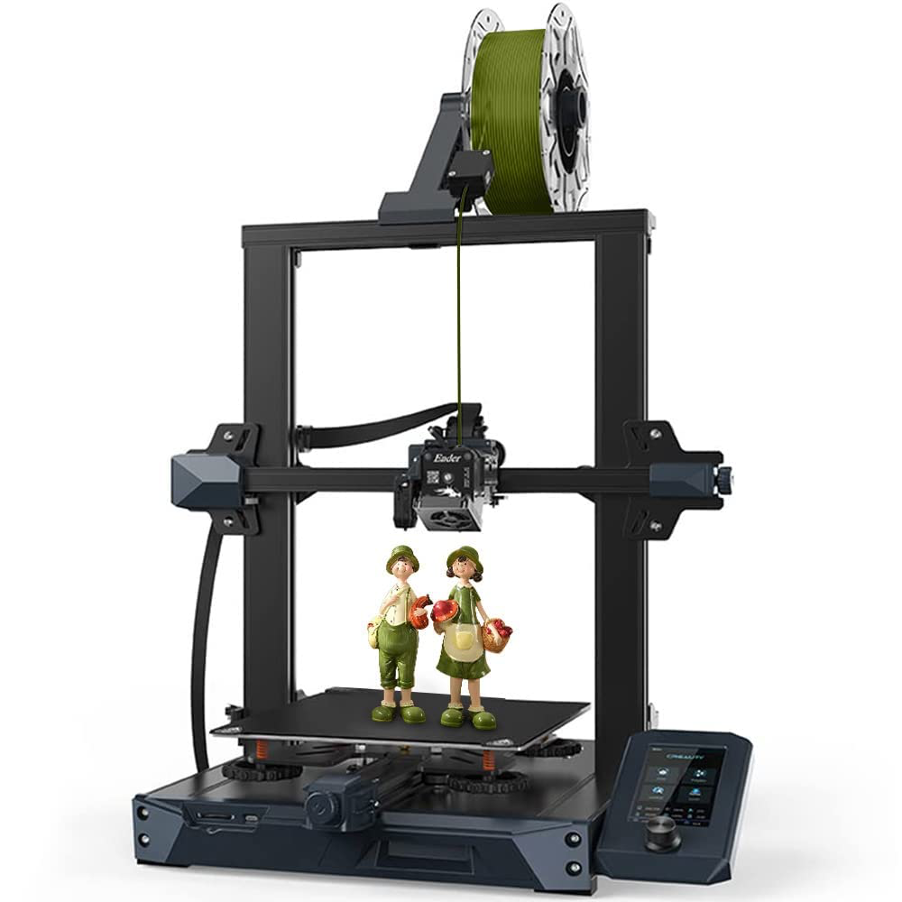
Creality Ender 3/Per gentile concessione di Creality

suggerimento

Try JusPrin, the first GenAI 3D printing tool built on OrcaSlicer.

La Creality Ender 3, nota per la sua convenienza, la personalizzazione e la qualità di stampa, è diventata una sorta di icona nel mondo della stampa 3D. Di conseguenza, l'Ender 3 si è guadagnata un seguito considerevole tra hobbisti, maker e professionisti. Ha dato vita a una famiglia di successori, tra cui l'Ender 3 Pro, l'Ender 3 V2 ricca di funzionalità, la versatile Ender 3 S1 con le sue iterazioni Pro e Plus e gli ultimi modelli Neo. Possedere una delle migliori stampanti 3D è un vantaggio significativo, ma è solo l'inizio. Per sfruttare appieno il potenziale dell'Ender 3, è essenziale scegliere il miglior slicer 3D per Ender 3, che unisca perfettamente funzionalità e facilità d'uso.

Tuttavia, un aspetto chiave per ottenere stampe 3D eccezionali con l'Ender 3 è la scelta del software di slicing. Uno slicer 3D funge da collegamento vitale tra il modello 3D digitale e la stampa fisica, traducendo le idee creative in codice G, fornendo un controllo meticoloso sui parametri di stampa, dall'altezza dello strato alla densità di riempimento.

In questo vasto panorama di opzioni, la scelta di uno slicer per la tua Ender 3 è una decisione personale. Potresti quindi chiederti cosa caratterizza in modo particolare l'esperienza ideale con lo slicer quando utilizzato con questa stampante 3D. Ebbene, ogni slicer influenza in modo unico il tuo processo creativo: il primo passo è avere un profilo stampante dedicato, e poi la libertà di controllare un gran numero di parametri critici permetterà a qualsiasi tipo di utente di migliorare la qualità e il successo della stampa. E questi sono alcuni dei fattori che giocano un ruolo cruciale nella scelta dello slicer ideale.

15 Best Thingiverse Alternatives for Free 3D Models [2026]

· 17 minuti di lettura

Thingiverse homepage/Courtesy: Thingiverse

It is unlikely that you have not heard of Thingiverse if you have spent any time in the 3D printing community. Thingiverse has long been a reliable source for free STL files. It's 'the' place to go for printable models. However, because the world of 3D printing is vast, we have compiled a list of the best Thingiverse alternatives worth investigating. If you want to dive deeper on any of these 3D model repositories, check out our article on the best 3D model repositories.

About Thingiverse

Before we get started on the long list, let's first know about Thingiverse. Thingiverse has been a staple of the 3D printing community since its inception in 2008. It's more than just a repository; it's a meeting place for artists from all over the world. Thingiverse has fostered a collaborative environment where people come together to share, explore, and create with an extensive library of user-generated content.

This platform is beloved for its friendly community, plethora of designs, and simple interface. It's a place where beginners and experts can come together to share ideas and designs in an open-source environment. Now, let's look at other galaxies in the 3D printing universe.

Despite the fact that many new repositories have emerged, they are all judged and compared with Thingiverse, and we will do the same. Examining the best Thingiverse alternatives available.

3D Printing Software for Designing, Slicing, Printing, and Monitoring

· 24 minuti di lettura

1. 3D Printer Software

3D printing, a marvel of modern technology, has transformed the way objects are created, from intricate models to usable everyday items. While the hardware plays a pivotal role in bringing creations to life, 3D printer software is the unsung hero, seamlessly bridging the gap between digital designs and physical manifestations. This section delves into the integral role of software in 3D printing and underscores the importance of selecting the right tools to ensure optimal outcomes.

1.1 Understanding the Role of Software in 3D Printing

The software used in 3D printing serves as the linchpin that connects imaginative designs with tangible reality. It is the medium through which digital models are translated into physical objects, guiding the printer to accurately replicate the digital model layer by layer. The software is responsible for interpreting 3D models, converting them into a language that the printer can comprehend, and subsequently instructing the printer on how to construct the object in a precise and coordinated manner.

Remotely Accessing the Creality K1 and K1 MAX 3D Printer - A Comprehensive Guide

· 15 minuti di lettura

Introduction

In the evolving world of 3D printing, the ability to remotely monitor and manage printers has become an indispensable feature for enthusiasts and professionals alike. As we delve into this guide, our primary intention is to empower users of the Creality K1 3D printer with the capability to access their devices remotely. Beyond mere convenience, this remote access can also harness the power of AI to detect potential print failures, ensuring smoother and more successful print jobs.

Central to our exploration is a tool named Obico. But what exactly is Obico?

Obico is an advanced software platform designed specifically to enhance the 3D printing experience. It's not just about remote access, though that's a significant feature. Obico integrates artificial intelligence mechanisms to monitor ongoing print jobs, detecting anomalies that could result in print failures. By notifying users of such potential disruptions in real-time, it drastically reduces wasted materials and time. Obico also has a fully featured mobile app available for both iOS and Android. Both the web app and mobile app also give you full remote access to the full Mainsail or Fluidd interface from anywhere through Obico’s tunneling feature. This blend of remote access and AI-driven insights underlines Obico's relevance and growing importance in the 3D printing community.

As we proceed through this guide, we will start with the initial steps of setting up Obico on the Creality K1, and then we will walk through some of the nuances of optimizing its features, ensuring you harness the full power of Obico.