Slicers can make or break your 3D print - quite literally. Over time, there have been many slicers, but two have remained favorites for the 3D printing community—Orca and Prusa.
What happens when you have to choose between these two slicers? Let’s dive straight into it the right way!
What Is a Slicer?
3D printing works layer by layer. Each layer is printed on top of another, and a 3D printing slicer converts your 3D part into 2D layers for the printer to follow and print.
A slicer also sends numerical code which positions the extruder, adjusts layer height, printing parameters, and supports. This makes the choice of slicer important, and switching to a new slicer is often a worthwhile upgrade.
Why Is Orca Slicer So Popular?
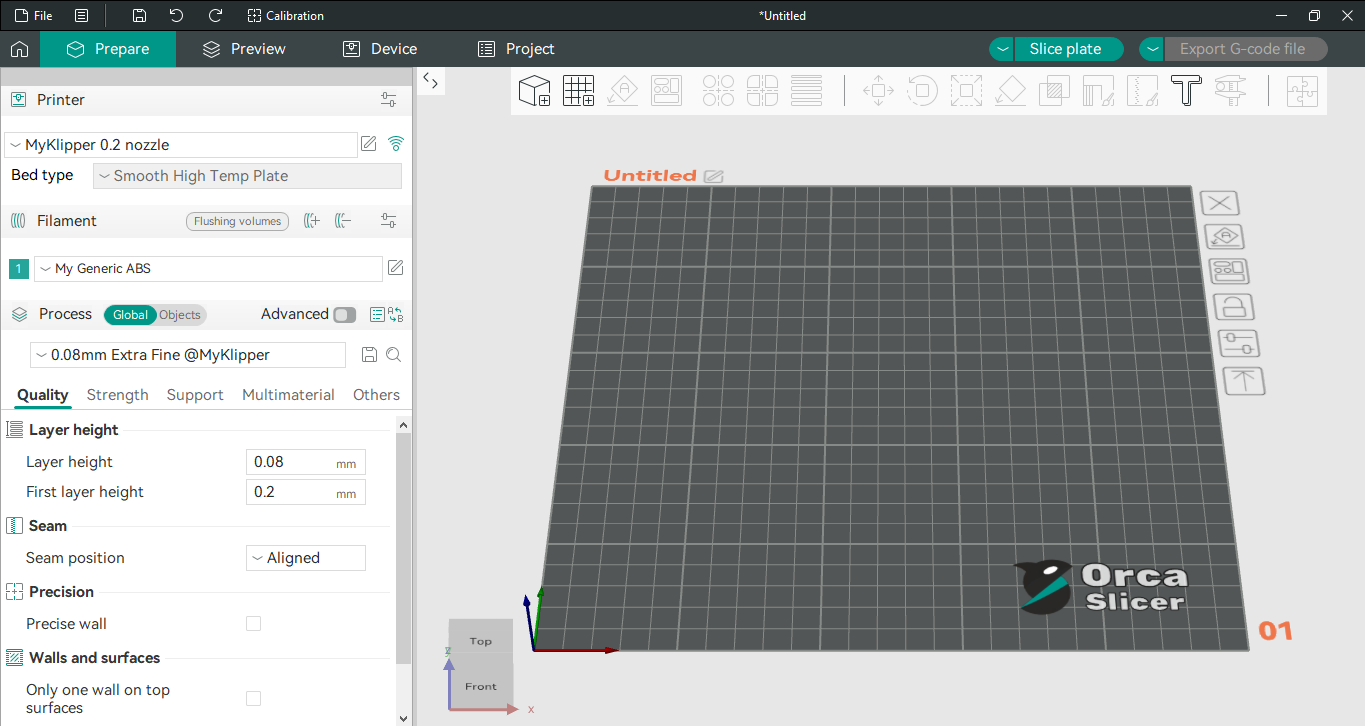
Orca slicer is based on Bambu Studio (slicer for Bambu lab printers) and gives the best of both worlds. It’s an enhanced version of Bambu studio based on Prusa slicer with a more user-friendly interface, wide support for printers and regular updates.