Перейти к основному содержимому

Kingroon 3D Printer - Klipper Remote Access and AI

· 14 мин. чтения

Introduction

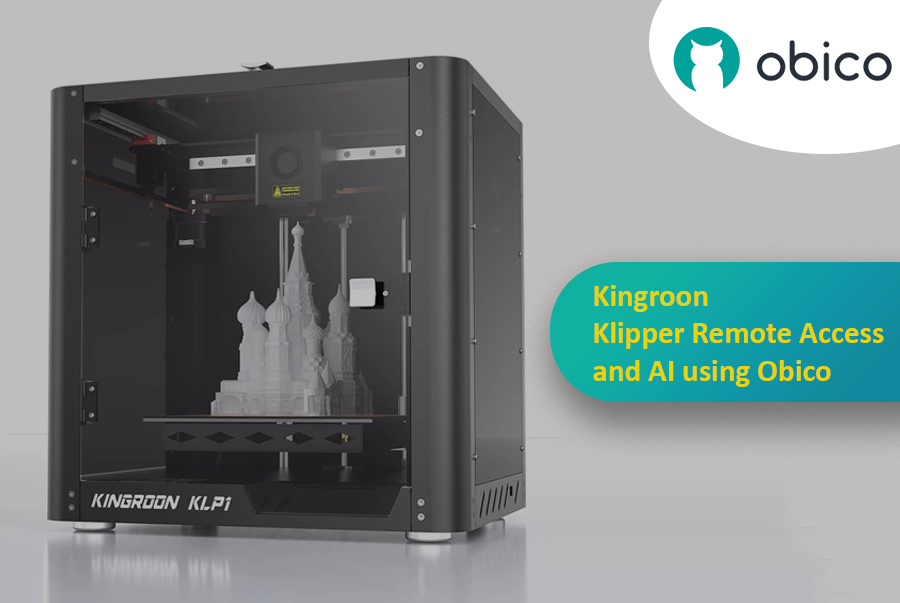
Kingroon is a big name in 3D printing. They make great printers that many people love to use, both for fun and for work. One cool thing about their printers is that they come with pre-installed Klipper firmware. This makes the printers even better and faster.

Kingroon - Klipper Remote Access and AI

In this article, we'll talk about two Kingroon printers: the KLP1 and the KP3S Pro V2. We'll also show you how to connect them with Obico. This lets you use some neat features, like controlling your printer from far away and having AI help check on your prints.

Biqu Huraken - Klipper Remote Access and AI

· 11 мин. чтения

Introduction

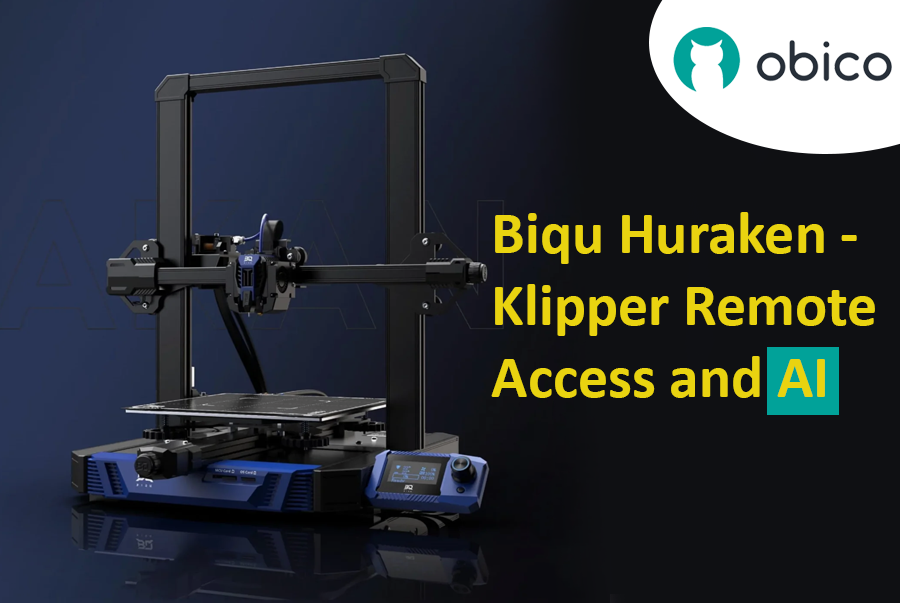
The world of 3D printing has evolved, and the Biqu Huraken stands at the forefront of innovation. In this guide, we will explore the Biqu Huraken 3D printer and its cutting-edge capabilities. Notably, we'll delve into the exciting possibilities of enabling remote access and AI monitoring through the integration of Obico.

Biqu Huraken - Klipper Remote Access and AI

Introduction to Biqu Huraken

The Biqu Huraken is not your ordinary 3D printer. It's a state-of-the-art machine that pushes the boundaries of what's possible in the realm of 3D printing. With its exceptional features and advanced technology, it's a must-have for both enthusiasts and professionals.

OrcaSlicer: Подробное описание функций калибровки 3D-принтера

· 13 мин. чтения

подсказка

Попробуйте JusPrin, первый инструмент 3D-печати GenAI, построенный на OrcaSlicer.

Доступно обновленное руководство

📢 Мы опубликовали комплексное пошаговое руководство по калибровке!

Эта статья дает хороший обзор функций калибровки OrcaSlicer, но для самых подробных и актуальных инструкций по калибровке ознакомьтесь с нашим Mastering Your Prints: The Comprehensive OrcaSlicer Calibration Guide который включает подробные процедуры, советы по устранению неполадок и лучшие практики для всех тестов калибровки.

Если вы занимаетесь 3D-печатью уже некоторое время, вы, вероятно, слышали о важности калибровки вашего принтера. Калибровка печати улучшает качество печати, обеспечивает стабильные результаты, а также повышает общую производительность.

В Интернете вы найдете несколько ресурсов, которые помогут вам откалибровать ваши 3D-отпечатки. У Майкла из Teaching Tech есть целая библиотека инструментов для тонкой настройки ваших 3D-отпечатков. Thingiverse и Printables также имеют множество калибровочных отпечатков.

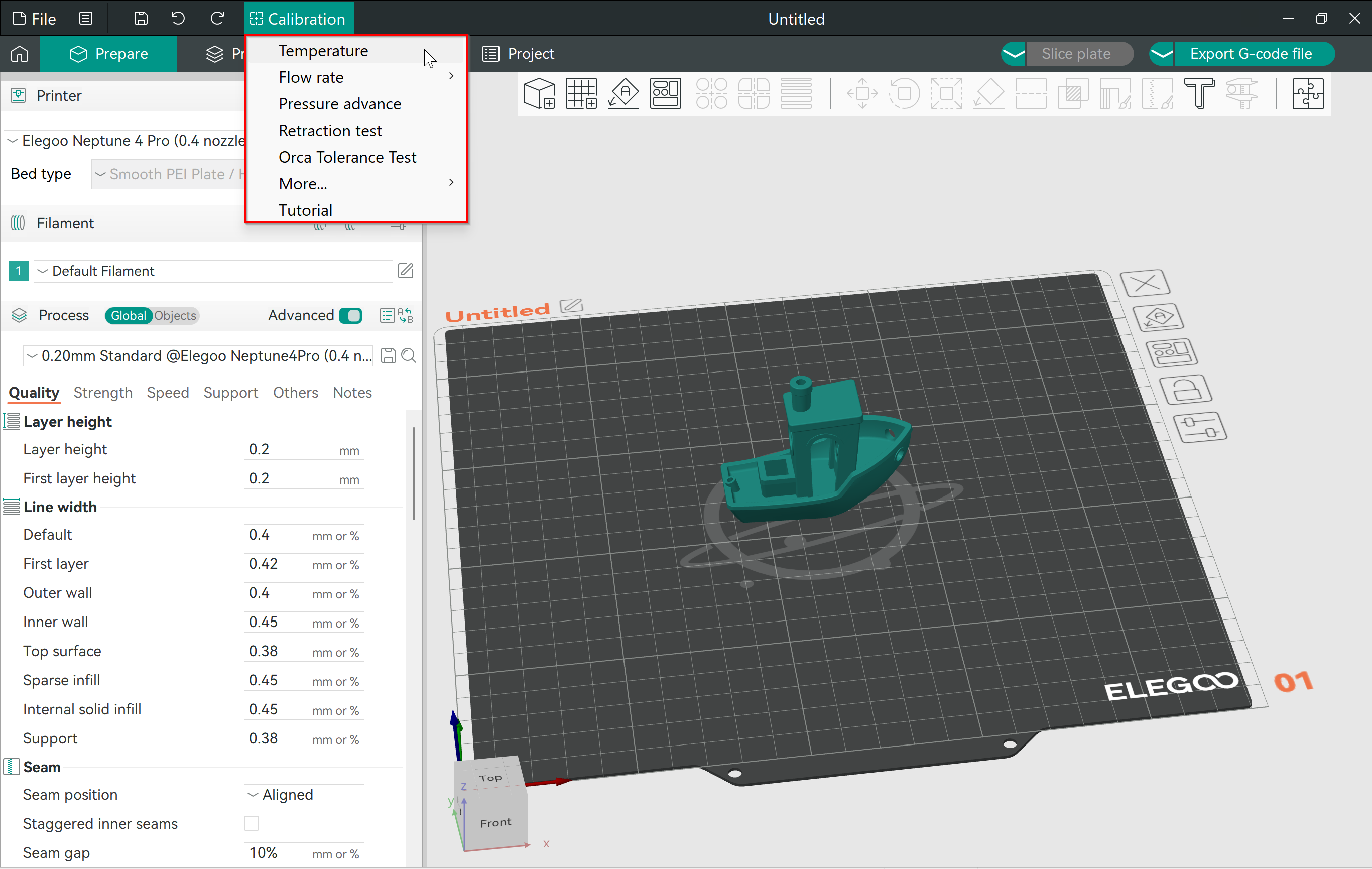
Однако OrcaSlicer объединяет все эти инструменты в одном месте. Он предоставляет вам простой способ доступа и использования этих калибровочных отпечатков без загрузки или чего-либо еще. Настройки слайсера уже установлены, и все, что вам нужно сделать, это нажать «Печать»!

В этой статье мы подробно рассмотрим меню калибровки OrcaSlicer. Мы рассмотрим различные опции, которые он имеет, и то, как вы можете использовать его калибровочные отпечатки для точной настройки результатов 3D-печати.

Давайте калибровать и творить!

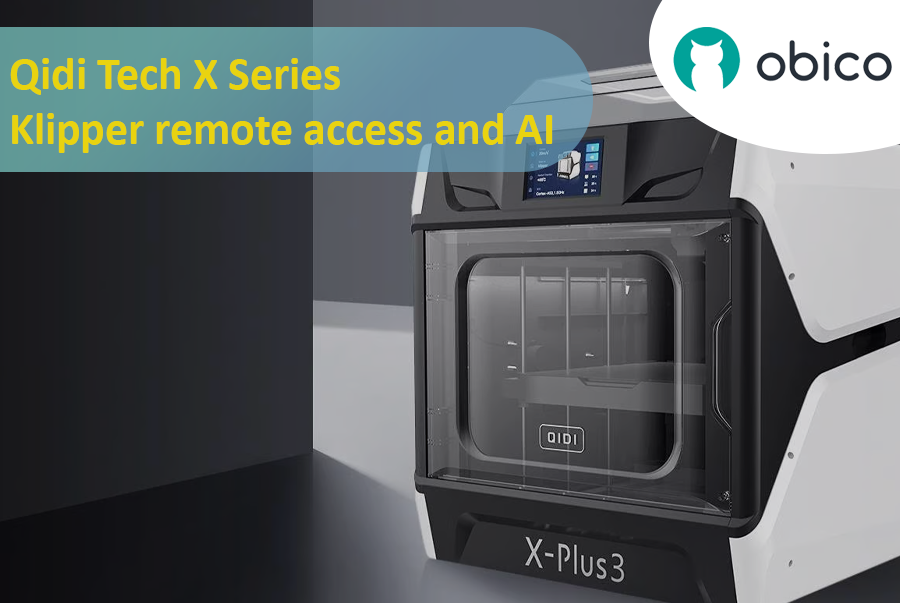
Qidi Tech X Series - Klipper remote access and AI

· 15 мин. чтения

Introduction

Qidi Tech X Series - Klipper remote access and AI

A Deep Dive into Qidi Tech X Series

The 3D printing world has seen a surge in innovative technologies, giving users more control, flexibility, and efficiency than ever before. A significant breakthrough in this domain is the Qidi Tech X Series. Renowned for their cutting-edge features, these 3D printers are optimized for both beginners and seasoned enthusiasts. As users continually seek ways to enhance their printing experiences, integrating remote access and AI functionalities has become increasingly crucial.

All models in the Qidi Tech X Series come integrated with the Klipper firmware. This means that users can now unlock a plethora of remote access and AI functionalities using Obico. By linking your 3D printer with Obico, you can monitor your prints in real-time from any location and leverage AI-driven insights to optimize your print quality. The upcoming sections in this article will provide a detailed, step-by-step guide to achieve this seamless integration.

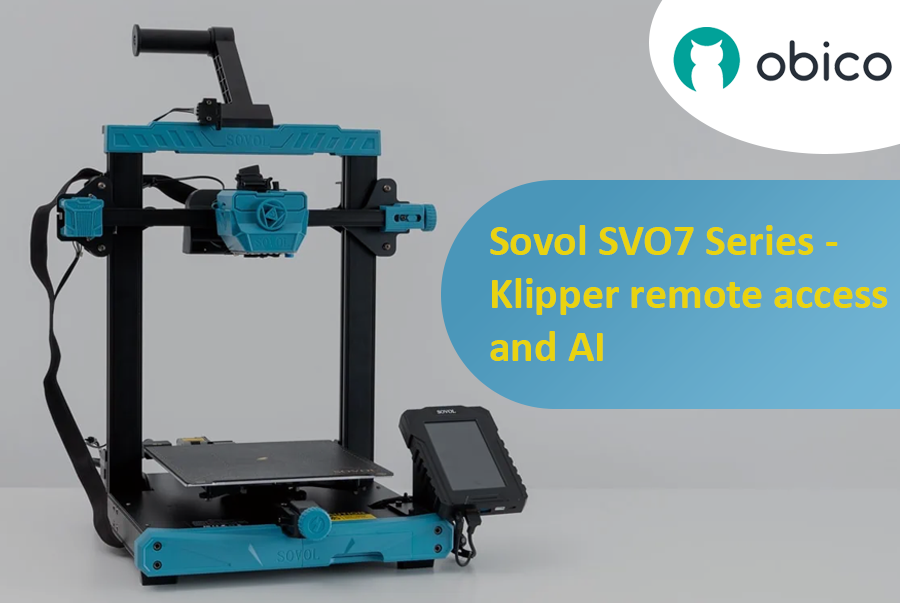
Sovol SV07 Series - Klipper Remote Access and AI

· 12 мин. чтения

Introduction

Welcome to the world of Sovol 3D printing and the exciting Sovol SV07 Series. In this comprehensive guide, we will introduce you to the Sovol SV07 Series, take you on a journey to meet the Sovol SV07, and explore the remarkable Sovol SV07 Plus. But that's not all; we'll also delve into the incredible power of remote access and AI monitoring features using Obico and how to link your printer with it.

Sovol SV07 Series - Klipper remote access and AI

Introducing the Sovol SV07 Series

The Sovol SV07 Series represents the pinnacle of 3D printing technology. These printers are designed to cater to the needs of both beginners and experts in the world of 3D printing. With their advanced features and innovative capabilities, Sovol SV07 Series printers offer an exceptional 3D printing experience.

Elegoo Neptune 4 Series - Klipper Remote Access

· 16 мин. чтения

Elegoo Neptune 4 Series

The Rise of Elegoo in the FDM World

Elegoo, a name previously synonymous with high-quality resin printers, has embarked on a new journey in the realm of FDM printing with its Neptune 4 series. The world of Fused Deposition Modeling (FDM) printing has been evolving rapidly, and it’s not just the technology giants who are leading this transformation. Niche manufacturers like Elegoo have stepped into the arena, bringing innovative solutions and captivating designs. With the Neptune 4 series, Elegoo has successfully established a foothold, striking a balance between cost-efficiency, performance, and user-friendliness. It's no wonder that enthusiasts and professionals alike are keeping a close eye on Elegoo's latest offerings.

Overview of Klipper's Integration with 3D Printers

Klipper, an open-source firmware solution, has revolutionized the way 3D printers operate. Rather than relying solely on the limited computational power of a printer's onboard microcontroller, Klipper collaborates with more powerful devices like Raspberry Pi to manage printer operations. The result? Enhanced performance, speed, and precision. The union of Klipper with Elegoo's Neptune 4 series is a testament to the future of 3D printing, offering users an enhanced printing experience. By leveraging the prowess of Klipper, users can enjoy faster print speeds without compromising on accuracy. Moreover, with the advent of remote access solutions like Obico, the possibilities of what one can achieve with Klipper and the Neptune 4 series are truly boundless. Stay tuned as we delve deeper into the intricacies of remote access and explore the full potential of the Elegoo Neptune 4 series powered by Klipper and Obico.

Cool things to 3D Print in 2024

· 10 мин. чтения

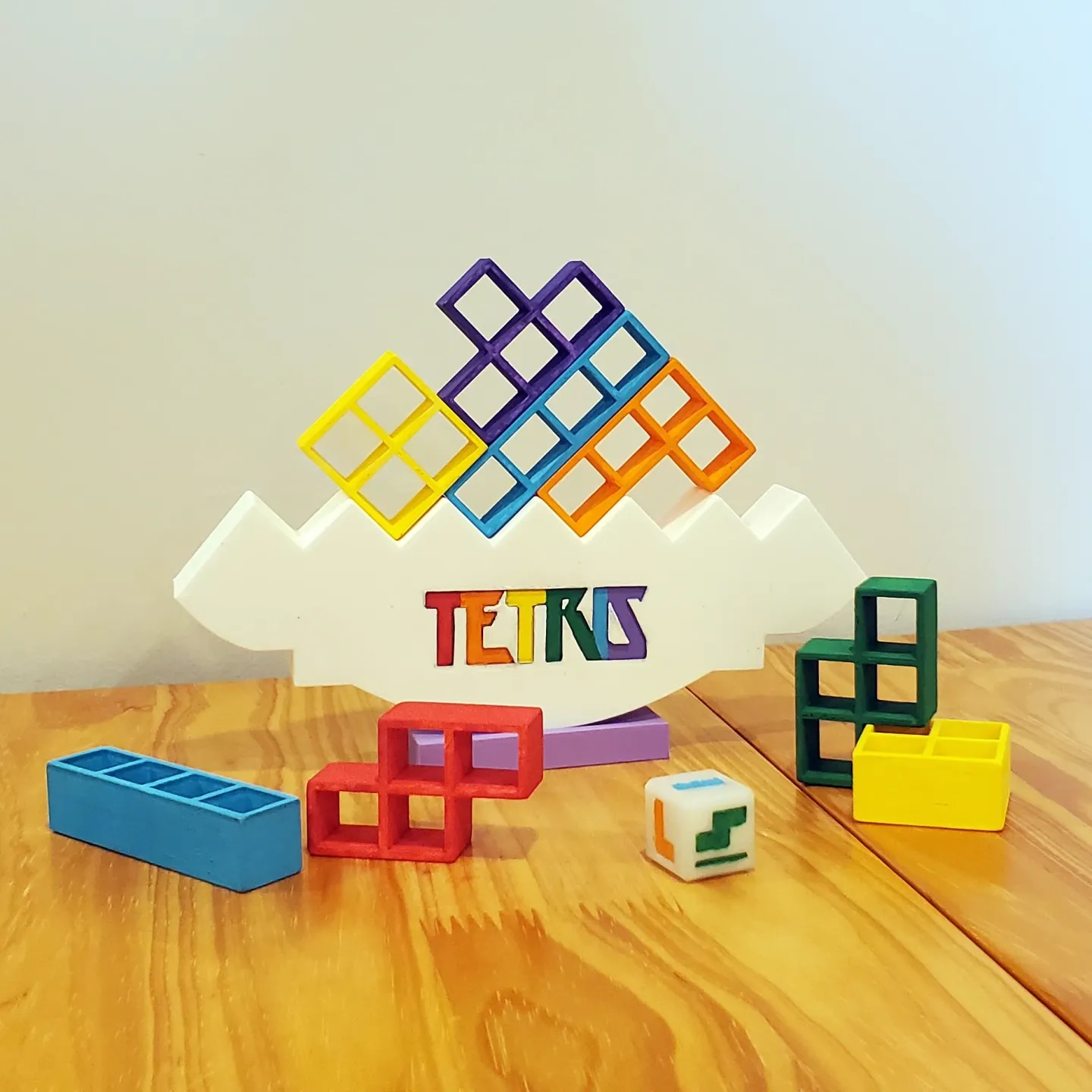
If you're here, you're likely to own a 3D printer or at least have one at your disposal and you're on the hunt for the coolest things to 3D print in 2024. Well, you've come to the right place!

Just a disclaimer that ‘cool’ is a very subjective term and while there can be many things that can be cool, we have created a list of gadgets and everyday tools that can simplify your life, to machines that inspire you and props that you would like to show off to your friends. We have listed a collection of a varied array of things to 3D print.

Whether you're a seasoned 3D printing pro or just starting out, prepare to be inspired by the fantastic projects and ideas that await you.

Cool things to 3D Print in 2024

Creality Sonic Pad Remote Access

· 13 мин. чтения

Creality Sonic Pad Meets Obico - Klipper Remote Access and AI Failure Detection

The Creality Sonic Pad and Obico converge to create a dynamic duo in the realm of 3D printing, each bringing unique capabilities to the table. While the Sonic Pad is recognized for its streamlined and user-friendly interface, it has been noted for having certain limitations, particularly in the realm of remote management features. On the other hand, Obico emerges as a pioneering technology, notably recognized for its AI-driven capabilities in 3D printing management, offering users the ability to remotely operate and monitor their 3D printing tasks. The intersection of these two technologies could potentially unlock new possibilities, combining the user-friendly interface of Sonic Pad with the advanced remote management and monitoring capabilities of Obico.

The Significance of Remote Management in 3D Printing

Remote management in 3D printing is pivotal in enhancing the user experience and optimizing the printing process. It allows users to monitor, control, and adjust their 3D printing tasks from anywhere, providing flexibility and ensuring that the printing process is not hindered by physical presence requirements. This is particularly crucial in managing long printing tasks, where continuous monitoring can be labor-intensive. Remote management also enables users to promptly address any issues or failures during the printing process, thereby reducing the risk of material wastage and ensuring the efficient utilization of resources. Furthermore, it opens the door to managing multiple 3D printing tasks across various locations, paving the way for scalability and mass production in 3D printing ventures.

Ender 3 Slicer — выбор лучшего программного обеспечения для слайсера

· 13 мин. чтения

Creality Ender 3/Предоставлено: Creality

подсказка

Try JusPrin, the first GenAI 3D printing tool built on OrcaSlicer.

Creality Ender 3, известный своей доступностью, настраиваемостью и качеством печати, стал чем-то вроде иконы в мире 3D-печати. И таким образом, Ender 3 приобрел значительную популярность среди любителей, производителей и профессионалов. Он создал семейство последователей, включая Ender 3 Pro, многофункциональный Ender 3 V2, универсальный Ender 3 S1 с его итерациями Pro и Plus, а также последние модели Neo. Хотя обладание одним из лучших 3D-принтеров является значительным преимуществом, это только начало. Чтобы по-настоящему раскрыть потенциал Ender 3, необходимо выбрать лучший 3D-слайсер для Ender 3, который легко сочетает в себе возможности и удобство использования.

Однако одним из ключевых аспектов достижения исключительных 3D-печатей с помощью Ender 3 является выбор программного обеспечения для нарезки. 3D-слайсер служит важным связующим звеном между вашей цифровой 3D-моделью и физической печатью, переводя ваши творческие идеи в G-код, обеспечивая тщательный контроль над параметрами печати, от высоты слоя до плотности заполнения.

В этом обширном диапазоне возможностей выбор слайсера для вашего Ender 3 является индивидуальным решением. Затем вы можете спросить, что именно характеризует идеальный опыт слайсера при использовании с этим 3D-принтером. Что ж, каждый слайсер уникальным образом влияет на ваш творческий процесс, начало — наличие специального профиля принтера, а затем свобода управления большим количеством критических параметров позволит любому пользователю улучшить качество печати и успех. И это некоторые из факторов, которые играют решающую роль в выборе идеального слайсера.

15 Best Thingiverse Alternatives for Free 3D Models [2026]

· 17 мин. чтения

Thingiverse homepage/Courtesy: Thingiverse

It is unlikely that you have not heard of Thingiverse if you have spent any time in the 3D printing community. Thingiverse has long been a reliable source for free STL files. It's 'the' place to go for printable models. However, because the world of 3D printing is vast, we have compiled a list of the best Thingiverse alternatives worth investigating. If you want to dive deeper on any of these 3D model repositories, check out our article on the best 3D model repositories.

About Thingiverse

Before we get started on the long list, let's first know about Thingiverse. Thingiverse has been a staple of the 3D printing community since its inception in 2008. It's more than just a repository; it's a meeting place for artists from all over the world. Thingiverse has fostered a collaborative environment where people come together to share, explore, and create with an extensive library of user-generated content.

This platform is beloved for its friendly community, plethora of designs, and simple interface. It's a place where beginners and experts can come together to share ideas and designs in an open-source environment. Now, let's look at other galaxies in the 3D printing universe.

Despite the fact that many new repositories have emerged, they are all judged and compared with Thingiverse, and we will do the same. Examining the best Thingiverse alternatives available.