Inferior Surface Quality Above Supports

Inferior Surface Quality above Supports
What Is It?
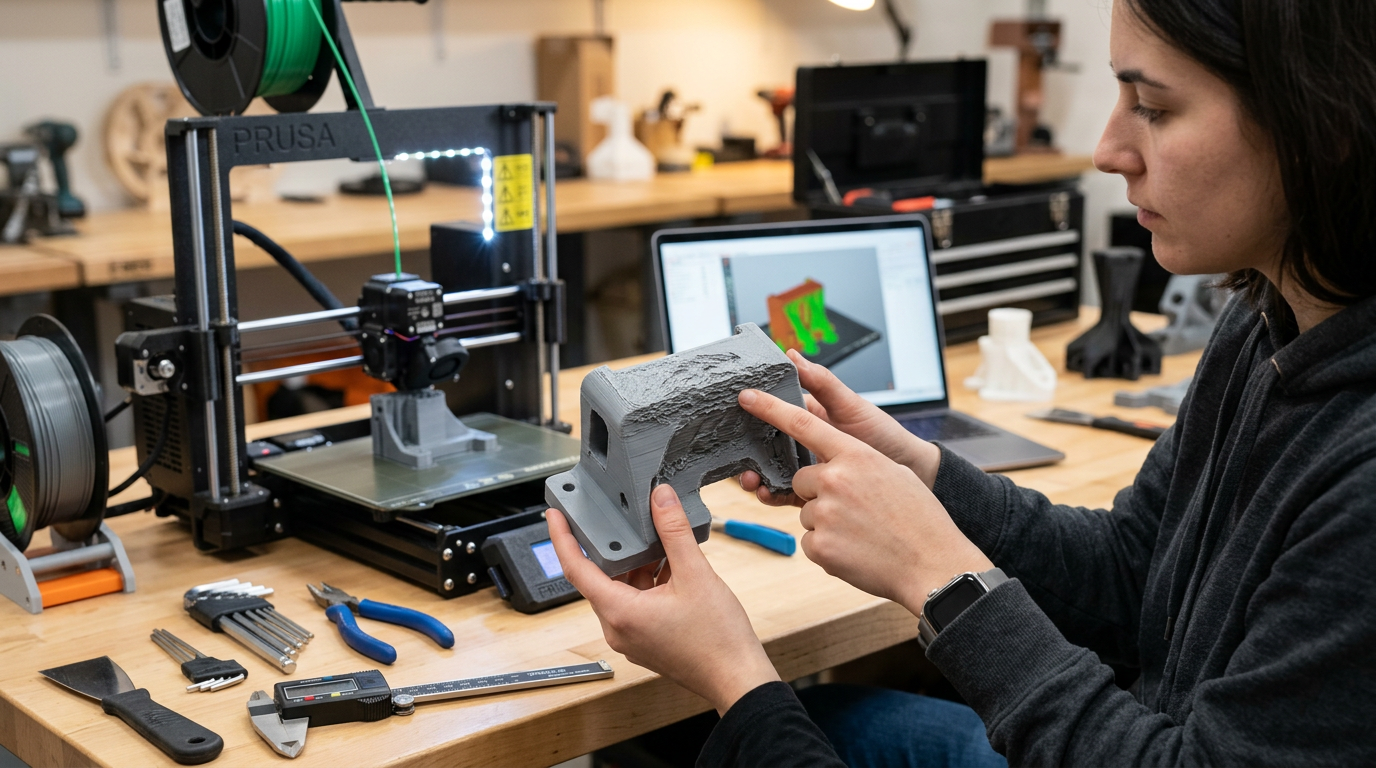
Supports are essential to provide a base for the overhangs in your 3D prints. But incorrect support settings can affect your print's quality and appearance. If the top of your support is too close to the print's surface, it might leave marks and blobs. Whereas, if there's too much gap between the support and the print, you will encounter filament drooling and poor overhangs.
In an ideal scenario, the support should easily detach from the print's surface without leaving any marks. Moreover, the supported area of the print shouldn't indicate any filament drooling or signs of a support structure underneath it.
What to Check?
- Support Settings
- Print Geometry
How To Fix It?
Adjust the Top Support Z-distance
The vertical z-distance between the support structures and the print is crucial to ensure a good surface quality above the supports. If it's too little, i.e., The supports are closer to the print's surface, you'll have a hard time separating the supports from the print's surface. On the other hand, if it's too high, your overhangs will drool, resulting in poor print quality.
Ideally, the Z-distance should be similar to the layer height value for your 3D print. But, if you're getting poor surface quality, you will need to adjust this distance based on your particular issue.
Enable Support Interface
A support interface setting enables you to create a dense layer of supports right beneath the print's surface at the end of a support pillar. This dense foundation helps to support the above surface properly and helps in the easy removal of the supports.
You can customize the thickness of this support interface as per your needs. As a starting point, you can use a 4x layer height value as the support interface and fine-tune it according to the results.
Calibrate Support Density
You can increase or decrease the support density to support the overhangs in your 3D prints properly. A higher support density will ensure the support pillars are placed more closely to each and adequately support the printing surface.
However, denser supports use considerably more material and increase print times. You can instead use a support interface and obtain similar results, albeit with a lower density.
Improve the Print Geometry
During the design process, try to design the prints for 3D printing. It would help if you avoided steep overhangs wherever it's possible. Even if you need to add some overhang structures, try to keep it under 50° so that you won't need to use any support structures.
Designing your models for 3D printing right from the start will help you to achieve high-quality models and save considerable filament material and printing time.