What is OctoPrint and Why Do You Need It?

Can't find a Raspberry Pi? Check out Orange Pi for OctoPrint. Boards and complete kits are available now!
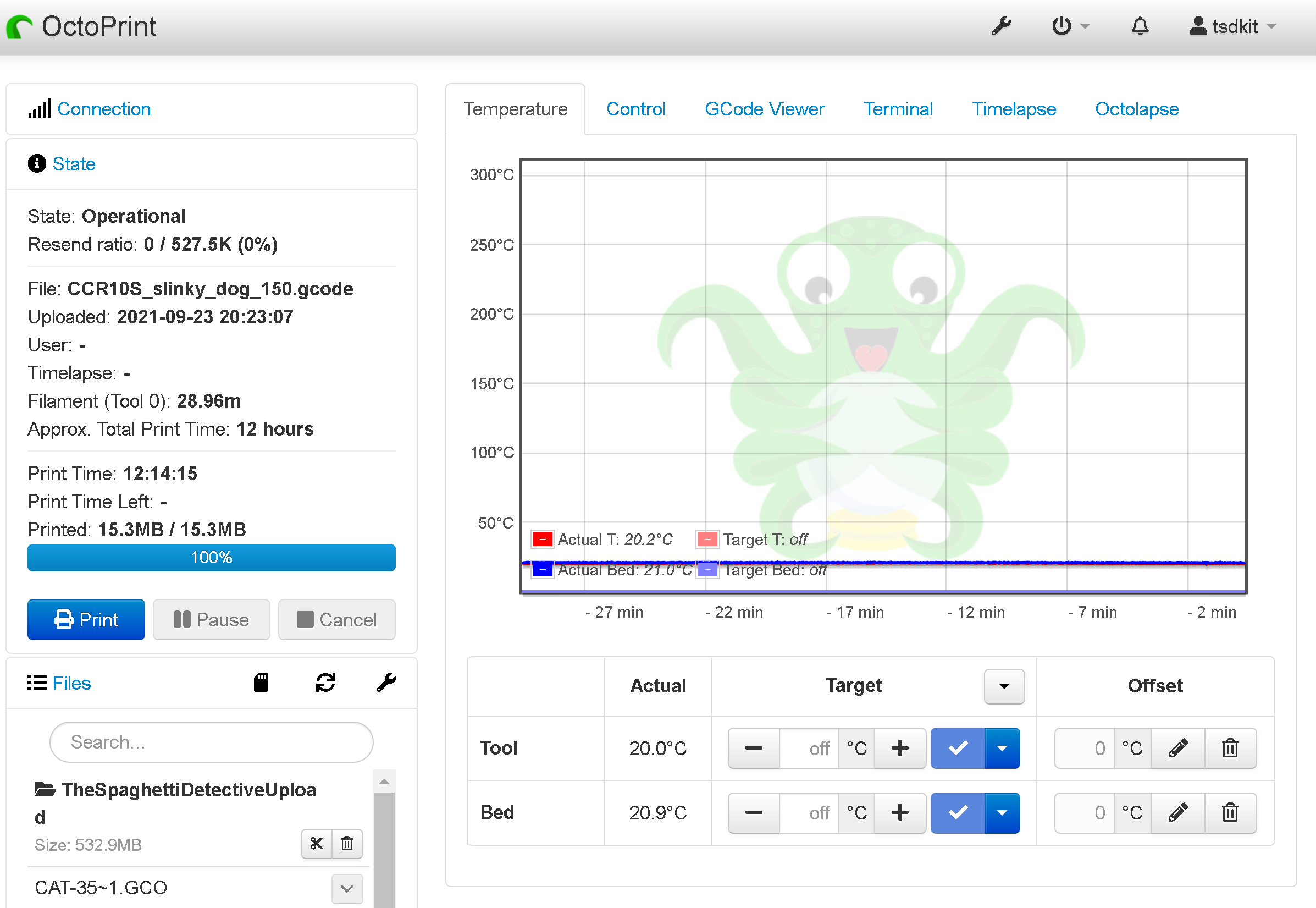
What Is OctoPrint
OctoPrint, created and launched in 2012 by German software engineer Gina Häußge, has grown to become one of the top remote monitoring, management, and control software applications for your 3D printer. The ease of use and simplicity of the software are the primary reasons for many adopters, and the features and functionality have converted adopters into lifelong loyal users.
While the community is growing, many beginners are still unaware of the benefits OctoPrint provides. So, we've compiled a list of genuine reasons why you should be using OctoPrint and why you need it.
If you are a newcomer who has not yet installed OctoPrint, you can take a brief detour and look at our guide on how to set up OctoPrint to get it up and running.
Why do you need OctoPrint?
It's no secret that leaving a 3D printer unsupervised can be a bit scary, if not dangerous. Especially if you're running an overnight print or an errand. You've all been in a situation where you had to choose between the print or going out with your friends and depending on your loyalties, you made your decision, but in both cases, you suffered.
Furthermore, monitoring a print is inconvenient if you and your printer are not in the same room. Most of you keep your printers in a separate room, such as your basement or attic, and your workspace is in another room. In such cases, you are confined to the printing room due to an ongoing print, and sitting and watching only adds to your annoyance.
You know this is not the ideal way to operate a 3D printer but how do you solve these simple yet jarring issues? OctoPrint is the perfect solution. It not only saves you time and effort but also allows you to do more productive work.
OctoPrint is a free and open-source software program that runs on the Raspberry Pi or computer (if you are willing to dedicate the computer to your printer while it’s in use). It connects to your 3D printer via a USB cable and essentially takes control of it. It can control and operate the 3D printer by sending commands. The commands simply represent the g-code files generated by any slicer software. It also eliminates almost all of the time-consuming and inefficient work required to print a part.
In short, when connected to your 3D printer, OctoPrint eliminates the hassle of leaving the print unattended. It allows you to control the print from the comfort of your workspace and keep the printer in your basement, attic, or anywhere else in the world and still have a part printed.
What do users say about OctoPrint?
OctoPrint has a huge active community. The community is also quite helpful and you can easily get answers to your queries posted on online forums like Reddit, Facebook communities, or elsewhere. We visited Reddit to gather a couple of users feedback on OctoPrint:
-
u/petra303 (a Redditor and OctoPrint user): I like it (OctoPrint) because my computer isn't next to my printer. It's WIFI connected. I can drag the files to a web browser and start printing from my desktop. No running back and forth. And the printer can be anywhere in my house. Maybe in a fireproof box!
-
u/RCpattern (a Redditor and OctoPrint user): I was printing from SD cards, no issue. But once in a while I drop the card and remove it from the printer, have to find it, clean it, hope it’s not damaged, etc. My printer is in the basement, and our TV, etc upstairs, I tried using a phone for video feed but it was useless for me. I saw the OctoPrint setup on a friend's system and that was it for me. The functionality, control, etc is great.
Both of these users stress the same point: convenience. It saves you valuable time that would otherwise be spent examining prints. OctoPrint provides a level of convenience that many of you are in desperate need of.
Ten reasons to use Octoprint
We understand that relying on the word of random OctoPrint users is difficult. So, to assist you, we've compiled a list of the top ten reasons why you should use OctoPrint.
-
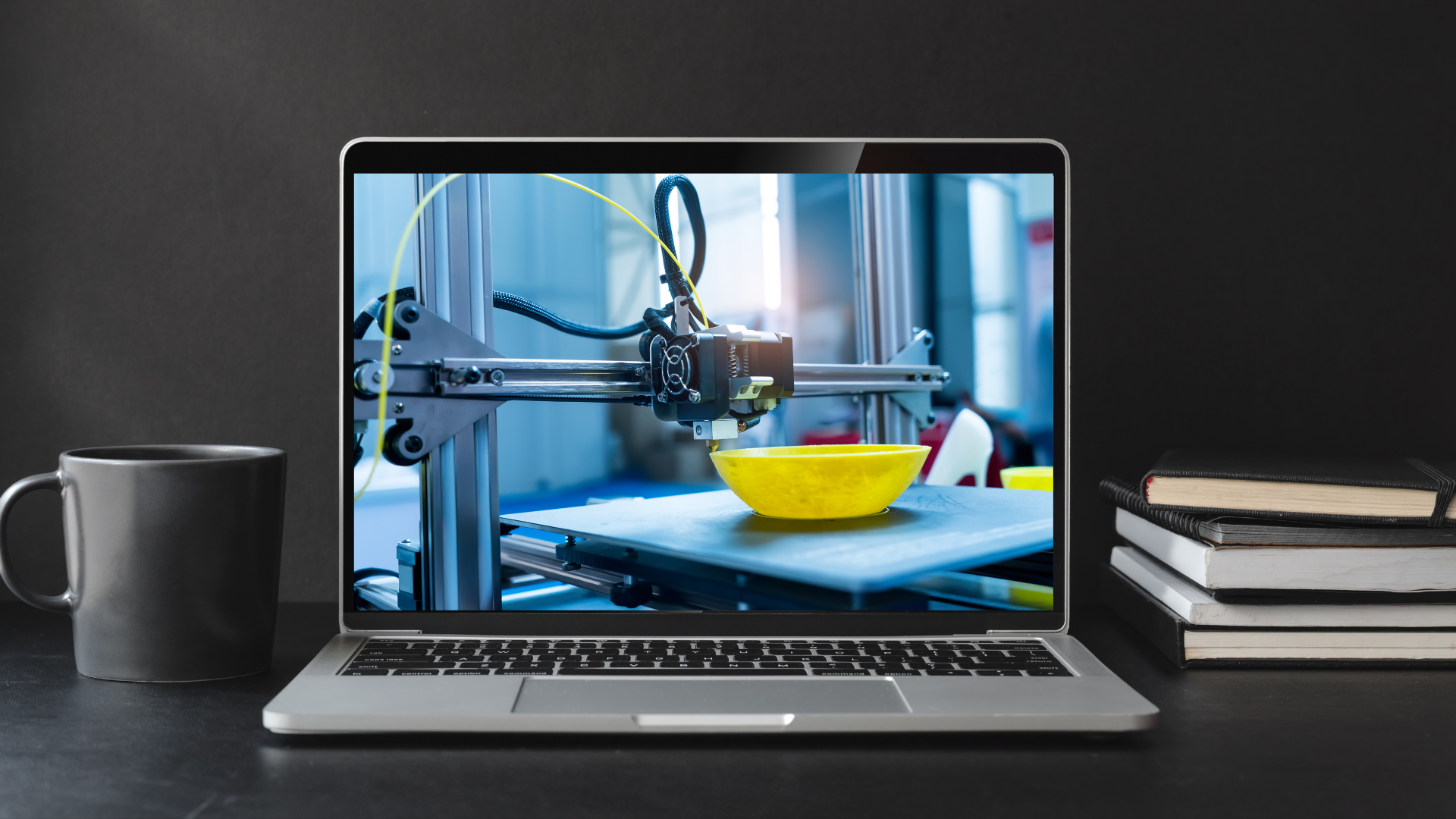
Wireless 3D printing
You know how time-consuming and incessant the back-and-forth is when you want to print a new design/model. The process of downloading g-code files to your SD card and uploading them to your 3D printer. And then back to the slicer if the file requires any further changes. This is exhausting, and it may cause you to lose interest in the technology itself. It is time to ditch the annoying SD cards and stop monitoring prints from your computer via cables.
OctoPrint provides an alternative solution. Once installed on the Raspberry Pi, the OctoPrint software allows you to wirelessly send g-code files to your 3D printer. You can control your printer wirelessly, monitoring and modifying all of its parameters such as temperature settings, fan speeds, part orientation, and so on. With this OctoPrint wireless 3D printing capability, you can stay in touch with and control your 3D printer over the local network.
-
Monitor your 3D printer with a webcam
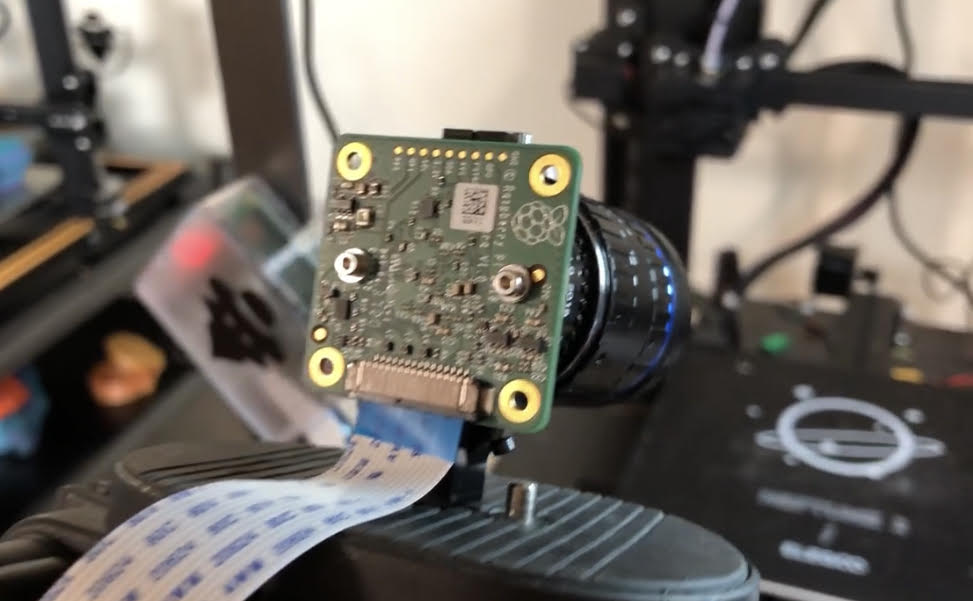
Monitoring a 3D printer from afar can become a bit troublesome when you are not able to see the printing operation. You may even become anxious because you are not in close proximity to it. However, OctoPrint, as usual, has a great solution to this problem in the form of connecting a webcam to the printer. Using the webcam, you can view live streaming of the printing operation from anywhere using the webcam.
If you want to connect a webcam but aren't sure which one to get, take a look at the best cameras for OctoPrint.
-
Monitor and control your 3D printer from anywhere
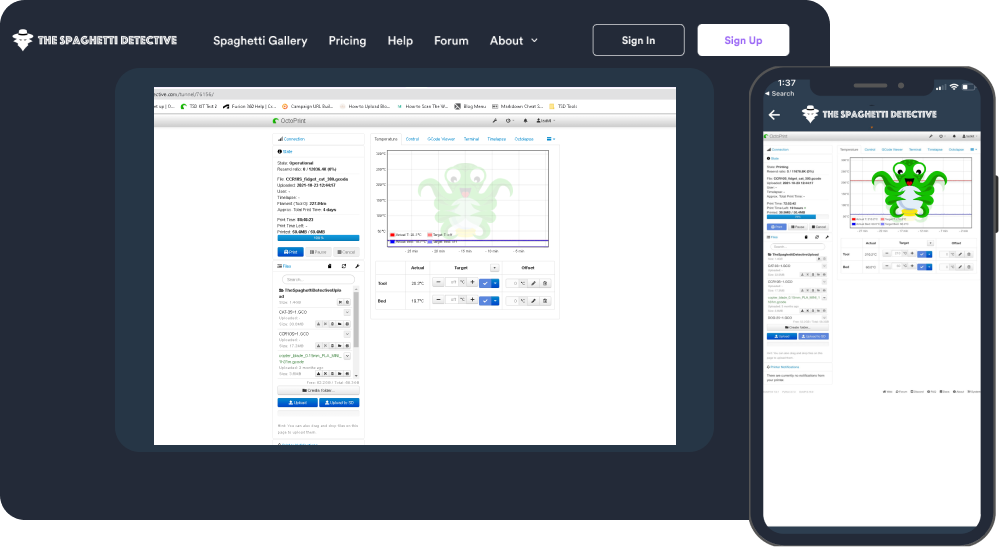
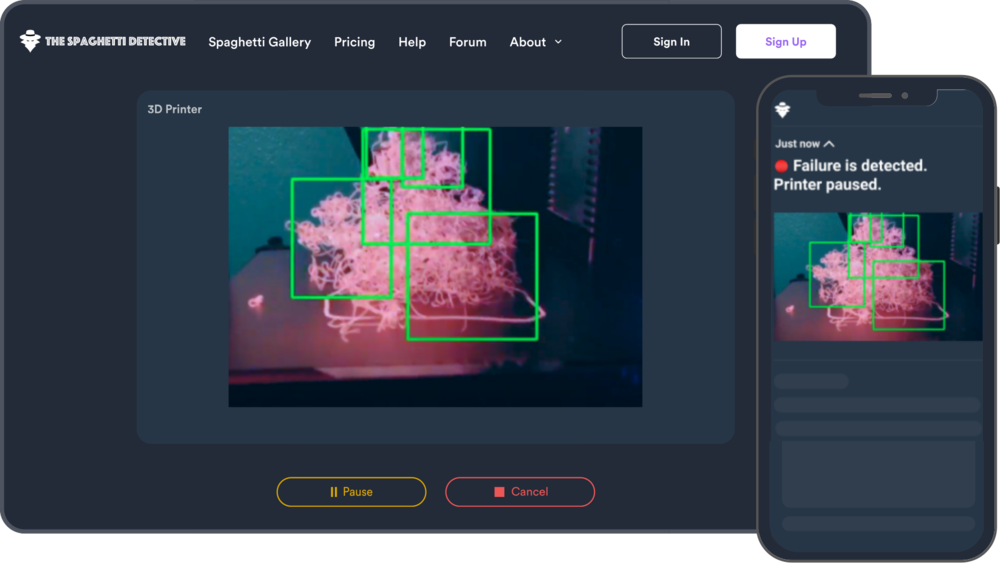
As previously stated, wireless 3D printing allows you to send files, start and stop your printer over a local network, but what if you need to go out while also completing your print? With The Spaghetti Detective, (The Spaghetti Detective is the replacement for the popular OctoPrint Anywhere plugin) you can monitor and control your 3D printer from anywhere around the globe. Once you connect OctoPrint to your 3D printer you will get complete access to all its operations.
Imagine being able to leave your house, visit a neighboring city, or even travel across the state while still being able to control your printer. This is precisely what OctoPrint can provide. If this isn't enough of a reason for you to start using, keep reading for seven more.
-
Catch Failures Early - Save Time and Money
Having a webcam connected with your printer is not enough, you still have to observe the prints to ensure they do not fail, or if they fail then you need to take corrective action to pause or stop the print to avoid any hazards. But again, this means you have to keep a constant watch on the printing process.
You do not want to watch the prints for hours on end. This is yet another reason to use OctoPrint. OctoPrint plugins such as The Spaghetti Detective have created AI-powered error detection algorithms to detect and take corrective actions to avoid fire hazards or other printing issues such as Spaghettis. That’s right, The Spaghetti Detective doesn’t just let you control and monitor your printer from anywhere, it will even watch your printer for you, alert you if something goes wrong, or even stop the print for you entirely!
-
Monitor and Control Multiple 3D Printers
When we talk about monitoring, we don't just mean handling a single 3D printer; with OctoPrint, you can monitor and control multiple printers. With OctoPrint and the appropriate OctoPrint plugins, you can manage your entire print farm. If you end up with a plethora of printers, there is even another software, OctoFarm, specifically for many printers which uses OctoPrint.
The amount of time, effort, and money saved are incalculable. Not to mention the efficiency and volume of parts you can produce by combining all of OctoPrint's benefits.
-
Create mesmerizing 3D printing timelapse videos with Octolapse
You've all seen and enjoyed the viral videos of prints appearing from the ground up as if by magic. While many initially mistook it for a video trick, it is the power of 3D printing that allows for the creation of products from the ground up. The only trick here was to keep the printhead out of the videos.
OctoPrint includes a Timelapse feature that allows you to capture time lapse videos of your print. This timelapse video not only looks cool but also allows you to identify the exact point of failure and determine the cause of failure.
Octolapse is a dedicated OctoPrint plugin that, in addition to creating timelapse videos, offers a plethora of additional functionality and features. This is the plugin that enables you to take time-lapse videos that look like magic. This is done by creating a time-lapse where only the print is visible and the printhead moves out of the way before each capture.
It's worth noting that Timelapse can create both simple time-based time-lapses (taking a picture every x second) and layer-based time-lapses (take a picture every layer change)
It is also one of the most widely used and popular OctoPrint plugins.
With the Octolapse plugin, you can:
-
Move the printhead to a specific location and even animate its movements, such as programming a custom path for it to follow during the printing process.
-
Change the rendering to a fixed FPS and length.
-
After every X mm height, take a picture.
-
Use a specific G-code to capture a picture at any point.
-
Online Slicing
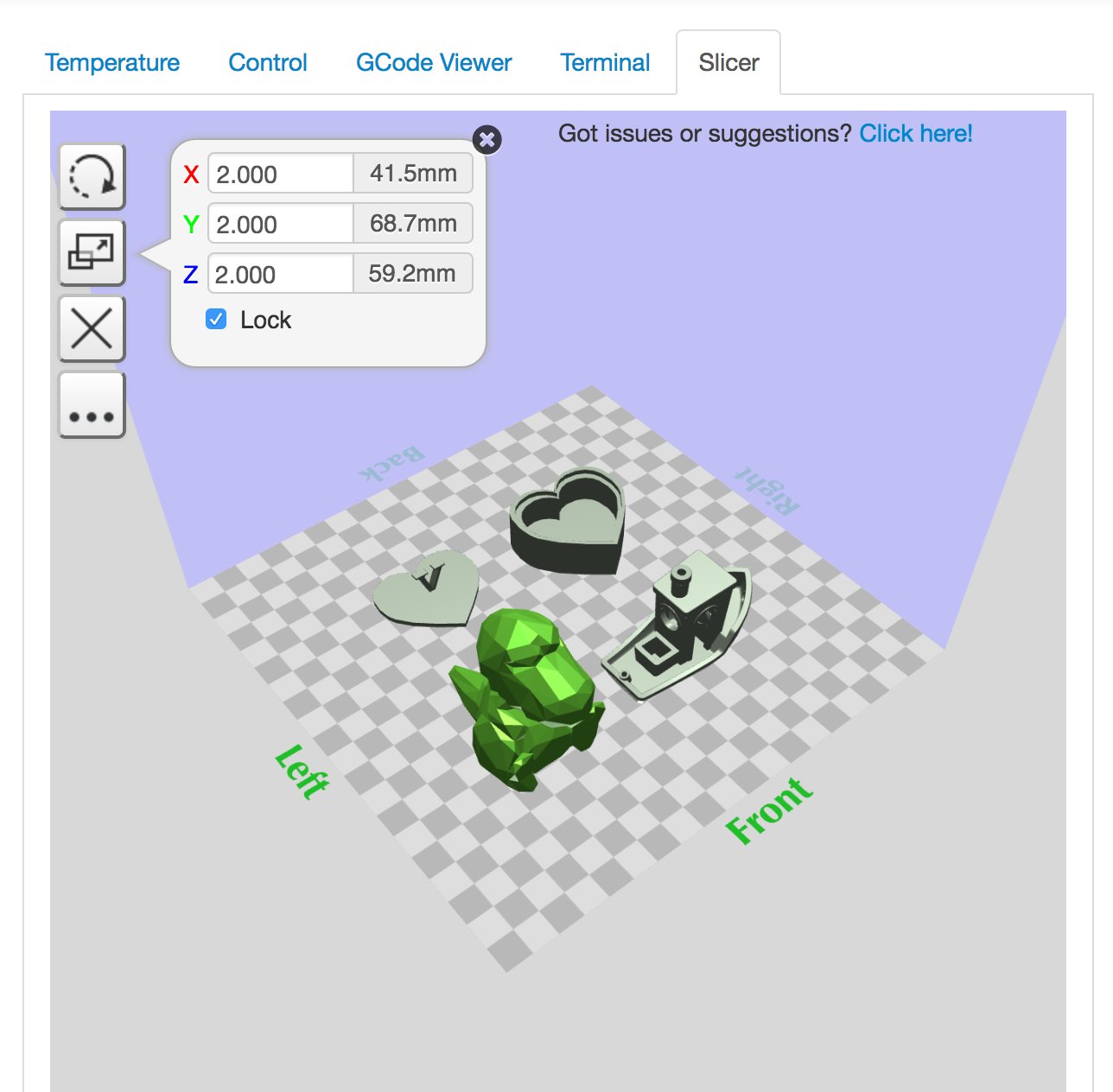
It is essential to have an efficient slicer, and each one of you has a favorite. But what if you could get the efficiency of an efficient slicer but instead of downloading it on your computer, you could use it via the cloud? This is what OctoPrint's cloud slicing feature allows you to do.
Instead of slicing a model on a computer offline and uploading it to the printer, you can directly upload a 3D model to the OctoPrint slicer and get it sliced and wirelessly upload it to the printer.
The OctoPrint slicer gives you an option to slice your models using either the Cura or Slic3r engines. With cloud slicing, you can slice models from anywhere and on any device, eliminating the need to use your computer for the task. This will save you the time and effort of downloading g-code files and uploading them to the 3D printer.
This may appear to be a minor task, but it saves you a significant amount of time when you have multiple printers running multiple prints.
-
Be Part of a Thriving Community
OctoPrint has a large, active, and thriving user community. These users are supportive and helpful, and they are constantly developing new features to add to the software. All of the OctoPrint plugins created by this community are part of the effort to keep the software open-source and open to all, all while producing a high-quality product. It certainly demonstrates the power of communities.
If you like the idea of being a part of something bigger than yourself and being a part of a thriving community, you should install OctoPrint.
-
OctoPrint Has an Open-Source Framework
In a world where everything is being controlled and monitored, there aren’t many things left open-sourced and run by a community of free developers, creators, and makers. The inventor of OctoPrint Gina Häußge while developing the first iteration, ensured that the framework of the software remains open-source. This framework itself has attracted a vast community of developers who have built OctoPrint into what it is today. Its vast array of features and functionalities are all thanks to its open-source framework and free-to-use plugins, which is the most compelling reason for developers to join the user community.
-
277+ More Reasons to Use OctoPrint with OctoPrint Plugins
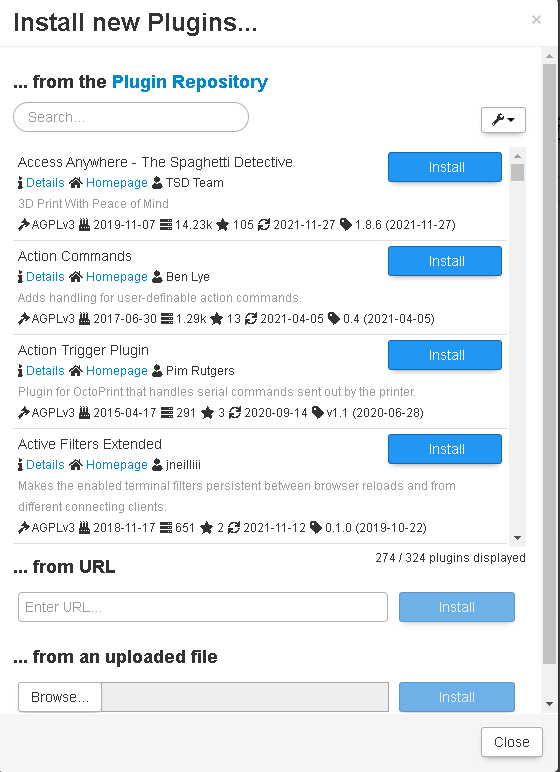
According to Gina Häußge, “All in all, 194 plugin authors have spent time and effort to bring you these 277 OctoPrint plugins.”
As previously stated, the OctoPrint community is brimming with users, makers, and developers. Over the years, they have created a range of plugins for users to enhance the capabilities of even the most basic 3D printers, allowing everyone to enjoy the power of 3D printing for free.
The OctoPrint plugins are a goldmine, offering a plethora of features and functionalities that can improve your 3D printing experience. Your 3D printed parts will improve, and you will be able to manage large print farms and create amazing videos, among other things. For more about OctoPrint plugins, check out our article on the best OctoPrint plugins.