Pular para o conteúdo principal

Next-Gen AI

Failure Detection Private Beta

AI Failure Detection Beta

4 postagens marcadas com "print speed"

Ver todas os Marcadores

Como entusiasta da impressão 3D, você provavelmente já se deparou com o dilema qualidade versus velocidade. Todos nós já passamos por isso: você imprime um modelo lindo, com curvas e inclinações, mas, ao terminar, a superfície fica cheia daquelas camadas "escalonadas" características.
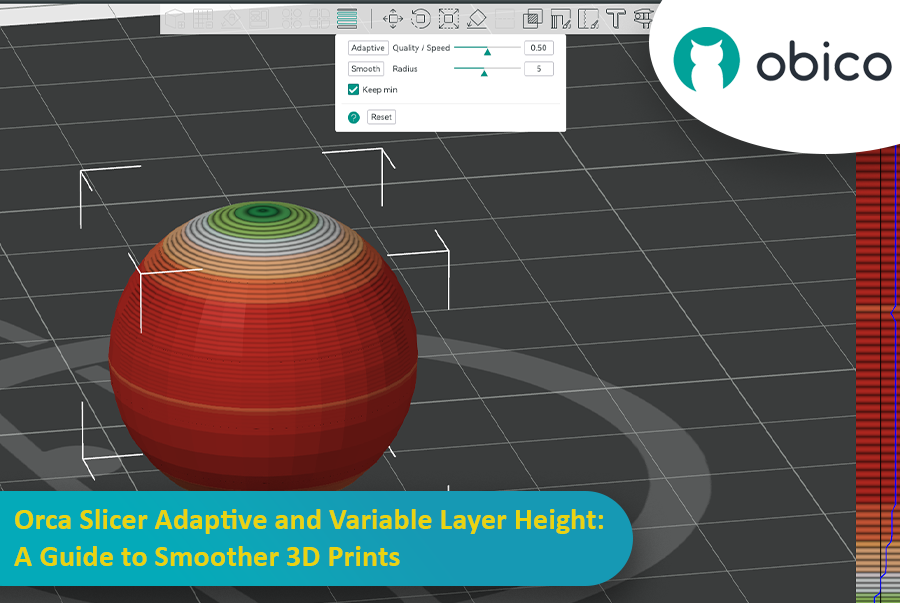
Orca Slicer: Altura de Camada Adaptativa e Variável: Um Guia para Impressões 3D Mais Suaves

É aí que a altura de camada adaptativa entra em ação como um super-herói, salvando o dia ao equilibrar velocidade e precisão. O Fatiador de Orca possui uma ferramenta incrível para ajustar com precisão a altura das camadas e obter impressões mais suaves em menos tempo.

Este guia abordará tudo o que você precisa saber para dominar a altura de camada adaptativa e obter impressões 3D melhores.
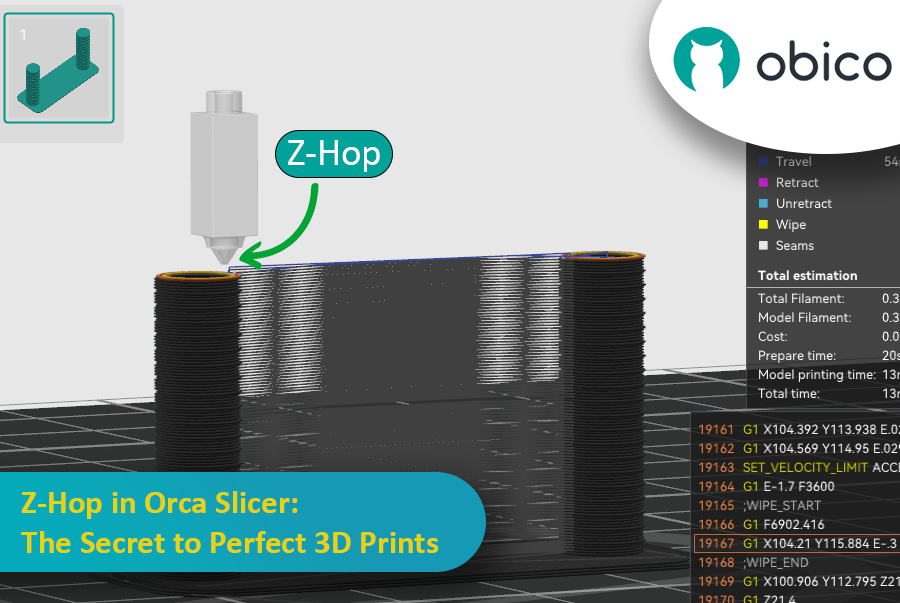
Ever seen those little strings hanging off your 3D print like tiny spider webs? Or the nozzle scratching over a beautiful layer? If you’ve experienced these issues, you’re not alone—and there’s a fix. Enter Z-Hop, a feature in Orca Slicer that will take your 3D prints from good to great.

Z-Hop in Orca Slicer: The Secret to Perfect 3D Prints

Whether you’re new to 3D printing or a hobbyist, getting the settings right makes a huge difference. In this guide, we’ll be exploring Z-Hop—what it is, how to use it, and why it’s a game changer.

Let’s get started!

Introdução

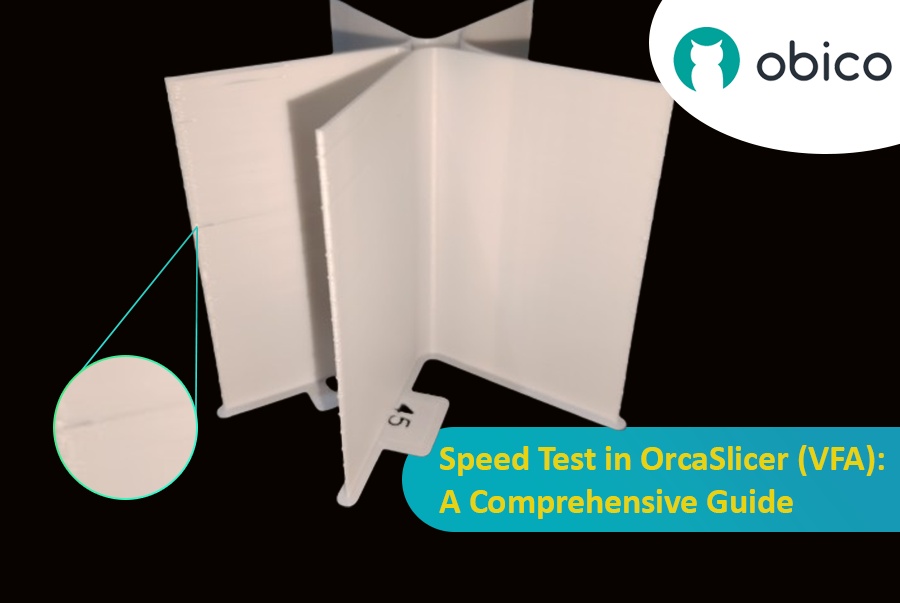
A impressão 3D é uma tecnologia incrível que transforma projetos em objetos reais, mas descobrir a velocidade ideal de impressão pode ser complicado. Se for muito rápida, a qualidade pode ser comprometida; se for muito lenta, o processo demora uma eternidade.

Teste de velocidade no OrcaSlicer (VFA): um guia completo

Neste guia, mostraremos como usar o OrcaSlicer para determinar a velocidade de impressão ideal para sua impressora 3D. Ao final, você saberá como obter ótimas impressões rapidamente, mantendo uma boa qualidade.

Vamos começar!

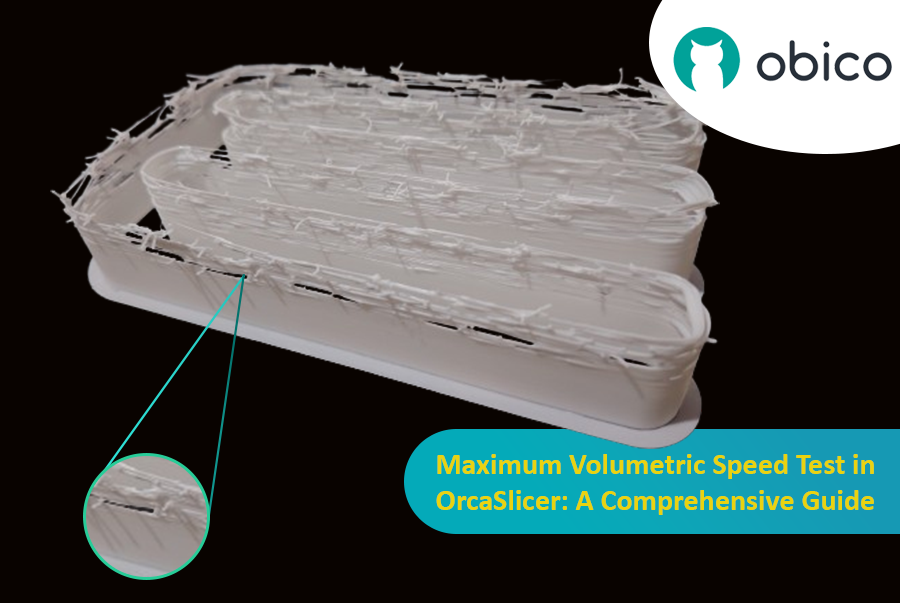
Hello there! Welcome to our easy-to-understand guide on how to control the OrcaSlicer maximum volumetric speed test for 3D printing enthusiasts. If you’re looking forward to enhancing print quality and efficiency, then this is the best place for you. This tutorial will help you optimize your printer’s volumetric speed that determines at what speed you can print without compromising on quality.

Maximum Volumetric Speed Test in OrcaSlicer: A Comprehensive Guide

Volumetric speed knowledge is crucial in 3D printing because it enables one understand how fast a printer can produce objects with accuracy. If this speed is tested and adjusted, under extrusion among other common problems while printing can be avoided thus ensuring that all your prints are good-looking even at higher speeds.