Ga naar hoofdinhoud

Next-Gen AI

Failure Detection Private Beta

AI Failure Detection Beta

4 berichten getagd met "print speed"

Laat alle tags zien

Als liefhebber van 3D-printen heb je waarschijnlijk wel eens te maken gehad met het dilemma kwaliteit versus snelheid. We kennen het allemaal: je print een prachtig model met rondingen en hellingen, maar als het klaar is, zit het oppervlak vol met die kenmerkende 'getrapte' lagen.
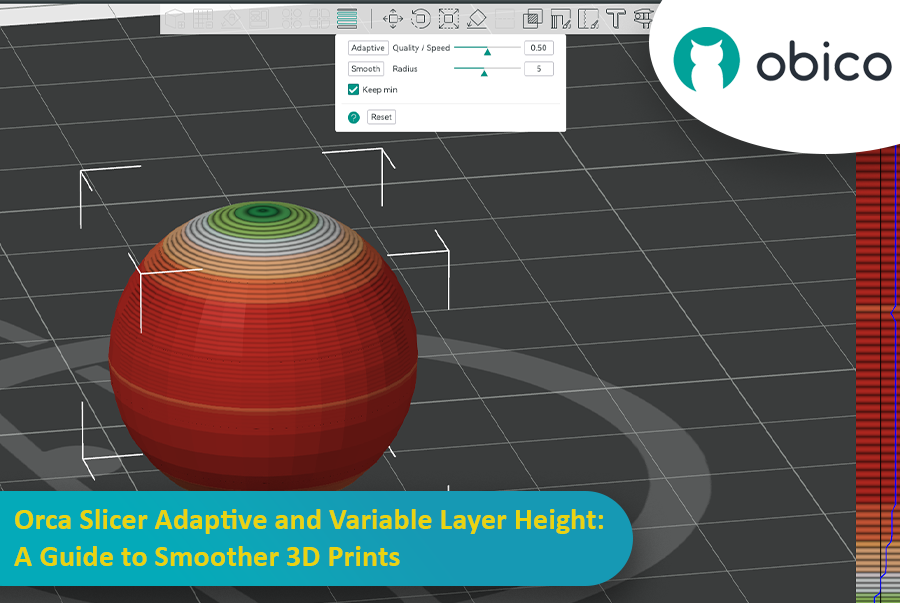
Adaptieve en variabele laagdikte in Orca Slicer: een handleiding voor vloeiendere 3D-prints

Daar komt adaptieve laagdikte als een held te hulp, die snelheid en precisie in balans brengt. Orca Slicer heeft een fantastische tool waarmee je je laagdikte nauwkeurig kunt afstellen en sneller en soepeler kunt printen.

Deze handleiding behandelt alles wat je moet weten om adaptieve laagdikte onder de knie te krijgen en betere 3D-prints te maken.
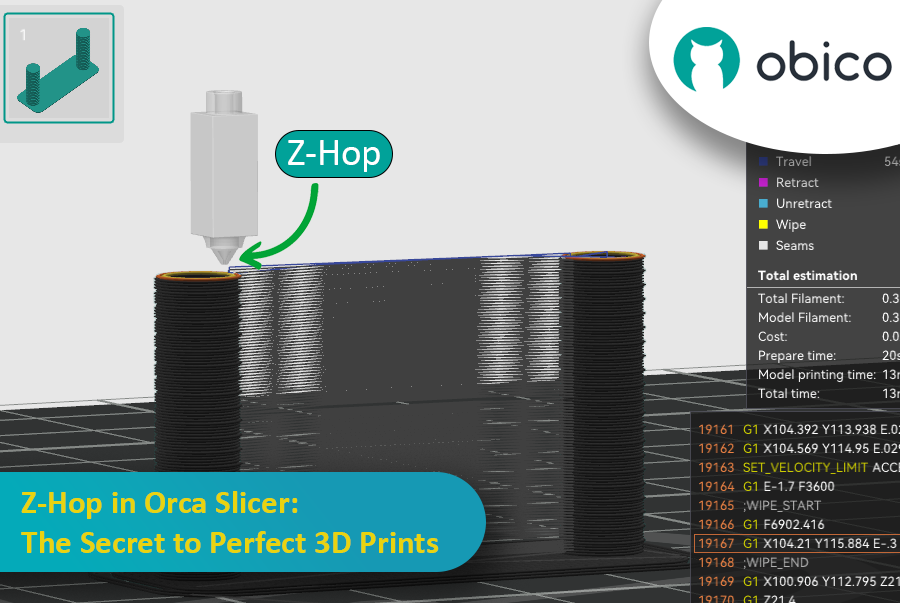
Ever seen those little strings hanging off your 3D print like tiny spider webs? Or the nozzle scratching over a beautiful layer? If you’ve experienced these issues, you’re not alone—and there’s a fix. Enter Z-Hop, a feature in Orca Slicer that will take your 3D prints from good to great.

Z-Hop in Orca Slicer: The Secret to Perfect 3D Prints

Whether you’re new to 3D printing or a hobbyist, getting the settings right makes a huge difference. In this guide, we’ll be exploring Z-Hop—what it is, how to use it, and why it’s a game changer.

Let’s get started!

Inleiding

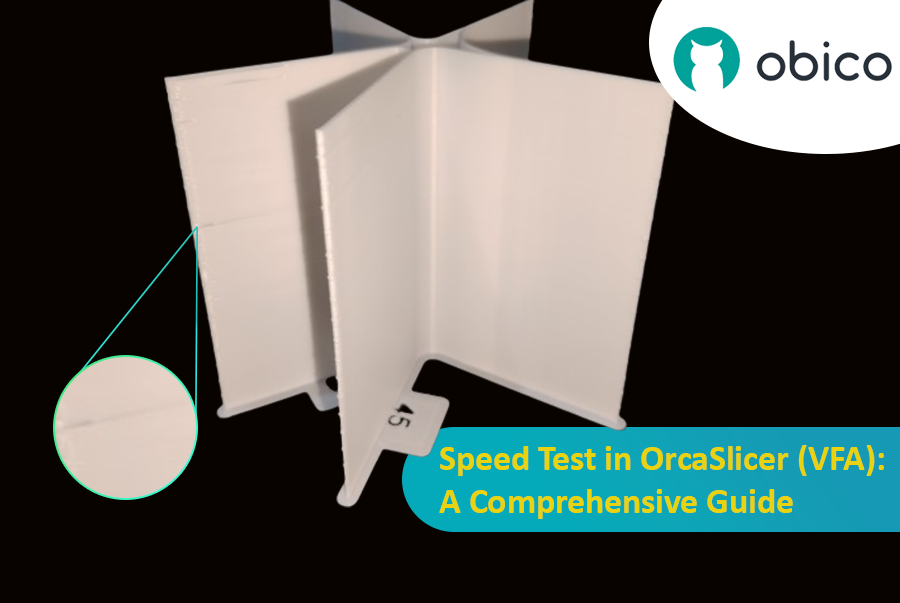
3D-printen is een fantastische technologie waarmee je ontwerpen in echte objecten kunt omzetten, maar de optimale printsnelheid bepalen kan lastig zijn. Als je te snel print, kan de kwaliteit achteruitgaan; als je te langzaam print, duurt het een eeuwigheid.

Snelheidstest in OrcaSlicer (VFA): een uitgebreide handleiding

In deze handleiding laten we je zien hoe je OrcaSlicer gebruikt om de perfecte printsnelheid voor je 3D-printer te bepalen. Aan het einde van deze handleiding weet je hoe je snel en met behoud van goede kwaliteit prints van hoge kwaliteit kunt maken.

Laten we beginnen!

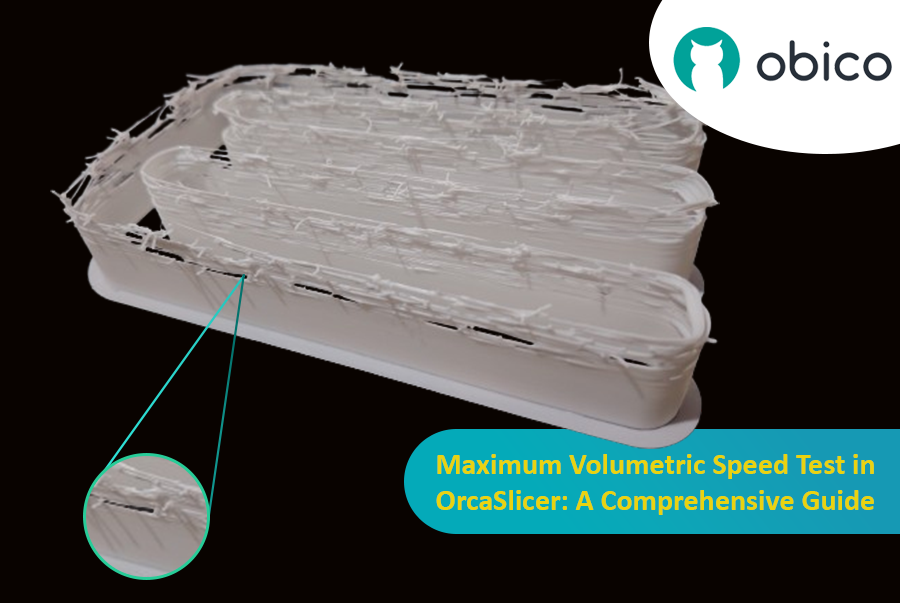
Hello there! Welcome to our easy-to-understand guide on how to control the OrcaSlicer maximum volumetric speed test for 3D printing enthusiasts. If you’re looking forward to enhancing print quality and efficiency, then this is the best place for you. This tutorial will help you optimize your printer’s volumetric speed that determines at what speed you can print without compromising on quality.

Maximum Volumetric Speed Test in OrcaSlicer: A Comprehensive Guide

Volumetric speed knowledge is crucial in 3D printing because it enables one understand how fast a printer can produce objects with accuracy. If this speed is tested and adjusted, under extrusion among other common problems while printing can be avoided thus ensuring that all your prints are good-looking even at higher speeds.