Ga naar hoofdinhoud

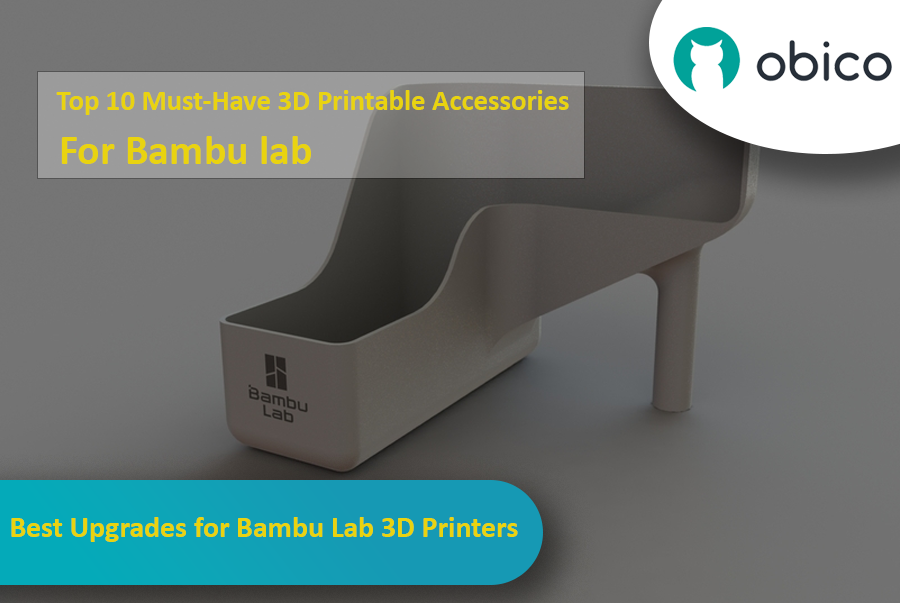
Best Upgrades for Bambu Lab 3D Printers

· 16 minuten leestijd

Introduction

If you have a Bambu Lab 3D printer, you’ve already opened the door to a world of creativity, precision, and innovation. Bambu Lab printers are known for being reliable and high quality, so they’re a favorite among users all around the world.

But even great printers can be made better with a bit of customization. With the right printable accessories, you can make your Bambu Lab printer even more efficient, more versatile, and more fun to use. In this guide, we’ll take a look at some of the best 3D printable accessories to get the most out of your Bambu Lab 3D printer.

Best Upgrades for Bambu Lab 3D Printers

Whether you want to reduce vibrations, manage your filament better, or tweak your AMS system, these upgrades offer practical and easy-to-print solutions that you can print directly with your Bambu Lab printer.

Let’s get started and see how these upgrades can improve your 3D printing experience.

How to Use the 3D Benchy to Fine-Tune Your 3D Printer

· 15 minuten leestijd

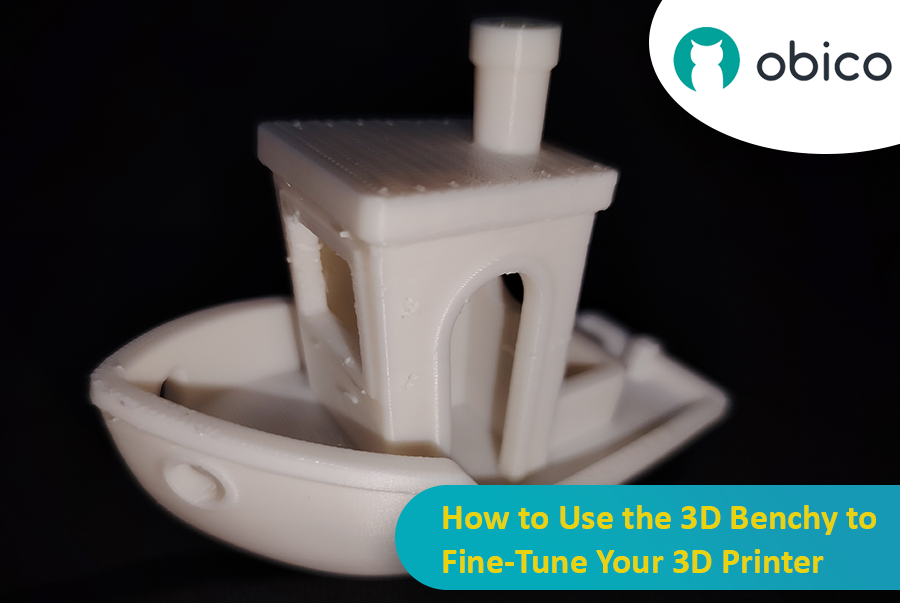
Let’s talk about the 3D Benchy, the little boat that has taken the 3D printing world by storm. At first glance, you may think that it’s a fun toy, but this little tugboat is actually one of the most powerful tools for testing and fine-tuning your 3D printer. Whether you’re new to 3D printing or an experienced user, the 3D Benchy can greatly help you with troubleshooting your 3D printer.

How to Use the 3D Benchy to Fine-Tune Your 3D Printer

Let’s dive deeper and understand how this model can improve your printer performance.

Orca Slicer downloaden

· 15 minuten leestijd
tip

Try JusPrin, the first GenAI 3D printing tool built on OrcaSlicer.

Als je van 3D-printen houdt, heb je vast al eens Cura of PrusaSlicer gebruikt om je modellen te slicen. Deze tools zijn nodig om elk 3D-model om te zetten naar G-code, een code die instructies bevat die je machine kan uitvoeren om je model daadwerkelijk te printen. Er is echter altijd ruimte voor nieuwe software met andere functies en opties.

Orka Slicer

Orca Slicer is wat je nodig hebt. Het is gratis en gebaseerd op Bamboe Studio. Het biedt je meer mogelijkheden om je prints aan te passen, te beheren en nauwkeurige resultaten te behalen. Of je nu een beginner bent die op zoek is naar kant-en-klare profielen of een ervaren gebruiker die op zoek is naar geavanceerde instellingen, Orca Slicer is de oplossing.

Orca Slicer begon als een afsplitsing van Bamboe Studio, dat op zijn beurt gebaseerd is op PrusaSlicer, een van de meest gebruikte open-source slicingsoftware. Het werd ontwikkeld door Zachte koorts. Het won snel aan populariteit dankzij het toegenomen aantal printerprofielen en geavanceerdere opties voor printkalibratie. Het is vooral handig als je meer controle en detail wilt over het eindresultaat van je 3D-modellen.

Top Multi-Color 3D Printing Options

· 24 minuten leestijd

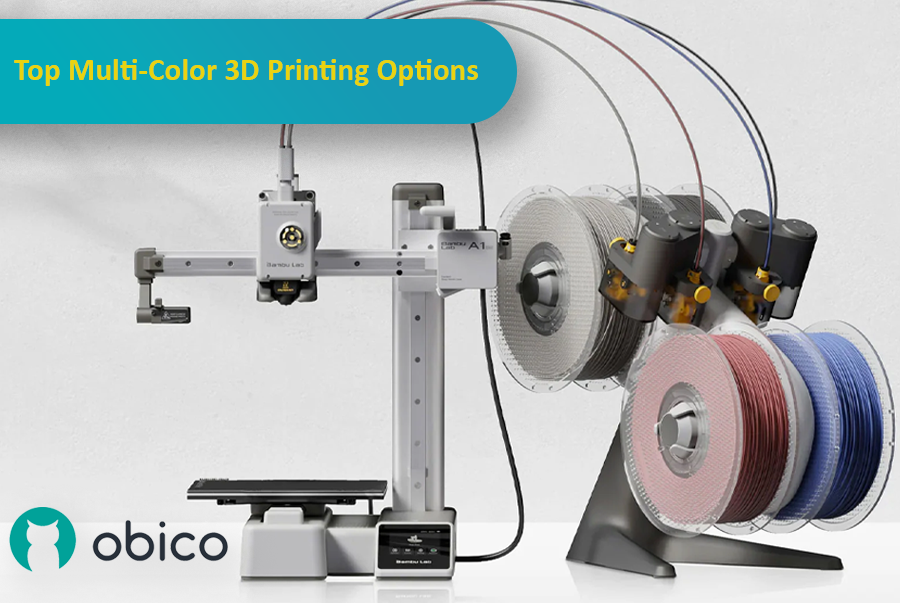
3D printing has come a long way, and one of the most exciting advancements is the ability to print with multiple colors or materials in a single go. This makes it possible to create detailed, colorful, and functional models without having to manually paint or assemble them afterward. Whether you're making parts that need different materials or designing colorful, intricate models, multi-material 3D printing can really take your projects to the next level.

Multi-color 3D printing options

As the technology has improved, more options have become available, each with its own benefits for different users and experience levels. In this article, we'll look at some of the top multi-color 3D printing systems, including the Bambu Lab AMS, Prusa MMU, Enraged Rabbit Carrot Feeder (ERCF), and new systems like the Tradrack and 8-Track. We'll break down how each system works, their pros and cons, and which users they’re best suited for.

Orca Slicer vs. Bambu Studio: Gedetailleerde review en functies

· 44 minuten leestijd

Inleiding

In de wereld van 3D-printen kan de slicersoftware die je kiest een aanzienlijke impact hebben op de kwaliteit, snelheid en efficiëntie van je prints. Twee populaire slicers die furore maken in de community zijn Orca Slicer en Bambu Studio. Beide slicers bieden een robuuste set functies, afgestemd op verschillende gebruikers, maar welke is geschikt voor jou?

Orca Slicer vs. Bambu Studio: Gedetailleerde review en functies

In deze gids vergelijken we beide slicers, waarbij we ingaan op de installatie, gebruikersinterface, belangrijkste functies, community-ondersteuning en meer.

Het maakt niet uit of u nieuw bent in 3D-printen of al ervaring hebt: met deze tool kiest u de juiste slicer voor uw behoeften.

Sovol SV08 Remote Access and AI With Obico

· 23 minuten leestijd

Introduction

The Sovol SV08 is a standout 3D printer in the current market, offering a mix of advanced features, precision, and versatility that caters to both beginners and experienced makers. By integrating it with the Obico platform, an AI-powered, open-source system, users can significantly enhance their 3D printing experience through remote monitoring, control, and AI failure detection.

Sovol SV08 Remote Access and AI With Obico

This guide will take you through setting up your Sovol SV08 with Obico, including firmware updates, WiFi connections, and integrating the Obico system. We will also look at some advanced features provided by Obico, like Nozzle Ninja AI, which takes first-layer monitoring to another level, as well as the new built-in online slicer.

Installing and Configuring Klipper on BTT Pi 2 with Obico AI Integration

· 18 minuten leestijd

Introduction

3D printing is a fast-moving field, with new developments constantly pushing the boundaries of what is possible. One such development is the partnership between Obico and BigTreeTech (BTT), which brings Obico's advanced AI capabilities within reach of 3D printer enthusiasts through the BTT Pi 2.

Installing and configuring Klipper on BTT Pi 2 with Obico AI Integration

This guide gives complete step-by-step instructions on how to install Klipper onto your BTT Pi 2 and then integrate Obico AI onto it. It includes detailed instructions for setting up an Ender 3 V2 3D printer as an example. Additionally, we will provide guidance on configuring other printer models to ensure all users can benefit from this setup. Whether you're a novice or an experienced user, this guide aims to simplify the process and enhance your 3D printing experience.

AI Failure Detection in 3D Printing

· 27 minuten leestijd

Introduction

The technology of 3D printing has revolutionized the manufacturing process by enabling the production of intricate designs and personalized parts with relative ease of operation. However, like all technologies, 3D printing has its fair share of challenges. Print failure is one of the most significant, leading to material waste as well as a loss of time and money.

AI Failure Detection in 3D Printing

Fortunately, advanced artificial intelligence (AI) systems have come up with new techniques for early detection and prevention of such failures, which can be done by alerting users, modifying the print depending on the intensity of the error, or even stopping it completely before wasting more resources. Here we will go through some AI-based failure detection solutions for 3D printing provided by Obico, Bambu Lab, Creality, Octoprint Nexus AI, and OctoEverywhere.

Best 3D Printers for Fast Prints

· 18 minuten leestijd

fast-3d-printers

Source: guzzlovic via Reddit


High-speed 3D printers are the latest trendsetters in the 3D printing scene. You have printers from Bambulab, Voron, Creality, QIDI Tech, and many other manufacturers, all eyeing the fastest 3D printer trophy, and rightly so.

Fast 3D printers give you an edge by helping you create objects quickly. You’re able to test your designs faster and improve your overall productivity levels. With print speeds of up to 600 mm/s on some of these machines, you can 3D print a Benchy in as little as 20 minutes.

With all the buzz about 3D printing speeds, however, it can be challenging to filter through the noise. To help accelerate your decision-making and help you choose the fastest 3D printer, we’ve curated a list of the top 3D printers rated for their speed.

Each printer offers something unique that can benefit different workflows; there’s a fast 3D printer for everyone. Let’s get one for you!

How to Connect Your Elegoo Neptune 4 Pro to Wi-Fi

· 15 minuten leestijd

The Neptune 4 Pro of Elegoo is an impressive 3D printer that comes with pre-installed Klipper firmware and Fluidd interface for remote control, providing many advanced features at a budget price. However, one common point of discussion among reviewers and users is its lack of built-in Wi-Fi.

How to Connect Your Elegoo Neptune 4 Pro to Wi-Fi

This article will show you how to add Wi-Fi capability to your Elegoo Neptune 4 Pro along with step-by-step instructions that can make your 3D printing experience better. Even if you are a beginner or an expert, this guide covers every stage in a very easy-to-follow manner.