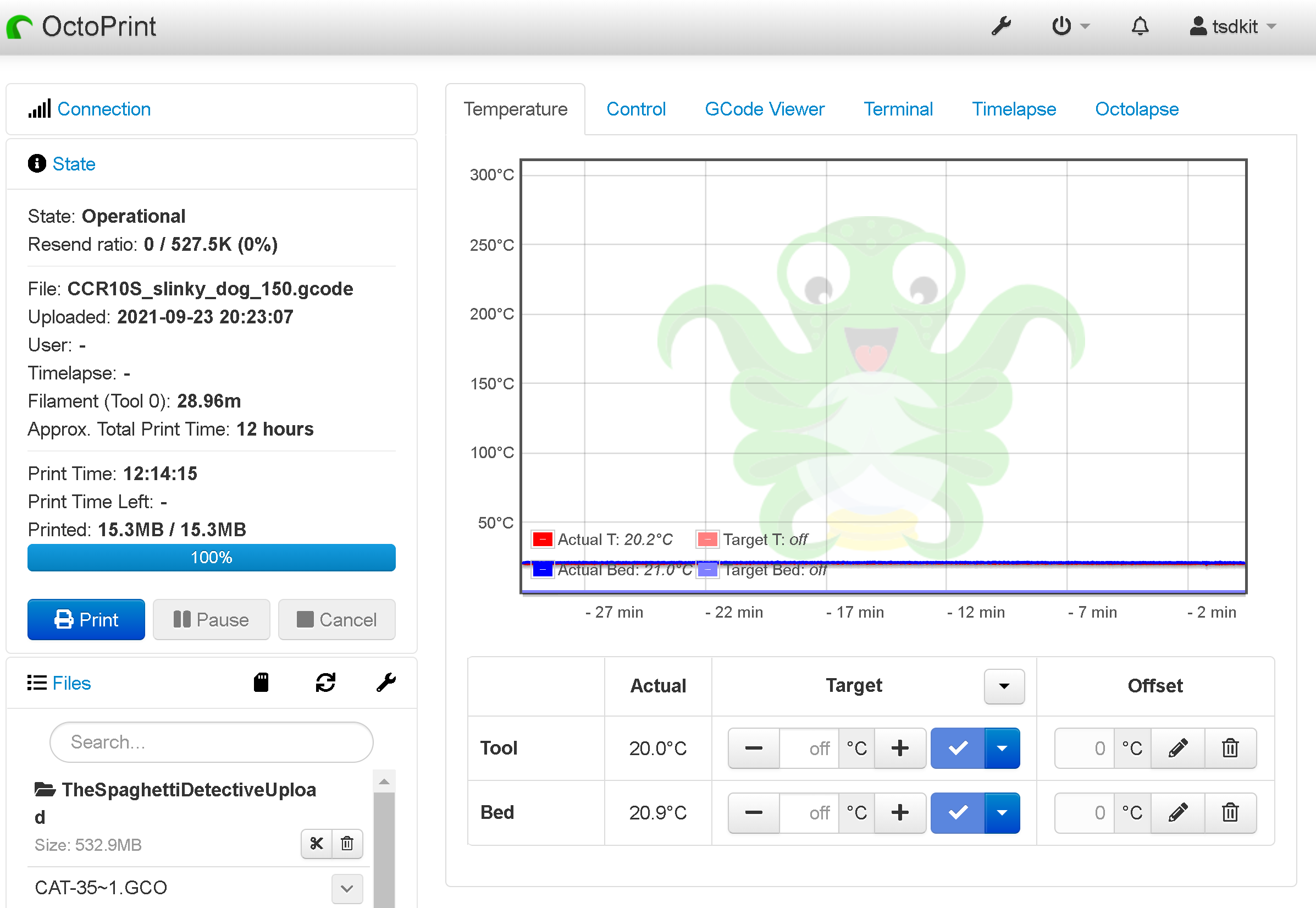
OctoPrint simplifies the control and management of 3D printing. The software's capabilities are enhanced by a diverse set of plugins, making it simple to monitor and control your prints. Furthermore, if you wish to take your remote 3D printing experience to the next level, you should check out the OctoPrint Mobile apps.
There are numerous mobile apps that provide OctoPrint mobile accessibility, so you have a lot of alternatives. This also means new users find it difficult to choose the ideal app for their needs.
But, like always, we have your back, and we don't want you to spend time checking out each and every app. Instead we have compiled a list of the top 7 mobile apps – 4 Android and 3 iOS apps – to help you with the selection process and save you time. With this list, you will be one step closer to accessing OctoPrint on the go!
For the uninitiated, OctoPrint is one of the best 3D printer remote monitoring, management, and control software tools. With the plugins, the software transforms into a monster, giving you greater control over your printer and making 3D printing entertaining and engaging.
While OctoPrint is a capable piece of software, it may occasionally leave you wanting more. Consider two scenarios: one in which you are weary of sitting in front of a computer for the duration of the print but still want to check the progress and monitor your print. And a second scenario in which you are travelling and do not have access to a computer from which to operate your 3D printer.
The solution to both of these issues is the same: a mobile app for accessing OctoPrint on the go.
A smartphone is something you carry with you everywhere and is easy on the eyes. This level of freedom is appealing to many who use 3D printers on a regular basis. Using a smartphone app can help you save a lot of time, not to mention improve your 3D printing experience.
We will now explore the 7 mobile apps for OctoPrint. All of these mobile apps allow you to access your OctoPrint connected 3D printer from your phone, and the Obico mobile app even allows full remote access from anywhere without any additional configuration.
If you are someone who has not yet installed OctoPrint, you can take a small detour to learn how to set up OctoPrint to and get it up and running. Don't worry, it's simple.

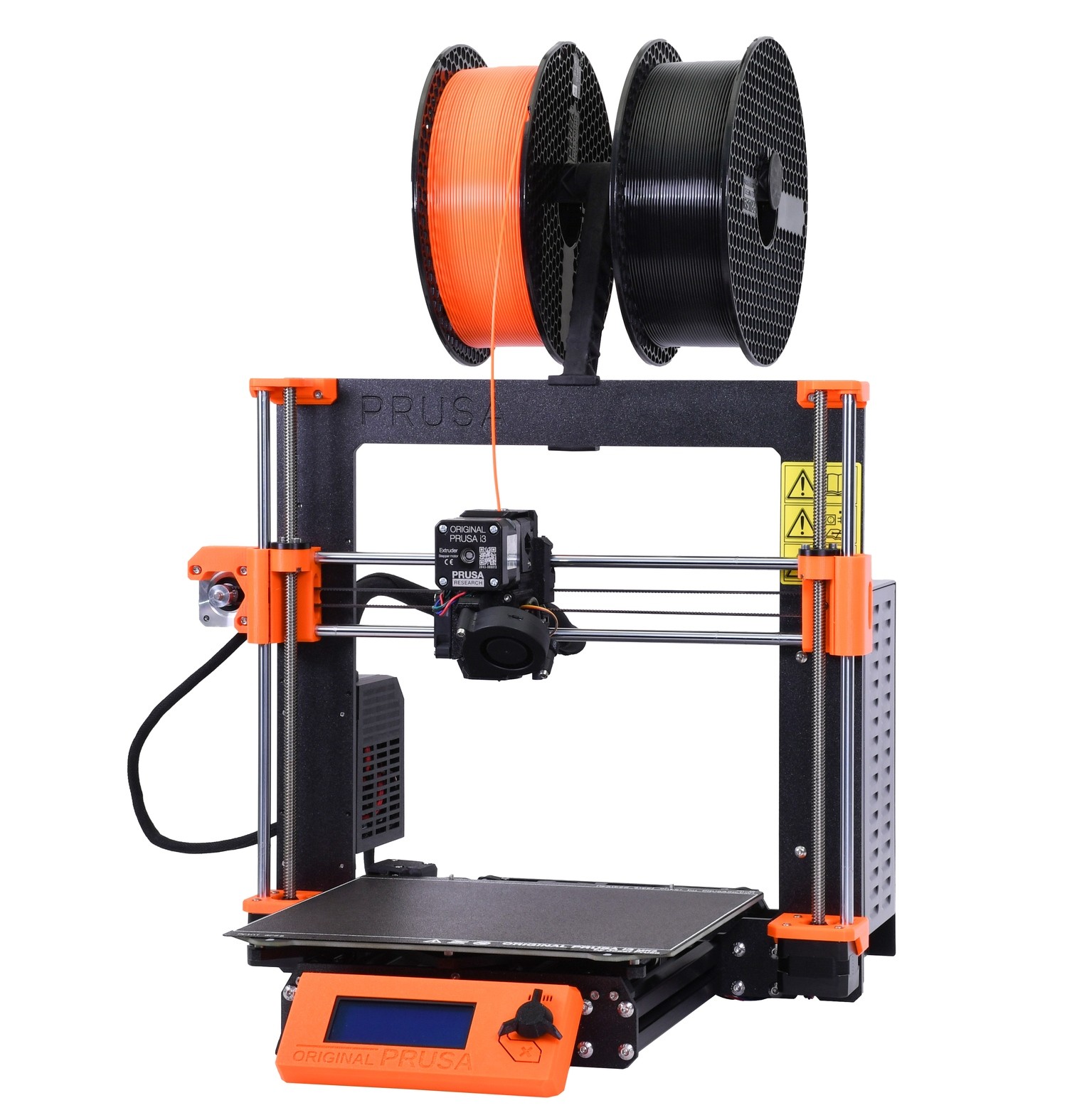



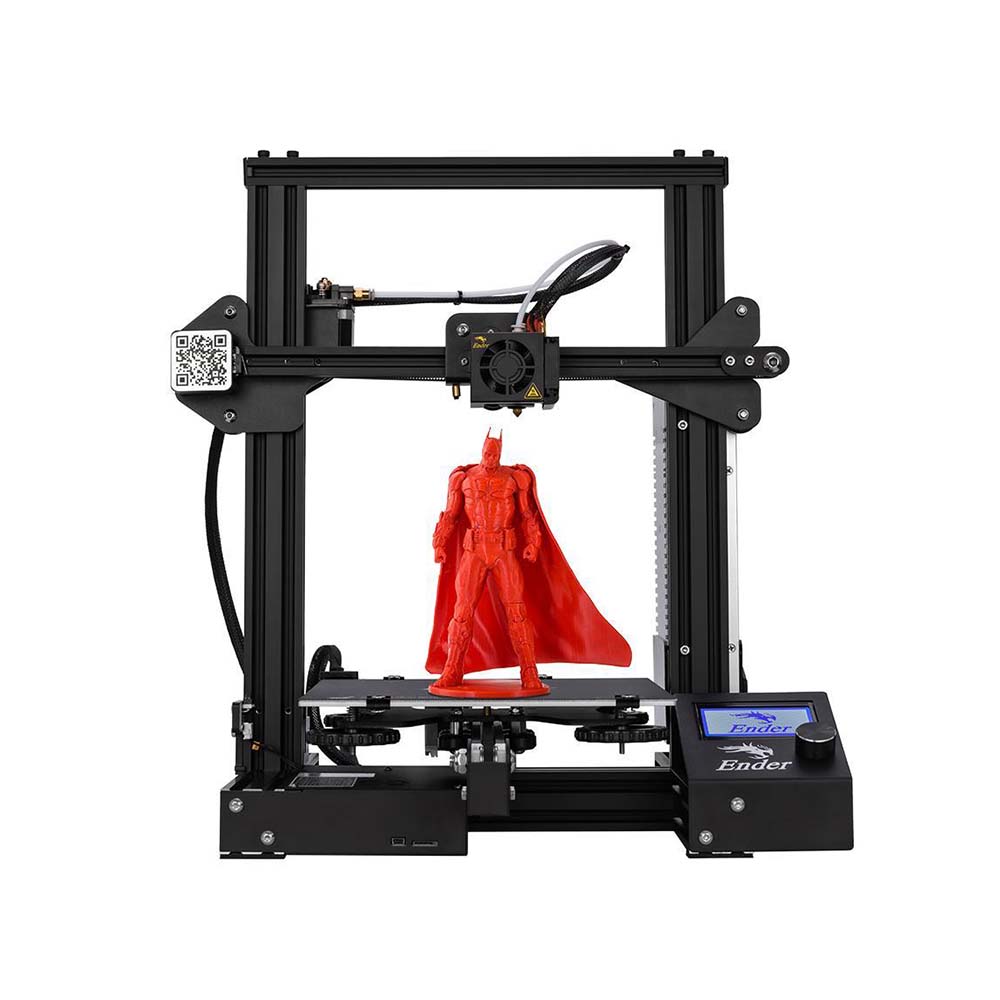 Creality Ender 3 desktop FDM 3D printer/Courtesy: