Passa al contenuto principale

Next-Gen AI

Failure Detection Private Beta

AI Failure Detection Beta

4 post etichettati con "print speed"

Guarda tutte le etichette

Come appassionati di stampa 3D, probabilmente vi siete trovati di fronte al dilemma qualità/velocità. Ci siamo passati tutti: state stampando un bellissimo modello con curve e pendenze, ma una volta terminato, la superficie è piena di quegli inconfondibili strati "a gradini".
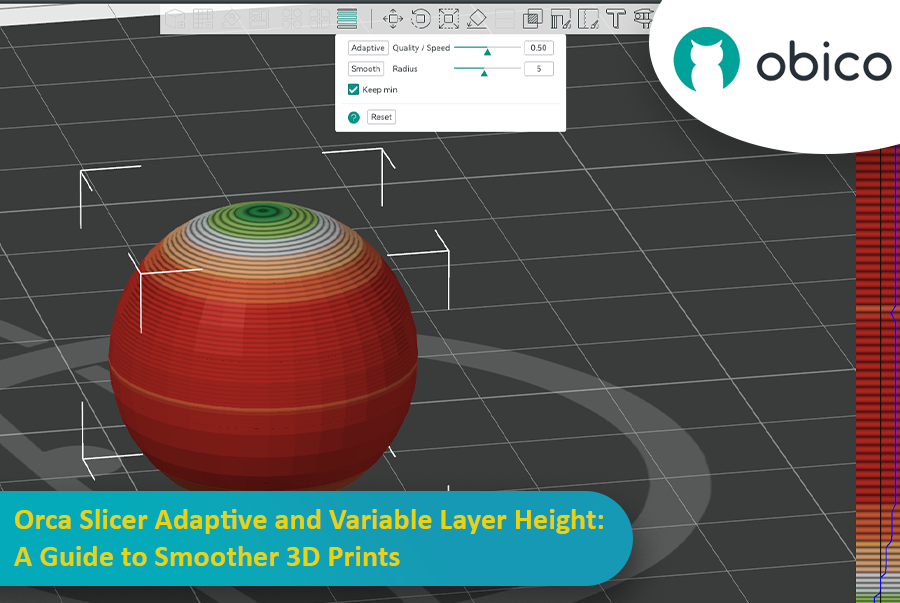
Orca Slicer Adaptive e altezza variabile dello strato: una guida per stampe 3D più fluide

È qui che l'altezza adattiva dei livelli interviene come un supereroe e salva la situazione bilanciando velocità e precisione. Affettatrice Orca ha uno strumento straordinario per regolare con precisione le altezze dei livelli e ottenere stampe più uniformi in meno tempo.

Questa guida spiegherà tutto ciò che devi sapere per padroneggiare l'altezza adattiva degli strati e ottenere stampe 3D migliori.
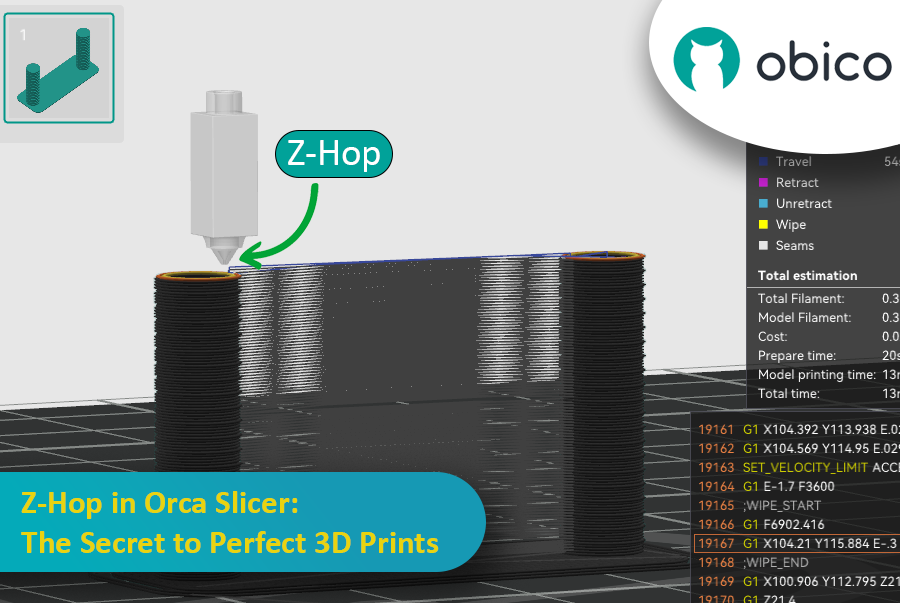
Ever seen those little strings hanging off your 3D print like tiny spider webs? Or the nozzle scratching over a beautiful layer? If you’ve experienced these issues, you’re not alone—and there’s a fix. Enter Z-Hop, a feature in Orca Slicer that will take your 3D prints from good to great.

Z-Hop in Orca Slicer: The Secret to Perfect 3D Prints

Whether you’re new to 3D printing or a hobbyist, getting the settings right makes a huge difference. In this guide, we’ll be exploring Z-Hop—what it is, how to use it, and why it’s a game changer.

Let’s get started!

Introduzione

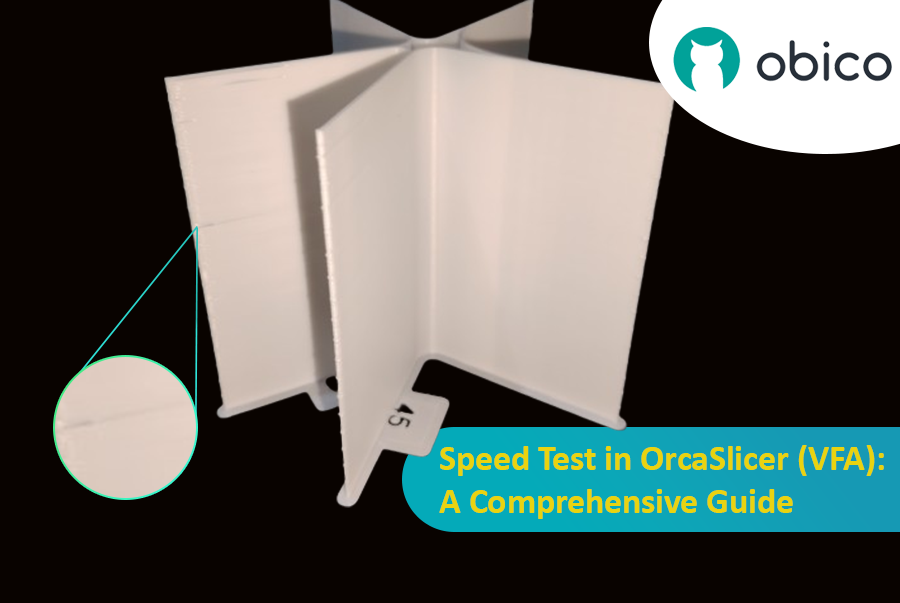
La stampa 3D è una tecnologia straordinaria che trasforma i progetti in oggetti reali, ma individuare la velocità di stampa ottimale può essere complicato. Se si procede troppo velocemente, la qualità potrebbe essere compromessa; se si procede troppo lentamente, il processo potrebbe richiedere un'eternità.

Test di velocità in OrcaSlicer (VFA): una guida completa

In questa guida ti mostreremo come usare OrcaSlicer per determinare la velocità di stampa perfetta per la tua stampante 3D. Al termine, saprai come ottenere stampe eccellenti in tempi rapidi, mantenendo una buona qualità.

Cominciamo!

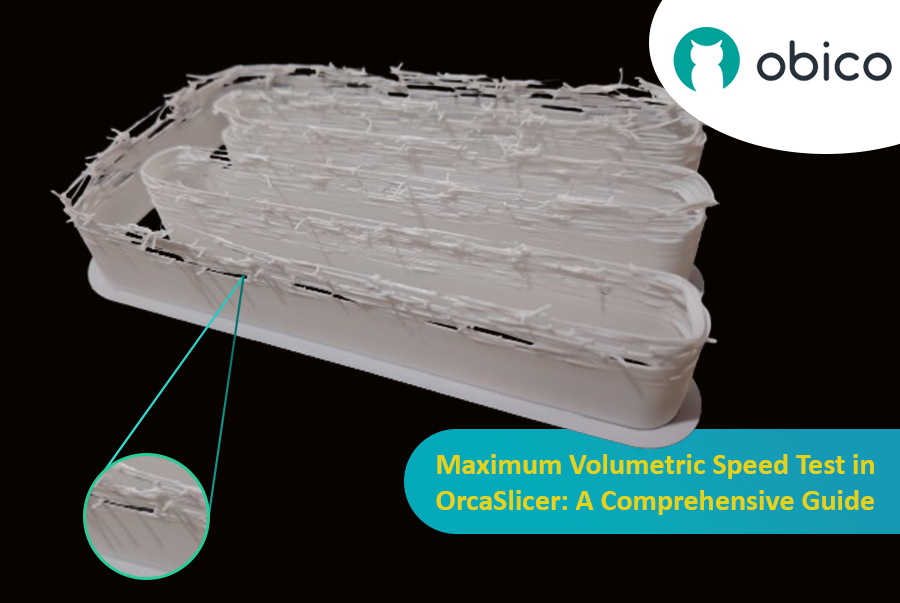
Hello there! Welcome to our easy-to-understand guide on how to control the OrcaSlicer maximum volumetric speed test for 3D printing enthusiasts. If you’re looking forward to enhancing print quality and efficiency, then this is the best place for you. This tutorial will help you optimize your printer’s volumetric speed that determines at what speed you can print without compromising on quality.

Maximum Volumetric Speed Test in OrcaSlicer: A Comprehensive Guide

Volumetric speed knowledge is crucial in 3D printing because it enables one understand how fast a printer can produce objects with accuracy. If this speed is tested and adjusted, under extrusion among other common problems while printing can be avoided thus ensuring that all your prints are good-looking even at higher speeds.