Aller au contenu principal

Next-Gen AI

Failure Detection Private Beta

AI Failure Detection Beta

49 articles tagués avec « 3D Printing »

Voir tous les tags

astuce

Try JusPrin, the first GenAI 3D printing tool built on OrcaSlicer.

Introduction au test de la tour de température avec OrcaSlicer

L'impression 3D est une technologie fascinante qui permet de créer des objets physiques à partir de modèles numériques. Cependant, pour obtenir les meilleurs résultats, vous devez affiner les paramètres de votre imprimante et optimiser les paramètres de vos filaments. L'un des facteurs les plus importants pour la qualité de vos impressions est la température.

La température affecte la fusion, l'écoulement et la liaison du filament aux couches précédentes. Une température trop basse peut entraîner une extrusion incorrecte du filament, ce qui peut entraîner une sous-extrusion, une mauvaise adhérence et des pièces fragiles. Une température trop élevée peut provoquer un suintement, des fils ou des déformations du filament, entraînant une surextrusion, des boursouflures et des déformations.
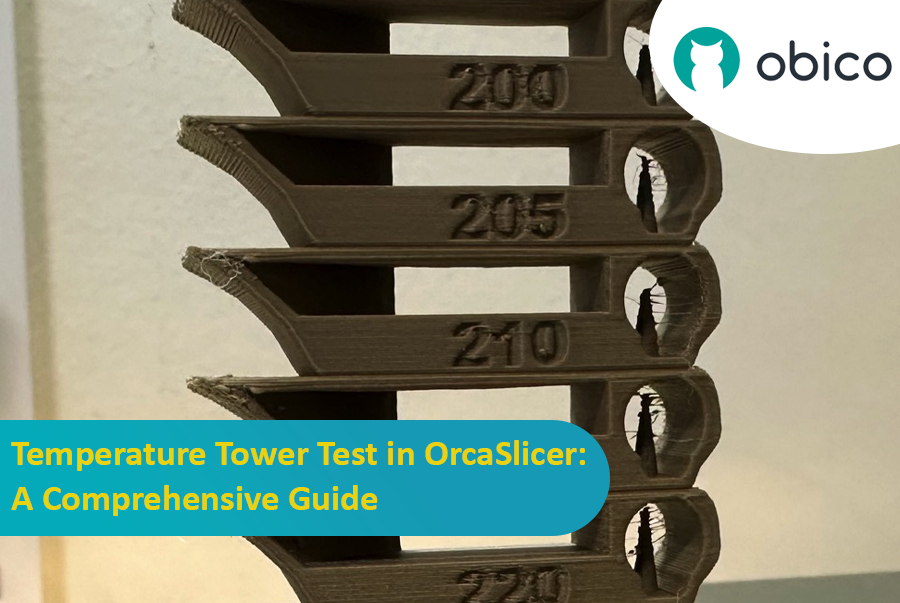
Test de la tour de température dans OrcaSlicer : guide complet

Pour trouver la température optimale pour votre filament, vous devez effectuer un test de tour de température.
astuce

Try JusPrin, the first GenAI 3D printing tool built on OrcaSlicer.

Introduction

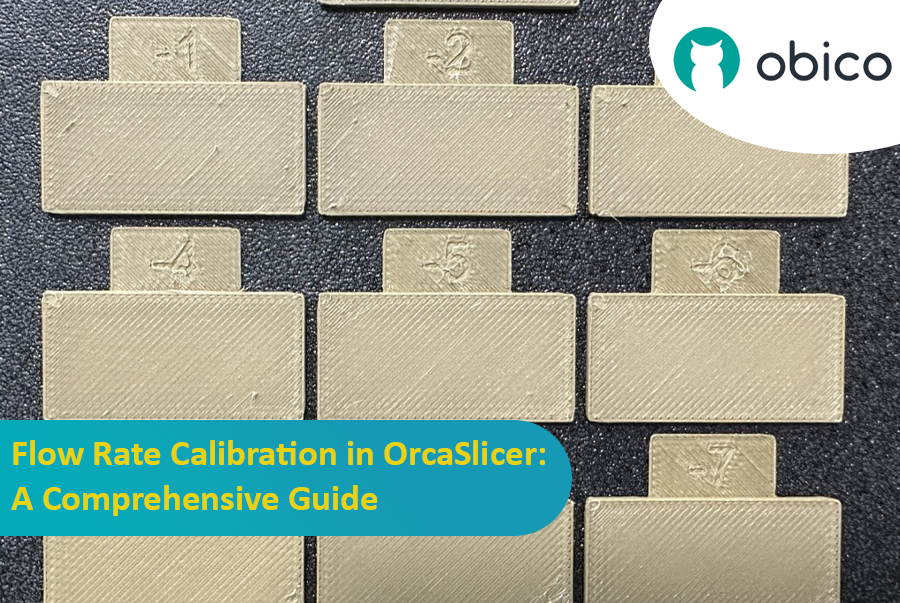
L'étalonnage du débit est une étape cruciale pour obtenir des impressions 3D de haute qualité. Un débit adéquat garantit un dépôt de couche homogène, des surfaces plus lisses et des détails plus précis. Dans cet article, qui fait partie d'une série d'articles sur l'étalonnage d'OrcaSlicer, nous explorerons le processus d'étalonnage du débit avec OrcaSlicer, un logiciel de découpage open source conçu pour les imprimantes 3D FDM (Modélisation par dépôt de filament fondu).

Étalonnage du débit dans OrcaSlicer : un guide complet

Avant de nous plonger dans le processus d'étalonnage du débit dans OrcaSlicer, arrêtons-nous brièvement pour comprendre ce que c'est et ses principales fonctionnalités.

OrcaSlicer : une option puissante et flexible pour le découpage d'impression 3D

OrcaSlicer est un logiciel de découpe d'impression 3D open source pour les imprimantes FDM**. Il est principalement conçu pour les imprimantes compatibles avec les firmwares Marlin, Klipper et Bambu Lab. Il prend en charge divers modèles populaires de marques telles que Creality, Prusa, Elegoo et même la Voron open source.

Arbre généalogique d'OrcaSlicer :

OrcaSlicer est basé sur Bambu Studio, lui-même dérivé de PrusaSlicer. PrusaSlicer, quant à lui, est basé sur la solution open source Slic3r.

Introduction: Welcoming You to the Sovol SV06 Series

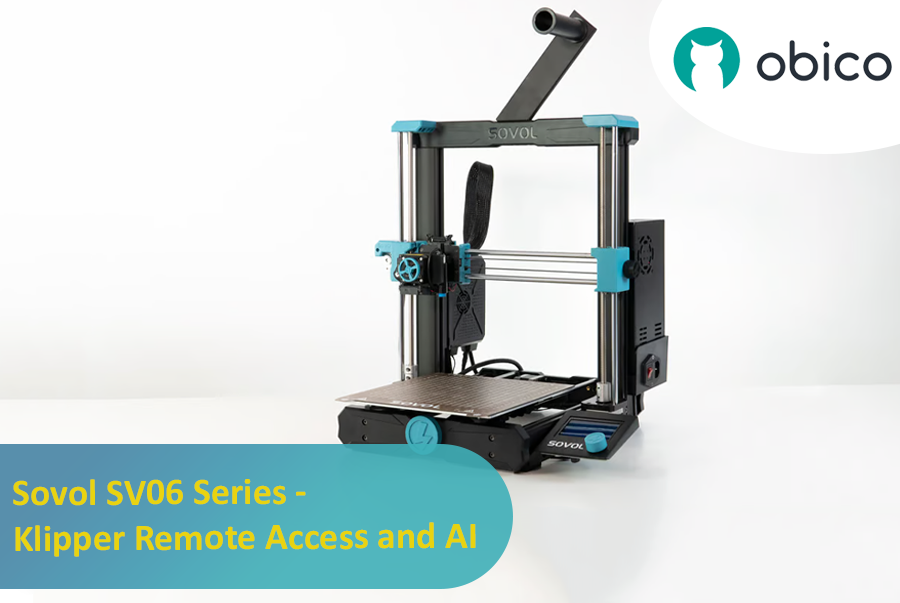
Hey there! Let's jump into the world of the Sovol SV06. This printer is getting a lot of buzz for being budget-friendly while still offering some pretty cool features. If you're thinking about getting into 3D printing without spending a ton, the Sovol SV06 is a solid choice. It gives you a lot for its price, similar to more expensive printers like the Prusa MK3S+, but at a fraction of the cost. With neat features like dual Z-axis motors, automatic bed leveling, and the ability to reach up to 300 °C, it really stands out in the budget printer crowd.

Introduction: Welcoming You to the Sovol SV06 Series

Introduction

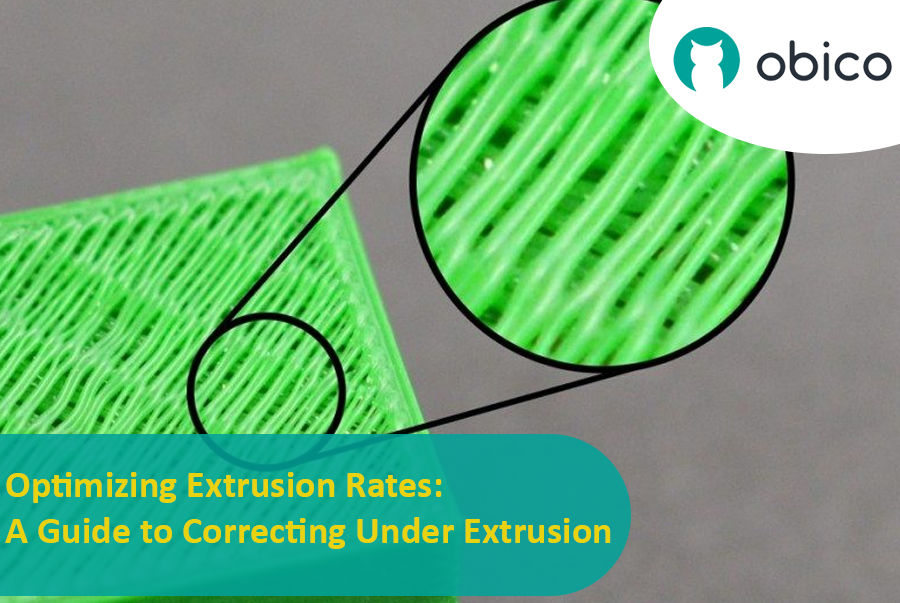
Tackling the Challenge of Under Extrusion in 3D Printing

Welcome to the world of 3D printing! In this amazing realm where we bring ideas to life layer by layer, there’s a common hiccup known as under extrusion that can sometimes throw a wrench in our creative works. But worry not! Understanding and fixing this issue is easier than you might think.

Optimizing Extrusion Rates: A Guide to Correcting Under Extrusion

Introduction

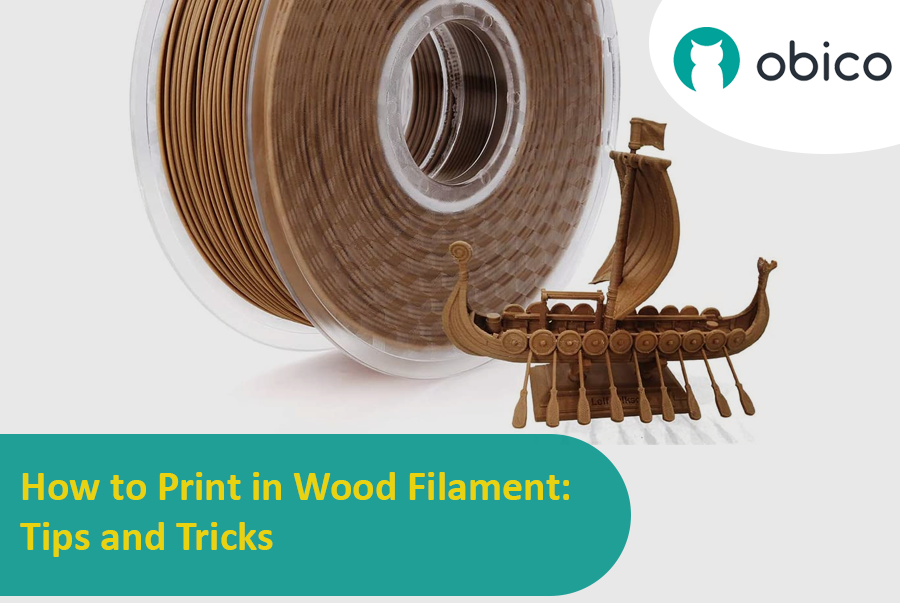
Welcome to the fascinating world of 3D printing with wood filament! If you're as intrigued as I am about merging the timeless beauty of wood with the cutting-edge technology of 3D printing, then you're in for a treat. Let's dive into what wood filament really is and how it has evolved over the years, transforming the way we think about creating wooden objects.

How to Print in Wood Filament: Tips and Tricks

Introduction

Hey there! Welcome to the world of 3D printing, a fascinating realm where your ideas can literally take shape before your eyes. At the heart of this exciting world are Fused Deposition Modeling (FDM) 3D printers. Imagine a hot glue gun crossed with a computer-controlled robot – that's kind of what these printers are like. They melt plastic, then precisely lay it down layer by layer to create an object. It's like magic, but it's science!

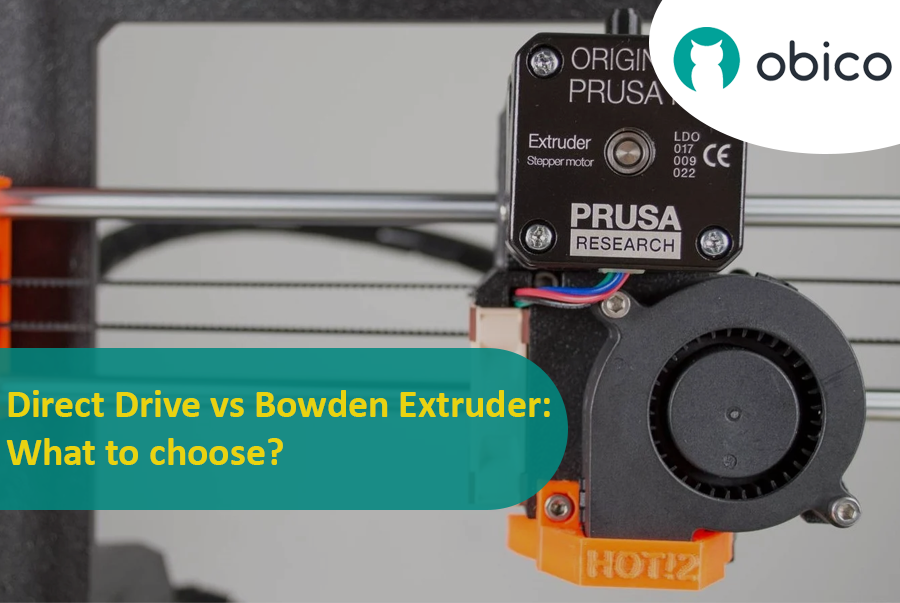
Direct Drive vs Bowden Extruder: What to choose?

Now, let's talk about a crucial part of these printers: the extruders. Think of an extruder as the 'hand' of the printer that does the actual work of laying down the melted filament. It's a key player because how well your 3D printer can extrude filament determines the quality of your print. Good extrusion means smooth, detailed prints; poor extrusion can lead to a whole host of problems.

There are two main types of extruders you'll hear about: Direct Drive and Bowden. Each has its own set of fans and its own unique strengths and weaknesses. In this guide, we'll dive into the world of these extruders, compare them side by side, and help you figure out which one might be the best fit for your 3D printing adventures. So, let's get started!

Introduction

Hello and welcome to the world of 3D printing! It's a place full of potential, but like any new endeavor, it comes with its own set of challenges. Let's explore what you might face and how to tackle these hurdles effectively.

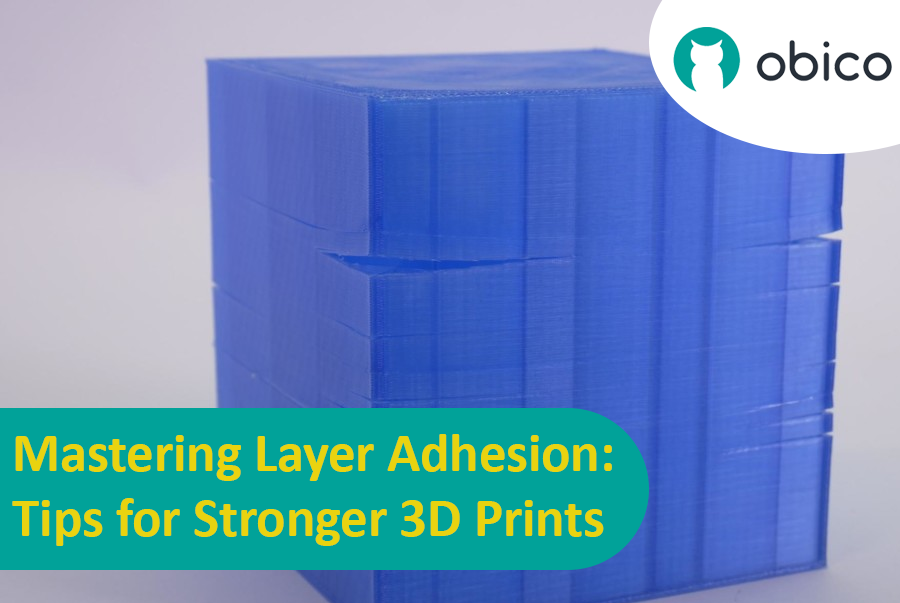
Mastering Layer Adhesion: Tips for Stronger 3D Prints

Overview of 3D Printing Challenges

Picture yourself setting up a 3D print. You've got your design ready, your printer prepped, and you're all set to go. But sometimes, things don't work out as smoothly as we'd like. From prints warping or not sticking correctly to issues with the final quality, 3D printing can be a bit unpredictable. However, understanding these challenges is the first step toward mastering the art of 3D printing.

Introduction

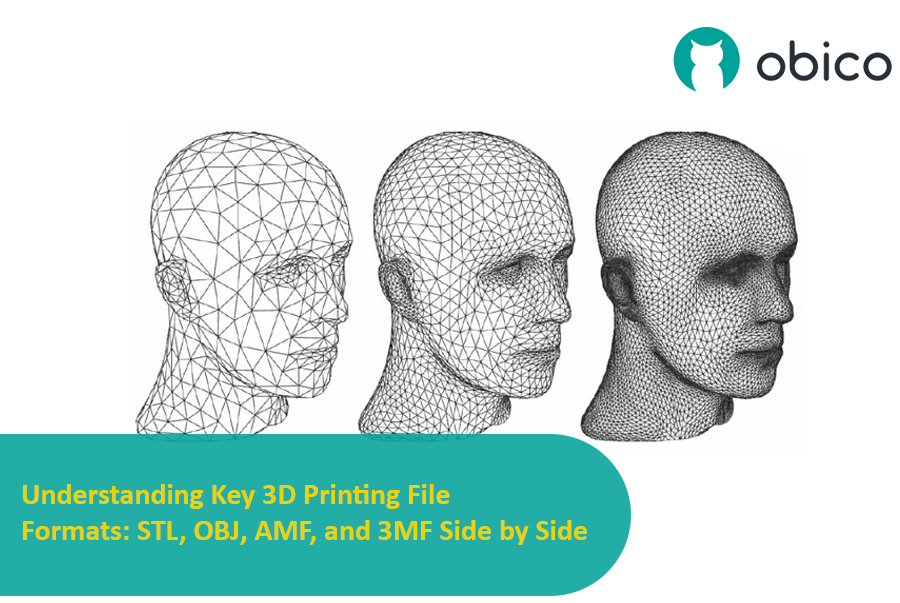
Hello there! Welcome to our exciting journey through the world of 3D printing file formats. If you've ever dabbled in 3D printing, you know it's not just about having a great printer. The magic starts way before, with choosing the right file format for your model. Think of these formats as different languages that your printer understands.

Understanding Key 3D Printing File Formats: STL, OBJ, AMF, and 3MF Side by Side

In this guide, we're going to explore some of the most popular file formats like STL, OBJ, AMF, and 3MF. Each of these formats has its own strengths and quirks, kind of like different superheroes in a comic book! Picking the right one can mean the difference between a 3D print that's "meh" and one that wows.

So, why is choosing the right format so important? Well, it's like picking the right ingredients for a recipe. The better the ingredients, the tastier the dish. Similarly, the right file format ensures your 3D printer understands exactly what to do, leading to better print quality, efficiency, and a lot less hair-pulling frustration. Let's dive in and discover which format will be your 3D printing sidekick!

Introduction

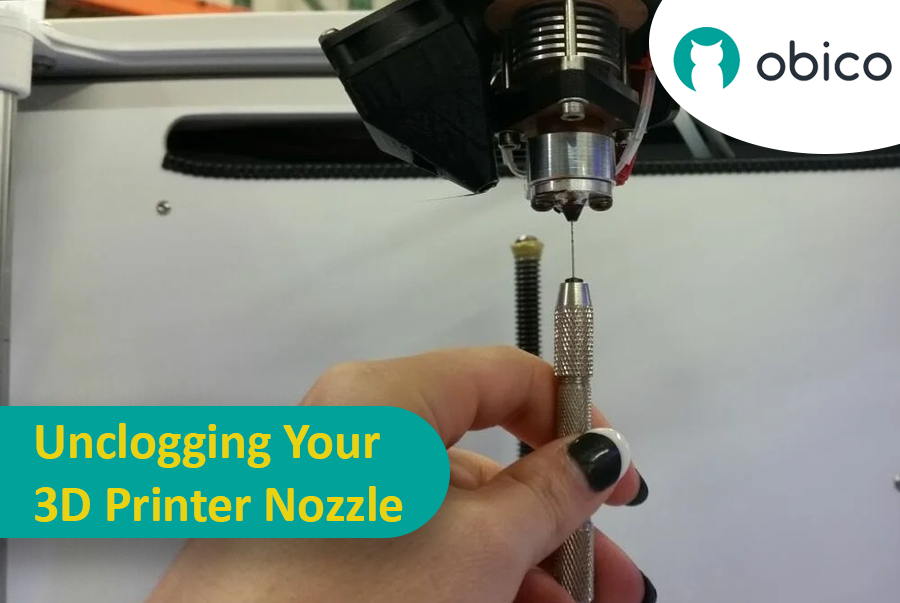
Have you ever wondered why sometimes your 3D prints just don't turn out right? The answer might be as simple as a clogged nozzle. In the world of 3D printing, the nozzle is like the tip of a pen. If it's clogged, nothing good comes out, and your printing turns into a bit of a mess. That's why keeping your nozzle clean is super important.

But how do you know if your nozzle is clogged? It's pretty easy to spot. Maybe your printer is acting like it's on a coffee break, not extruding any filament. Or perhaps the filament comes out all wonky, making your prints look sad and incomplete. Sometimes, your printer might even make a clicking sound – that's its way of telling you something's not right.

Unclogging your 3D printer nozzle

Don't worry, though. In this guide, we'll walk you through everything you need to know about keeping your nozzle clean and clear. Whether you're a 3D printing pro or just starting out, we've got you covered. We'll show you how to spot, fix, and prevent those pesky nozzle clogs so you can get back to printing cool stuff without any hiccups. Let's get started!

Introduction

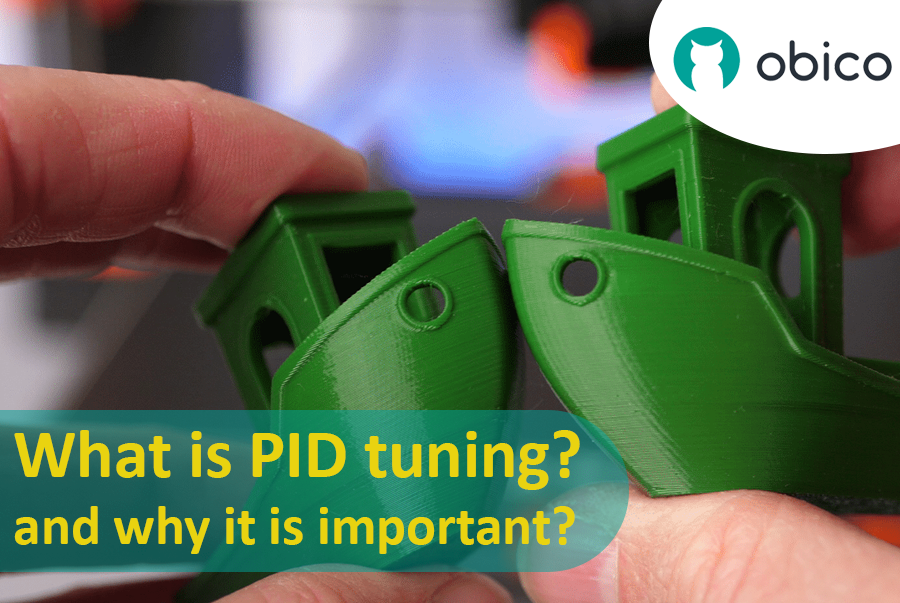
Hello everyone! In our journey of 3D printing, we know that achieving the perfect print is often a mix of art and precision engineering. Today, we're focusing on a crucial element that's key to nailing that perfect print: temperature control.

What is PID tuning and why it is important?