Aller au contenu principal

Next-Gen AI

Failure Detection Private Beta

AI Failure Detection Beta

49 articles tagués avec « 3D Printing »

Voir tous les tags

Introduction

3D printing is a fascinating technology that's changing the way we make things. It allows you to transform digital designs into real objects, and it's becoming more accessible with the help of Android apps designed for 3D printing.

The Best Android Apps for 3D Printing: A Comprehensive Guide

In this comprehensive guide, we'll delve into the world of 3D printing and show you how Android apps can make your 3D printing journey even better. Whether you're a beginner or an expert, this article will help you understand how these apps can take your 3D printing to the next level.

We're going to explore various Android apps that cover different aspects of 3D printing. You'll discover apps for controlling your printer remotely, creating intricate designs, getting amazing STL designs, scanning real objects into digital models, and much more. By the end of this guide, you'll have a clear understanding of how these Android apps can enhance your 3D printing experience and enable you to create incredible things.

So, let's dive into the world of Android 3D printing apps and unlock the full potential of your 3D printer. Your 3D printing journey is about to get a major boost!

OctoPrint vs. Klipper: A Comparative Analysis

Introduction

The world of 3D printing is a fascinating one, filled with endless possibilities and innovations. As 3D printing technology advances, the role of software and firmware becomes increasingly vital in achieving the best results. In this comparative analysis, we will delve into the heart of 3D printing and explore the two key players in the software and firmware arena: OctoPrint and Klipper.

Unveiling the 3D Printing Universe

Navigating the realm of 3D printing technology In recent years, 3D printing has evolved from a niche hobby to a transformative technology with applications spanning various industries. Whether you're a hobbyist, a DIY enthusiast, or a professional, 3D printing opens doors to creating objects with unprecedented precision and customization.

The pivotal role of software and firmware Behind every successful 3D print lies a carefully orchestrated symphony of software and firmware. These digital components translate your designs into physical objects, making the choice of software and firmware critical to your 3D printing experience. They control the movement of the printer's motors, the heating of the extruder, and the deposition of material layer by layer.

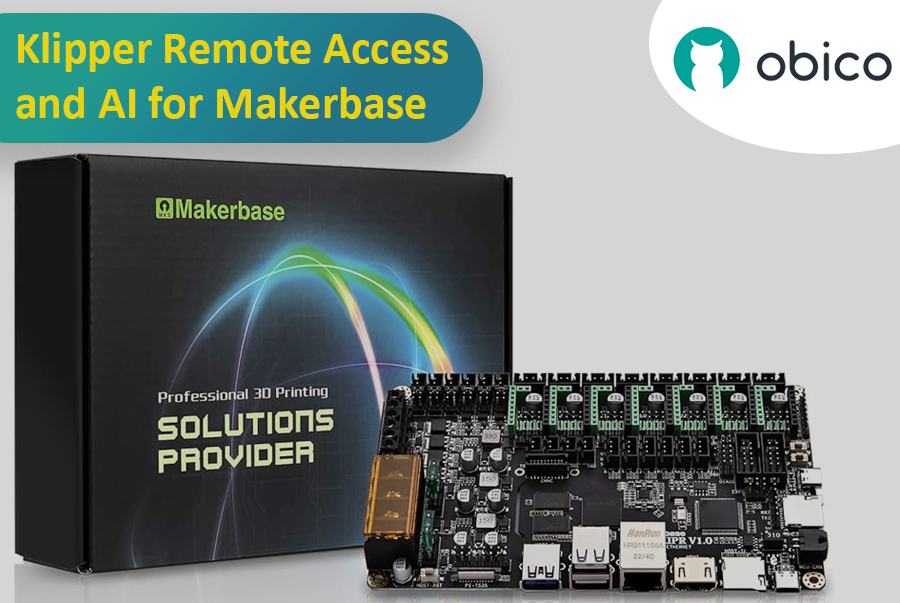
Klipper Remote Access and AI for Makerbase using Obico

Are you looking to enhance your 3D printing experience by gaining remote access and AI-powered monitoring features for your Makerbase all-in-one motherboard? Look no further. This comprehensive guide will walk you through the process of installing Obico for Klipper, enabling you to enjoy remote access and AI monitoring capabilities on your Makerbase-based 3D printer.

Introduction

The fusion of Makerbase all-in-one motherboards, Klipper firmware, and Obico's remote access and AI-powered capabilities represents a significant leap forward in the world of 3D printing. This guide is intended for users who have 3D printers equipped with Makerbase boards and want to harness the power of Klipper and Obico to streamline their printing experience.

Introduction

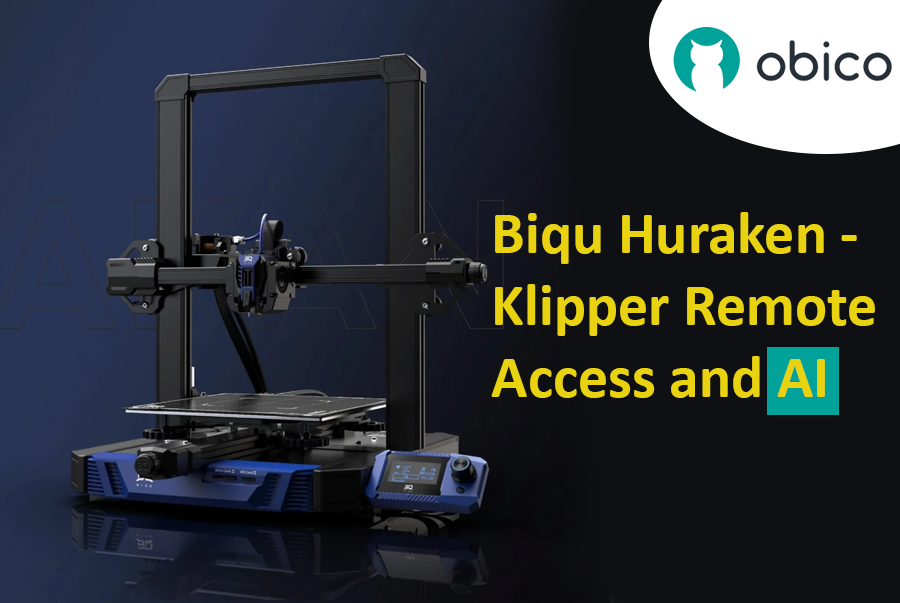
The world of 3D printing has evolved, and the Biqu Huraken stands at the forefront of innovation. In this guide, we will explore the Biqu Huraken 3D printer and its cutting-edge capabilities. Notably, we'll delve into the exciting possibilities of enabling remote access and AI monitoring through the integration of Obico.

Biqu Huraken - Klipper Remote Access and AI

Introduction to Biqu Huraken

The Biqu Huraken is not your ordinary 3D printer. It's a state-of-the-art machine that pushes the boundaries of what's possible in the realm of 3D printing. With its exceptional features and advanced technology, it's a must-have for both enthusiasts and professionals.

Introduction

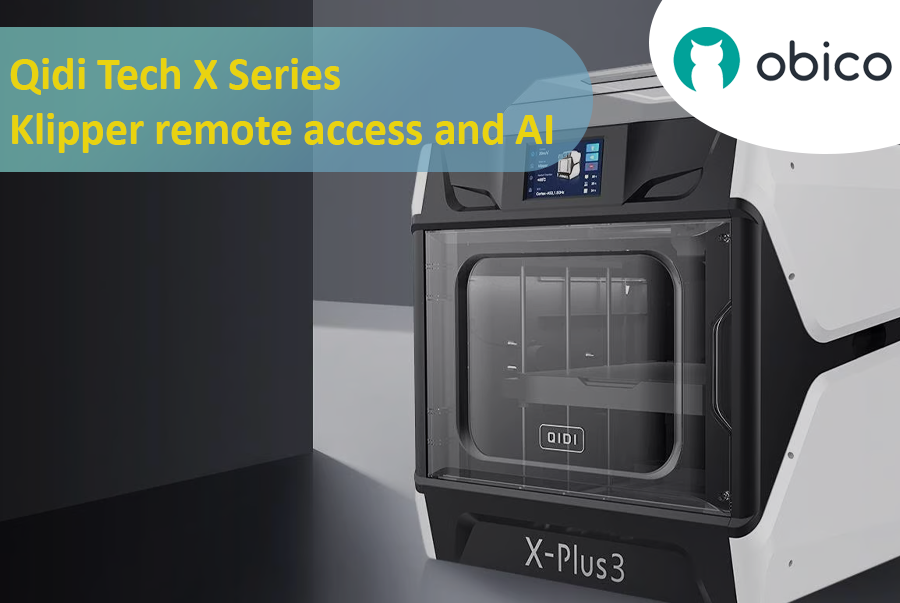
Qidi Tech X Series - Klipper remote access and AI

A Deep Dive into Qidi Tech X Series

The 3D printing world has seen a surge in innovative technologies, giving users more control, flexibility, and efficiency than ever before. A significant breakthrough in this domain is the Qidi Tech X Series. Renowned for their cutting-edge features, these 3D printers are optimized for both beginners and seasoned enthusiasts. As users continually seek ways to enhance their printing experiences, integrating remote access and AI functionalities has become increasingly crucial.

All models in the Qidi Tech X Series come integrated with the Klipper firmware. This means that users can now unlock a plethora of remote access and AI functionalities using Obico. By linking your 3D printer with Obico, you can monitor your prints in real-time from any location and leverage AI-driven insights to optimize your print quality. The upcoming sections in this article will provide a detailed, step-by-step guide to achieve this seamless integration.

Introduction

Welcome to the world of Sovol 3D printing and the exciting Sovol SV07 Series. In this comprehensive guide, we will introduce you to the Sovol SV07 Series, take you on a journey to meet the Sovol SV07, and explore the remarkable Sovol SV07 Plus. But that's not all; we'll also delve into the incredible power of remote access and AI monitoring features using Obico and how to link your printer with it.

Sovol SV07 Series - Klipper remote access and AI

Introducing the Sovol SV07 Series

The Sovol SV07 Series represents the pinnacle of 3D printing technology. These printers are designed to cater to the needs of both beginners and experts in the world of 3D printing. With their advanced features and innovative capabilities, Sovol SV07 Series printers offer an exceptional 3D printing experience.

Elegoo Neptune 4 Series

The Rise of Elegoo in the FDM World

Elegoo, a name previously synonymous with high-quality resin printers, has embarked on a new journey in the realm of FDM printing with its Neptune 4 series. The world of Fused Deposition Modeling (FDM) printing has been evolving rapidly, and it’s not just the technology giants who are leading this transformation. Niche manufacturers like Elegoo have stepped into the arena, bringing innovative solutions and captivating designs. With the Neptune 4 series, Elegoo has successfully established a foothold, striking a balance between cost-efficiency, performance, and user-friendliness. It's no wonder that enthusiasts and professionals alike are keeping a close eye on Elegoo's latest offerings.

Overview of Klipper's Integration with 3D Printers

Klipper, an open-source firmware solution, has revolutionized the way 3D printers operate. Rather than relying solely on the limited computational power of a printer's onboard microcontroller, Klipper collaborates with more powerful devices like Raspberry Pi to manage printer operations. The result? Enhanced performance, speed, and precision. The union of Klipper with Elegoo's Neptune 4 series is a testament to the future of 3D printing, offering users an enhanced printing experience. By leveraging the prowess of Klipper, users can enjoy faster print speeds without compromising on accuracy. Moreover, with the advent of remote access solutions like Obico, the possibilities of what one can achieve with Klipper and the Neptune 4 series are truly boundless. Stay tuned as we delve deeper into the intricacies of remote access and explore the full potential of the Elegoo Neptune 4 series powered by Klipper and Obico.

Thingiverse homepage/Courtesy: Thingiverse

It is unlikely that you have not heard of Thingiverse if you have spent any time in the 3D printing community. Thingiverse has long been a reliable source for free STL files. It's 'the' place to go for printable models. However, because the world of 3D printing is vast, we have compiled a list of the best Thingiverse alternatives worth investigating. If you want to dive deeper on any of these 3D model repositories, check out our article on the best 3D model repositories.

About Thingiverse

Before we get started on the long list, let's first know about Thingiverse. Thingiverse has been a staple of the 3D printing community since its inception in 2008. It's more than just a repository; it's a meeting place for artists from all over the world. Thingiverse has fostered a collaborative environment where people come together to share, explore, and create with an extensive library of user-generated content.

This platform is beloved for its friendly community, plethora of designs, and simple interface. It's a place where beginners and experts can come together to share ideas and designs in an open-source environment. Now, let's look at other galaxies in the 3D printing universe.

Despite the fact that many new repositories have emerged, they are all judged and compared with Thingiverse, and we will do the same. Examining the best Thingiverse alternatives available.

astuce

Try JusPrin, the first GenAI 3D printing tool built on OrcaSlicer.

Introduction

La trancheuse Bambu s'intègre parfaitement à la rapidité et à la performance des machines Bambu. Elle offre de nombreuses fonctionnalités, est facile à utiliser et produit des impressions de haute qualité. Cependant, elle n'est pas parfaite et présente quelques défauts.

OrcaSlicer : introduction et démarrage

C'est à ce stade qu'Orca Slicer entre en jeu. Il ajoute des fonctionnalités intéressantes à Bambu Studio. Vous disposez de davantage de préréglages d'impression, de paramètres d'impression plus détaillés et de nombreux autres outils avancés qui optimisent l'impression 3D.

Cette page vous présentera Orca Slicer en détail. Ce qu'il est, pourquoi il existe et pourquoi il constitue une alternative intéressante à son origine. Accrochez-vous à vos bateaux, nous allons l'explorer en détail.