Saltar al contenido principal

Next-Gen AI

Failure Detection Private Beta

AI Failure Detection Beta

4 publicaciones etiquetados con "print speed"

Ver Todas las Etiquetas

Como entusiasta de la impresión 3D, probablemente te hayas enfrentado al dilema de calidad vs. velocidad. Todos hemos pasado por eso: estás imprimiendo un modelo hermoso con curvas y pendientes, pero al terminar, la superficie está llena de esas características capas "escalonadas".
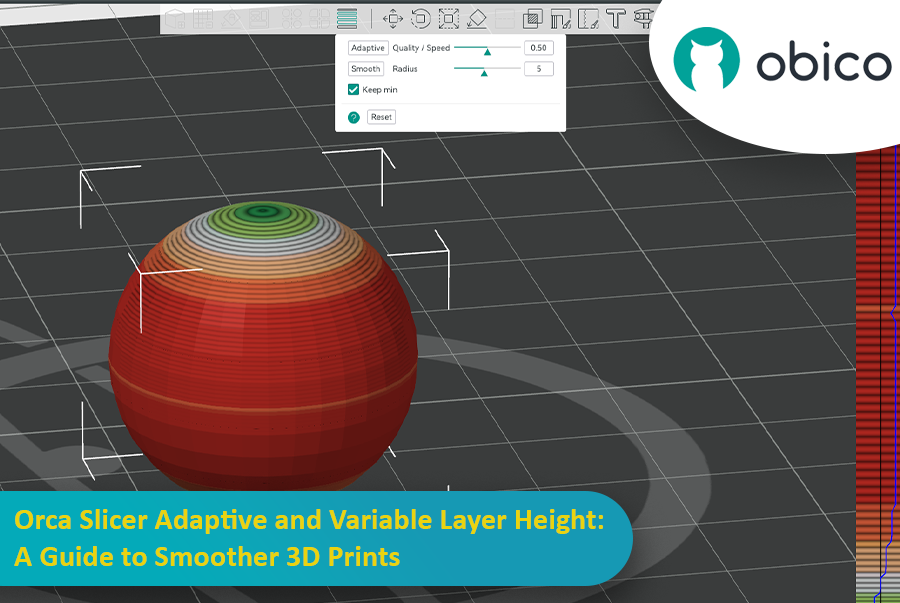
Orca Slicer: Altura de capa adaptable y variable: Guía para impresiones 3D más fluidas

Ahí es donde la altura de capa adaptable viene al rescate como un superhéroe y salva el día al equilibrar la velocidad y la precisión. Cortadora de orcas tiene una herramienta increíble para ajustar las alturas de las capas y obtener impresiones más suaves en menos tiempo.

Esta guía cubrirá todo lo que necesita saber para dominar la altura de capa adaptable y obtener mejores impresiones 3D.
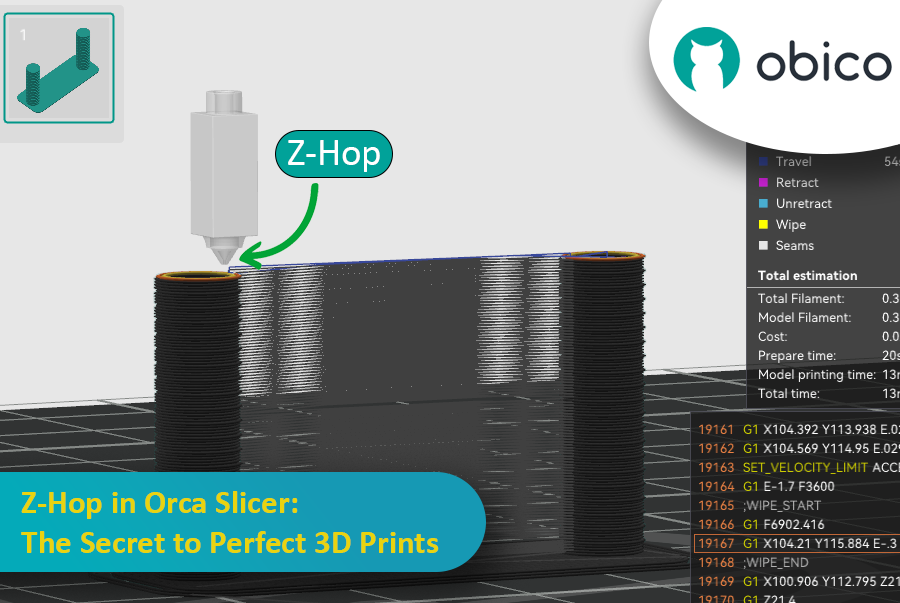
Ever seen those little strings hanging off your 3D print like tiny spider webs? Or the nozzle scratching over a beautiful layer? If you’ve experienced these issues, you’re not alone—and there’s a fix. Enter Z-Hop, a feature in Orca Slicer that will take your 3D prints from good to great.

Z-Hop in Orca Slicer: The Secret to Perfect 3D Prints

Whether you’re new to 3D printing or a hobbyist, getting the settings right makes a huge difference. In this guide, we’ll be exploring Z-Hop—what it is, how to use it, and why it’s a game changer.

Let’s get started!

Introducción

La impresión 3D es una tecnología fantástica que convierte diseños en objetos reales, pero determinar la velocidad de impresión óptima puede ser complicado. Si se va demasiado rápido, se puede perder calidad; si se va demasiado lento, el proceso se vuelve eterno.

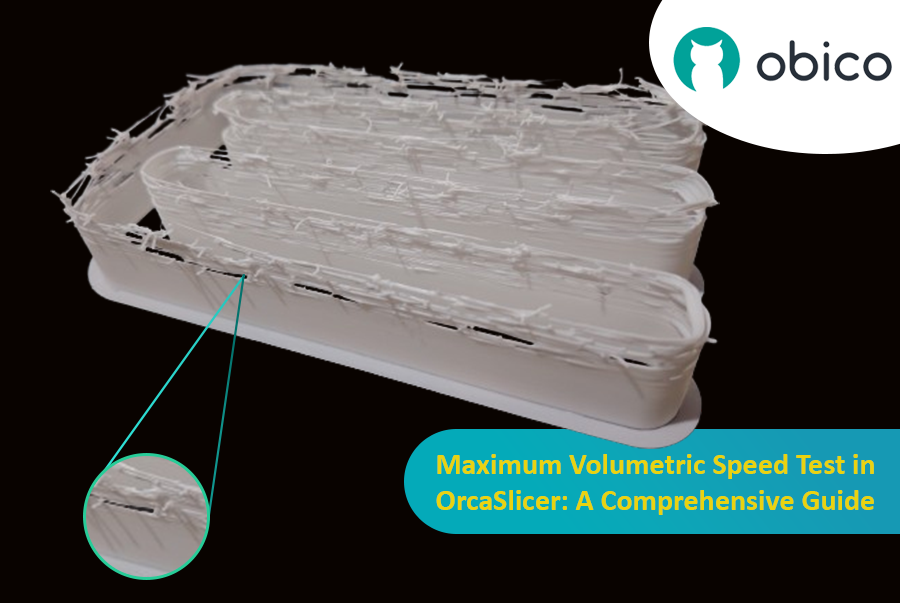
Prueba de velocidad en OrcaSlicer (VFA): una guía completa

En esta guía, te mostraremos cómo usar OrcaSlicer para determinar la velocidad de impresión ideal para tu impresora 3D. Al finalizar, sabrás cómo obtener impresiones excelentes rápidamente y con una buena calidad.

¡Comencemos!

Hello there! Welcome to our easy-to-understand guide on how to control the OrcaSlicer maximum volumetric speed test for 3D printing enthusiasts. If you’re looking forward to enhancing print quality and efficiency, then this is the best place for you. This tutorial will help you optimize your printer’s volumetric speed that determines at what speed you can print without compromising on quality.

Maximum Volumetric Speed Test in OrcaSlicer: A Comprehensive Guide

Volumetric speed knowledge is crucial in 3D printing because it enables one understand how fast a printer can produce objects with accuracy. If this speed is tested and adjusted, under extrusion among other common problems while printing can be avoided thus ensuring that all your prints are good-looking even at higher speeds.