Перейти к основному содержимому

Next-Gen AI

Failure Detection Private Beta

AI Failure Detection Beta

15 записей с тегом "Print Quality"

Посмотреть все теги

Hello there! Welcome to our easy-to-understand guide on how to control the OrcaSlicer maximum volumetric speed test for 3D printing enthusiasts. If you’re looking forward to enhancing print quality and efficiency, then this is the best place for you. This tutorial will help you optimize your printer’s volumetric speed that determines at what speed you can print without compromising on quality.
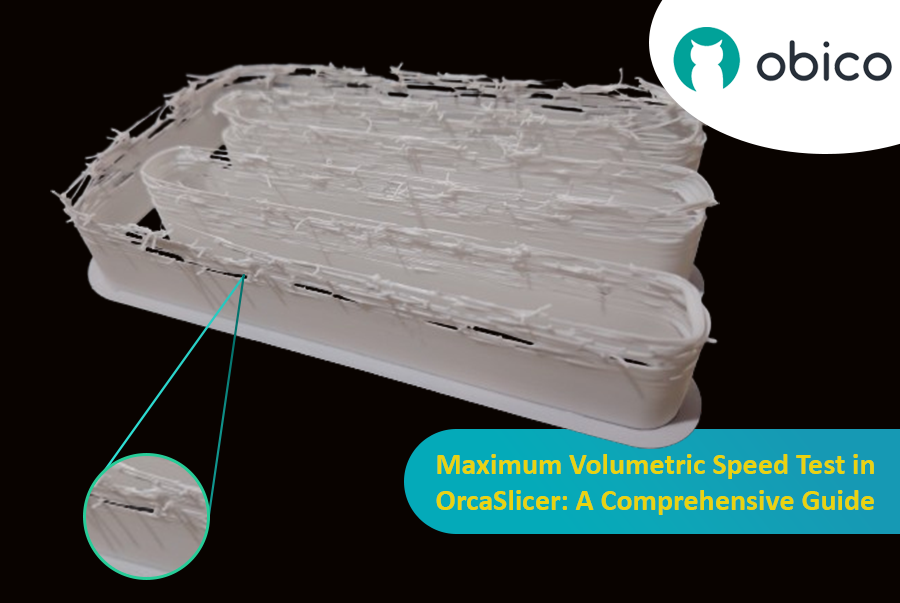
Maximum Volumetric Speed Test in OrcaSlicer: A Comprehensive Guide

Volumetric speed knowledge is crucial in 3D printing because it enables one understand how fast a printer can produce objects with accuracy. If this speed is tested and adjusted, under extrusion among other common problems while printing can be avoided thus ensuring that all your prints are good-looking even at higher speeds.
Введение

3D-печать — это захватывающая технология, позволяющая создавать практически всё, что только можно себе представить. Однако она также сопряжена с некоторыми проблемами и ограничениями, такими как качество напечатанных деталей. Одна из наиболее распространенных проблем, влияющих на внешний вид и функциональность 3D-отпечатков, — это наличие нежелательных остатков материала, таких как нити, капли и сгустки.

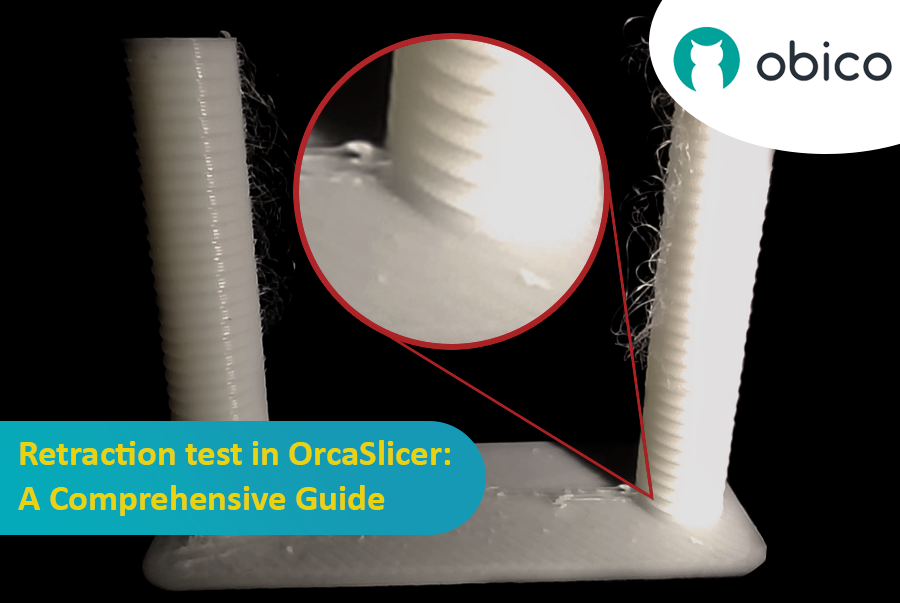
Тест на втягивание в OrcaSlicer: подробное руководство.

К счастью, существует способ уменьшить или устранить эти артефакты с помощью функции, называемой ретракцией. Но что означает ретракция?

Давайте разберем это по пунктам:

Что такое ретракция и тест на ретракцию?

Тест на втягивание — это процедура калибровки, направленная на уменьшение или устранение проблем с образованием нитей и подтеканием, которые могут возникнуть во время 3D-печати. Образование нитей и подтекание вызваны избытком материала, вытекающим из сопла, когда нагревательный элемент перемещается от одной части модели к другой без экструзии. Это приводит к образованию нежелательных нитей или сгустков филамента на поверхности или между частями модели, что влияет на качество и внешний вид печати.

Introduction

Hello and welcome to the world of 3D printing! It's a place full of potential, but like any new endeavor, it comes with its own set of challenges. Let's explore what you might face and how to tackle these hurdles effectively.

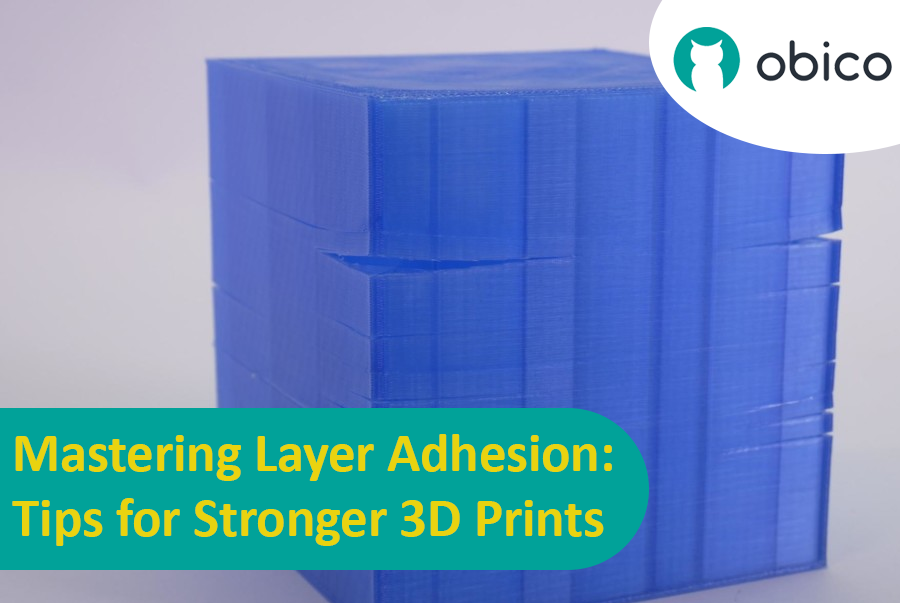
Mastering Layer Adhesion: Tips for Stronger 3D Prints

Overview of 3D Printing Challenges

Picture yourself setting up a 3D print. You've got your design ready, your printer prepped, and you're all set to go. But sometimes, things don't work out as smoothly as we'd like. From prints warping or not sticking correctly to issues with the final quality, 3D printing can be a bit unpredictable. However, understanding these challenges is the first step toward mastering the art of 3D printing.

Введение

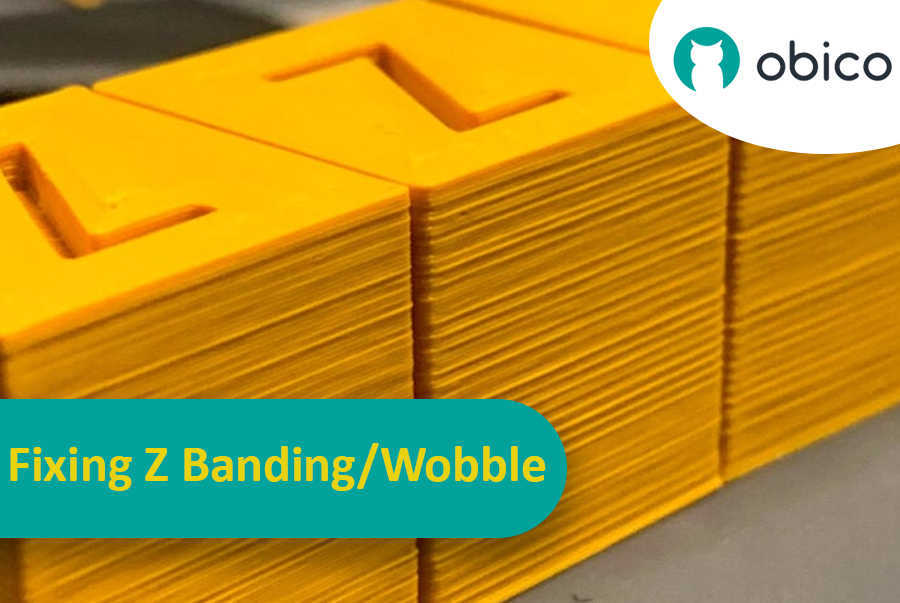
Представьте, что вы потратили несколько часов, ожидая завершения 3D-печати, и вдруг обнаружили на поверхности неожиданные и нежелательные полосы или линии. Эта проблема, известная как Z-полосатость, — распространённая головная боль в 3D-печати. Это как если бы вы рисовали прямую линию, но линейка постоянно соскальзывала, в результате чего получалась неровная, а ломаная линия. Z-полосатость может придать вашим 3D-печатным объектам полосатый вид вместо гладкой, ровной поверхности.

Устранение полос/колебаний по оси Z: подробное руководство.

Но почему нам стоит беспокоиться об этом? Дело в том, что эти линии — не просто косметическая проблема. Они могут сделать ваши 3D-печатные изделия слабее и менее функциональными. Представьте себе, что вы строите башню из блоков: если блоки не выровнены должным образом, башня не будет такой прочной. Именно поэтому важно, чтобы каждый, кто использует 3D-принтер, будь то любитель или профессионал, понимал, как решить эту проблему. Это руководство призвано помочь вам в этом, превратив эти досадные линии в пережиток прошлого и обеспечив наилучшие результаты ваших проектов 3D-печати.

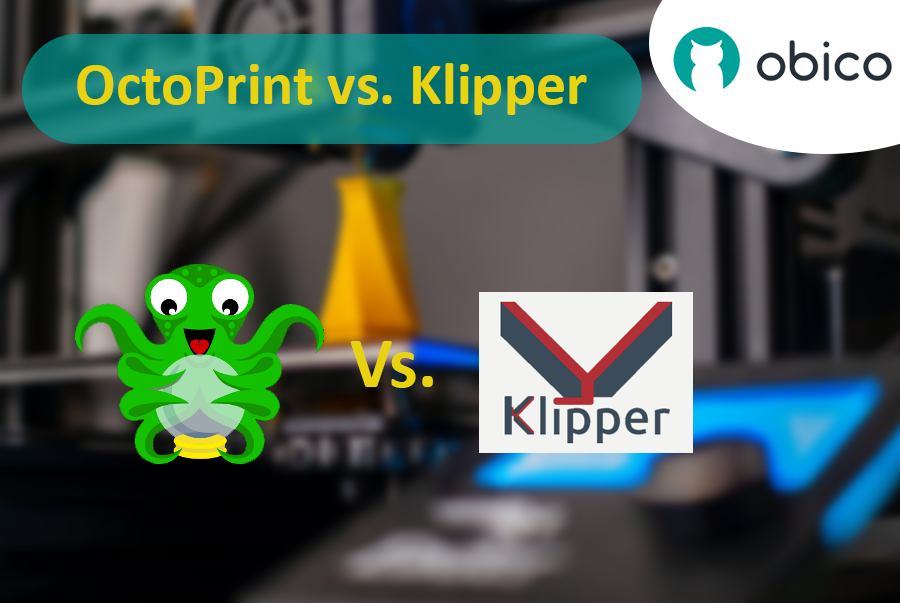
OctoPrint vs. Klipper: A Comparative Analysis

Introduction

The world of 3D printing is a fascinating one, filled with endless possibilities and innovations. As 3D printing technology advances, the role of software and firmware becomes increasingly vital in achieving the best results. In this comparative analysis, we will delve into the heart of 3D printing and explore the two key players in the software and firmware arena: OctoPrint and Klipper.

Unveiling the 3D Printing Universe

Navigating the realm of 3D printing technology In recent years, 3D printing has evolved from a niche hobby to a transformative technology with applications spanning various industries. Whether you're a hobbyist, a DIY enthusiast, or a professional, 3D printing opens doors to creating objects with unprecedented precision and customization.

The pivotal role of software and firmware Behind every successful 3D print lies a carefully orchestrated symphony of software and firmware. These digital components translate your designs into physical objects, making the choice of software and firmware critical to your 3D printing experience. They control the movement of the printer's motors, the heating of the extruder, and the deposition of material layer by layer.