Pular para o conteúdo principal

Next-Gen AI

Failure Detection Private Beta

AI Failure Detection Beta

15 postagens marcadas com "Print Quality"

Ver todas os Marcadores

Hello there! Welcome to our easy-to-understand guide on how to control the OrcaSlicer maximum volumetric speed test for 3D printing enthusiasts. If you’re looking forward to enhancing print quality and efficiency, then this is the best place for you. This tutorial will help you optimize your printer’s volumetric speed that determines at what speed you can print without compromising on quality.
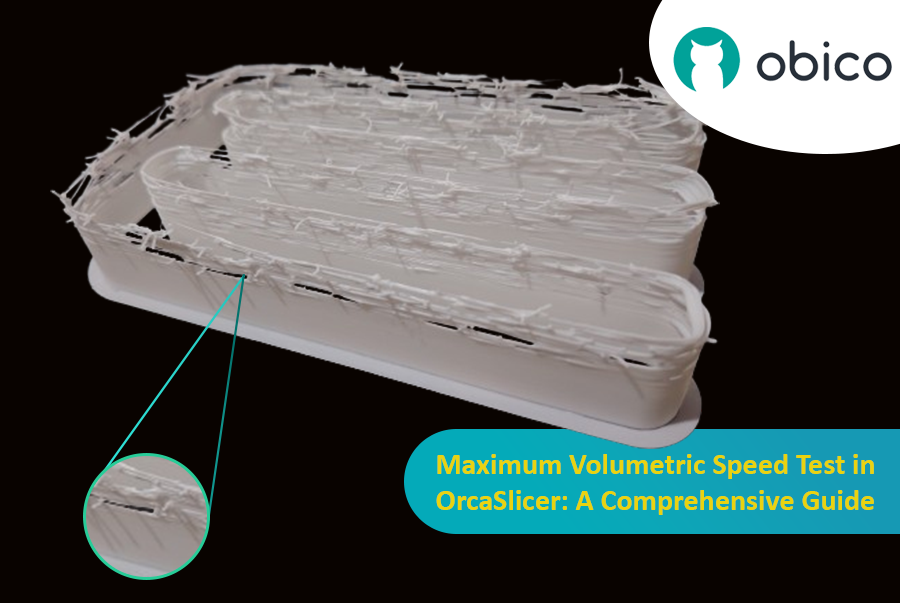
Maximum Volumetric Speed Test in OrcaSlicer: A Comprehensive Guide

Volumetric speed knowledge is crucial in 3D printing because it enables one understand how fast a printer can produce objects with accuracy. If this speed is tested and adjusted, under extrusion among other common problems while printing can be avoided thus ensuring that all your prints are good-looking even at higher speeds.
Introdução

A impressão 3D é uma tecnologia fascinante que permite criar praticamente tudo o que você possa imaginar. No entanto, ela também apresenta alguns desafios e limitações, como a qualidade das peças impressas. Um dos problemas mais comuns que afetam a aparência e a funcionalidade das impressões 3D é a presença de resíduos indesejados de material, como filamentos, bolhas e imperfeições.

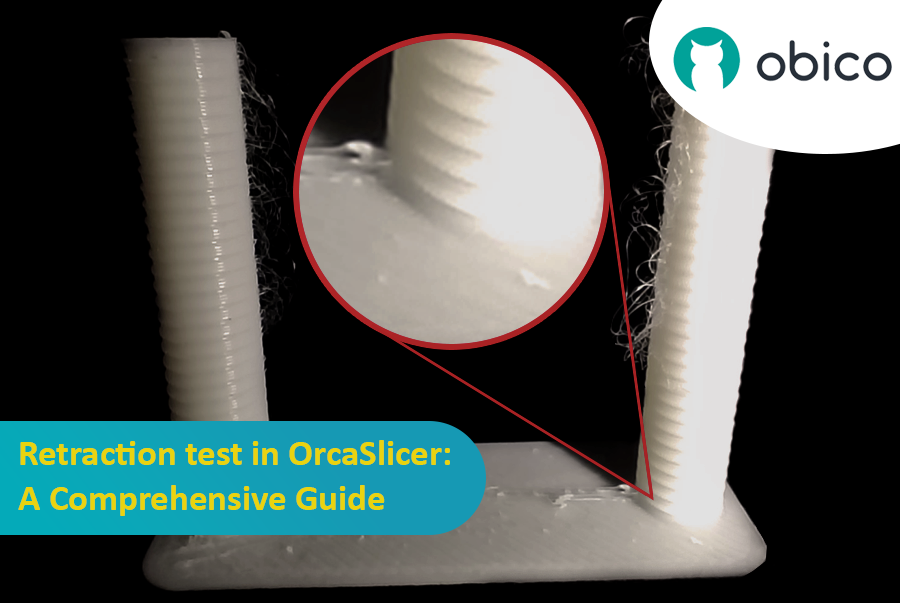
Teste de retração no OrcaSlicer: um guia completo

Felizmente, existe uma maneira de reduzir ou eliminar esses artefatos usando um recurso chamado retração. Mas o que significa retração?

Vamos analisar:

O que é a retração e o teste de retração?

O teste de retração é um procedimento de calibração que visa reduzir ou eliminar os problemas de fios e vazamento que podem ocorrer durante a impressão 3D. A formação de fios e o vazamento são causados pelo excesso de material que escapa do bico quando o hotend se move de uma parte do modelo para outra sem extrudar. Isso resulta em filamentos indesejados ou bolhas de filamento na superfície ou entre as partes do modelo, afetando a qualidade e a aparência da impressão.

Introduction

Hello and welcome to the world of 3D printing! It's a place full of potential, but like any new endeavor, it comes with its own set of challenges. Let's explore what you might face and how to tackle these hurdles effectively.

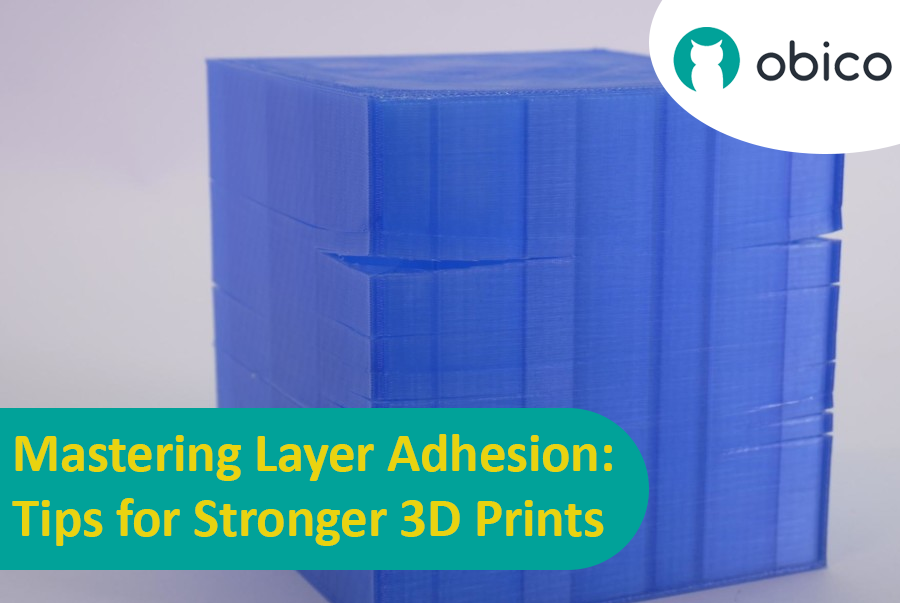
Mastering Layer Adhesion: Tips for Stronger 3D Prints

Overview of 3D Printing Challenges

Picture yourself setting up a 3D print. You've got your design ready, your printer prepped, and you're all set to go. But sometimes, things don't work out as smoothly as we'd like. From prints warping or not sticking correctly to issues with the final quality, 3D printing can be a bit unpredictable. However, understanding these challenges is the first step toward mastering the art of 3D printing.

Introdução

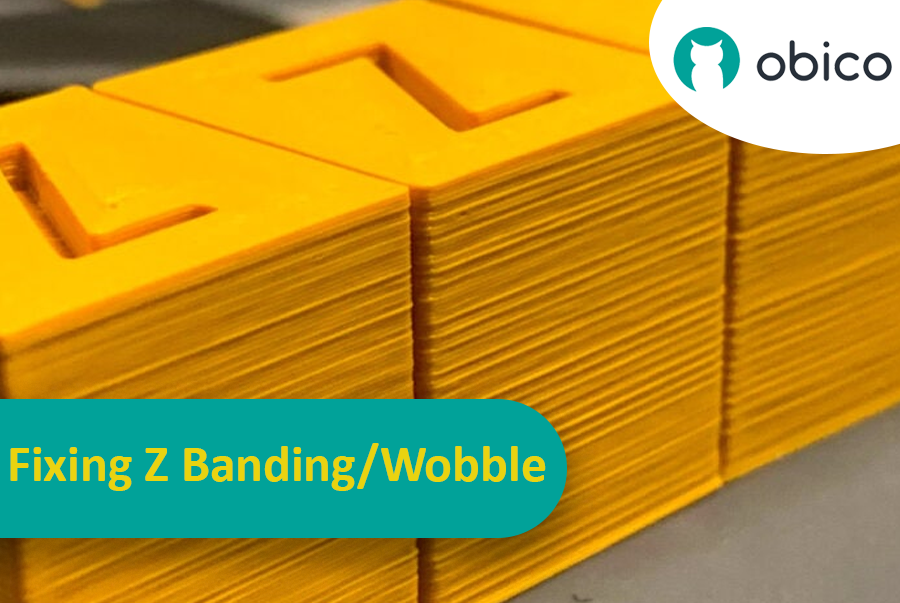
Imagine que você passou horas esperando a impressão 3D terminar, apenas para descobrir que ela apresenta listras ou linhas inesperadas e indesejadas. Esse problema, conhecido como "banding Z", é uma dor de cabeça comum na impressão 3D. É como quando você está desenhando uma linha reta, mas sua régua fica escorregando, deixando uma linha irregular em vez de uma suave. O "banding Z" pode fazer com que seus objetos impressos em 3D pareçam listrados em vez de terem uma superfície lisa e uniforme.

Corrigindo o alinhamento/oscilação em Z: um guia completo

Mas por que deveríamos nos preocupar em corrigir isso? Bem, essas linhas não são apenas um problema estético. Elas podem tornar seus itens impressos em 3D mais fracos e menos funcionais. Pense nisso como construir uma torre com blocos; se os blocos não estiverem alinhados corretamente, a torre não será tão forte. É por isso que é importante para qualquer pessoa que use uma impressora 3D, seja um amador ou um profissional, entender como lidar com esse problema. Este guia está aqui para ajudá-lo a fazer exatamente isso, transformando essas linhas frustrantes em coisa do passado e ajudando você a obter os melhores resultados em seus projetos de impressão 3D.

OctoPrint vs. Klipper: A Comparative Analysis

Introduction

The world of 3D printing is a fascinating one, filled with endless possibilities and innovations. As 3D printing technology advances, the role of software and firmware becomes increasingly vital in achieving the best results. In this comparative analysis, we will delve into the heart of 3D printing and explore the two key players in the software and firmware arena: OctoPrint and Klipper.

Unveiling the 3D Printing Universe

Navigating the realm of 3D printing technology In recent years, 3D printing has evolved from a niche hobby to a transformative technology with applications spanning various industries. Whether you're a hobbyist, a DIY enthusiast, or a professional, 3D printing opens doors to creating objects with unprecedented precision and customization.

The pivotal role of software and firmware Behind every successful 3D print lies a carefully orchestrated symphony of software and firmware. These digital components translate your designs into physical objects, making the choice of software and firmware critical to your 3D printing experience. They control the movement of the printer's motors, the heating of the extruder, and the deposition of material layer by layer.