Ga naar hoofdinhoud

Next-Gen AI

Failure Detection Private Beta

AI Failure Detection Beta

15 berichten getagd met "Print Quality"

Laat alle tags zien

Hello there! Welcome to our easy-to-understand guide on how to control the OrcaSlicer maximum volumetric speed test for 3D printing enthusiasts. If you’re looking forward to enhancing print quality and efficiency, then this is the best place for you. This tutorial will help you optimize your printer’s volumetric speed that determines at what speed you can print without compromising on quality.
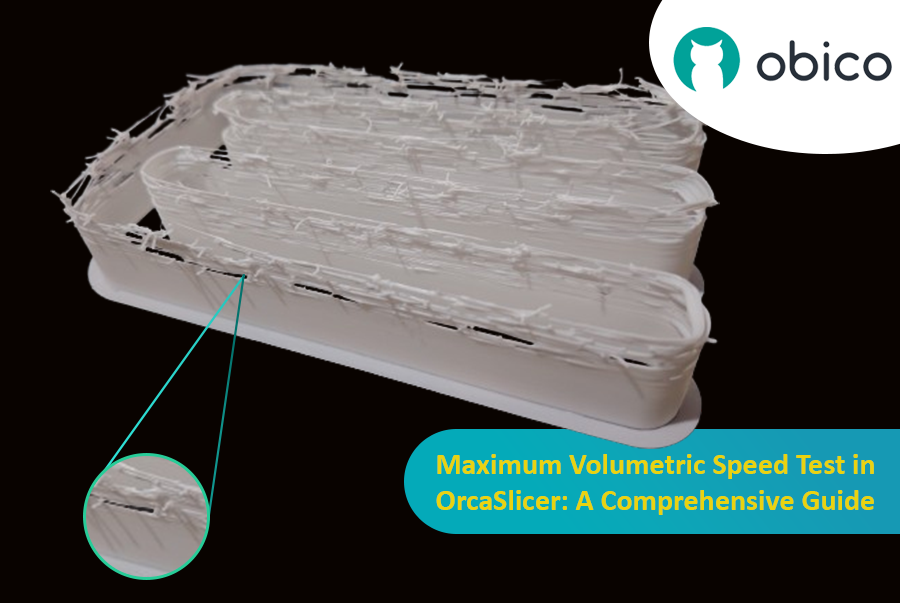
Maximum Volumetric Speed Test in OrcaSlicer: A Comprehensive Guide

Volumetric speed knowledge is crucial in 3D printing because it enables one understand how fast a printer can produce objects with accuracy. If this speed is tested and adjusted, under extrusion among other common problems while printing can be avoided thus ensuring that all your prints are good-looking even at higher speeds.
Inleiding

3D-printen is een fascinerende technologie waarmee je bijna alles kunt maken wat je maar kunt bedenken. Het brengt echter ook enkele uitdagingen en beperkingen met zich mee, zoals de kwaliteit van de geprinte onderdelen. Een van de meest voorkomende problemen die het uiterlijk en de functionaliteit van 3D-prints beïnvloeden, is de aanwezigheid van ongewenste materiaalresten, zoals draden, klodders en oneffenheden.

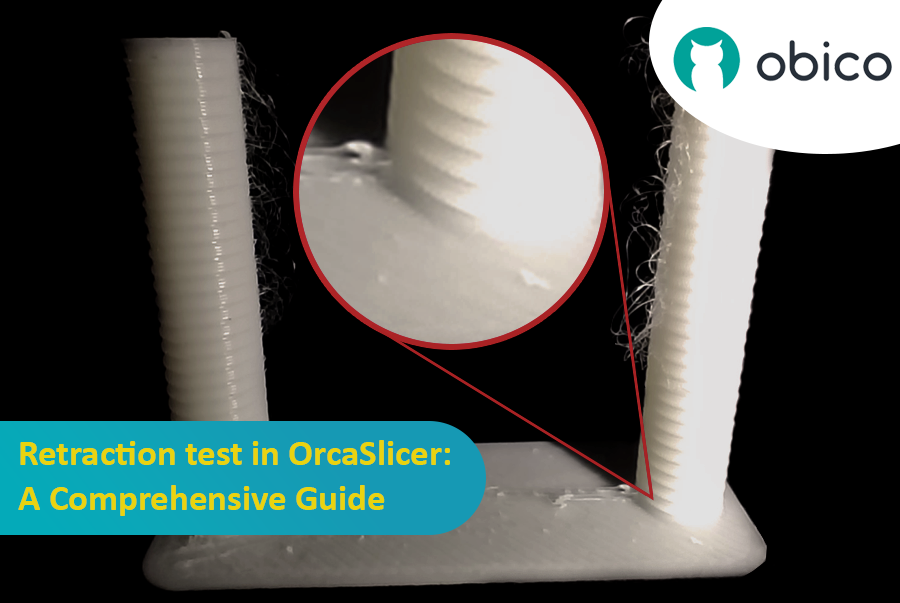
Terugtrekkingstest in OrcaSlicer: een uitgebreide handleiding

Gelukkig is er een manier om deze artefacten te verminderen of te elimineren met behulp van een functie genaamd retractie. Maar wat houdt retractie precies in?

Laten we het eens nader bekijken:

Wat is een intrekking en wat is een intrekkingstest?

De retractietest is een kalibratieprocedure die tot doel heeft de problemen met draadjesvorming en uitlopen tijdens 3D-printen te verminderen of te elimineren. Draadjesvorming en uitlopen worden veroorzaakt door overtollig materiaal dat uit de nozzle lekt wanneer de hotend van het ene naar het andere deel van het model beweegt zonder te extruderen. Dit resulteert in ongewenste draadjes of klodders filament op het oppervlak of tussen de onderdelen van het model, wat de kwaliteit en het uiterlijk van de print beïnvloedt.

Introduction

Hello and welcome to the world of 3D printing! It's a place full of potential, but like any new endeavor, it comes with its own set of challenges. Let's explore what you might face and how to tackle these hurdles effectively.

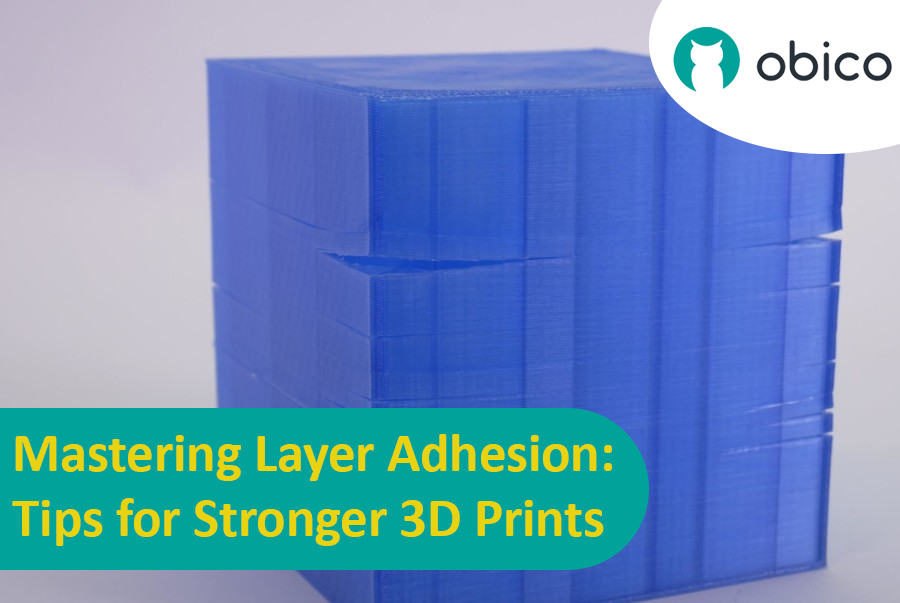
Mastering Layer Adhesion: Tips for Stronger 3D Prints

Overview of 3D Printing Challenges

Picture yourself setting up a 3D print. You've got your design ready, your printer prepped, and you're all set to go. But sometimes, things don't work out as smoothly as we'd like. From prints warping or not sticking correctly to issues with the final quality, 3D printing can be a bit unpredictable. However, understanding these challenges is the first step toward mastering the art of 3D printing.

Inleiding

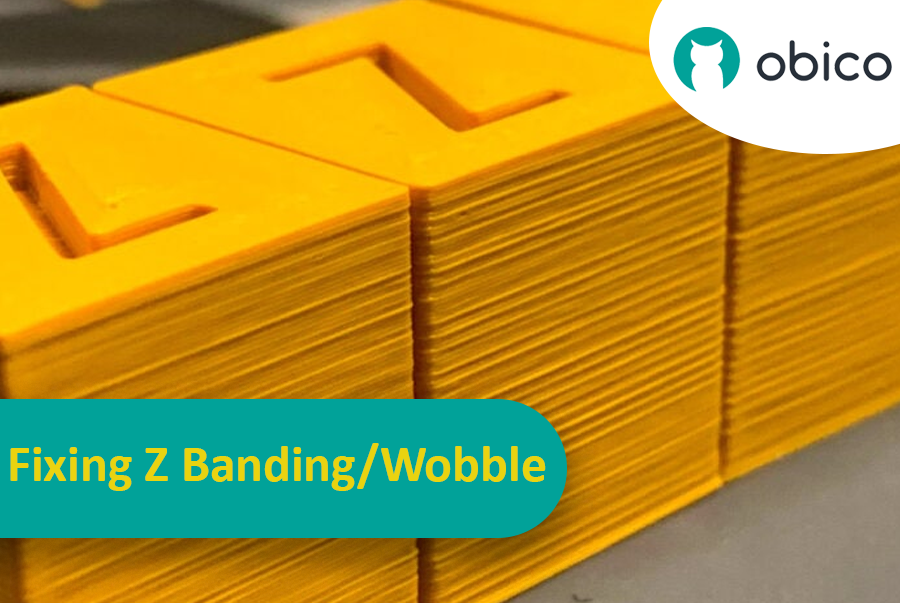
Stel je voor dat je uren hebt gewacht tot een 3D-print klaar is, om er vervolgens achter te komen dat er onverwachte en ongewenste strepen of lijnen overheen lopen. Dit probleem, bekend als Z-banding, is een veelvoorkomend probleem bij 3D-printen. Het is alsof je een rechte lijn probeert te tekenen, maar je liniaal steeds wegglijdt, waardoor je een gekartelde lijn krijgt in plaats van een gladde. Z-banding kan ervoor zorgen dat je 3D-geprinte objecten er gestreept uitzien in plaats van een glad, egaal oppervlak te hebben.

Het verhelpen van Z-banding/wobbeling: een uitgebreide handleiding

Maar waarom zouden we dit moeten oplossen? Nou, deze lijnen zijn niet alleen een cosmetisch probleem. Ze kunnen je 3D-geprinte objecten zwakker en minder functioneel maken. Zie het als het bouwen van een toren met blokken; als de blokken niet goed op elkaar aansluiten, zal de toren niet zo stevig zijn. Daarom is het belangrijk voor iedereen die een 3D-printer gebruikt, of je nu een hobbyist of een professional bent, om te begrijpen hoe je dit probleem kunt aanpakken. Deze handleiding helpt je daarbij, zodat die frustrerende lijnen tot het verleden behoren en je de beste resultaten behaalt met je 3D-printprojecten.

OctoPrint vs. Klipper: A Comparative Analysis

Introduction

The world of 3D printing is a fascinating one, filled with endless possibilities and innovations. As 3D printing technology advances, the role of software and firmware becomes increasingly vital in achieving the best results. In this comparative analysis, we will delve into the heart of 3D printing and explore the two key players in the software and firmware arena: OctoPrint and Klipper.

Unveiling the 3D Printing Universe

Navigating the realm of 3D printing technology In recent years, 3D printing has evolved from a niche hobby to a transformative technology with applications spanning various industries. Whether you're a hobbyist, a DIY enthusiast, or a professional, 3D printing opens doors to creating objects with unprecedented precision and customization.

The pivotal role of software and firmware Behind every successful 3D print lies a carefully orchestrated symphony of software and firmware. These digital components translate your designs into physical objects, making the choice of software and firmware critical to your 3D printing experience. They control the movement of the printer's motors, the heating of the extruder, and the deposition of material layer by layer.