Would you like to upgrade your 3D printer in 2026? Whether you have a budget Ender 3, a Bambu Lab P1S, or a custom Klipper build, there are dozens of modifications you can make to transform your 3D printer into an impressive machine. These modifications apply to the hardware, software, and firmware features of the 3D printer. The beauty of it is some of these modifications can be 3D-printed directly at home. Others can be purchased and mounted on your 3D printer to improve specific aspects of your 3D printing activities.
Updated for 2026 — we've added new sections covering input shaping, modern 32-bit boards, high-flow hotends, and smart monitoring upgrades that didn't exist when this guide was first published.
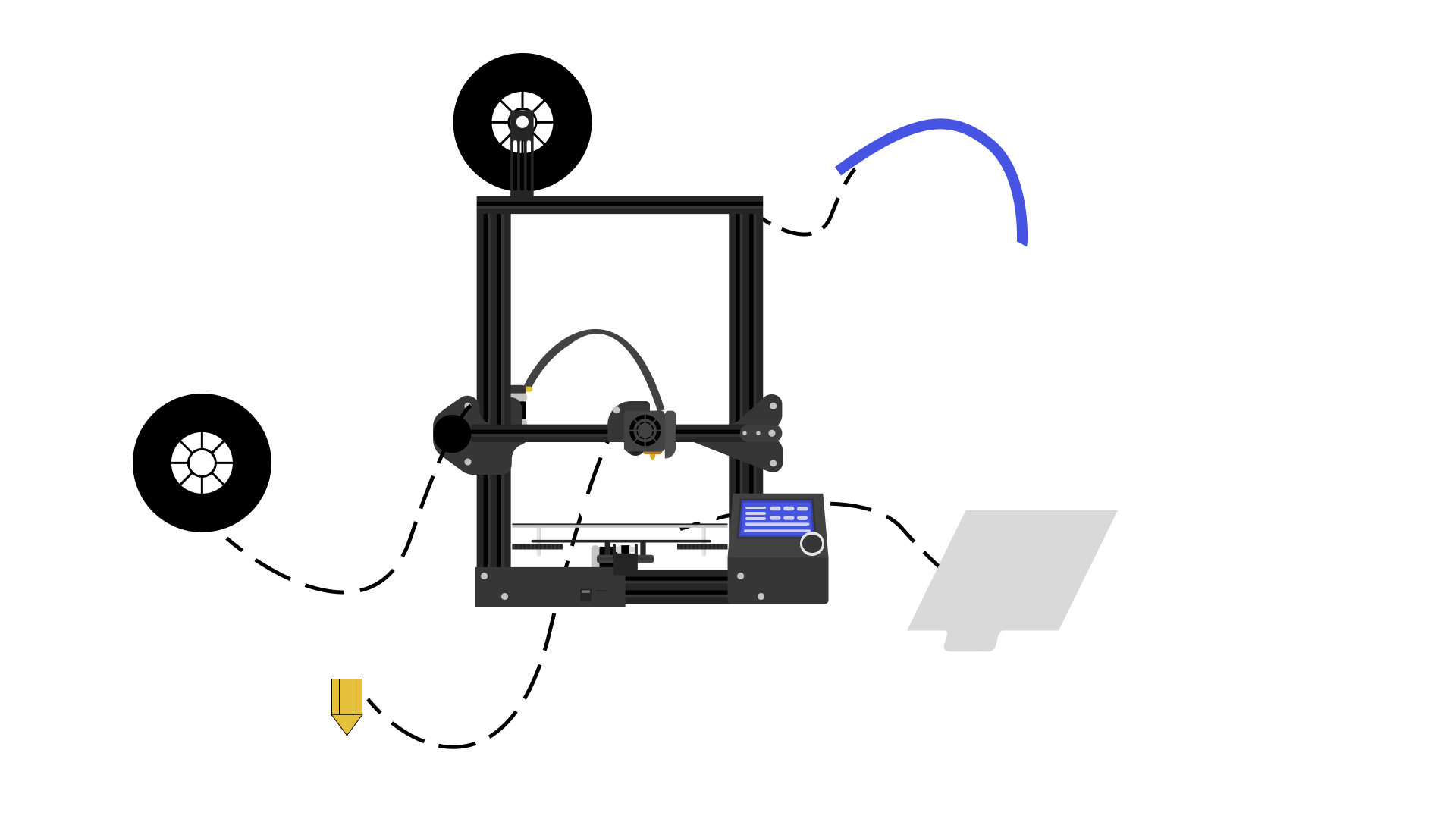
We have compiled the best of these upgrades and modifications for the 3D printer in the list below. From a brand new automatic bed levelling sensor to a simple 3D printable extruder, you won't recognize your 3D printer once you're done with these upgrades. Unlike these Ender 3 upgrades, which are for a specific model, note that this is a general guide for various 3D printer upgrades that can help improve 3D printing quality and user experience. It isn't for any specific printer and will generally apply to most open-source 3D printers on the market.
You should upgrade your 3D printer if, first, the stock firmware has some issues. You may also need to do this to make the printer faster, more accurate, and effective with its function. Upgrading the 3D printer is also done to protect the machine, user, the printed objects and make it easier to use.
But 3D machine upgrades and modifications are best left to the pros. If you're a new beginner, we recommend not doing a bunch of hardware upgrades. Instead, take some time to get to know the machine. Often, people do too many upgrades when first starting, but they don't understand why they are doing them or if they are even necessary at all.
You need to know the machine, its strengths, and its weaknesses. You should not necessarily upgrade when unsure what the problem is, as it is easy to misdiagnose issues this way.
There are many upgrades and improvements for the 3D printer that you can print out yourself. However, for most of them, it will be necessary to buy them. In this section, we have listed the essential components, software, and firmware that will improve both your 3D printer and the quality of the prints.