Aller au contenu principal

Next-Gen AI

Failure Detection Private Beta

AI Failure Detection Beta

15 articles tagués avec « Print Quality »

Voir tous les tags

Hello there! Welcome to our easy-to-understand guide on how to control the OrcaSlicer maximum volumetric speed test for 3D printing enthusiasts. If you’re looking forward to enhancing print quality and efficiency, then this is the best place for you. This tutorial will help you optimize your printer’s volumetric speed that determines at what speed you can print without compromising on quality.
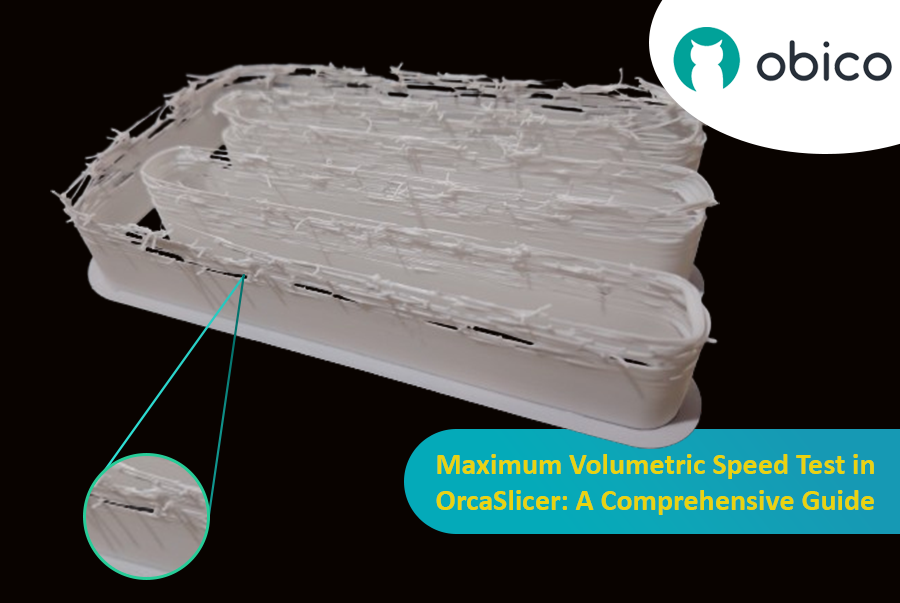
Maximum Volumetric Speed Test in OrcaSlicer: A Comprehensive Guide

Volumetric speed knowledge is crucial in 3D printing because it enables one understand how fast a printer can produce objects with accuracy. If this speed is tested and adjusted, under extrusion among other common problems while printing can be avoided thus ensuring that all your prints are good-looking even at higher speeds.
Introduction

L'impression 3D est une technologie fascinante qui permet de créer presque tout ce que l'on peut imaginer. Cependant, elle présente aussi des défis et des limites, notamment en ce qui concerne la qualité des pièces imprimées. L'un des problèmes les plus courants qui affectent l'apparence et la fonctionnalité des impressions 3D est la présence de résidus de matière indésirables, tels que des filaments, des bavures et des imperfections.

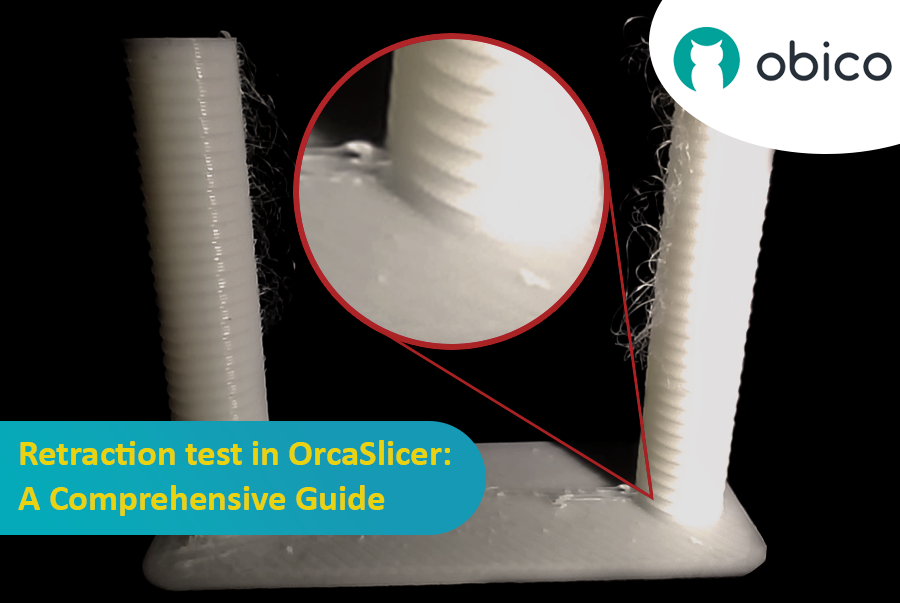
Test de rétraction dans OrcaSlicer : Guide complet

Heureusement, il existe un moyen de réduire ou d'éliminer ces artefacts grâce à une fonctionnalité appelée rétraction. Mais que signifie la rétraction ?

Analysons cela :

Qu'est-ce que la rétractation et le test de rétractation ?

Le test de rétraction est une procédure d'étalonnage visant à réduire ou éliminer les problèmes de filage et de coulures pouvant survenir lors de l'impression 3D. Ces problèmes sont causés par l'excédent de matériau qui s'échappe de la buse lorsque la tête d'impression se déplace d'une partie du modèle à une autre sans extrusion. Il en résulte des filaments ou des amas indésirables à la surface ou entre les pièces du modèle, ce qui affecte la qualité et l'aspect de l'impression.

Introduction

Hello and welcome to the world of 3D printing! It's a place full of potential, but like any new endeavor, it comes with its own set of challenges. Let's explore what you might face and how to tackle these hurdles effectively.

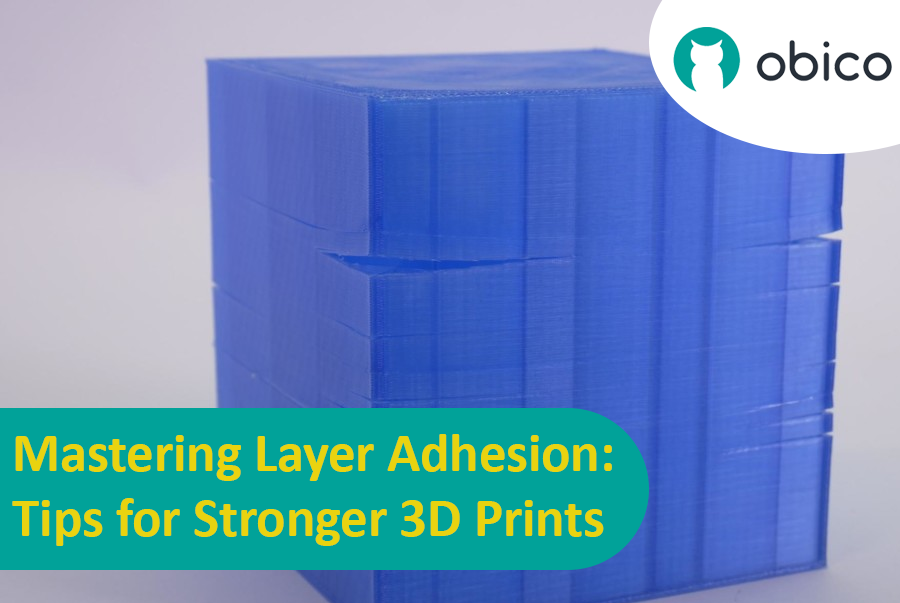
Mastering Layer Adhesion: Tips for Stronger 3D Prints

Overview of 3D Printing Challenges

Picture yourself setting up a 3D print. You've got your design ready, your printer prepped, and you're all set to go. But sometimes, things don't work out as smoothly as we'd like. From prints warping or not sticking correctly to issues with the final quality, 3D printing can be a bit unpredictable. However, understanding these challenges is the first step toward mastering the art of 3D printing.

Introduction

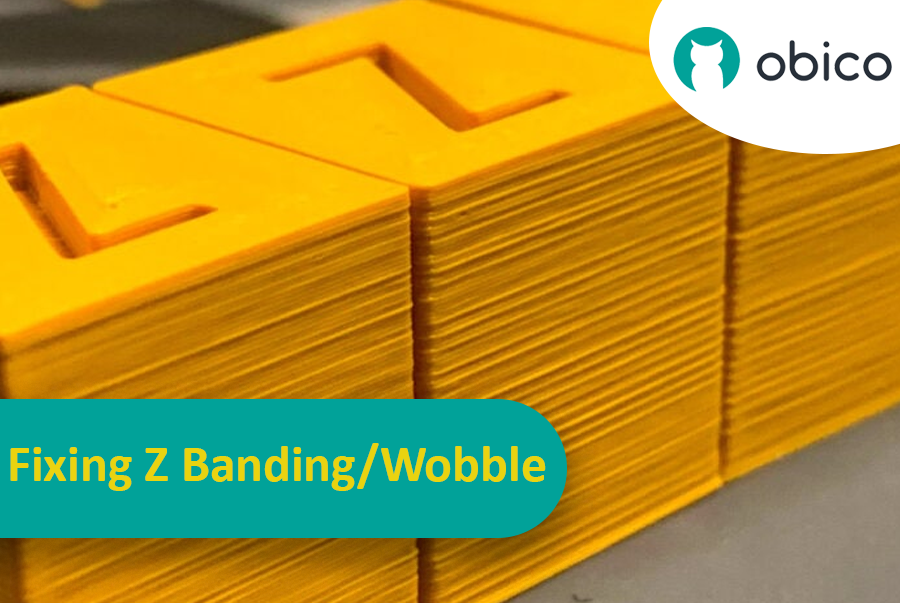
Imaginez avoir passé des heures à attendre la fin d'une impression 3D, pour finalement découvrir des rayures ou des lignes indésirables. Ce problème, appelé « effet de bande Z », est un véritable casse-tête en impression 3D. C'est comme tracer une ligne droite : votre règle glisse sans cesse, ce qui donne un trait irrégulier. L'effet de bande Z peut donner à vos objets imprimés en 3D un aspect strié au lieu d'une surface lisse et uniforme.

Correction des bandes Z/oscillations : un guide complet

Mais pourquoi est-il important de corriger ces lignes ? Elles ne sont pas qu'un simple défaut esthétique. Elles peuvent fragiliser vos impressions 3D et les rendre moins fonctionnelles. Imaginez construire une tour avec des blocs : si ces derniers ne sont pas correctement alignés, la tour sera moins solide. C'est pourquoi il est essentiel pour tout utilisateur d'imprimante 3D, amateur ou professionnel, de savoir comment résoudre ce problème. Ce guide est là pour vous y aider, vous permettant ainsi d'éliminer ces lignes gênantes et d'obtenir des résultats optimaux pour vos impressions 3D.

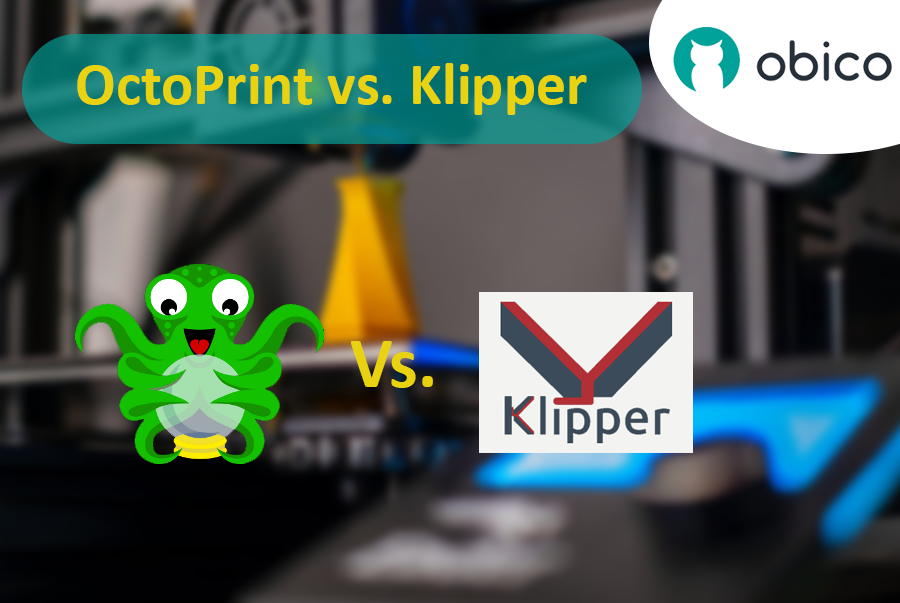
OctoPrint vs. Klipper: A Comparative Analysis

Introduction

The world of 3D printing is a fascinating one, filled with endless possibilities and innovations. As 3D printing technology advances, the role of software and firmware becomes increasingly vital in achieving the best results. In this comparative analysis, we will delve into the heart of 3D printing and explore the two key players in the software and firmware arena: OctoPrint and Klipper.

Unveiling the 3D Printing Universe

Navigating the realm of 3D printing technology In recent years, 3D printing has evolved from a niche hobby to a transformative technology with applications spanning various industries. Whether you're a hobbyist, a DIY enthusiast, or a professional, 3D printing opens doors to creating objects with unprecedented precision and customization.

The pivotal role of software and firmware Behind every successful 3D print lies a carefully orchestrated symphony of software and firmware. These digital components translate your designs into physical objects, making the choice of software and firmware critical to your 3D printing experience. They control the movement of the printer's motors, the heating of the extruder, and the deposition of material layer by layer.