Aller au contenu principal

Next-Gen AI

Failure Detection Private Beta

AI Failure Detection Beta

5 articles tagués avec « 3D print »

Voir tous les tags

Slicers can make or break your 3D print - quite literally. Over time, there have been many slicers, but two have remained favorites for the 3D printing community—Orca and Prusa. 

What happens when you have to choose between these two slicers? Let’s dive straight into it the right way!

What Is a Slicer?

3D printing works layer by layer. Each layer is printed on top of another, and a 3D printing slicer converts your 3D part into 2D layers for the printer to follow and print.

A slicer also sends numerical code which positions the extruder, adjusts layer height, printing parameters, and supports. This makes the choice of slicer important, and switching to a new slicer is often a worthwhile upgrade.

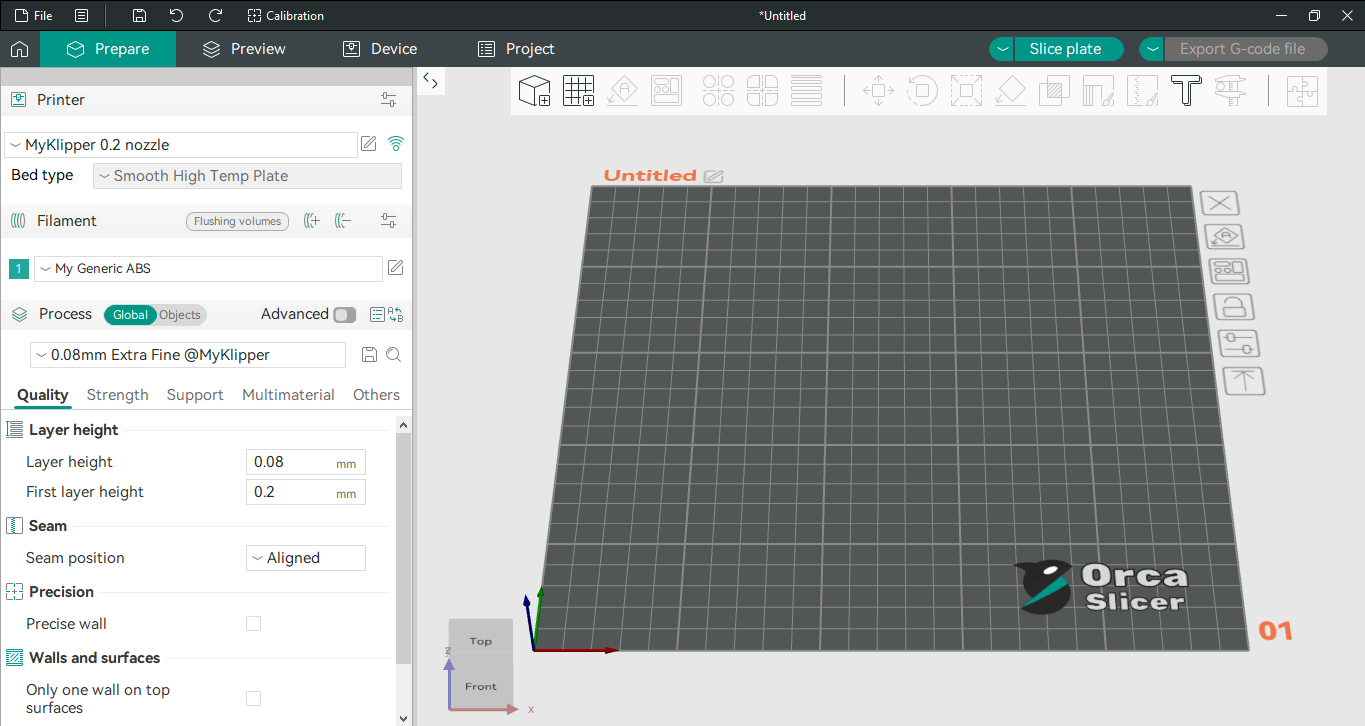
Orca slicer ui image with side bar and 3D viewer

Orca slicer is based on Bambu Studio (slicer for Bambu lab printers) and gives the best of both worlds. It’s an enhanced version of Bambu studio based on Prusa slicer with a more user-friendly interface, wide support for printers and regular updates.
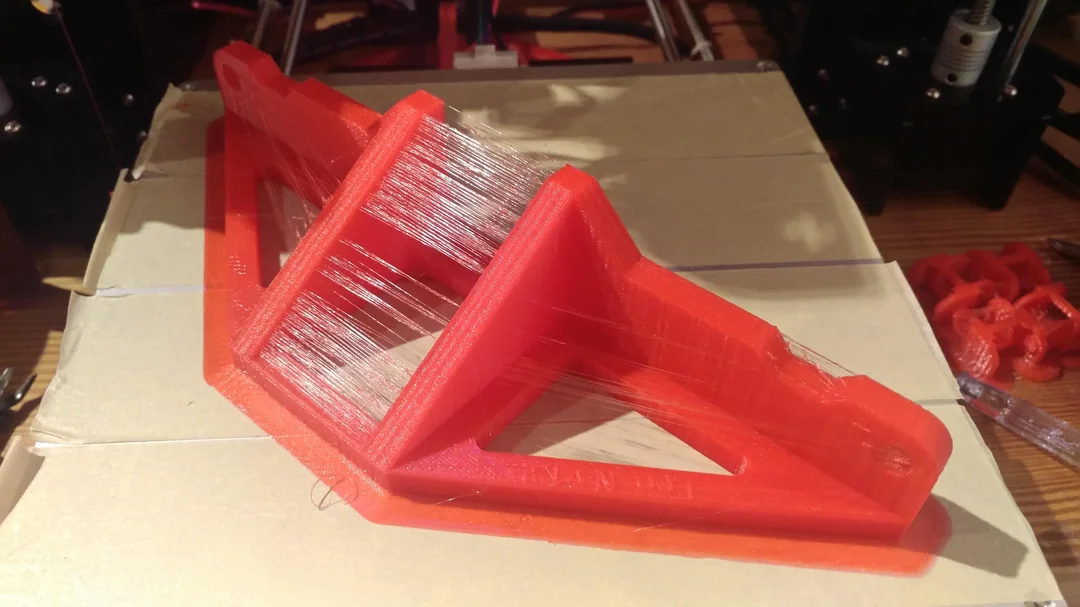
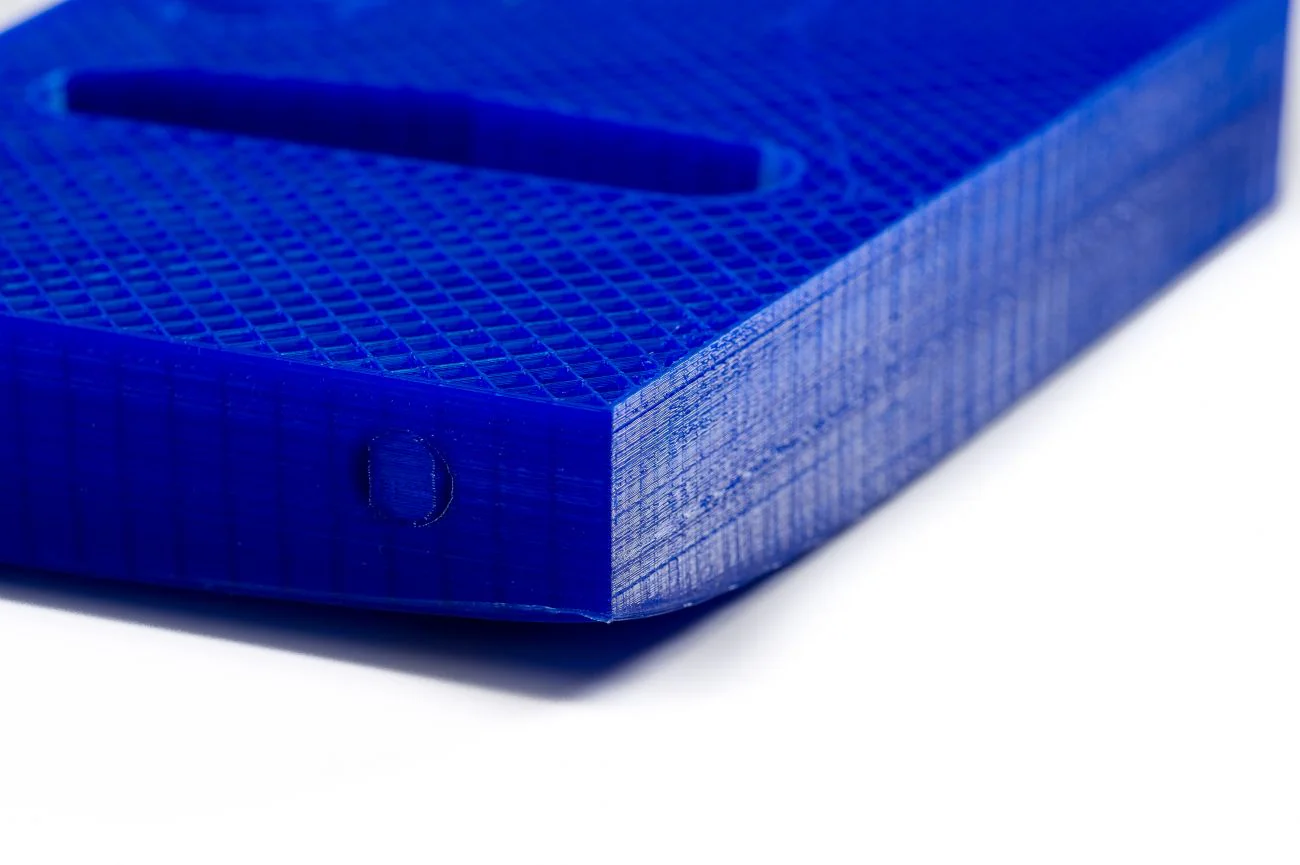
Stringing can be a very frustrating print problem to troubleshoot. It can depend a lot on the geometry of your print; some models may have problems with stringing while others may not even if you slice using the same settings. In this article, we'll go over the causes of strining, and what you can do about it.

Lots of Stringing

If you've ever done any metal machining, you already know that rigidly attaching your stock material to the machine is one of the most important steps in the process. In 3D printing, this is also true. Rigidly attaching the base of your part to the print bed, also known as bed adhesion, is one of the most critical parts of the printing process.

When this fails, it can be difficult and frustrating to debug. The reasons why bed adhesion fails are sometimes not obvious and can be finnicky to reproduce and rectify.

Bed Adhesion Failure

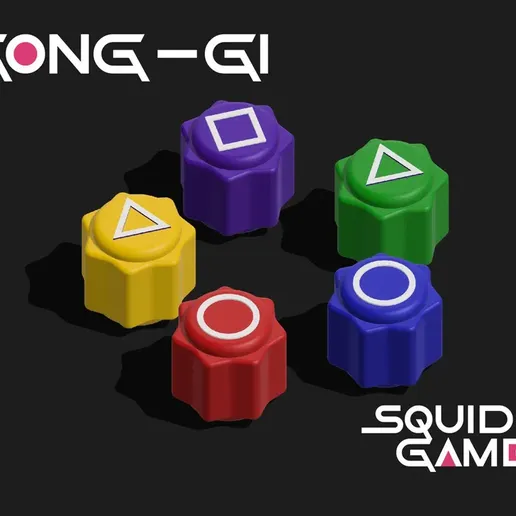
Season Two of the popular Netflix show Squid Game recently introduced international audiences to the Korean game of Gonggi: a fun, simple game similar to the classic American schoolyard game Jacks. The game involves throwing stones in the air, but the stones are often substituted for colorful plastic pieces - plastic pieces that could be made using a 3D printer! In this post, we'll walk you through the basic rules of the game, as well as how to 3D print your own set of Gonggi stones.

How to play

At it's core, the game consists of throwing one stone into the air and picking up varying amounts of other stones off a surface. At level one, the player repeatedly throws a stone into the air, picking up a single stone off the surface before catching the thrown stone. At level two, the player does this with two stones per throw. This continues until level four, at which point the maximum number of stones is reached. At level five, the player throws the stones into the air and catches them on the back of their hand, often performing tricks like clapping their hands before catching the thrown stones. Early versions of this game used actual stones, but modern players use plastic sets instead.

For more variations on this game, see here.

Gonggi by PIETROMULLER on Cults3D

by PietroMuller

Since this game was featured in Squid Game, many users have created model sets that match the aesthetic of the pieces shown in the show. This design is great because, since the symbols on top are raised, users without multi-material support can swap their colored filament for white to get the desired symbol contrast.

Introduction

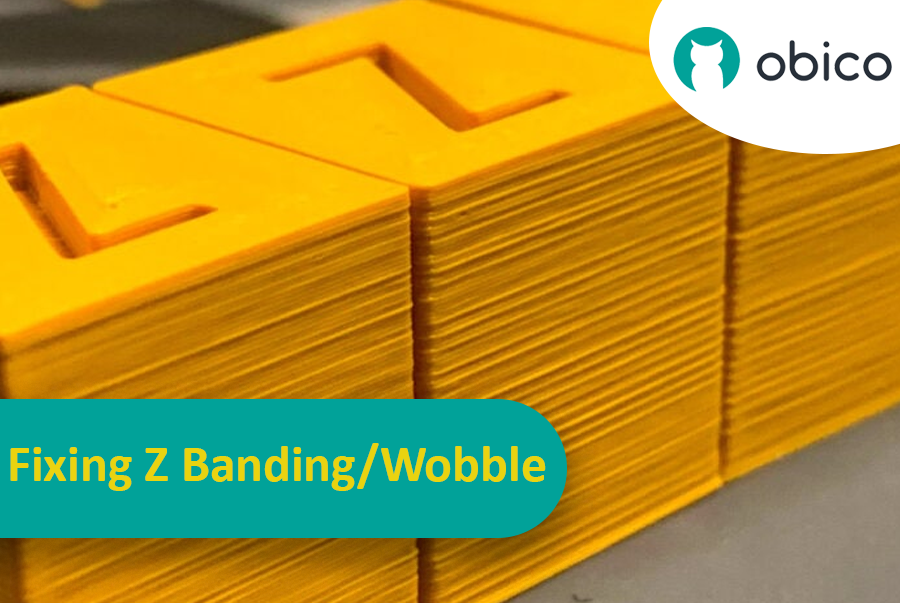
Imaginez avoir passé des heures à attendre la fin d'une impression 3D, pour finalement découvrir des rayures ou des lignes indésirables. Ce problème, appelé « effet de bande Z », est un véritable casse-tête en impression 3D. C'est comme tracer une ligne droite : votre règle glisse sans cesse, ce qui donne un trait irrégulier. L'effet de bande Z peut donner à vos objets imprimés en 3D un aspect strié au lieu d'une surface lisse et uniforme.

Correction des bandes Z/oscillations : un guide complet

Mais pourquoi est-il important de corriger ces lignes ? Elles ne sont pas qu'un simple défaut esthétique. Elles peuvent fragiliser vos impressions 3D et les rendre moins fonctionnelles. Imaginez construire une tour avec des blocs : si ces derniers ne sont pas correctement alignés, la tour sera moins solide. C'est pourquoi il est essentiel pour tout utilisateur d'imprimante 3D, amateur ou professionnel, de savoir comment résoudre ce problème. Ce guide est là pour vous y aider, vous permettant ainsi d'éliminer ces lignes gênantes et d'obtenir des résultats optimaux pour vos impressions 3D.