Saltar al contenido principal

Next-Gen AI

Failure Detection Private Beta

AI Failure Detection Beta

15 publicaciones etiquetados con "Print Quality"

Ver Todas las Etiquetas

Hello there! Welcome to our easy-to-understand guide on how to control the OrcaSlicer maximum volumetric speed test for 3D printing enthusiasts. If you’re looking forward to enhancing print quality and efficiency, then this is the best place for you. This tutorial will help you optimize your printer’s volumetric speed that determines at what speed you can print without compromising on quality.
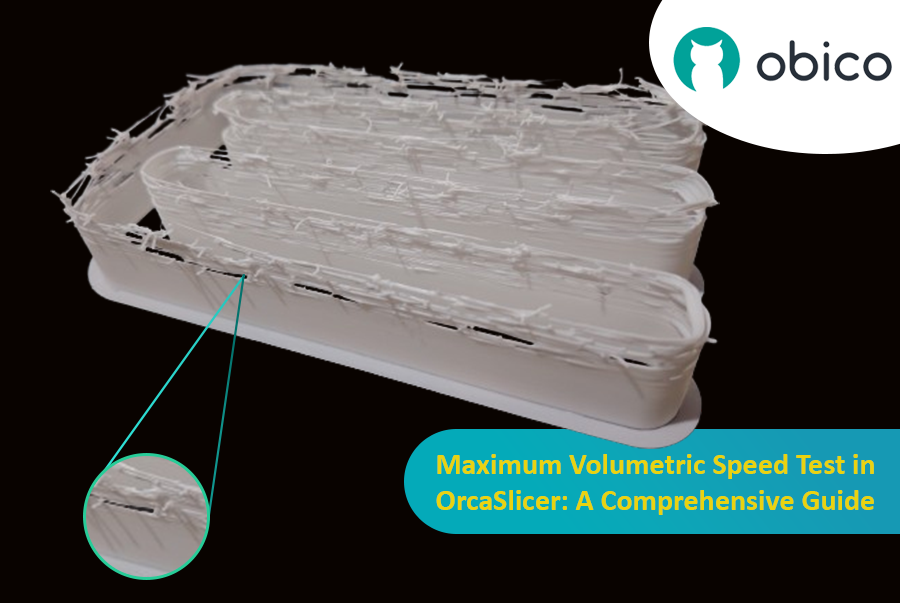
Maximum Volumetric Speed Test in OrcaSlicer: A Comprehensive Guide

Volumetric speed knowledge is crucial in 3D printing because it enables one understand how fast a printer can produce objects with accuracy. If this speed is tested and adjusted, under extrusion among other common problems while printing can be avoided thus ensuring that all your prints are good-looking even at higher speeds.
Introducción

La impresión 3D es una tecnología fascinante que permite crear casi cualquier cosa imaginable. Sin embargo, también presenta algunos desafíos y limitaciones, como la calidad de las piezas impresas. Uno de los problemas más comunes que afectan la apariencia y la funcionalidad de las impresiones 3D es la presencia de residuos de material no deseados, como hilos, manchas y granos.

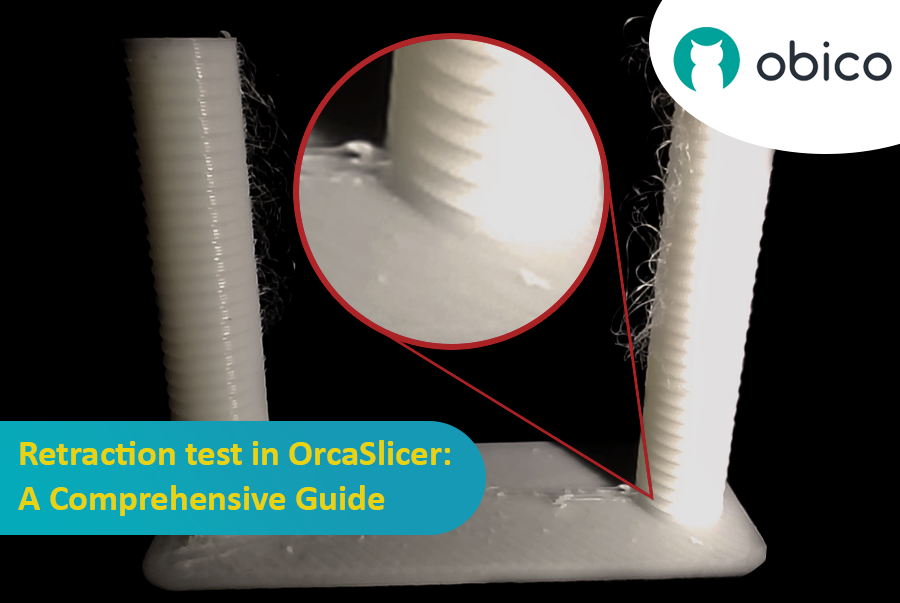
Prueba de retracción en OrcaSlicer: una guía completa

Afortunadamente, existe una manera de reducir o eliminar estos artefactos mediante una función llamada retracción. Pero ¿qué significa retracción?

Vamos a desglosarlo:

¿Qué es la retracción y la prueba de retracción?

La prueba de retracción es un procedimiento de calibración que busca reducir o eliminar los problemas de hiladura y exudación que pueden ocurrir durante la impresión 3D. La hiladura y la exudación se deben al exceso de material que se filtra por la boquilla cuando el hotend se mueve de una parte del modelo a otra sin extruir. Esto produce hebras o grumos de filamento no deseados en la superficie o entre las partes del modelo, lo que afecta la calidad y el aspecto de la impresión.

Introduction

Hello and welcome to the world of 3D printing! It's a place full of potential, but like any new endeavor, it comes with its own set of challenges. Let's explore what you might face and how to tackle these hurdles effectively.

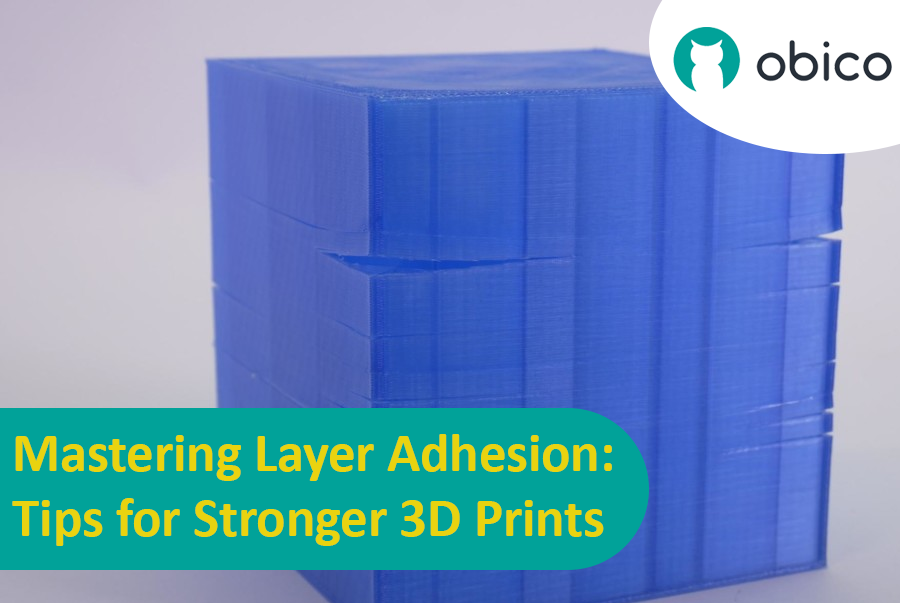
Mastering Layer Adhesion: Tips for Stronger 3D Prints

Overview of 3D Printing Challenges

Picture yourself setting up a 3D print. You've got your design ready, your printer prepped, and you're all set to go. But sometimes, things don't work out as smoothly as we'd like. From prints warping or not sticking correctly to issues with the final quality, 3D printing can be a bit unpredictable. However, understanding these challenges is the first step toward mastering the art of 3D printing.

Introducción

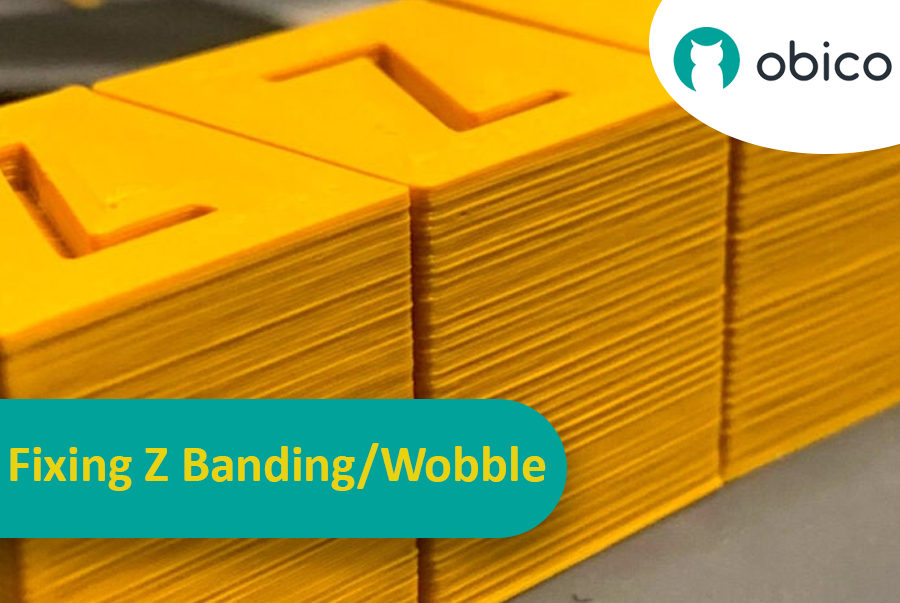
Imagina que llevas horas esperando a que termine una impresión 3D y descubres que tiene rayas o líneas inesperadas e indeseadas. Este problema, conocido como bandas Z, es un problema común en la impresión 3D. Es como cuando dibujas una línea recta, pero la regla se resbala constantemente, dejando una línea irregular en lugar de una suave. Las bandas Z pueden hacer que tus objetos impresos en 3D parezcan rayados en lugar de tener una superficie lisa y uniforme.

Cómo corregir la banda Z y el tambaleo: una guía completa

Pero ¿por qué deberíamos preocuparnos por solucionar esto? Bueno, estas líneas no son solo un problema estético. Pueden debilitar y reducir la funcionalidad de tus artículos impresos en 3D. Piensa en ello como construir una torre con bloques: si los bloques no están bien alineados, la torre no será tan resistente. Por eso es importante que cualquier persona que use una impresora 3D, ya sea aficionado o profesional, sepa cómo solucionar este problema. Esta guía te ayudará a hacerlo, a olvidar esas frustrantes líneas y a obtener los mejores resultados en tus proyectos de impresión 3D.

OctoPrint vs. Klipper: A Comparative Analysis

Introduction

The world of 3D printing is a fascinating one, filled with endless possibilities and innovations. As 3D printing technology advances, the role of software and firmware becomes increasingly vital in achieving the best results. In this comparative analysis, we will delve into the heart of 3D printing and explore the two key players in the software and firmware arena: OctoPrint and Klipper.

Unveiling the 3D Printing Universe

Navigating the realm of 3D printing technology In recent years, 3D printing has evolved from a niche hobby to a transformative technology with applications spanning various industries. Whether you're a hobbyist, a DIY enthusiast, or a professional, 3D printing opens doors to creating objects with unprecedented precision and customization.

The pivotal role of software and firmware Behind every successful 3D print lies a carefully orchestrated symphony of software and firmware. These digital components translate your designs into physical objects, making the choice of software and firmware critical to your 3D printing experience. They control the movement of the printer's motors, the heating of the extruder, and the deposition of material layer by layer.